




SysAid is a cloud helpdesk software built for IT teams that need to handle ticket management, asset tracking, and service workflow automation under one roof. I'd lean toward it over Freshservice when your team needs more built-in IT asset management and deeper workflow customization without having to upgrade to a higher pricing tier.
SysAid Evaluation Summary
- From $89/agent/month
- Free trial available
SysAid Overview
In my opinion, SysAid offers a solid cloud-based helpdesk software solution with strong support and customizable features. Although it may not be the cheapest option, it's well suited to midsized businesses, especially in IT-intensive industries. The software's main strengths lie in its customer support, change management capabilities, and customization options, though it could improve its range of integrations. SysAid particularly suits teams that value personalized service and robust ticketing systems, whereas those needing extensive third-party integrations might find it falls short.
pros
-
It's highly customizable to fit your team's needs.
-
SysAid offers responsive and helpful customer support.
-
It offers a solid ticketing system that improves workflow efficiency.
cons
-
The user interface might feel outdated.
-
Onboarding can take longer than expected for new users.
-
Some users find the reporting features lack depth.
Is SysAid Right For Your Needs?
Who Would be a Good Fit for SysAid?
SysAid is ideal for midsized businesses and IT departments in industries such as healthcare, education, and finance. If your team values customization, asset tracking, and a strong ticketing system, SysAid is a great choice. Its responsive customer support and flexible workflow configurations make it particularly suitable for teams managing complex IT environments or service requests across cloud-based and on-premise systems.
-
Healthcare IT Teams
SysAid's customization options help efficiently manage varied IT service requests.
-
Educational Institutions
Its service desk and ticketing systems support administrative and IT departments in handling student and staff queries.
-
Finance Departments
SysAid's workflow customization is ideal for managing compliance and security-related service requests.
-
Midsized Businesses
Its easily configurable software can be tailored to fit specific operational needs.
-
Customer Support Teams
SysAid's responsive support, automated notifications, and real-time ticket updates enhance the ability to resolve customer issues swiftly and effectively.
-
IT Service Providers
Its robust ticketing and customer support make it ideal for managing client service requests and IT tasks.
Who Would be a Bad Fit for SysAid?
SysAid might not suit small businesses or startups that need a simple, low-cost helpdesk solution. If your team requires extensive third-party integrations, advanced API access, or a modern interface similar to ServiceNow or Microsoft-based platforms, the software could fall short. Its onboarding process may also prove cumbersome for teams with limited IT resources. You might find SysAid less appealing if your focus is on rapid deployment or if you need advanced reporting tools without extensive customization.
-
Small Startups
SysAid's complexity and cost can be overwhelming for small startups with limited resources and straightforward needs.
-
Retail Businesses
The lack of a modern interface and quick deployment options might hinder those operating in fast-paced environments.
-
Nontechnical Teams
Teams lacking in IT expertise might find SysAid's detailed setup and configuration management challenging.
-
Freelancers
SysAid's comprehensive features are typically unnecessary for simple, individual service needs.
-
Large Enterprises
The need for extensive integrations might not be met by SysAid's current capabilities.
-
Marketing Agencies
SysAid's focus on IT service management doesn’t necessarily align with creative and client-focused operations.
Come Testiamo e Valutiamo gli Strumenti
Abbiamo passato anni a costruire, perfezionare e migliorare il nostro sistema di valutazione e testing dei software. Il nostro schema è progettato per cogliere tutte le sfumature nella selezione del software e per valutare ciò che rende uno strumento efficace, concentrandosi sugli aspetti critici nel processo decisionale. Qui sotto puoi vedere esattamente come funziona il nostro processo di testing e valutazione su sette criteri. Ci permette di offrire una valutazione imparziale del software basata su funzionalità principali, caratteristiche distintive, facilità d’uso, onboarding, supporto clienti, integrazioni, recensioni clienti e rapporto qualità/prezzo.
Funzionalità Principali (25% del punteggio finale)
Il punto di partenza della nostra valutazione sono sempre le funzionalità fondamentali dello strumento. Possiede le funzioni di base che un utente si aspetta? Alcune di queste funzionalità sono disponibili solo con piani più costosi? In sostanza, ci aspettiamo che uno strumento sia competitivo rispetto ai suoi concorrenti principali.
Caratteristiche Distintive (25% del punteggio finale)
Successivamente, valutiamo le funzionalità particolari e distintive che vanno oltre le funzionalità standard solitamente presenti in strumenti simili. Un punteggio elevato riflette funzionalità specializzate o uniche che rendono il prodotto più veloce, efficiente o che offrono valore aggiunto all’utente. Valutiamo anche quanto sia facile integrare lo strumento con altri strumenti tipicamente presenti nel tech stack, per ampliare le funzionalità e l’utilità del software. Ottengono il punteggio migliore gli strumenti che offrono numerose integrazioni native, connessioni di terze parti e accesso API per creare integrazioni personalizzate.
Facilità d’Uso (10% del punteggio finale)
Consideriamo quanto sia rapido e intuitivo eseguire le attività core usando lo strumento. Un software con un alto punteggio è ben progettato, intuitivo all’uso, offre app mobili, mette a disposizione modelli e semplifica attività relativamente complesse.
Onboarding (10% del punteggio finale)
Sappiamo quanto sia importante l’adozione rapida da parte del team per una nuova piattaforma, quindi valutiamo la facilità di apprendimento e utilizzo dello strumento con una formazione minima. Valutiamo quanto velocemente un membro del team può iniziare a usare lo strumento senza esperienza. Le soluzioni con punteggio elevato richiedono poco o nessun supporto.
Supporto Clienti (10% del punteggio finale)
Valutiamo quanto sia semplice ricevere assistenza via telefono, chat dal vivo o knowledge base. Gli strumenti e le aziende che offrono supporto in tempo reale ottengono il punteggio migliore, mentre i chatbot hanno il punteggio più basso.
Recensioni Clienti (10% del punteggio finale)
Oltre alla nostra valutazione interna, prendiamo in considerazione il net promoter score dei clienti attuali e passati. Analizziamo la probabilità che, potendo scegliere, selezionino di nuovo lo strumento per le sue funzionalità core. Un software con punteggio elevato riflette un alto net promoter score dai clienti attuali o passati.
Rapporto Qualità/Prezzo (10% del punteggio finale)
Infine, tenendo conto di tutti gli altri criteri, analizziamo il prezzo medio dei piani entry level rispetto alle funzionalità principali e consideriamo il valore delle altre metriche di valutazione. Il software che offre di più, a meno, otterrà un punteggio maggiore.
Core Features
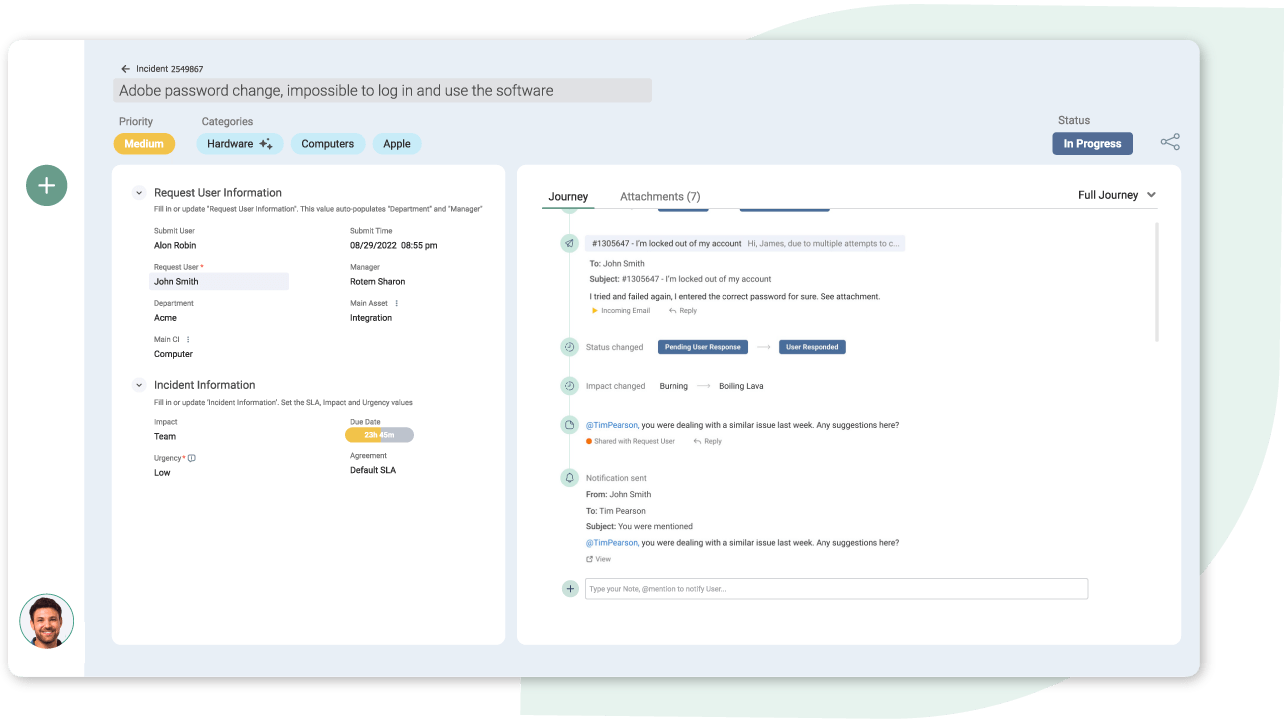
Ticket Management: SysAid's ticketing system lets your team track and resolve support tickets efficiently. It prioritizes tasks and assigns them to the right team members.
Self-Service Portal: You can empower users to solve issues themselves with SysAid’s intuitive self-service portal and AI-powered chatbot functionality. It reduces your team's workload by providing quick answers to common problems and improving user satisfaction.
Workflow Automation: SysAid automates routine tasks, saving your team time and reducing errors. You can set rules for processes such as ticket routing and escalation.
Asset Management: SysAid’s IT asset management features let you track your organization's assets. They help you maintain an up-to-date inventory and manage asset life cycles.
Knowledge Base: You can build a repository of solutions for your team and end users using the SysAid Knowledge Base. It enhances your support function by providing quick access to information.
Reporting and Analytics: SysAid offers detailed reports to help you understand your team's performance. You can use these reporting tools and insights to improve service delivery, response time, and overall user experience.
Standout Features
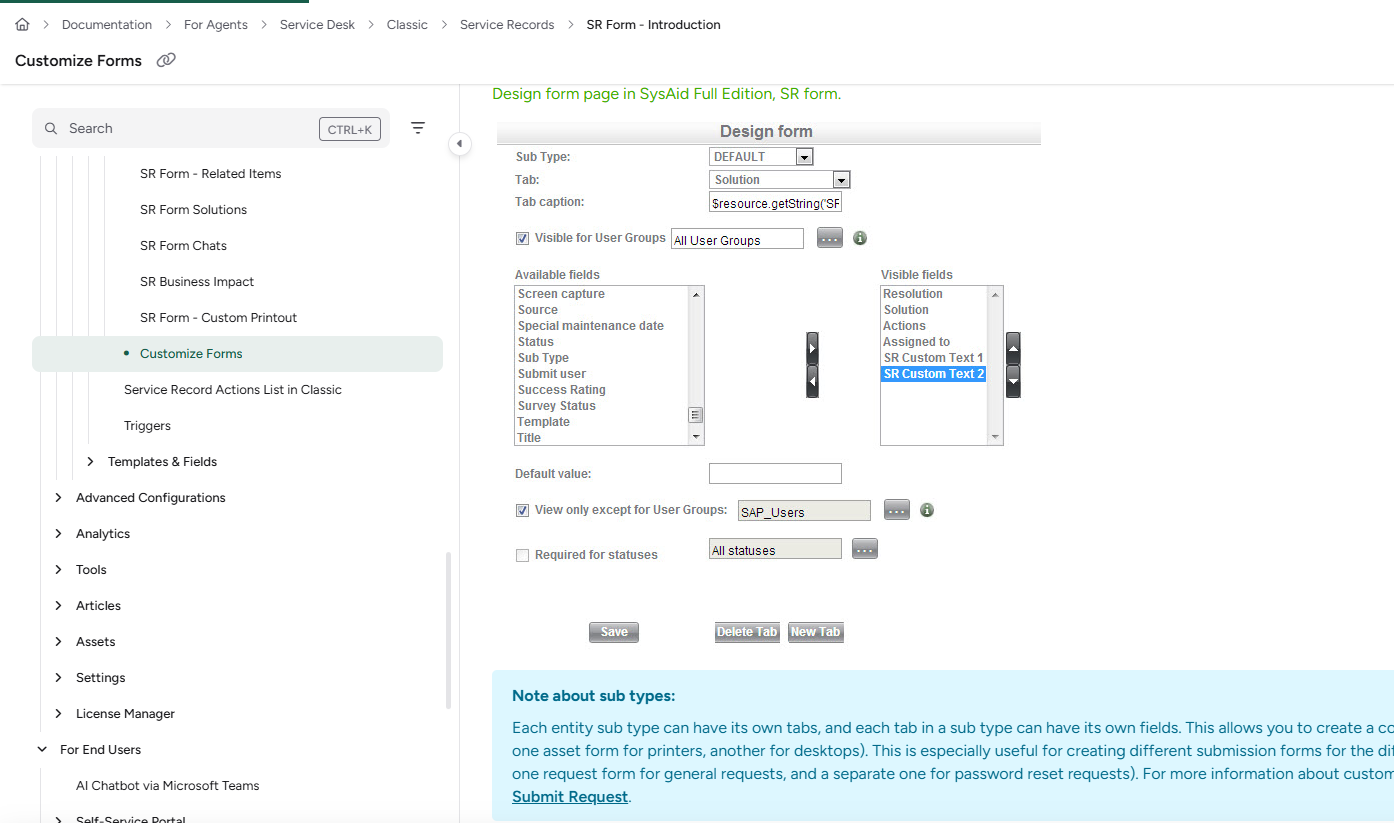
Customization Options: SysAid allows you to tailor the platform to fit the specific needs of your business. You can customize workflows, fields, forms, templates, and modules to match your processes.
Responsive Customer Support: SysAid's customer support is known for being quick and helpful. Your team gets the support they need to resolve issues efficiently.
Ease of Use
SysAid is relatively user-friendly, but it might take some time for your team to become familiar with its interface. While the platform offers extensive customization, this can make the initial setup quite complex. Once configured, your team will appreciate its organized ticketing system and automation features that simplify everyday tasks. Its self-service portal and knowledge base are straightforward, helping users find solutions quickly. Overall, SysAid balances functionality with usability, though it may take a while to master.
Onboarding
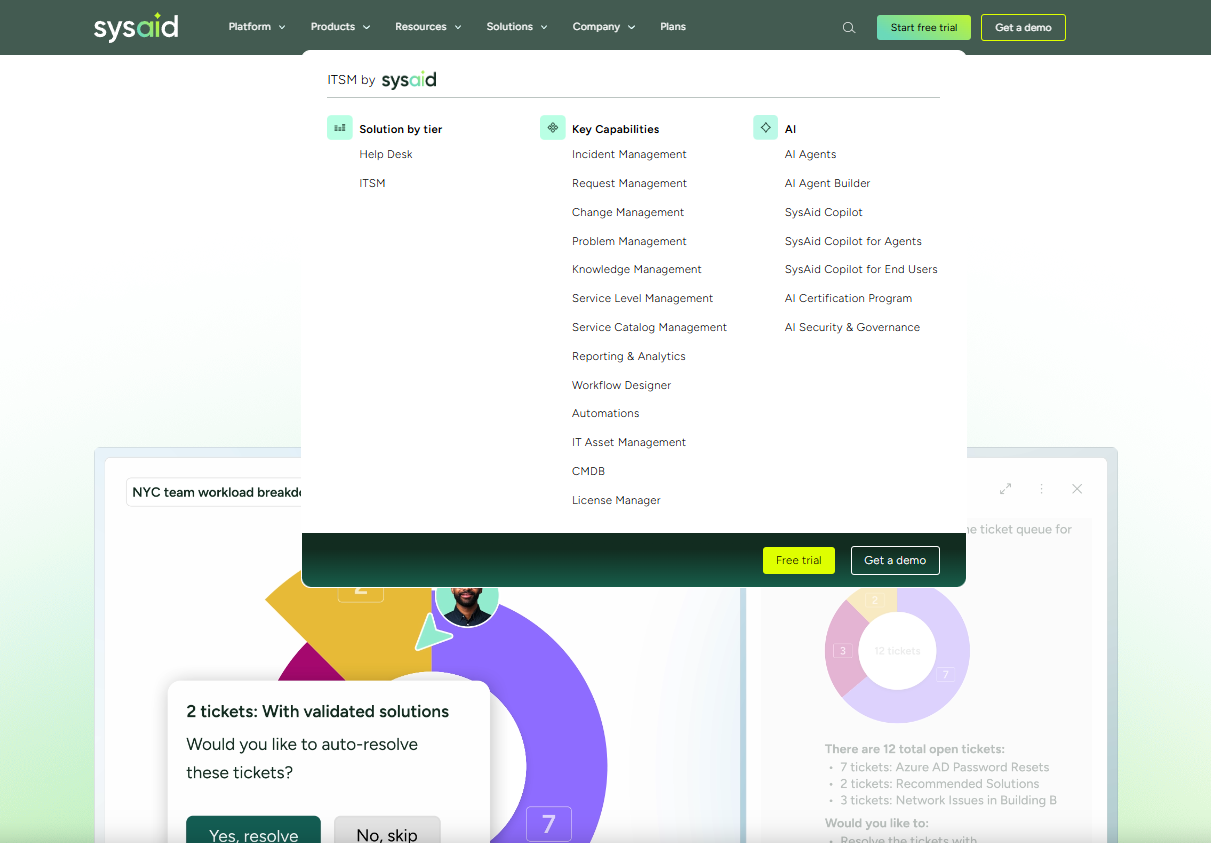
SysAid's onboarding process can be quite time consuming, especially if your team is new to such software. Although the platform provides detailed documentation and tutorials, setting up and customizing the system might feel overwhelming at first. However, once your team navigates the initial learning curve, SysAid’s responsive customer support is available to assist with any issues. The time invested in onboarding should eventually pay off as your team starts to benefit from its powerful features and automation capabilities.
Customer Support
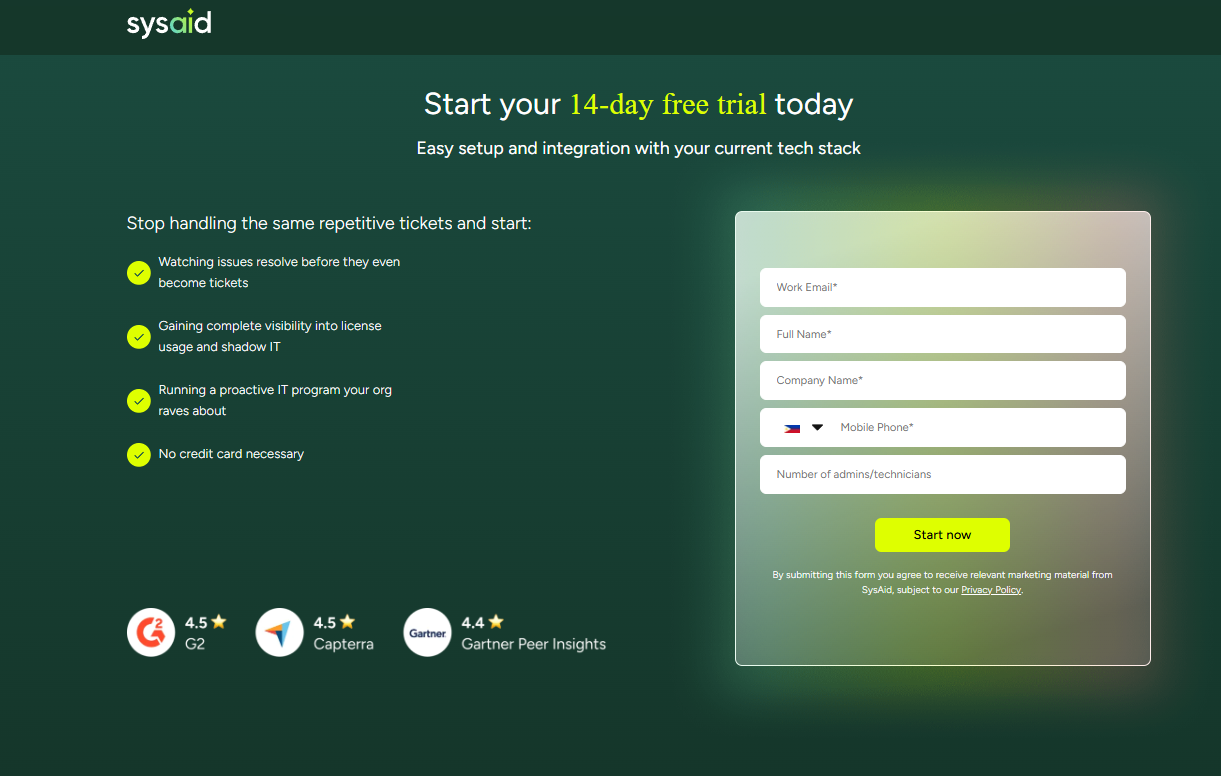
SysAid's customer support stands out for its responsiveness and effectiveness. Your team can rely on multiple support channels, including live chat and email, to resolve both technical and operational issues quickly. The high level of service from knowledgeable support staff ensures that your team can utilize SysAid efficiently, minimizing downtime and maximizing productivity. The availability of comprehensive resources, such as tutorials and guides, further enhances your support experience.
Integrations
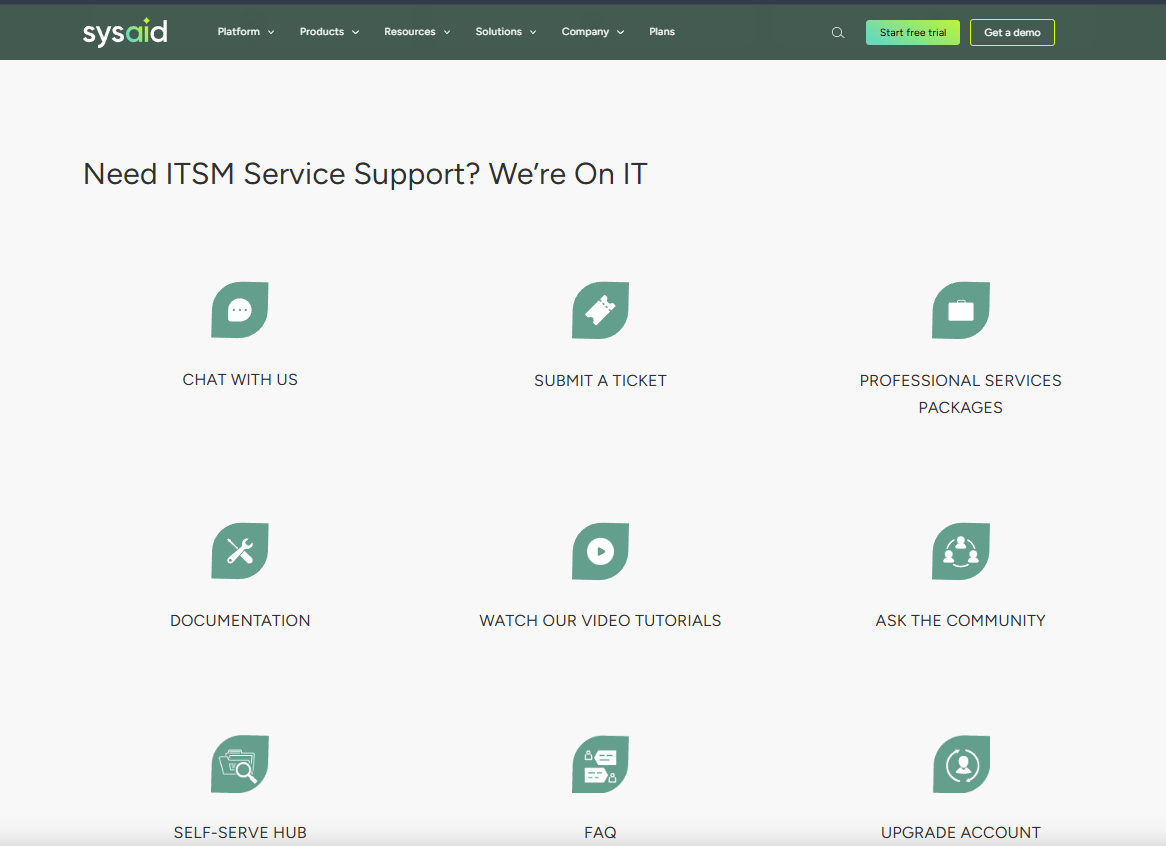
SysAid supports over 1,000 integrations via third-party integration tools, such as Zapier and Workato, enhancing its compatibility with various platforms.
Value for Money
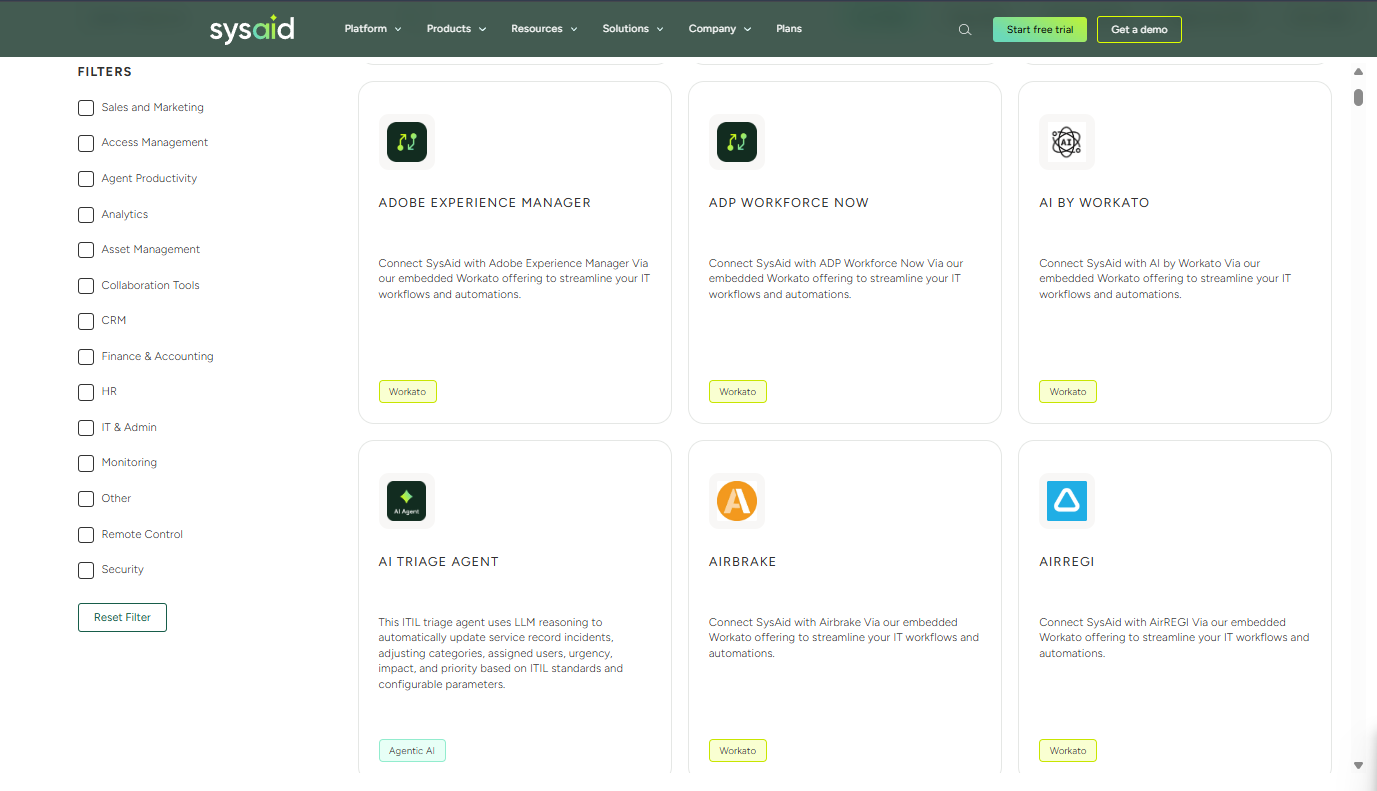
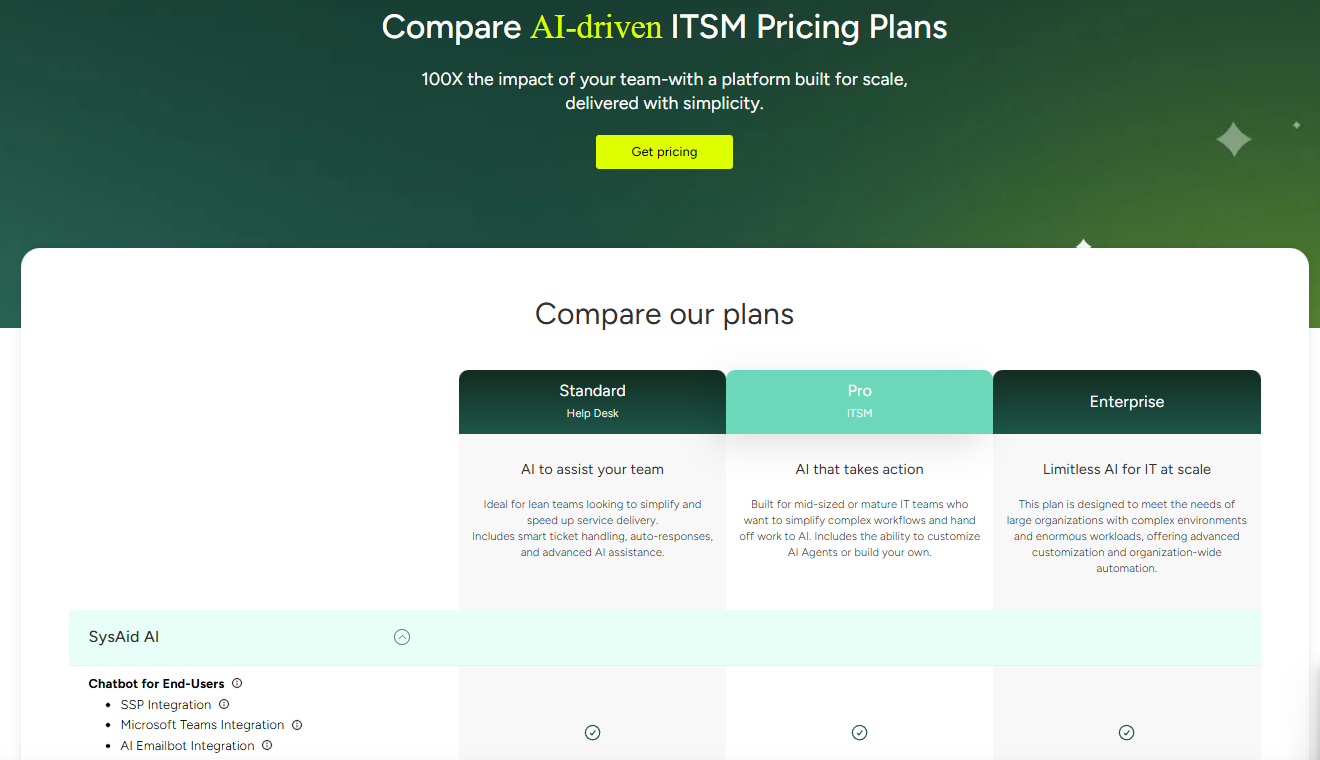
SysAid offers three main plans, Standard, Pro, and Enterprise, catering to organizations of different sizes. No public pricing is available for these plans, but you can reach out to the company directly for pricing details.
New Product Updates from SysAid

SysAid Adds Bulk Contract Import
SysAid’s License Manager Essentials now supports bulk contract creation, reducing manual entry and helping admins onboard contract data more quickly and consistently. The new CSV-based workflow adds validation to catch issues before contracts are created. Highlights include:
- Bulk CSV Contract Uploads: Admins can import multiple contracts at once using a CSV template.
- Contract Validation: Uploaded contract entries can be validated before creation to reduce setup errors.
- Faster Contract Setup: Teams can activate and manage contracts more efficiently with less manual work.
Visit SysAid's official site for more details.
 for more details.
SysAid Mobile App Adds AI Agents and CI Barcode Scanning
SysAid adds AI Agents, CI barcode scanning, and expanded asset management tools to its mobile app. The updates help IT teams handle service and asset management tasks more easily from mobile devices. Highlights include:
- CI Barcode Scanning: Teams can scan configuration items individually or in bulk directly from the mobile app.
- Mobile AI Agents: Users can access the same AI Agents available on SysAid desktop within the mobile app.
- Asset and CI Management: Teams can search, filter, and edit assets and configuration items directly from mobile.
Visit SysAid’s official site for more details.

SysAid Adds AI Agent Center and License Manager Chatbot Insights
SysAid adds a centralized AI Agent Center and expands the AI Chatbot with License Manager insights and AI agents. These updates help IT teams manage AI-powered workflows and access software and contract information more efficiently. Highlights include:
- AI Agent Center: Admins can manage, test, and monitor specialized AI agents across areas like security, asset management, and access control.
- License Manager AI Insights: The AI capabilities now extend into License Manager workflows, enabling teams to surface contract and SaaS intelligence while supporting broader automated asset and license management processes.
- Prebuilt AI Agents: Teams can use AI agents to analyze software usage, activity, and cost insights more quickly.
Visit SysAid’s official site for more details.
SysAid Specs
- 2-Factor Authentication
- Analytics
- Anti-Virus
- API
- Batch Permissions & Access
- Bug Tracking
- Call Integration
- Chat
- Contact Management
- CRM Integration
- Customer Management
- Data Export
- Data Import
- Email Integration
- Escalation Management
- External Integrations
- Incident Management
- Instant Chat Integration
- Knowledge Base
- Malware Protection
- Multi-User
- Notifications
- Organization Management
- Password & Access Management
- Project Management
- Real-time Alerts
- SAP Integration
- Self-service Portal
- Social Media Integration
- Support Forum
- Ticket Management
- Workflow Management
SysAid FAQs
How does SysAid ensure data security and compliance?
Can SysAid handle high ticket volumes?
What kind of customization options does SysAid offer?
Is there a self-service portal for end users?
How responsive is SysAid's customer support?
Does SysAid offer mobile access?
Can SysAid integrate with existing IT systems?
How does SysAid support reporting and analytics?
SysAid Company Overview & History
SysAid Technologies was founded in 2002 by Israel Lifshitz and is headquartered in Tel Aviv, Israel. The company specializes in ITSM software and is known for its comprehensive IT help desk solutions. SysAid has expanded internationally with offices in Sydney and Brazil and serves over 5000 customers across 140 countries in sectors such as healthcare, retail, education, and finance.
SysAid Major Milestones
- 2002: SysAid Technologies was founded by Israel Lifshitz.
- 2010: Opened an office in Sydney, Australia.
- 2012: Established an office in Brazil.
- 2018: Secured a $30 million investment to accelerate growth.
- 2025: Appointed a new Head of Strategy, Partnerships, and Corporate Development to drive growth, innovation, and further expansion.