

Influx Review: Pros, Cons, Services & Pricing
I’d judge Influx by its broad support offering, not online buzz: recent client feedback is too sparse to confirm service quality, and recruitment complaints aren’t customer reviews.

Influx is a customer service outsourcing company that helps businesses cover customer support across channels and service needs. Its offerings include live chat, call centers, technical and sales support, dedicated teams, and after-hours coverage.
That range could suit teams managing busy queues, seasonal demand, or support that spans multiple levels. But recent independent feedback from clients is too sparse to confirm service quality, and applicant complaints about recruitment and pay don’t assess customer support. I’ll weigh Influx’s services, best-fit use cases, pros and cons, and pricing so you can decide what to verify before engaging the provider.
Influx Evaluation Summary
4.5/5
- Pricing upon request
- Not available
Why Trust Our Software Recommendations
6,700+
Reviews
20
Industry experts
16+
Evaluation factors
14
Years
Our team has been testing and reviewing software since 2012. As CX leaders ourselves, we know how difficult—and important—it is to choose the right software.
For this guide, we evaluated tools using hands-on testing and independent research, scoring tools using our selection criteria.
Our reviews reflect our human editorial judgment, not a sales pitch.
 Gui DrusinaCreative Director
 Tim FisherVP of AI
Influx Overview
I’d consider Influx for teams that need several support functions under one provider, from live chat and technical support to seasonal or after-hours coverage. That breadth could outperform a narrower option when queues shift across channels or demand spikes; for example, a team could add after-hours coverage without changing its core support model. Pricing, geographic coverage, and onboarding details aren’t specified in the information reviewed, so compare quotes and confirm locations, training, escalation paths, and quality measures before choosing. Recent user sentiment reflects applicant concerns, not verified client experiences.
Pros
- Covers live chat, phone, technical, and sales support.
- Offers dedicated, seasonal, and after-hours support options.
- Provides multilevel teams for varied support needs.
Cons
- Recent client feedback doesn’t verify service quality.
- Pricing details aren’t specified in the reviewed information.
- Geographic coverage and onboarding requirements remain unclear.
Is Influx Right For Your Needs?
Who Would be a Good Fit for Influx?
Influx is a good fit for organizations with variable support queues, offering chat, phone, technical, seasonal, and after-hours support.
- Ecommerce TeamsSeasonal and live-chat coverage helps handle peaks.
- SaaS TeamsTechnical and multilevel teams support escalations.
- Growing FirmsDedicated teams add outsourced capacity.
- Phone OperationsCall centers cover fluctuating phone queues.
- Sales DepartmentsSales support covers sales-related requests.
- After-Hours TeamsAfter-hours service extends beyond daytime staffing.
Who Would be a Bad Fit for Influx?
Influx may be a poor fit when requirements depend on unconfirmed pricing, locations, onboarding details, or capabilities.
- MicrobusinessesOccasional inquiries may not justify outsourced support.
- Compliance TeamsCertifications and controls aren’t verified here.
- Onsite ServicesListed services don’t specify onsite field service.
- Price-Sensitive BuyersPricing details prevent reliable budget checks.
- Multilingual TeamsLanguage coverage isn’t specified.
- Internal ITTechnical support doesn’t establish internal IT ownership.
How We Test & Score Tools
We’ve spent years building, refining, and improving our software testing and scoring system. The rubric is designed to capture the nuances of software selection and what makes a tool effective, focusing on critical aspects of the decision-making process.
Below, you can see exactly how our testing and scoring works across seven criteria. It allows us to provide an unbiased evaluation of the software based on core functionality, standout features, ease of use, onboarding, customer support, integrations, customer reviews, and value for money.
Core Functionality (25% of final scoring)
The starting point of our evaluation is always the core functionality of the tool. Does it have the basic features and functions that a user would expect to see? Are any of those core features locked to higher-tiered pricing plans? At its core, we expect a tool to stand up against the baseline capabilities of its competitors.
Standout Features (25% of final scoring)
Next, we evaluate uncommon standout features that go above and beyond the core functionality typically found in tools of its kind. A high score reflects specialized or unique features that make the product faster, more efficient, or offer additional value to the user.
We also evaluate how easy it is to integrate with other tools typically found in the tech stack to expand the functionality and utility of the software. Tools offering plentiful native integrations, 3rd party connections, and API access to build custom integrations score best.
Ease of Use (10% of final scoring)
We consider how quick and easy it is to execute the tasks defined in the core functionality using the tool. High scoring software is well designed, intuitive to use, offers mobile apps, provides templates, and makes relatively complex tasks seem simple.
Onboarding (10% of final scoring)
We know how important rapid team adoption is for a new platform, so we evaluate how easy it is to learn and use a tool with minimal training. We evaluate how quickly a team member can get set up and start using the tool with no experience. High scoring solutions indicate little or no support is required.
Customer Support (10% of final scoring)
We review how quick and easy it is to get unstuck and find help by phone, live chat, or knowledge base. Tools and companies that provide real-time support score best, while chatbots score worst.
Customer Reviews (10% of final scoring)
Beyond our own testing and evaluation, we consider the net promoter score from current and past customers. We review their likelihood, given the option, to choose the tool again for the core functionality. A high scoring software reflects a high net promoter score from current or past customers.
Value for Money (10% of final scoring)
Lastly, in consideration of all the other criteria, we review the average price of entry level plans against the core features and consider the value of the other evaluation criteria. Software that delivers more, for less, will score higher.
Core Services
Customer Support
Influx provides outsourced customer support across customer service needs and channels. This gives your team extra capacity to handle inquiries without expanding internal staffing.
Live Chat Support
Live chat agents respond to customer questions through your website or other chat channels. It gives customers a direct way to get help while they browse or complete a purchase.
Call Center Support
Call center teams handle customer interactions by phone. They can cover busy call queues and help customers who need a conversation to resolve an issue.
Technical Support
Technical support teams help customers troubleshoot product or service problems. This gives customers a path to resolve issues that require more than a basic service response.
Multilevel Support Teams
Multilevel teams route customer issues to support tiers based on their complexity. For example, a frontline agent can escalate a difficult case to a team with deeper expertise.
After-Hours Support
After-hours support extends customer service beyond your team’s regular operating schedule. It helps customers get assistance when your in-house team isn’t available.
Standout Services
Talent as a Service
Influx sources, vets, and employs individual agents while your team manages their daily work, training, and quality checks. You can add one agent month to month, such as extra coverage for a seasonal inbox, without outsourcing the whole operation.
AI Management
A dedicated AI manager reviews conversations, improves your existing support AI, and tests changes against real tickets before deployment. For example, your team can refine answers to recurring customer questions without replacing its helpdesk or AI agent.
Service Process
I’d treat Influx’s process as something to confirm before signing: onboarding steps, request channels, staffing timelines, and response targets aren’t specified, and recent client feedback is too sparse to verify service quality. Start by asking for a consultation and written assessment of your channels, volumes, hours, and escalation needs. Confirm how agents will receive and resolve requests, who manages them, and how you’ll review quality. Influx says its agents can work as dedicated or seasonal teams; with Talent as a Service, your team directs agents and handles their training and quality checks. Ask for a pilot, launch milestones, and regular performance reviews. Without published timelines, don’t assume a faster time to value than other outsourcing providers.
Customer Support
Influx offers clients a broad mix of outsourced support, including live chat, phone, technical, multilevel, and after-hours coverage. That flexibility compares well with narrower providers when you need to cover several channels or extend service hours. However, recent client feedback is too sparse to confirm service quality, and Influx doesn’t specify onboarding steps, response targets, or quality-review practices. I’d ask for a documented launch plan and service metrics before committing.
Value for Money
Influx’s value is hard to judge: pricing isn’t published, and available recent feedback reflects applicant, not client, concerns. Outsourcers quote custom rates because costs depend on volume, channels, hours, and staffing. Month-to-month Talent as a Service and dedicated, seasonal, or after-hours options can fit demand shifts, but your team manages TaaS agents’ training and quality. Compare quotes with internal costs.
Geographic Coverage
Influx’s geographic coverage and team locations aren’t specified. Before engaging the provider, confirm which countries or regions it serves, where its agents are based, whether work is remote or on-site, and what language and time-zone coverage it offers.
Influx FAQs
Influx Company Overview & History
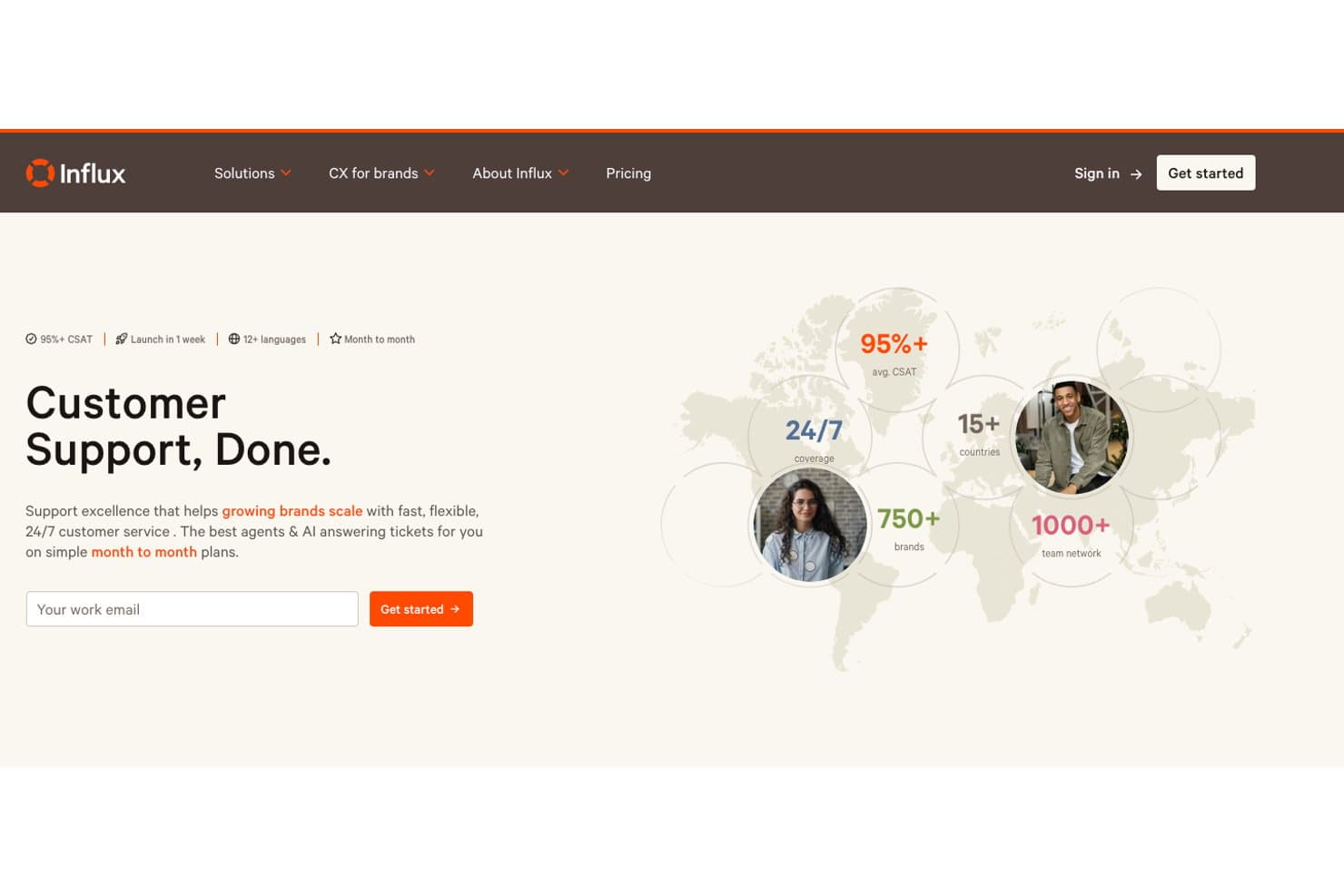
Influx is a customer support outsourcing company founded in Melbourne in 2013, with its current headquarters listed in West Hollywood, California. It reports a remote workforce of more than 1,000 people across 123+ cities and 15+ countries, and says it has served more than 750 brands. Influx highlights clients including MESHKI, Linktree, and YAZIO, and describes its work culture as global and remote, with teams coordinating across time zones. Influx.com also notes that it’s unrelated to InfluxData and its InfluxDB database product.
Influx Major Milestones
- 2013: Founded in Melbourne to provide on-demand customer support.
- 2014: Raised $250,000 in seed funding from Mark Harbottle and Leni Mayo.
- 2016: Featured by The Sydney Morning Herald, which reported around 50 clients and a growing international workforce.
- 2022: Australian Financial Review reported that Influx had more than 1,000 team members and clients including Koala, Route, and 99designs.
- 2026: Launched Talent as a Service, offering individual pre-vetted support agents on month-to-month terms.