

Mentimeter Review: Pros, Cons, Features and Pricing
Mentimeter excels in real-time audience engagement, making it a standout choice for interactive presentations.

We review tools independently, and commissions help fund our testing. See our transparency policy, our methodology, or suggest a tool.
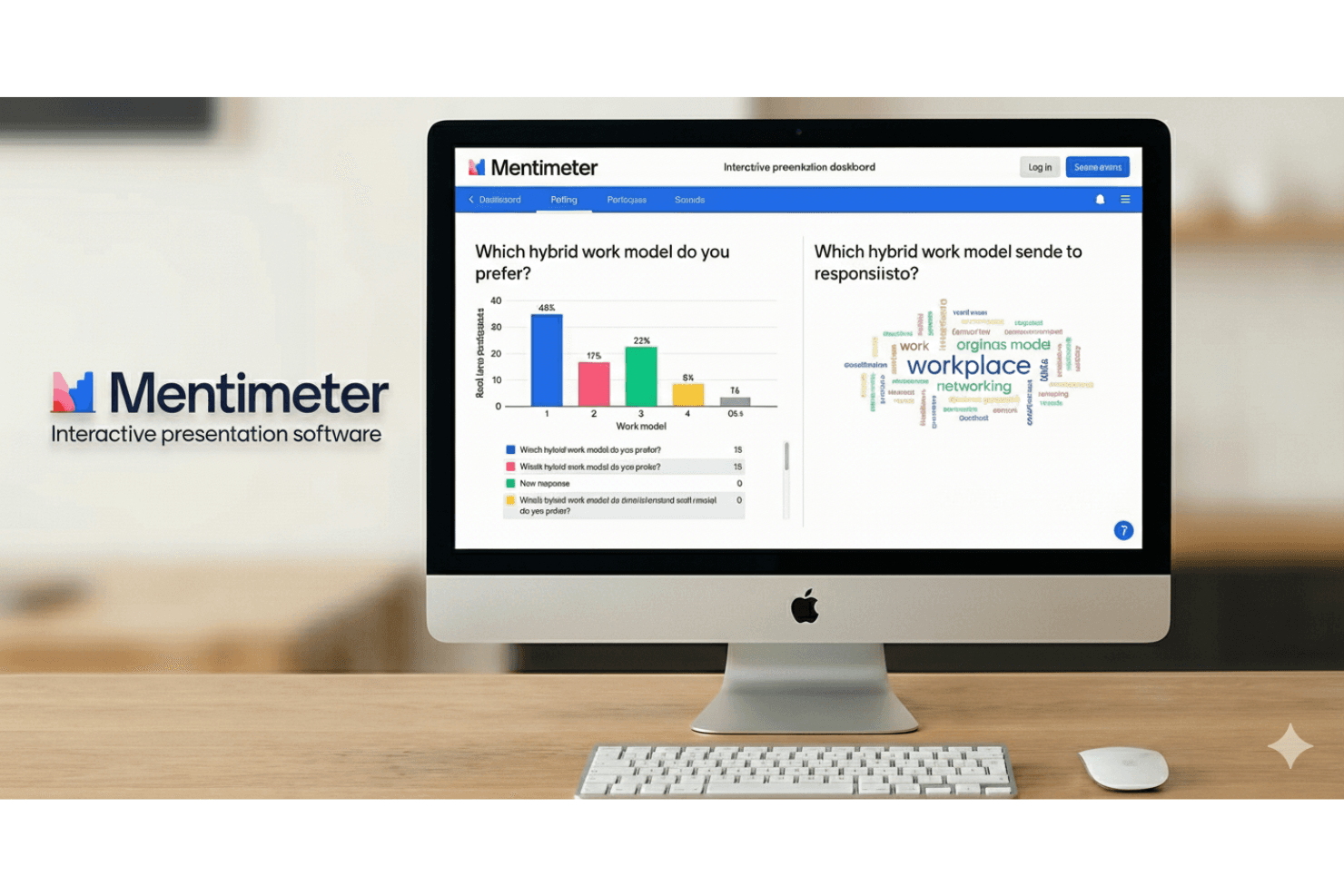
Mentimeter is a polling software for teams that need to run live, interactive polls during presentations, meetings, and training sessions. I'd consider it if you want something more visually engaging than a tool like Slido—Mentimeter's built-in presentation templates, word clouds, and real-time response displays make audience participation feel like part of the experience, not just an add-on to it.
Mentimeter Evaluation Summary
4.7/5
- From $14/user/month (billed annually)
- Free plan available
Why Trust Our Software Recommendations
6,700+
Reviews
20
Industry experts
16+
Evaluation factors
14
Years
Our team has been testing and reviewing software since 2012. As CX leaders ourselves, we know how difficult—and important—it is to choose the right software.
For this guide, we evaluated tools using hands-on testing and independent research, scoring tools using our selection criteria.
Our reviews reflect our human editorial judgment, not a sales pitch.
 Gui DrusinaCreative Director
 Tim FisherVP of AI
Mentimeter Overview
In my opinion, Mentimeter is a great tool for teams looking to enhance audience engagement during presentations. Its real-time feedback features outperform many competitors, making it ideal for educators and marketers.
While Mentimeter shines in its ease of use and interactive features, there’s room for improvement in areas like customer support and third-party integrations. If you’re looking for a tool to elevate live presentations and boost audience participation, it’s definitely worth considering, especially in settings where real-time interaction is essential. However, if your priorities lean more toward advanced data capabilities, you may want to explore alternative platforms.
Pros
- You can easily engage your audience with real-time interactive polls.
- Your team members will find it intuitive and simple to use.
- It enhances participation during presentations and meetings.
Cons
- It lacks advanced data analysis features compared to other platforms.
- Your team might find limited options for deep integration.
- Customer support could be better.
Is Mentimeter Right For Your Needs?
Who Would be a Good Fit for Mentimeter?
Mentimeter is perfect for educators, trainers, and marketers who need real-time feedback during presentations. If your team thrives on interactive sessions, Mentimeter's polls and quizzes can help keep your audience engaged and fully present. The platform is especially useful in environments where participation is key, like classrooms or marketing webinars. With its straightforward design, this tool is ideal for teams that want to increase audience involvement without the hassle of complex setup or training.
- Higher Education SectorTeachers can use Mentimeter to improve student engagement through interactive quizzes, question slides, and polls, making lessons more dynamic and interesting.
- Marketing TeamsMarketers can gather instant feedback during small group sessions, webinars, and presentations.
- Human ResourcesHR departments can enhance training sessions by using real-time polls to gauge employee understanding and engagement.
- Corporate TrainersTrainers can make sessions more interactive, helping learners stay fully engaged so they can absorb the material.
- Event PlannersEvent organizers can use Mentimeter to engage attendees with live polls, enhancing the overall experience.
- Small Businesses and NonprofitsSmall teams can benefit from its ease of use and flexible pricing plans.
Who Would be a Bad Fit for Mentimeter?
Mentimeter isn’t the right fit for teams that rely heavily on deep data analysis or advanced integrations. For example, if your work depends on detailed insights or connecting with complex systems (like CRMs), you’ll probably find Mentimeter a bit limiting. It simply doesn’t offer the advanced data tools that industries like finance or data-focused organizations really need. So if your priority is rich analytics over audience engagement, you’re better off choosing a more data-centric platform.
- Financial ServicesYour team may need more advanced analytics and data handling beyond what Mentimeter offers.
- Large EnterprisesMentimeter lacks the integration capabilities needed for complex, multi-departmental operations.
- Data Analysis FirmsIf your work focuses on deep data insights, Mentimeter's features probably won't meet your needs.
- CRM-Dependent TeamsMentimeter doesn't support the level of CRM integration your work typically demands.
- Healthcare IndustryIf you need secure, detailed data management, Mentimeter's features might fall short.
- Research InstitutionsResearch projects typically require more robust data analysis than Mentimeter can provide.
How We Test & Score Tools
We’ve spent years building, refining, and improving our software testing and scoring system. The rubric is designed to capture the nuances of software selection and what makes a tool effective, focusing on critical aspects of the decision-making process.
Below, you can see exactly how our testing and scoring works across seven criteria. It allows us to provide an unbiased evaluation of the software based on core functionality, standout features, ease of use, onboarding, customer support, integrations, customer reviews, and value for money.
Core Functionality (25% of final scoring)
The starting point of our evaluation is always the core functionality of the tool. Does it have the basic features and functions that a user would expect to see? Are any of those core features locked to higher-tiered pricing plans? At its core, we expect a tool to stand up against the baseline capabilities of its competitors.
Standout Features (25% of final scoring)
Next, we evaluate uncommon standout features that go above and beyond the core functionality typically found in tools of its kind. A high score reflects specialized or unique features that make the product faster, more efficient, or offer additional value to the user.
We also evaluate how easy it is to integrate with other tools typically found in the tech stack to expand the functionality and utility of the software. Tools offering plentiful native integrations, 3rd party connections, and API access to build custom integrations score best.
Ease of Use (10% of final scoring)
We consider how quick and easy it is to execute the tasks defined in the core functionality using the tool. High scoring software is well designed, intuitive to use, offers mobile apps, provides templates, and makes relatively complex tasks seem simple.
Onboarding (10% of final scoring)
We know how important rapid team adoption is for a new platform, so we evaluate how easy it is to learn and use a tool with minimal training. We evaluate how quickly a team member can get set up and start using the tool with no experience. High scoring solutions indicate little or no support is required.
Customer Support (10% of final scoring)
We review how quick and easy it is to get unstuck and find help by phone, live chat, or knowledge base. Tools and companies that provide real-time support score best, while chatbots score worst.
Customer Reviews (10% of final scoring)
Beyond our own testing and evaluation, we consider the net promoter score from current and past customers. We review their likelihood, given the option, to choose the tool again for the core functionality. A high scoring software reflects a high net promoter score from current or past customers.
Value for Money (10% of final scoring)
Lastly, in consideration of all the other criteria, we review the average price of entry level plans against the core features and consider the value of the other evaluation criteria. Software that delivers more, for less, will score higher.
Core Features
Real-Time Polling
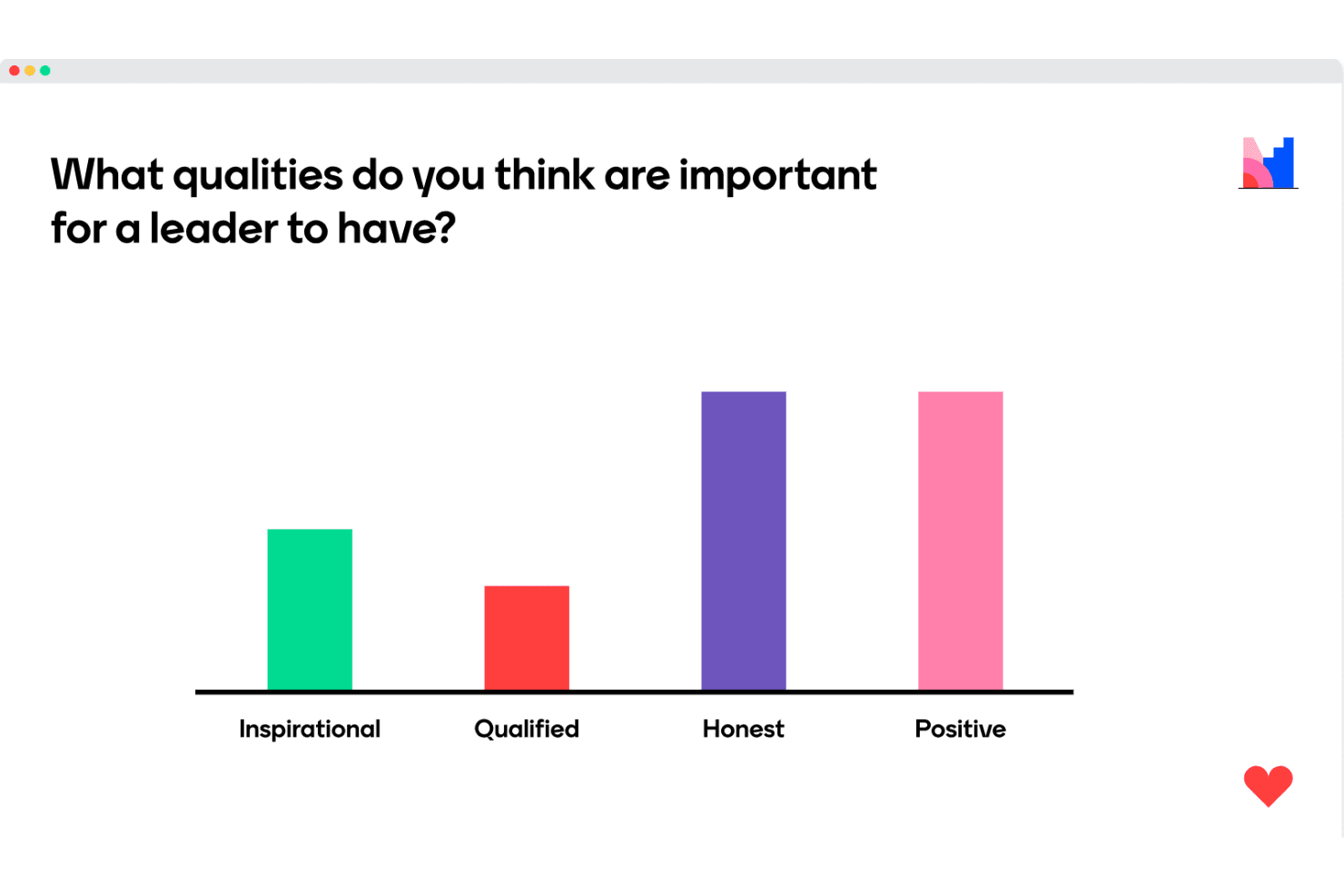
You can engage your audience instantly with live polls that update in real-time. This keeps your sessions dynamic and interactive.
Quizzes
Create fun and educational quizzes with open-ended or multiple-choice questions to test knowledge and keep your audience engaged. This inspires active learning, helping participants stay curious and involved.
Word Clouds
Visualize audience input with word clouds that form in real-time. This feature helps you quickly gauge audience sentiment and focus areas.
Q&A Sessions
Allow your audience to ask questions live and vote on them. This helps you make sure the most relevant questions get addressed.
Interactive Slide Presentations
You can integrate interactive elements right into your mentimeter slides. This makes your presentations more engaging and less static.
Survey Creation
Collect detailed, immediate feedback through surveys that are easy to create and distribute via QR codes.
Standout Features
Interactive Dashboard
Mentimeter's dashboard lets you see audience responses live, providing immediate insights. This enables you to adjust your presentation on the fly for better engagement.
Audience Feedback Analysis
You can see feedback roll in instantly, making it easy to adjust your content on the spot.
Ease of Use
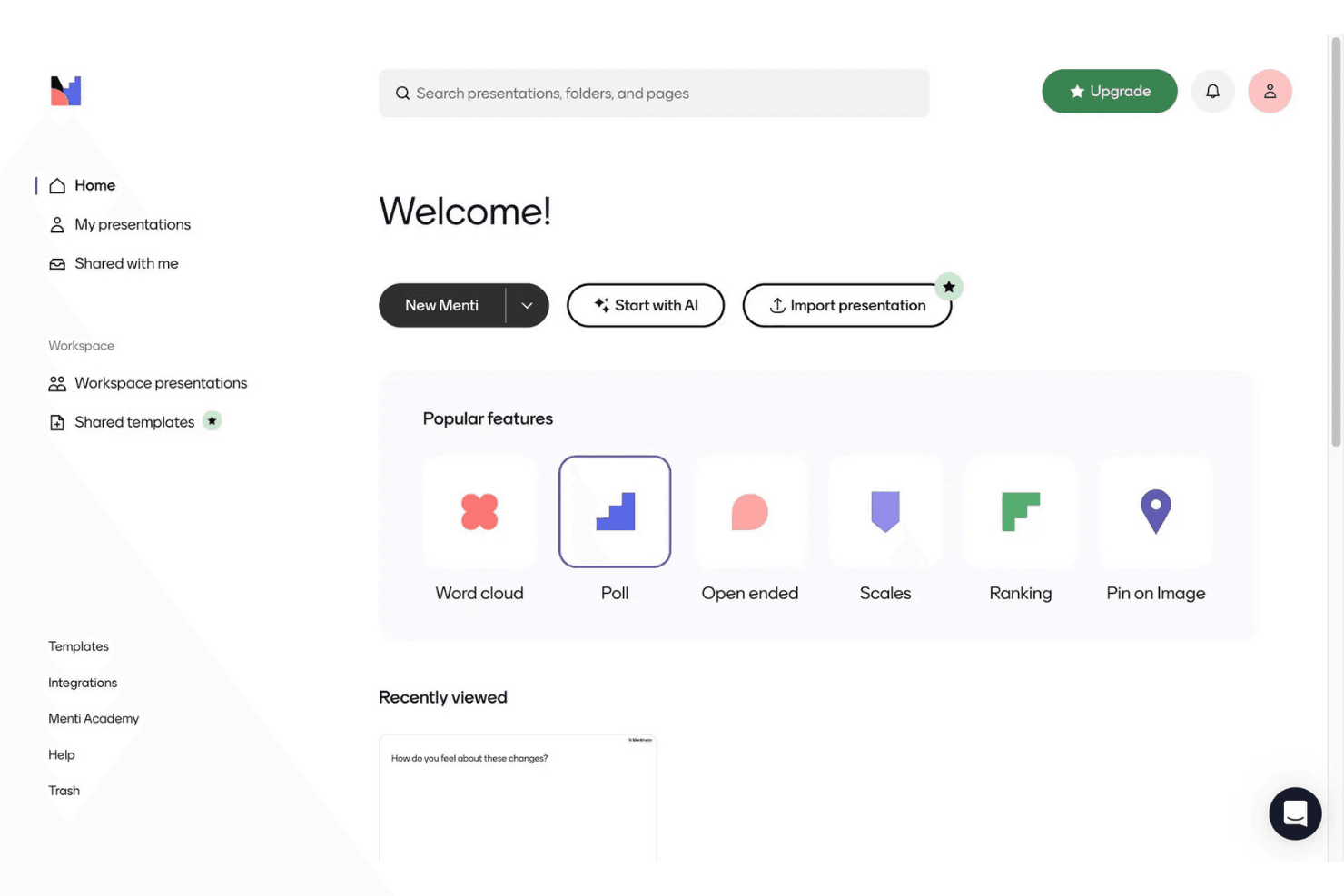
Mentimeter is incredibly user-friendly, making it easy for your team to create interactive presentations without much training or onboarding. The platform’s intuitive interface allows you to quickly set up polls, quizzes, and word clouds, enhancing audience engagement. Users often praise the platform’s simplicity, highlighting how it requires minimal training to get started. Compared to other platforms, you'll find Mentimeter's design straightforward, allowing you to focus on delivering engaging content rather than struggling with complicated features.
Onboarding
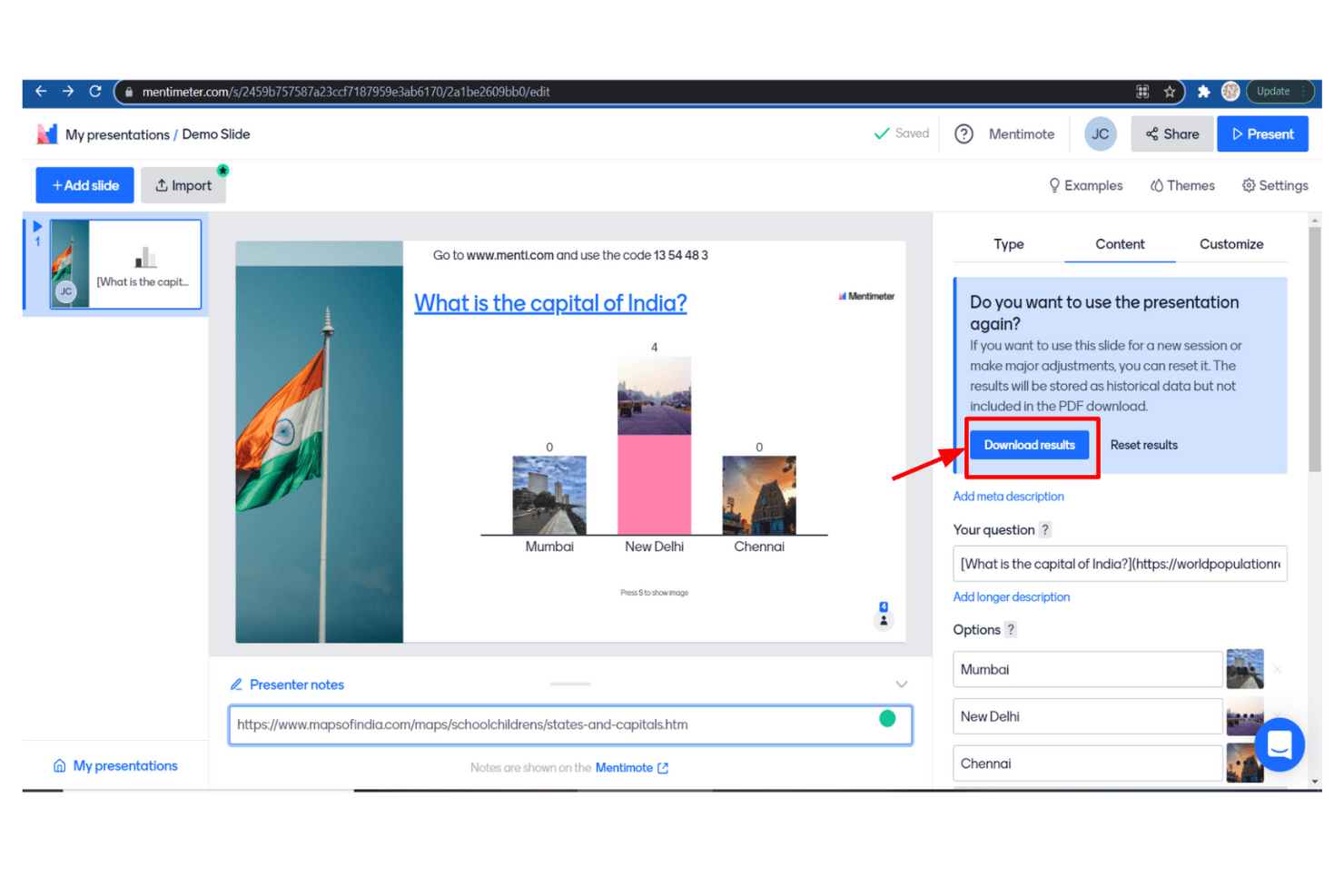
Mentimeter offers a smooth onboarding experience with clear guides and e-learnings that help your team get up and running quickly. Users appreciate the accessible support resources, including step-by-step instructions and helpful videos. This makes it easy for anyone (even beginners) to start creating engaging learning experiences without delay.
Customer Support
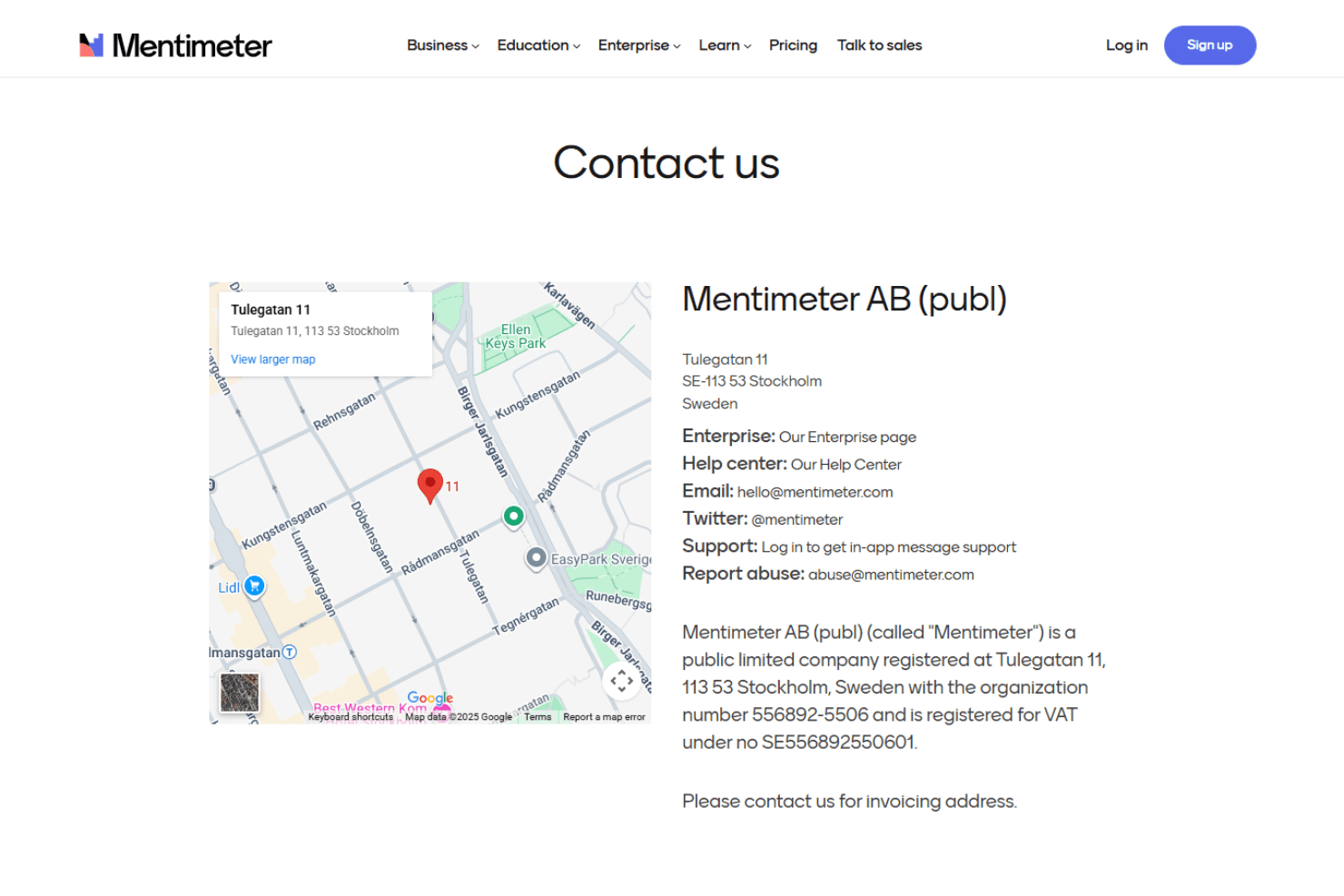
Mentimeter's customer support is decent, offering basic assistance through email and a comprehensive knowledge base. While users find the resources helpful, some mention delayed response times when seeking direct support. The self-service options, including FAQs and tutorials, are well-received and provide quick answers to common questions. However, if you need immediate help, the lack of a live chat or phone support might be a drawback, making it less ideal for urgent inquiries.
Integrations
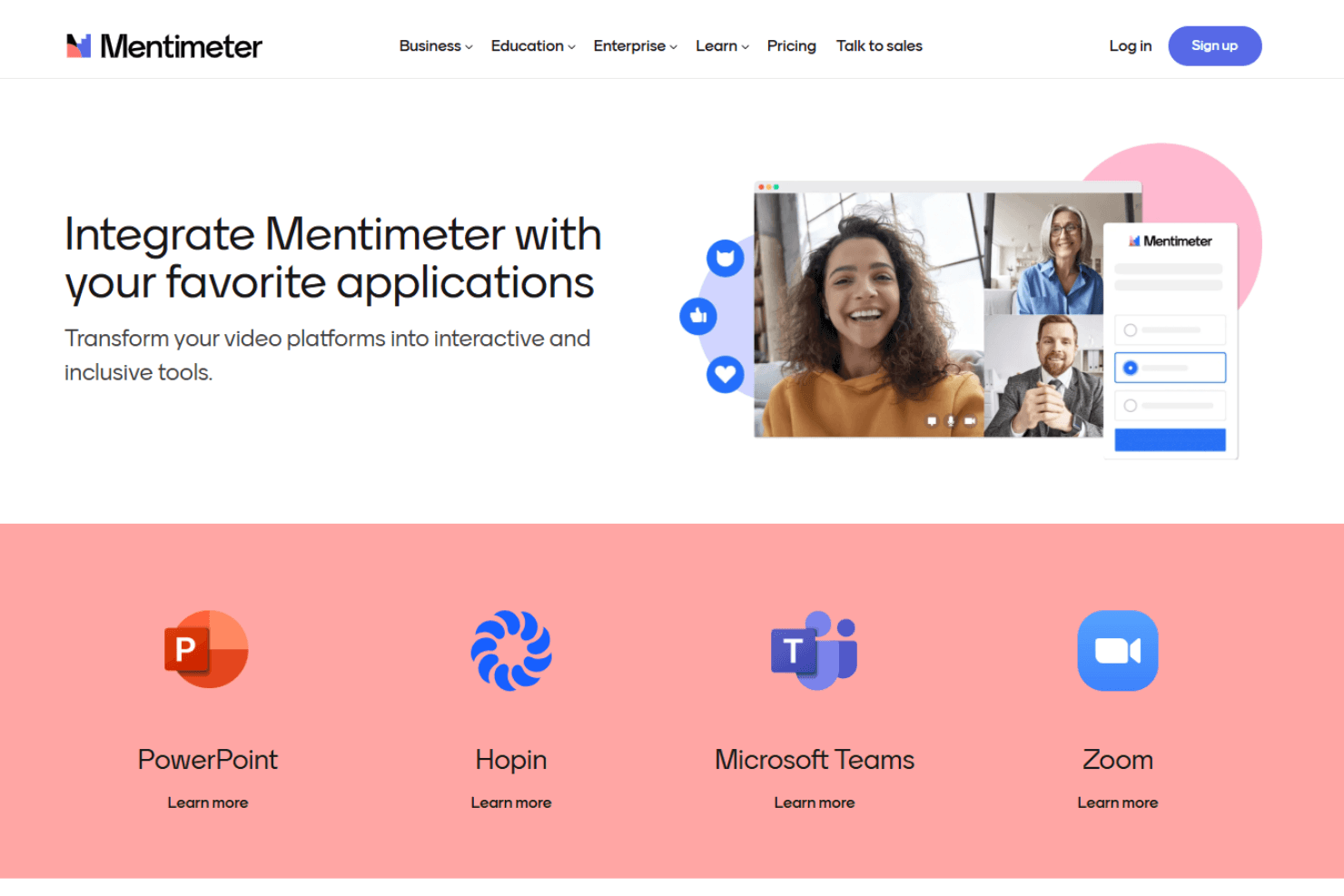
Mentimeter integrates with Microsoft Teams, PowerPoint, Zoom, Webex, Google Slides, Miro, Hopin, and Microsoft Officet.
Value for Money
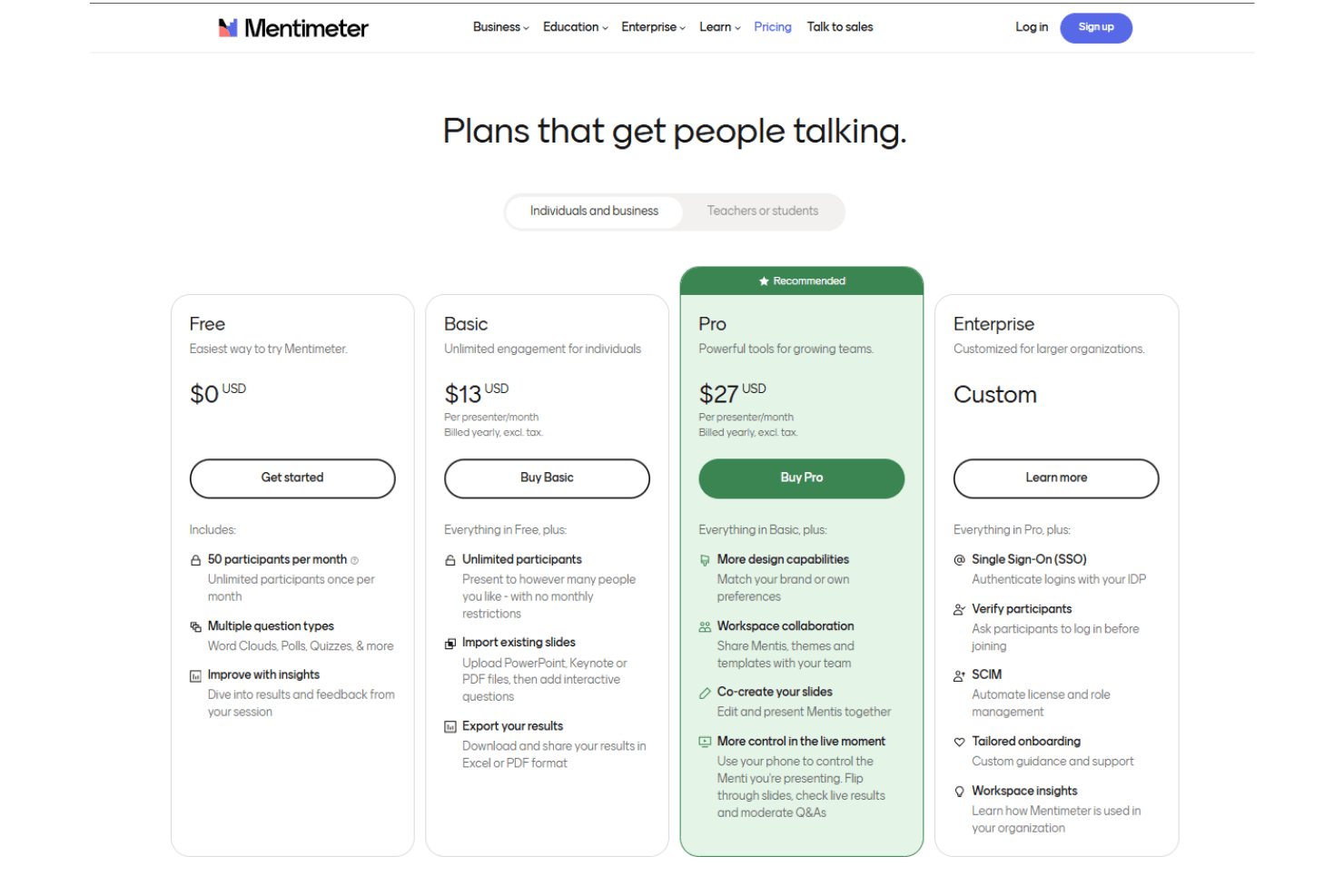
Mentimeter's pricing offers good value with plans that cater to different needs, so you’ll only pay for what you use. A free version is also available, allowing your team to evaluate the software before committing to a paid plan.
- Free Plan: Offers basic features with limited participants.
- Basic Plan: $13/month (billed annually); Provides unlimited participants and enhanced presentation capabilities.
- Pro Plan: $27/month (billed annually); Includes advanced features for branding, design, and collaboration.
- Enterprise Plan: Custom plans (and pricing) for larger organizations, plus advanced support.
Mentimeter Specs
- 360 Degree Feedback: No
- API: Yes
- Cloud Deployment: Yes
- CRM Integration: Yes
- Data Export: Yes
- Data Import: Yes
- Data Visualization: Yes
- Database: No
- Employee Database: Yes
- Employee Engagement: No
- Employee Incentive Management: No
- Employee Training: Yes
- External Integrations: Yes
- Feedback Management: Yes
- Google Apps Integration: No
- Health Management: No
- Migration to Cloud: No
- Multi-Source Feedback: No
- Multi-User: No
- Performance Appraisal: No
- Process Reporting: Yes
- Resource Management: No
- Rewards & Recognition: Yes
- Social-Media Integration: No
- Software Integration: Yes
- Task Scheduling/Tracking: No
- Third-Party Plugins/Add-Ons: Yes
- Workflow Management: Yes
Mentimeter FAQs
Mentimeter Company Overview & History
Mentimeter, founded in 2012 and headquartered in Stockholm, Sweden, is a leading platform for creating interactive presentations with real-time feedback. The company has grown rapidly, reaching over 14 million presenters by 2021, and was recognized as Stockholm's fastest-growing business in 2018.
Mentimeter operates on a freemium model, enhancing productivity in meetings and educational settings through anonymous audience engagement. CEO Johnny Warström leads the company as it continues to expand its offerings and user base.
Mentimeter Major Milestones
- 2012: Founded as a presentation software platform in Stockholm, Sweden by Johnny Warström, Niklas Ingvar, Henrik Fräsén, and Kristoffer Renholm.
- 2018: Recognized with a Gasell Award.
- 2021: Surpassed 270 million voters worldwide.
- 2021: Recognized as Breakit’s SaaS Company of the Year.