

Datadog-anmeldelse: Fordele, ulemper, funktioner og priser
Datadog udmærker sig med sin intuitive brugerflade og værdifulde indsigter, hvilket gør løsningen til et oplagt valg inden for observabilitet og analyse af store datamængder til effektiv ressourcestyring.

We review tools independently, and commissions help fund our testing. See our transparency policy, our methodology, or suggest a tool.
Datadog is a big data customer analytics platform for teams that need real-time visibility into customer-facing application performance, user behavior, and infrastructure data at scale. It's worth considering if you're ingesting high volumes of data across distributed systems and need to correlate it in one place. If you've looked at Splunk, Datadog is faster to deploy and gives you a more visual, integrated experience without the heavy configuration overhead that Splunk typically demands.
Datadog Evaluation Summary
4.5/5
- From $5/month (billed annually)
- Free plan available and 14-day free trial
Why Trust Our Software Recommendations
6,700+
Reviews
20
Industry experts
16+
Evaluation factors
14
Years
Our team has been testing and reviewing software since 2012. As CX leaders ourselves, we know how difficult—and important—it is to choose the right software.
For this guide, we evaluated tools using hands-on testing and independent research, scoring tools using our selection criteria.
Our reviews reflect our human editorial judgment, not a sales pitch.
 Gui DrusinaCreative Director
 Tim FisherVP of AI
Datadog Overview
In my opinion, Datadog offers a solid platform for businesses needing a real-time analytics and monitoring service. Its standout features, like extensive integrations and an intuitive dashboard, make it a wise choice for tech-heavy industries. While its onboarding process could be smoother, the value it provides in terms of insights and operational efficiency is significant.
Datadog is best suited for IT departments, SRE (Site Reliability Engineering) groups, and DevOps teams that require detailed analytics to optimize infrastructure and application performance monitoring (APM). Compared to competitors like New Relic, Dynatrace, and Splunk, it excels in user interface and data visualization but may fall short in user-friendliness for non-technical teams. If you're looking to choose a reliable monitoring tool. Datadog deserves consideration for its comprehensive observability suite.
Pros
- Real-time monitoring for immediate insights into your workload.
- The user interface is intuitive and easy to navigate.
- Extensive customization for dashboards, automation, and alerts.
Cons
- The onboarding process can be complex for first-time users.
- Steep learning curve for non-technical teams or a junior software engineer.
- Customer support response times are slow, especially for new features.
Is Datadog Right For Your Needs?
Who Would be a Good Fit for Datadog?
Datadog is ideal for tech-driven companies like SaaS providers and e-commerce businesses that need real-time monitoring and detailed analytics. It's perfect for IT and DevOps teams that prioritize observability over insights into infrastructure and application performance. With its intuitive dashboards and customization options, your team can easily track metrics and alerts. Datadog's ability to integrate with various platforms makes it a versatile choice for businesses looking to optimize operations and enhance decision-making.
- SaaS CompaniesDatadog's real-time monitoring and APM help you track application performance and ensure seamless user experiences.
- E-commerce BusinessesWith Datadog Real User Monitoring (RUM), you can monitor website uptime and transaction processes, identify bottlenecks, and track real user behavior to enhance customer satisfaction and reduce downtime.
- IT DepartmentsDatadog provides detailed infrastructure monitoring analytics, network monitoring, log management, and observability across AWS, Azure, and hybrid environments, helping your team maintain optimal system performance.
- DevOps TeamsIt offers in-depth metrics, APM traces, workflows, automation capabilities, and alerts, allowing DevOps engineers to proactively address potential issues and optimize workload distribution.
- Financial ServicesDatadog's robust data visualization through dashboards, log management, security monitoring, and compliance tracking helps you monitor transactions and ensure compliance.
- Healthcare ProvidersYou can use Datadog to monitor sensitive data and maintain observability for patient care applications, ensure HIPAA compliance, and ensure system reliability across the infrastructure for patient care.
Core Features
Real-Time Monitoring and Observability: Datadog lets you track your infrastructure and applications in real-time, providing instant insights into performance across cloud providers like AWS, Azure, and Kubernetes clusters. This feature helps your team quickly identify and resolve issues and reduce downtime.
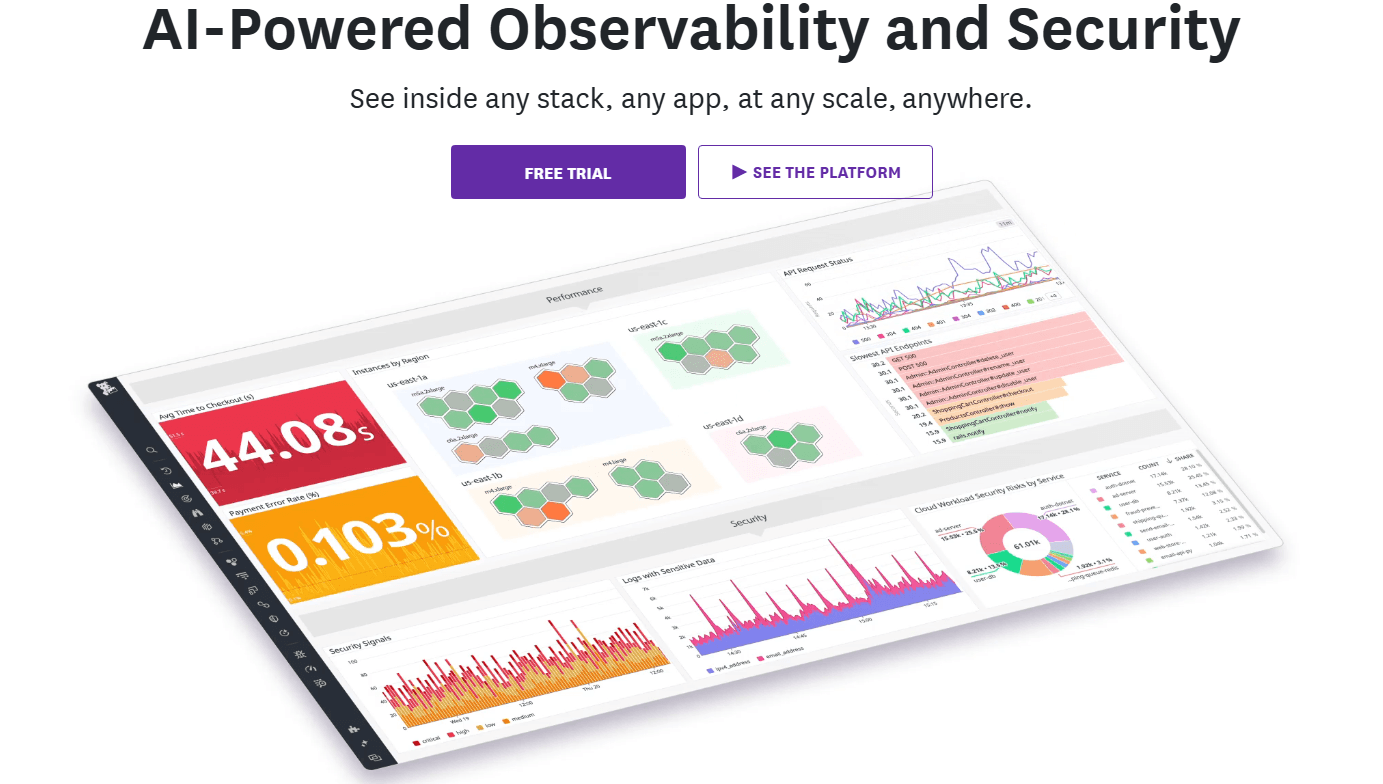
Custom Dashboards: You can create personalized dashboards to view the metrics that matter most to your work, including custom metrics from your applications. This flexibility allows you to focus on specific data points, visualize data through graphs, and share insights with DevOps and SRE teams.
Alerts and Notifications: Datadog offers customizable alerts to notify your team of potential issues before they escalate into downtime. You can set thresholds, create workflows to receive timely notifications through Slack, email, and other integrations.
Data Visualization: With Datadog's visualization tools, you can see your data in clear, interactive graphs and dashboards. This makes it easier for your team, including software engineers and DevOps professionals, to understand complex metrics and identify bottlenecks.
Log Management: Datadog's log management feature lets you collect, search, and analyze logs from all your systems, including Linux, Windows, containers, and cloud services. It helps your team troubleshoot to optimize performance.
Infrastructure Monitoring: You can monitor your entire IT infrastructure from a single platform, including servers, containers, Kubernetes clusters, databases, and network devices. This comprehensive observability aids in maintaining optimal system health.
Real User Monitoring (RUM): Datadog's real user monitoring (RUM) helps track actual user experience for web applications and mobile apps. You can monitor frontend performance, load times, user journeys, and identify issues affecting real users to optimize the user experience.

Ease of Use
Datadog offers a user-friendly interface that makes it easy for your team to navigate and customize dashboards for observability. While the initial setup can be complex, particularly for first-time users, the intuitive design helps you quickly access key features, metrics, and monitoring capabilities. Compared to other monitoring tool platforms like New Relic, Dynatrace, and Splunk, Datadog excels in providing clear data visualization through graphs and dashboards, plus real-time insights. However, your team might find the learning curve steep if they're not technically inclined or lack experience with observability concepts, APM traces, or log management. But the platform's flexibility ultimately enhances usability for those who invest the time to learn its methodology.

Integrations
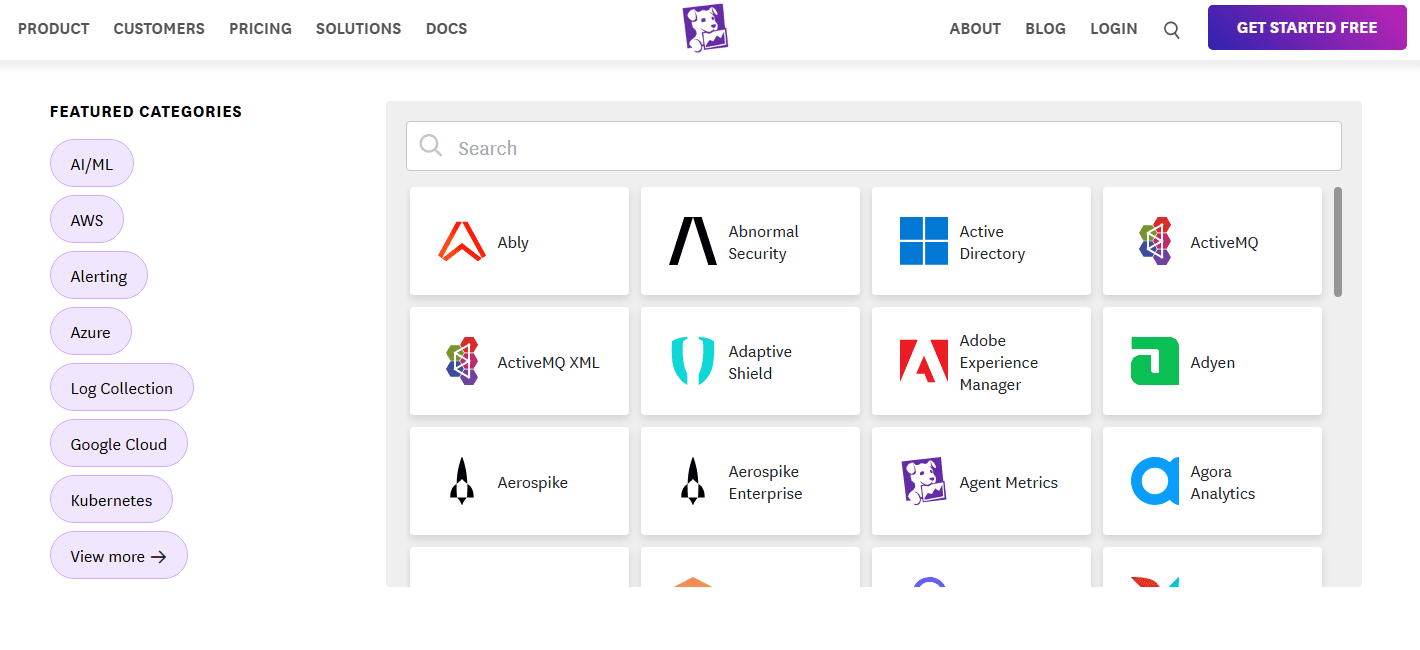
Datadog integrates with Slack, AWS, Azure, PagerDuty, GitLab, GitHub, Google Cloud, Salesforce, Zendesk, and Jira. Datadog supports Kubernetes, Docker, Linux, Windows, and major databases.
Datadog also has an API and connects with third-party integration tools, enabling custom workflows and automation. With 600+ integrations, Datadog provides comprehensive observability across your entire technology stack.
Datadog Specs
- AI Integration: No
- API: Yes
- Automated Testing: No
- Browser Compatibility Testing: No
- Bug Tracking: Yes
- Code Review: No
- Custom Reports: Yes
- Data Export: Yes
- Data Import: Yes
- Developer Tools: Yes
- External Integrations: Yes
- Malware Protection: No
- Multi-User: Yes
- Notifications: Yes
- Performance Testing: Yes
- Process Reporting: No
- Static Analysis: No
- Status Notifications: Yes
- Workflow Management: No


