

Reseña de Guidde: ventajas, desventajas, funciones y precios
Guidde destaca por sus guías de usuario intuitivas y su integración fluida, lo que garantiza que tu equipo tenga una experiencia de incorporación sin complicaciones.

Revisamos las herramientas de manera independiente, y las comisiones ayudan a financiar nuestras pruebas. Consulta nuestra política de transparencia, nuestra metodología o sugiere una herramienta.
Guidde is an AI-powered customer onboarding software that generates step-by-step video how-to guides from screen recordings. I'd consider it if your team needs to produce product walkthroughs and training documentation at scale, without spending hours editing video. If you've looked at Loom, Guidde is the stronger fit for structured onboarding content—it adds AI-generated voiceover, automated annotations, and shareable guide formats that go beyond simple screen recording.
Guidde Evaluation Summary
4.9/5
- From $18/creator/month (billed annually)
- Free 7-day trial + free plan + free demo available
Por qué confiar en nuestras recomendaciones de software
6,700+
Reviews
20
Industry experts
16+
Evaluation factors
14
Years
Nuestro equipo lleva probando y evaluando software desde 2012. Como líderes de CX, sabemos lo difícil —y lo importante— que es elegir el software adecuado.
Para esta guía, evaluamos las herramientas mediante pruebas prácticas e investigación independiente, puntuando las herramientas según nuestros criterios de selección.
Nuestras reseñas reflejan nuestro criterio editorial humano, no un discurso de ventas.
 Gui DrusinaCreative Director
 Tim FisherVP of AI
Guidde Overview
In my opinion, Guidde serves as a solid AI platform for customer onboarding. Its user-friendly interface makes it easy for your team to navigate and start using straight away. The platform’s standout features, particularly its interactive guides, AI-generated voiceovers, and video documentation tools, set it apart from competitors by providing a supportive learning process.
However, while the onboarding experience is generally smooth, it could benefit from more customization options. The value for money is reasonable, especially for small to medium-sized businesses looking for a reliable tool without an excessive price tag. If you're searching for a straightforward onboarding solution with a decent level of support and features, Guidde is worth considering.
Pros
- You can quickly create step-by-step guides with voiceovers, annotations, and screen recordings. Your team can track user engagement with its robust analytics tools.
- You can easily share guides via different platforms, enhancing accessibility and customer satisfaction.
Cons
- You might find the customization options somewhat limited.
- Your team could encounter occasional performance lags.
- You may notice that complex integrations aren't always smooth.
Is Guidde Right For Your Needs?
Who Would be a Good Fit for Guidde?
Guidde is great for small to medium-sized businesses and startups that need efficient customer onboarding. If your team values interactive guides and video tutorials to ease users into your software, Guidde's features are well-suited for you. Its capabilities in creating step-by-step guides help reduce the learning curve for new users, making it ideal for companies aiming to improve user engagement from the very start.
- Tech StartupsGuidde empowers your team to create engaging video guides that help onboard users quickly and efficiently, essential for fast-paced tech environments.
- Small BusinessesIf you're a small business, Guidde offers cost-effective onboarding solutions that don't require extensive resources.
- Customer Support TeamsYour support team can use Guidde to create quick AI-generated reference guides and knowledge sharing materials, reducing the amount of time spent on repetitive queries.
- Training DepartmentsGuidde's AI-driven video tutorial features are perfect for training departments looking to make learning more engaging.
- Product ManagersUse Guidde to create clear product walkthroughs, so users can understand and use your product to its full potential.
- FreelancersFreelancers can leverage Guidde to provide clients with easy-to-follow guides, enhancing the client onboarding experience.
Who Would be a Bad Fit for Guidde?
Guidde might not suit businesses that need extensive integrations with other tools. For example, if your work requires tight integration with multiple platforms, you could find Guidde's capabilities lacking. Guidde's integration options are limited, which might not meet the needs of teams needing to synchronize data across various software solutions.
- Large EnterprisesLarge enterprises often need extensive integration capabilities, which Guidde lacks, making it difficult to fit into a complex tech ecosystem.
- Tech-Savvy TeamsIf your team prefers highly customizable software, Guidde's limited customization options might not meet your needs.
- Financial ServicesFinancial services require stringent security protocols that Guidde might not fully support, potentially compromising sensitive data.
- ManufacturingManufacturing industries often need specialized onboarding processes that Guidde doesn't offer, leading to inefficiencies.
- Marketing AgenciesMarketing agencies might find Guidde's lack of advanced analytics tools limiting for tracking onboarding effectiveness.
- HR DepartmentsHR departments looking for comprehensive document management should look elsewhere, as Guidde doesn't provide extensive template options.
Cómo Probamos y Evaluamos Herramientas
Hemos pasado años construyendo, refinando y perfeccionando nuestro sistema de evaluación y puntuación de software. La rúbrica está diseñada para capturar los matices de la selección de software y lo que hace que una herramienta sea eficaz, centrándose en los aspectos críticos del proceso de toma de decisiones. A continuación, puedes ver exactamente cómo funcionan nuestras pruebas y puntuaciones en siete criterios. Esto nos permite ofrecer una evaluación imparcial del software basada en funcionalidad principal, características destacadas, facilidad de uso, incorporación, soporte al cliente, integraciones, opiniones de clientes y la relación calidad-precio.
Funcionalidad Principal (25% de la puntuación final)
El punto de partida de nuestra evaluación siempre es la funcionalidad principal de la herramienta. ¿Tiene las funciones básicas que un usuario esperaría? ¿Alguna de esas funciones principales está bloqueada en planes de precios más altos? Consideramos que una herramienta debe estar a la par de las capacidades básicas de sus competidores.
Características Destacadas (25% de la puntuación final)
A continuación, evaluamos aquellas características poco comunes y destacadas que superan la funcionalidad principal típica de herramientas de ese tipo. Una puntuación alta refleja funciones especializadas o únicas que hacen que el producto sea más rápido, eficiente o que aporte un valor adicional al usuario. También evaluamos lo fácil que es integrar la herramienta con otras que típicamente se utilizan en el ecosistema tecnológico para ampliar la funcionalidad y utilidad del software. Las herramientas que ofrecen abundantes integraciones nativas, conexiones de terceros y acceso a API para integraciones personalizadas obtienen la mejor puntuación.
Facilidad de Uso (10% de la puntuación final)
Consideramos lo rápido y sencillo que es ejecutar las tareas definidas en la funcionalidad principal usando la herramienta. El software que puntúa alto está bien diseñado, es intuitivo, ofrece aplicaciones móviles, proporciona plantillas y hace que tareas relativamente complejas parezcan sencillas.
Incorporación (10% de la puntuación final)
Sabemos lo importante que es la rápida adopción del equipo en una nueva plataforma, así que evaluamos lo fácil que es aprender y usar una herramienta con poca formación. Evaluamos cuán rápido un miembro del equipo puede configurarse y comenzar a usar la herramienta sin experiencia. Las soluciones mejor puntuadas requieren poco o ningún soporte.
Soporte al Cliente (10% de la puntuación final)
Revisamos lo rápido y sencillo que es salir de un atasco y encontrar ayuda por teléfono, chat en vivo o una base de conocimientos. Las herramientas y empresas que brindan soporte en tiempo real obtienen la mejor puntuación, mientras que los chatbots obtienen la peor.
Opiniones de Clientes (10% de la puntuación final)
Más allá de nuestras propias pruebas, consideramos el puntaje neto del promotor de los clientes actuales y anteriores. Revisamos la probabilidad de que elijan la herramienta nuevamente para la funcionalidad principal. Un software con alta puntuación refleja un alto puntaje neto del promotor por parte de clientes actuales o anteriores.
Relación Calidad-Precio (10% de la puntuación final)
Por último, considerando todos los demás criterios, analizamos el precio promedio de los planes de nivel inicial frente a las funciones principales y valoramos el resto de los criterios de evaluación. El software que ofrece más por menos obtiene una mayor puntuación.
Core Features
Collaboration Tools
Teams co-create documentation in real time, refining content together to boost accuracy, maintain consistency, and speed up overall workflow.
Client Progress Tracking
Monitor client engagement, completion rates, and activity patterns to quickly spot gaps, address onboarding issues, and support smoother adoption.
Basic Reporting
Access simple, actionable reports that surface key insights into how clients use, view, and interact with your documentation over time.
Content Capture & Editing
Easily record internal processes and automatically convert them into clear, step-by-step visual guides that are simple to edit and update.
Permissions & Access Control
Manage who can view, edit, or share documentation, ensuring security, version accuracy, and proper control across teams and clients.
Ease of Use
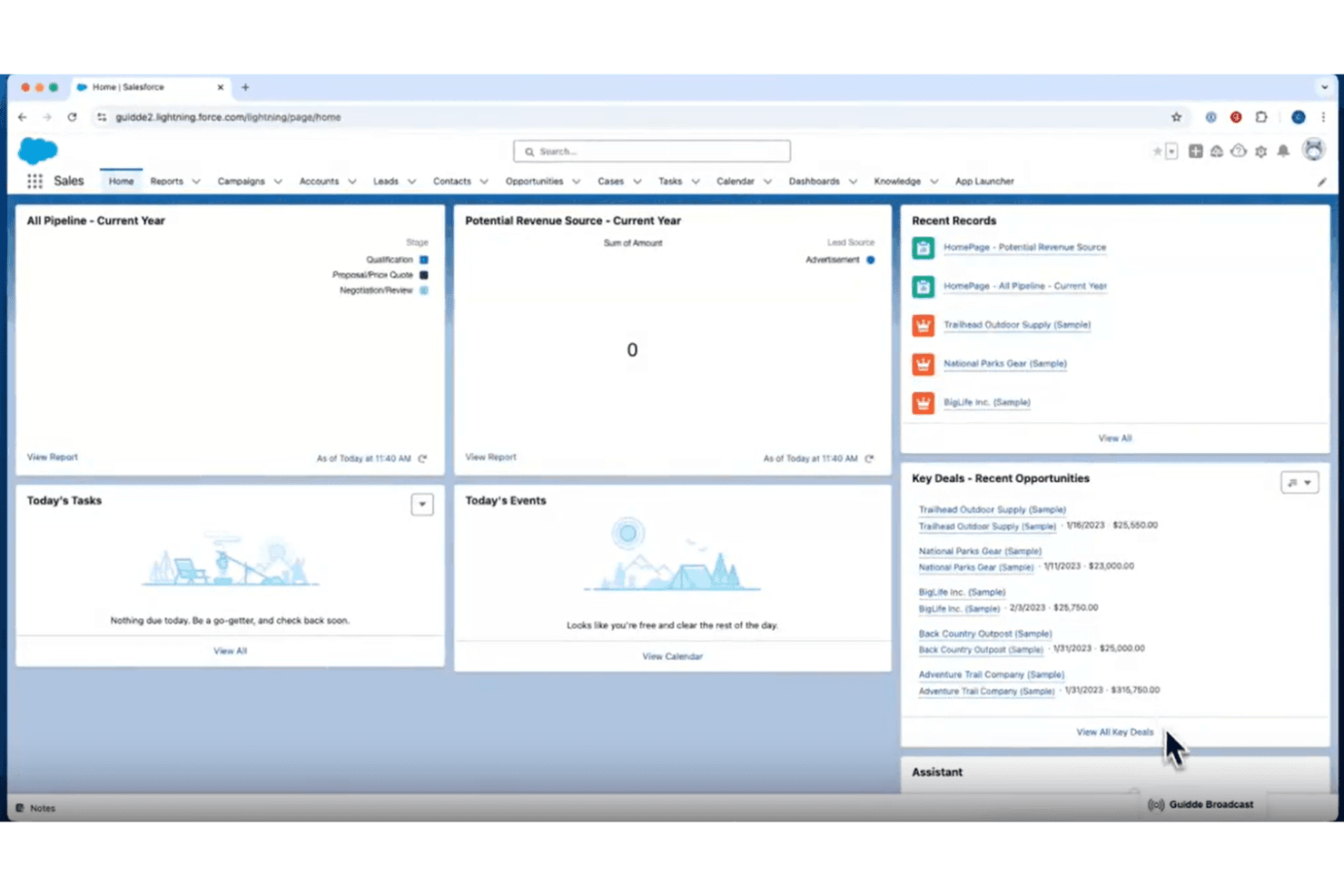
Guidde is highly intuitive, offering a straightforward experience for your team. You’ll appreciate its clean interface and easy navigation, which make onboarding a breeze. Users often highlight its simple layout and clear instructions, allowing you to quickly grasp its features without feeling overwhelmed. This ease of use is what sets Guidde apart in the customer onboarding space, making it a reliable choice for those seeking a tool that makes onboarding easy and simple.
Integrations
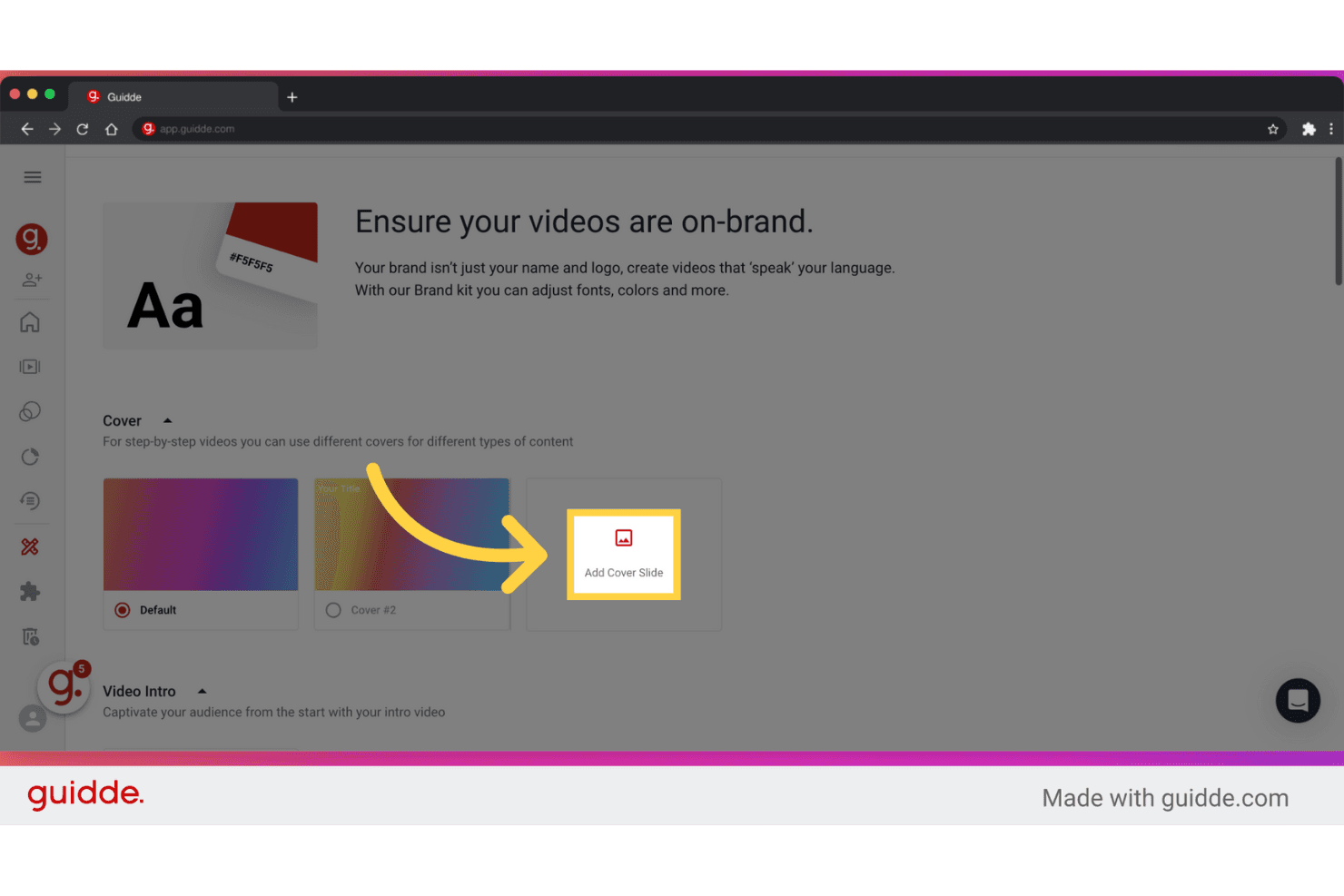
Guidde integrates with platforms like GitLab, Bitbucket, ClickUp, SharePoint, Webflow, Confluence, GitHub, WordPress, ServiceNow, and Zendesk. Through APIs, Guidde connects with third-party integration tools such as Slack, Zoom, and Gmail. It also provides a Chrome extension that allows users to capture, document, and share processes directly from their browser.

Guidde Specs
- 360 Degree Feedback: No
- API: No
- Application Tracking: No
- Attendance Tracking: No
- Batch Permissions & Access: Yes
- Calendar Management: No
- Data Export: Yes
- Data Import: No
- Email Integration: No
- Employee Database: No
- Employee Engagement: No
- Employee Incentive Management: No
- Employee Onboarding: Yes
- Employee Training: Yes
- External Integrations: Yes
- Feedback Management: No
- Gamification: No
- Google Apps Integration: No
- Multi-User: Yes
- Notifications: No
- Onboarding: Yes
- Password & Access Management: No
- Scheduling: No
- Time Management: No
- Timesheets: No
- Travel Management: No
- Vacation & Absence Calendar: No
- Video Courses: Yes


