

Reseña de SkyPrep: ventajas, desventajas, funciones y precios
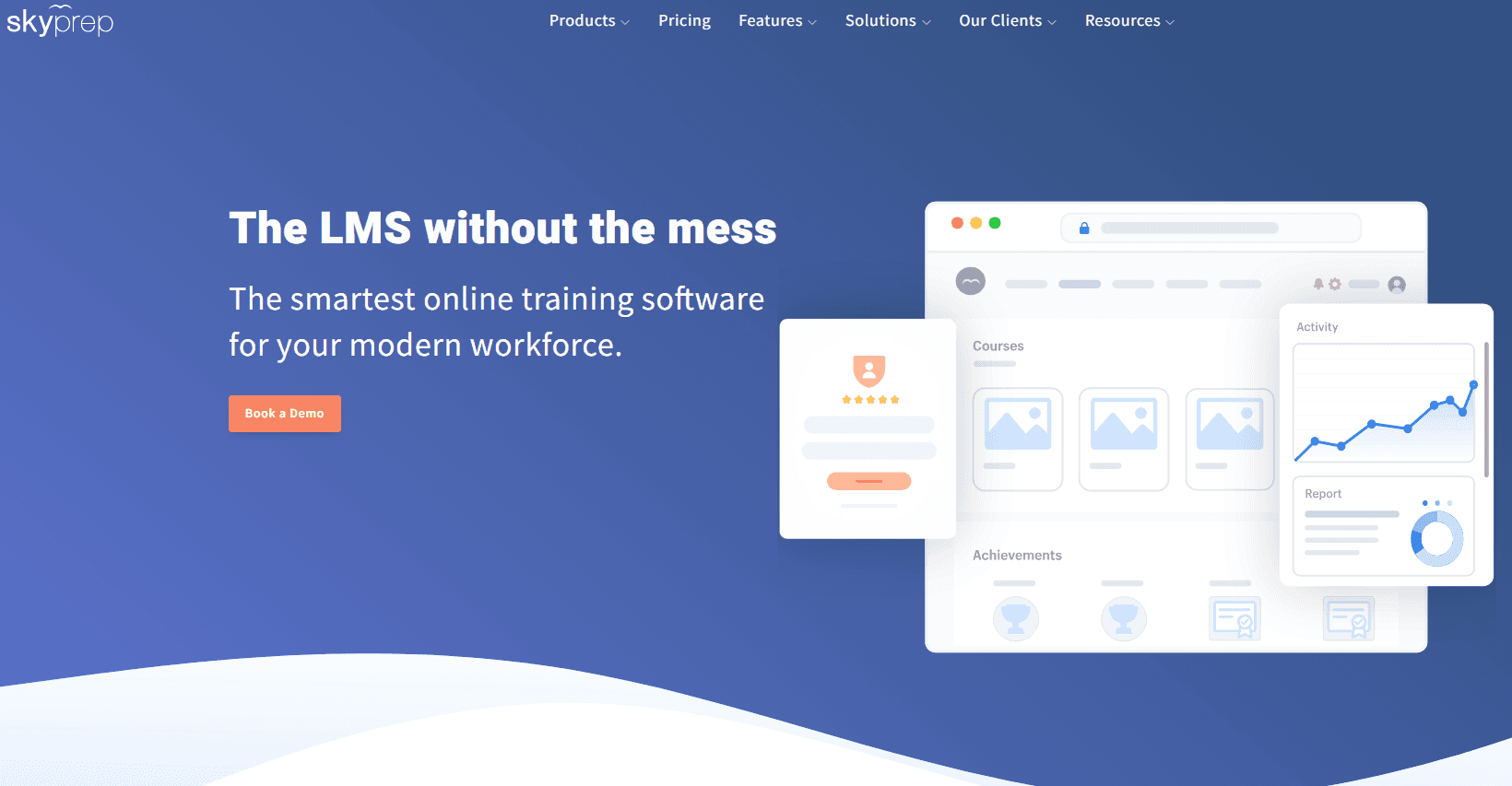
SkyPrep destaca por la creación de cursos fácil de usar y sus sólidos análisis, lo que la convierte en una de las mejores opciones para los equipos que priorizan una incorporación eficaz.

Revisamos las herramientas de manera independiente, y las comisiones ayudan a financiar nuestras pruebas. Consulta nuestra política de transparencia, nuestra metodología o sugiere una herramienta.
SkyPrep is a customer onboarding software built on a learning management system that helps teams create, deliver, and track structured training for new customers. It's worth considering if you need to onboard customers through self-paced courses but don't have a dedicated L&D team to manage a more complex platform. I'd suggest SkyPrep over something like Docebo if your priority is getting a training program up and running quickly, without the configuration overhead that larger enterprise LMS platforms typically require.
SkyPrep Evaluation Summary
4.7/5
- Pricing upon request
- 14-day free trial
Por qué confiar en nuestras recomendaciones de software
6,700+
Reviews
20
Industry experts
16+
Evaluation factors
14
Years
Nuestro equipo lleva probando y evaluando software desde 2012. Como líderes de CX, sabemos lo difícil —y lo importante— que es elegir el software adecuado.
Para esta guía, evaluamos las herramientas mediante pruebas prácticas e investigación independiente, puntuando las herramientas según nuestros criterios de selección.
Nuestras reseñas reflejan nuestro criterio editorial humano, no un discurso de ventas.
 Gui DrusinaCreative Director
 Tim FisherVP of AI
SkyPrep Overview
In my opinion, SkyPrep is a solid choice for teams needing a straightforward onboarding solution. It shines with its user-friendly interface and powerful analytics, making it a great fit for training teams. While its customer support could use some improvement, its pricing and reporting features offer good value compared to other tools.
SkyPrep outperforms other learning management systems in ease of use and onboarding simplicity, though it may lack some advanced integrations that larger organizations might need. For small to mid-sized businesses focusing on effective onboarding and a cloud-based user-friendly platform, SkyPrep LMS is worth considering.
Pros
- SkyPrep makes creating courses simple with its intuitive user interface.
- Your team can track progress easily with detailed analytics.
- It's highly rated for its smooth onboarding process.
Cons
- You might find the customer support response time could be faster.
- It lacks some advanced integrations that larger teams might need.
- Customization options are more limited than some competitors.
Is SkyPrep Right For Your Needs?
Who Would be a Good Fit for SkyPrep?
SkyPrep is perfect for small to mid-sized businesses and educational institutions that need an easy-to-use training platform. If your team wants to streamline onboarding with simple course authoring tools and content creation, and effective progress tracking, SkyPrep's intuitive interface is ideal. It’s also a good fit for corporate training teams focused on delivering engaging content in various formats without getting bogged down in complex setups.
- Human ResourcesSkyPrep simplifies onboarding with its user-friendly course creation, automated training, and detailed real-time progress tracking.
- Educational InstitutionsSkyPrep supports learning with easy content delivery, multiple learning paths, and insightful analytics for educators.
- Corporate TrainingYour team can deliver engaging employee training content quickly and efficiently with SkyPrep's intuitive platform.
- Small BusinessesSkyPrep offers a straightforward solution for training processes without overwhelming resources or time.
- Technology StartupsSkyPrep helps new teams onboard staff quickly with simple and effective training tools.
- NonprofitsSkyPrep provides an affordable and efficient way to train volunteers and staff with limited budgets.
Who Would be a Bad Fit for SkyPrep?
SkyPrep might not suit large enterprises or tech companies needing advanced integrations and extensive customization. If your team relies heavily on complex workflows or requires deep integration with other systems, SkyPrep's limited customization options could be a drawback. Additionally, organizations that need rapid, comprehensive customer support might find SkyPrep's support response time less than ideal.
- Large EnterprisesSkyPrep lacks the extensive customization and integrations large enterprises often need.
- Tech CompaniesYour advanced integration needs might not be met with SkyPrep's current capabilities.
- Financial ServicesSkyPrep's limited customization might not support the detailed compliance training requirements you have.
- International CorporationsSkyPrep may not offer the extensive multi-language support and localization you require.
- Manufacturing FirmsSkyPrep's basic features and modules might not align with your complex training requirements and industry standards.
Cómo Probamos y Evaluamos Herramientas
Hemos pasado años construyendo, refinando y perfeccionando nuestro sistema de evaluación y puntuación de software. La rúbrica está diseñada para capturar los matices de la selección de software y lo que hace que una herramienta sea eficaz, centrándose en los aspectos críticos del proceso de toma de decisiones. A continuación, puedes ver exactamente cómo funcionan nuestras pruebas y puntuaciones en siete criterios. Esto nos permite ofrecer una evaluación imparcial del software basada en funcionalidad principal, características destacadas, facilidad de uso, incorporación, soporte al cliente, integraciones, opiniones de clientes y la relación calidad-precio.
Funcionalidad Principal (25% de la puntuación final)
El punto de partida de nuestra evaluación siempre es la funcionalidad principal de la herramienta. ¿Tiene las funciones básicas que un usuario esperaría? ¿Alguna de esas funciones principales está bloqueada en planes de precios más altos? Consideramos que una herramienta debe estar a la par de las capacidades básicas de sus competidores.
Características Destacadas (25% de la puntuación final)
A continuación, evaluamos aquellas características poco comunes y destacadas que superan la funcionalidad principal típica de herramientas de ese tipo. Una puntuación alta refleja funciones especializadas o únicas que hacen que el producto sea más rápido, eficiente o que aporte un valor adicional al usuario. También evaluamos lo fácil que es integrar la herramienta con otras que típicamente se utilizan en el ecosistema tecnológico para ampliar la funcionalidad y utilidad del software. Las herramientas que ofrecen abundantes integraciones nativas, conexiones de terceros y acceso a API para integraciones personalizadas obtienen la mejor puntuación.
Facilidad de Uso (10% de la puntuación final)
Consideramos lo rápido y sencillo que es ejecutar las tareas definidas en la funcionalidad principal usando la herramienta. El software que puntúa alto está bien diseñado, es intuitivo, ofrece aplicaciones móviles, proporciona plantillas y hace que tareas relativamente complejas parezcan sencillas.
Incorporación (10% de la puntuación final)
Sabemos lo importante que es la rápida adopción del equipo en una nueva plataforma, así que evaluamos lo fácil que es aprender y usar una herramienta con poca formación. Evaluamos cuán rápido un miembro del equipo puede configurarse y comenzar a usar la herramienta sin experiencia. Las soluciones mejor puntuadas requieren poco o ningún soporte.
Soporte al Cliente (10% de la puntuación final)
Revisamos lo rápido y sencillo que es salir de un atasco y encontrar ayuda por teléfono, chat en vivo o una base de conocimientos. Las herramientas y empresas que brindan soporte en tiempo real obtienen la mejor puntuación, mientras que los chatbots obtienen la peor.
Opiniones de Clientes (10% de la puntuación final)
Más allá de nuestras propias pruebas, consideramos el puntaje neto del promotor de los clientes actuales y anteriores. Revisamos la probabilidad de que elijan la herramienta nuevamente para la funcionalidad principal. Un software con alta puntuación refleja un alto puntaje neto del promotor por parte de clientes actuales o anteriores.
Relación Calidad-Precio (10% de la puntuación final)
Por último, considerando todos los demás criterios, analizamos el precio promedio de los planes de nivel inicial frente a las funciones principales y valoramos el resto de los criterios de evaluación. El software que ofrece más por menos obtiene una mayor puntuación.
Core Features
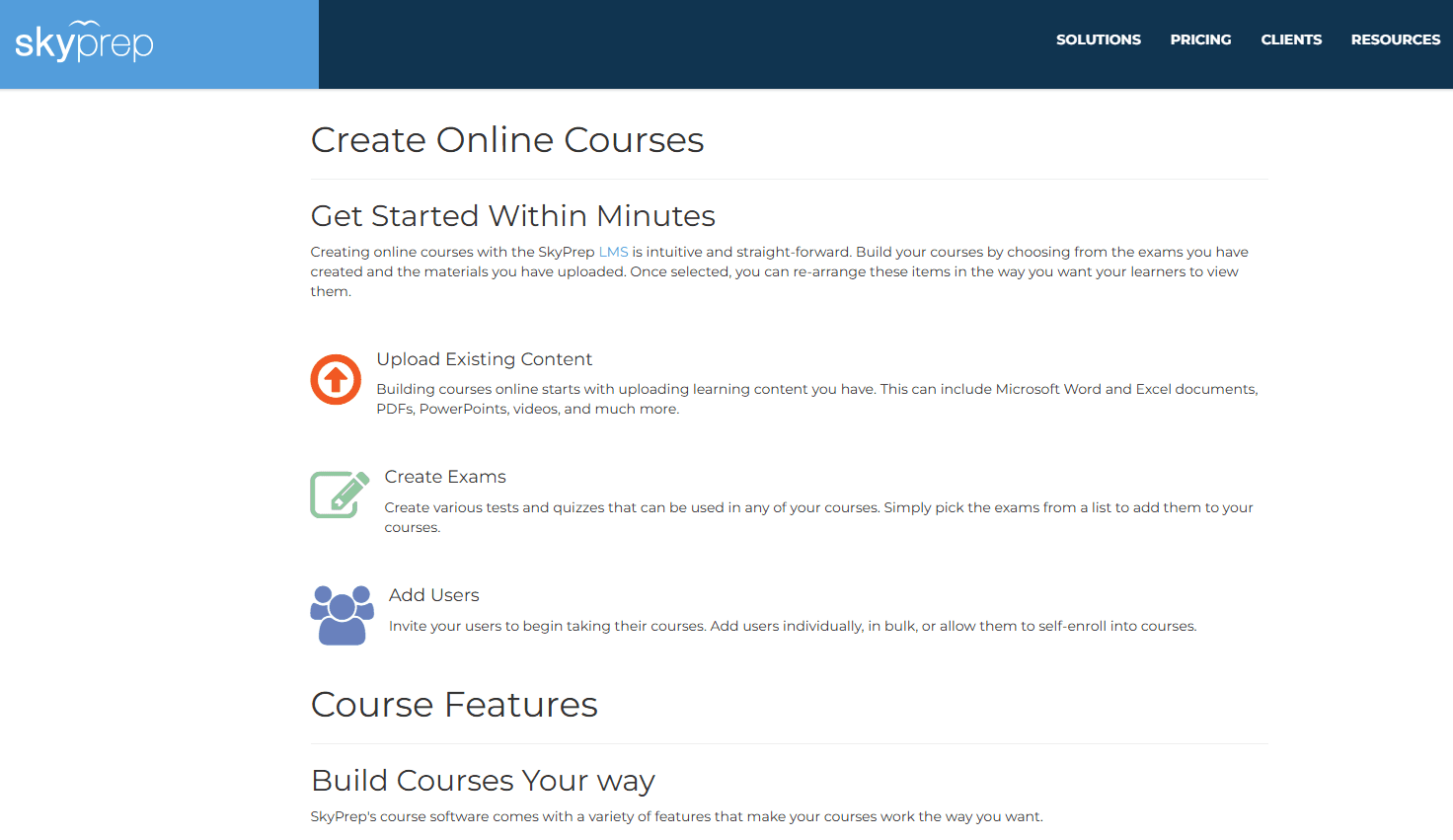
Course Creation: SkyPrep lets you build courses easily with its drag-and-drop interface and customizable templates. Your team can quickly put together engaging training materials without needing technical skills.
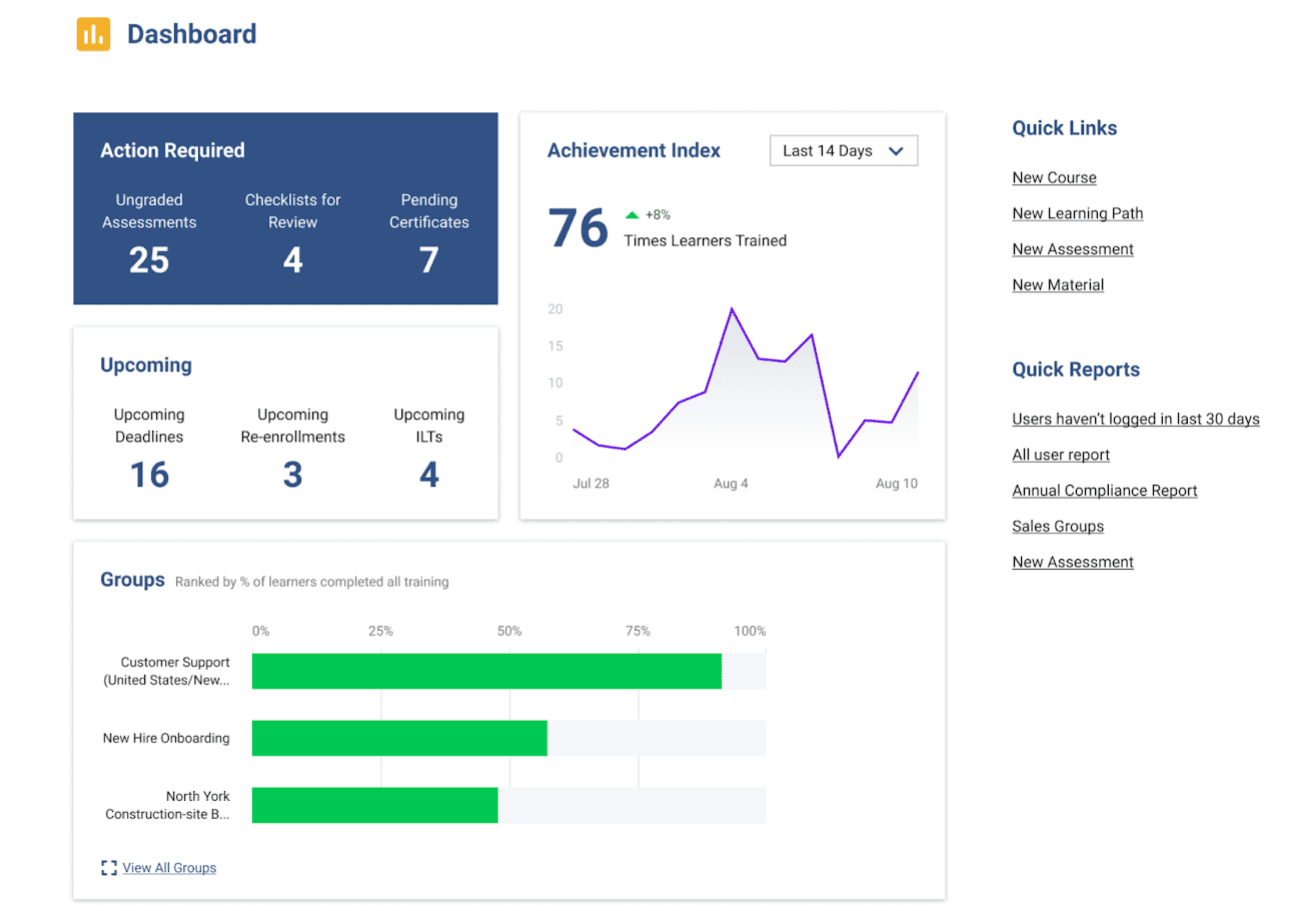
Progress Tracking: You can monitor learners' progress with detailed analytics. This helps your team identify areas where employees excel or need more support.
Quiz and Assessment Tools: SkyPrep includes tools to create quizzes and assessments that enhance the learning experience. These help you evaluate how well your team understands the material.
Content Library: You can store and organize training materials in SkyPrep's content library. It's a convenient way to keep all your resources in one place.
Customizable Certificates: SkyPrep allows you to create certificates for completed courses. This feature makes it easy to recognize and reward your team's achievements.
Mobile Access: Your team can access training materials and receive notifications on the go with SkyPrep's mobile-friendly platform. It ensures learning isn't confined to the office. The SkyPrep mobile app for Android and iOS keeps things spry.
Ease of Use
SkyPrep excels in user-friendliness, making it a breeze for your team to get started. Its intuitive interface requires minimal training, and the drag-and-drop course creation simplifies content development. You won't need technical expertise to navigate the platform, which means less time spent on setup and more on effective onboarding. Compared to other software, SkyPrep stands out for its straightforward design that enhances the LMS’ usability and keeps your team focused on learning rather than wrestling with complicated tools.
Integrations
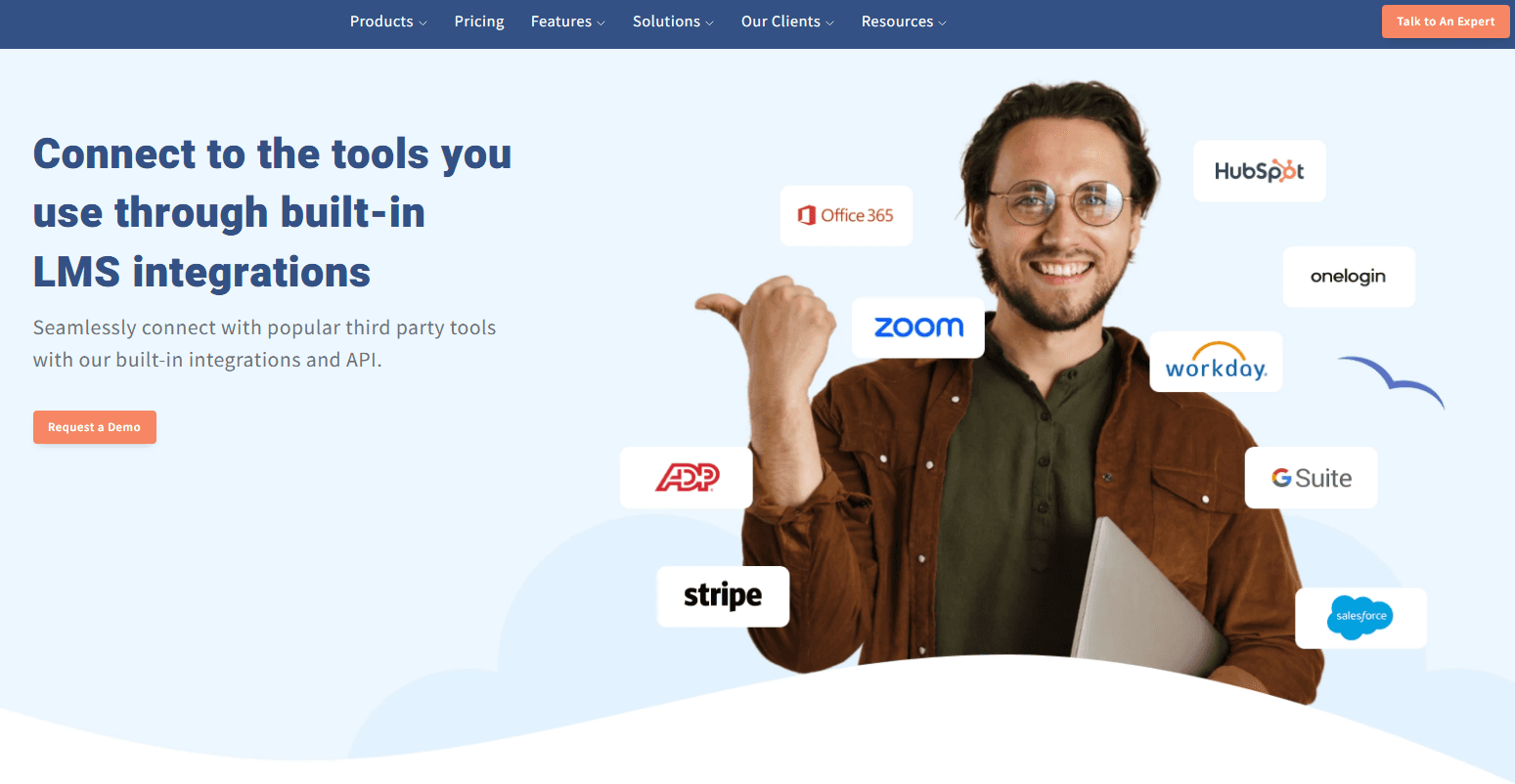
SkyPrep integrates with Zoom, GoToMeeting, Cisco Webex, Microsoft Teams, ClickMeeting, and BigBlueButton. It supports single sign-on providers like OKTA, LinkedIn, and Facebook.
SkyPrep also offers an API for custom integrations and connects with third-party tools like Zapier for extended functionality.
SkyPrep Specs
- API: Yes
- Class Management: Yes
- Comparative Reporting: Yes
- Corporate/Business: Yes
- Dashboards: Yes
- Data Export: Yes
- Data Import: Yes
- Data Visualization: Yes
- Document Comparison: Yes
- Employee Training: Yes
- External Integrations: Yes
- Feedback Management: Yes
- Gamification: Yes
- Gradebook: Yes
- Mobile App: Yes
- Multi-User: Yes
- Notifications: Yes
- Personal Learning: Yes
- Report & Compliance: Yes
- Report Cards: Yes
- Scheduling: Yes
- SCORM: Yes
- Student Registration: Yes
- Video Courses: Yes


