
Reseña de TalentLMS: ventajas, desventajas, características y precios explicados
TalentLMS destaca por su diseño fácil de usar y sus precios flexibles, lo que lo convierte en una opción ideal para las empresas que buscan una solución sencilla y escalable para la incorporación de clientes.

Revisamos las herramientas de manera independiente, y las comisiones ayudan a financiar nuestras pruebas. Consulta nuestra política de transparencia, nuestra metodología o sugiere una herramienta.
TalentLMS is a customer onboarding software built around structured course delivery, making it a solid fit for teams that need to train customers on complex products at scale. I'd consider it especially if you want something more approachable than an enterprise LMS like Docebo, but more capable than a basic knowledge base. You get course building, learner tracking, and progress reporting without the setup complexity that larger platforms tend to require.
TalentLMS Evaluation Summary
4.6/5
- From $119/month (billed annually)
- Free plan + free demo available
Por qué confiar en nuestras recomendaciones de software
6,700+
Reviews
20
Industry experts
16+
Evaluation factors
14
Years
Nuestro equipo lleva probando y evaluando software desde 2012. Como líderes de CX, sabemos lo difícil —y lo importante— que es elegir el software adecuado.
Para esta guía, evaluamos las herramientas mediante pruebas prácticas e investigación independiente, puntuando las herramientas según nuestros criterios de selección.
Nuestras reseñas reflejan nuestro criterio editorial humano, no un discurso de ventas.
 Gui DrusinaCreative Director
 Tim FisherVP of AI
TalentLMS Overview
When evaluating a learning management system software, TalentLMS positions itself as a practical, user-friendly LMS platform for delivering scalable online training and customer onboarding. It stands out for its fast setup, intuitive interface, and flexible pricing making it a go-to choice for teams that want to launch training programs without a steep learning curve.
With built-in AI features, SCORM 1.2 support, and a wide range of integrations, TalentLMS simplifies content creation, course delivery, and learner management. While it may not compete with enterprise platforms in advanced analytics or deep customization, it delivers strong value for small business, SaaS onboarding, and growing teams focused on efficient online learning experiences.
Pros
- Branches features enables separate portals for different audiences.
- Built-in course library accelerates training materials setup.
- Supports SCORM and multiple course formats.
- Al-powered authoring tool improves content creation speed.
- Automated workflows help enroll users and manage learning paths.
Cons
- Limited advanced analytics for deep insights.
- Mobile app lacks some admin controls.
- Basic course import compared to competitors.
- Customization options are limited vs platforms like Moodle
Is TalentLMS Right For Your Needs?
Who Would be a Good Fit for TalentLMS?
TalentLMS is a strong choice for organizations that need to deliver repeatable, scalable onboarding experiences without heavy IT involvement. Its intuitive course builder, branching for different audiences, and built-in content library make it ideal for teams that want to launch onboarding quickly and track progress with minimal setup. Companies with distributed teams, frequent onboarding cycles, or standardized training requirements will find TalentLMS especially useful.
- SaaS StartupsTalentLMS supports rapid onboarding for new customers with reusable course templates.
- FranchisesBranches feature enables separate onboarding portals for each franchise location.
- Customer SuccessTeams Progress tracking and automated reminders help manage large onboarding cohorts.
- HR DepartmentsPrebuilt compliance and policy courses simplify employee onboarding.
- SMBsAffordable pricing and easy setup suit small and midsize businesses.
- Remote TeamsCloud-based access and mobile support enable onboarding from anywhere.
Who Would be a Bad Fit for TalentLMS?
TalentLMS may not suit organizations with highly complex onboarding needs, deep customization requirements, or those needing advanced analytics. If your onboarding process relies on heavy workflow automation, deep integrations, or custom reporting, you may find TalentLMS limiting compared to more specialized platforms.
- Large EnterprisesLimited advanced analytics and reporting may not meet enterprise needs.
- Regulated IndustriesLacks granular compliance tracking for strict regulatory environments.
- Product Training TeamsCourse content import and assessment tools are basic for technical products.
- Learning & DevelopmentLimited support for blended learning and instructor-led sessions.
- Custom Development FirmsFew options for deep UI customization or white-labeling.
- Field Service TeamsMobile app lacks robust admin controls for managing field onboarding.
Cómo Probamos y Evaluamos Herramientas
Hemos pasado años construyendo, refinando y perfeccionando nuestro sistema de evaluación y puntuación de software. La rúbrica está diseñada para capturar los matices de la selección de software y lo que hace que una herramienta sea eficaz, centrándose en los aspectos críticos del proceso de toma de decisiones. A continuación, puedes ver exactamente cómo funcionan nuestras pruebas y puntuaciones en siete criterios. Esto nos permite ofrecer una evaluación imparcial del software basada en funcionalidad principal, características destacadas, facilidad de uso, incorporación, soporte al cliente, integraciones, opiniones de clientes y la relación calidad-precio.
Funcionalidad Principal (25% de la puntuación final)
El punto de partida de nuestra evaluación siempre es la funcionalidad principal de la herramienta. ¿Tiene las funciones básicas que un usuario esperaría? ¿Alguna de esas funciones principales está bloqueada en planes de precios más altos? Consideramos que una herramienta debe estar a la par de las capacidades básicas de sus competidores.
Características Destacadas (25% de la puntuación final)
A continuación, evaluamos aquellas características poco comunes y destacadas que superan la funcionalidad principal típica de herramientas de ese tipo. Una puntuación alta refleja funciones especializadas o únicas que hacen que el producto sea más rápido, eficiente o que aporte un valor adicional al usuario. También evaluamos lo fácil que es integrar la herramienta con otras que típicamente se utilizan en el ecosistema tecnológico para ampliar la funcionalidad y utilidad del software. Las herramientas que ofrecen abundantes integraciones nativas, conexiones de terceros y acceso a API para integraciones personalizadas obtienen la mejor puntuación.
Facilidad de Uso (10% de la puntuación final)
Consideramos lo rápido y sencillo que es ejecutar las tareas definidas en la funcionalidad principal usando la herramienta. El software que puntúa alto está bien diseñado, es intuitivo, ofrece aplicaciones móviles, proporciona plantillas y hace que tareas relativamente complejas parezcan sencillas.
Incorporación (10% de la puntuación final)
Sabemos lo importante que es la rápida adopción del equipo en una nueva plataforma, así que evaluamos lo fácil que es aprender y usar una herramienta con poca formación. Evaluamos cuán rápido un miembro del equipo puede configurarse y comenzar a usar la herramienta sin experiencia. Las soluciones mejor puntuadas requieren poco o ningún soporte.
Soporte al Cliente (10% de la puntuación final)
Revisamos lo rápido y sencillo que es salir de un atasco y encontrar ayuda por teléfono, chat en vivo o una base de conocimientos. Las herramientas y empresas que brindan soporte en tiempo real obtienen la mejor puntuación, mientras que los chatbots obtienen la peor.
Opiniones de Clientes (10% de la puntuación final)
Más allá de nuestras propias pruebas, consideramos el puntaje neto del promotor de los clientes actuales y anteriores. Revisamos la probabilidad de que elijan la herramienta nuevamente para la funcionalidad principal. Un software con alta puntuación refleja un alto puntaje neto del promotor por parte de clientes actuales o anteriores.
Relación Calidad-Precio (10% de la puntuación final)
Por último, considerando todos los demás criterios, analizamos el precio promedio de los planes de nivel inicial frente a las funciones principales y valoramos el resto de los criterios de evaluación. El software que ofrece más por menos obtiene una mayor puntuación.
Core Features
Branching and Portals
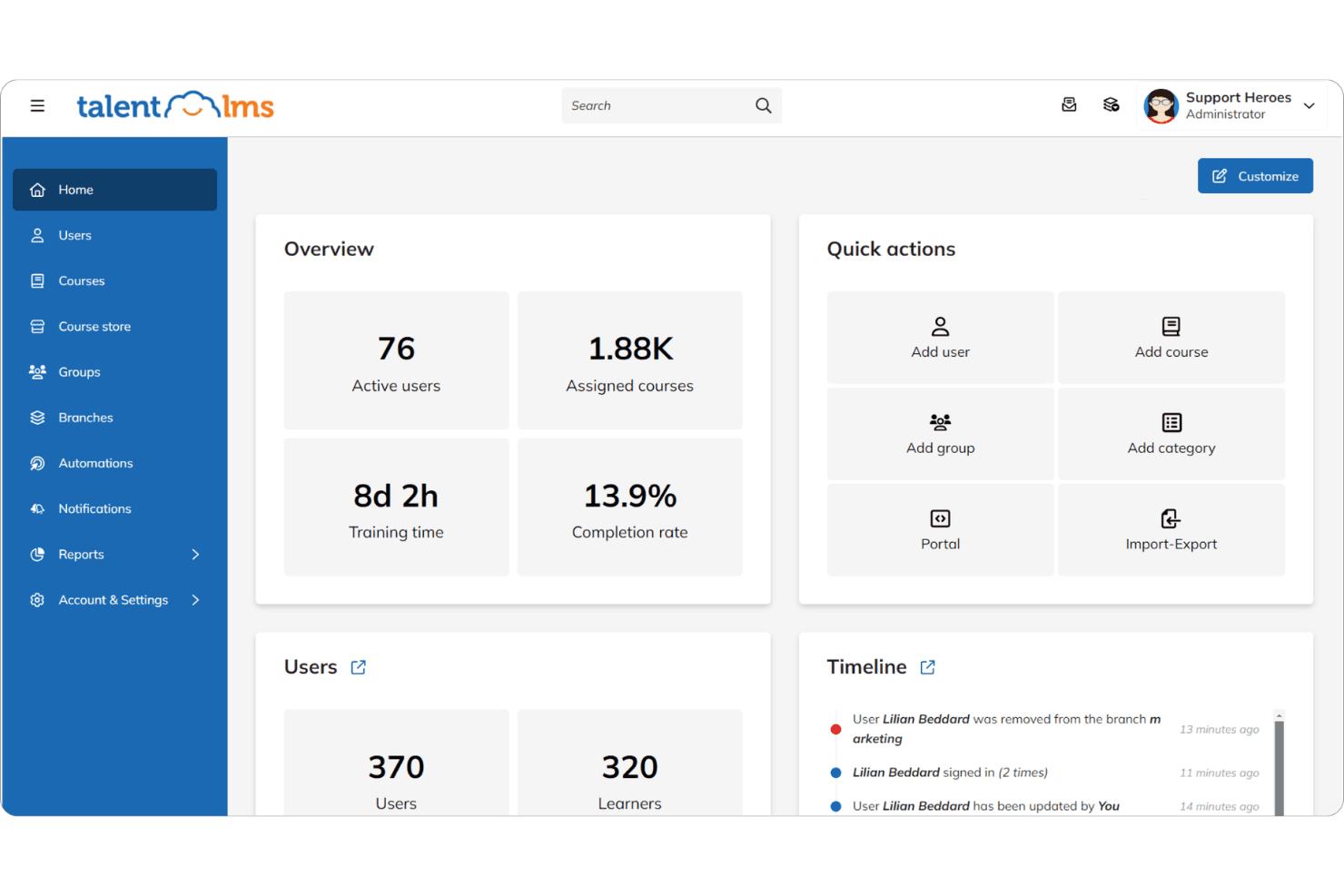
Create separate onboarding portals for different customer groups or audiences. This helps you deliver tailored onboarding experiences from a single platform.
AI-Assisted Course Creation
Build onboarding courses quickly with AI-powered tools that suggest content and structure. This reduces setup time and helps teams launch training faster.
Progress Tracking and Reporting
Monitor customer onboarding progress with built-in dashboards and completion reports. Easily identify who has finished training and who needs follow-up.
TalentLibrary™ Course Library
Access 1,000+ ready-made online courses on compliance, soft skills, and more. Instantly add relevant content to your onboarding program without building from scratch.
Mobile-Friendly Access
Customers can complete onboarding from any device, including smartphones and tablets. The responsive design ensures a consistent experience everywhere.
Automated Reminders and Notifications
Set up automated emails and alerts to keep customers on track with their onboarding. This helps reduce drop-off and ensures timely course completion.

Standout Features
Multilingual Support
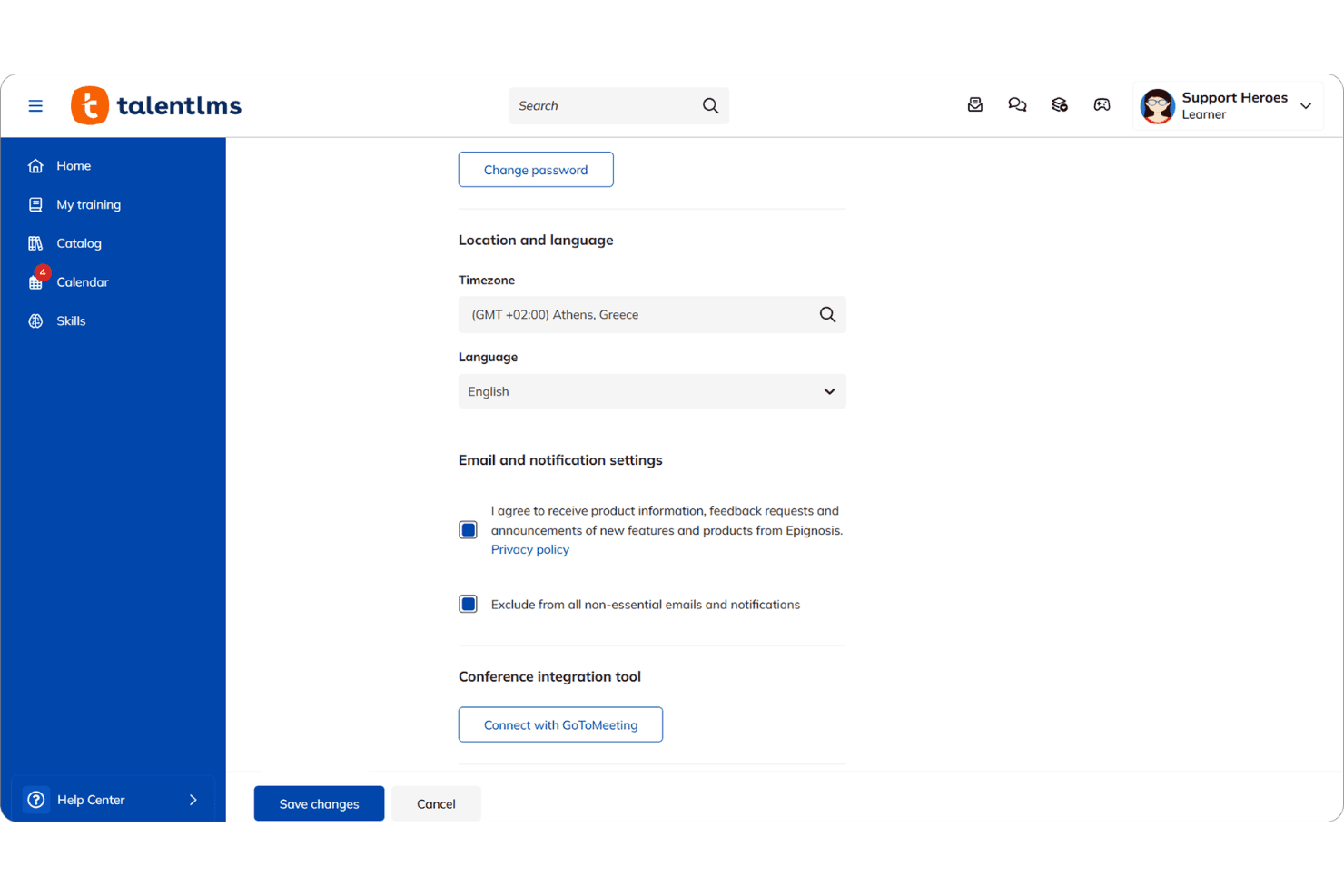
TalentLMS allows you to deliver onboarding in over 30 languages, making it easy to serve global customer bases. Customers can select their preferred language for a personalized experience.
Gamification
Built-in gamification tools let you add badges, points, and leaderboards to onboarding courses. This motivates customers to complete training and increases engagement.
Ease of Use
TalentLMS is built for teams that want results fast. The interface is clean, intuitive, and genuinely user-friendly, reducing the typical LMS learning curve. Admins can create training courses, assignusers, and manage permissions without relying in IT.
Compared to more complex platforms like Moodle, TalentLMS focuses on simplicity and speed, making it easier to launch online learning without friction.

Onboarding
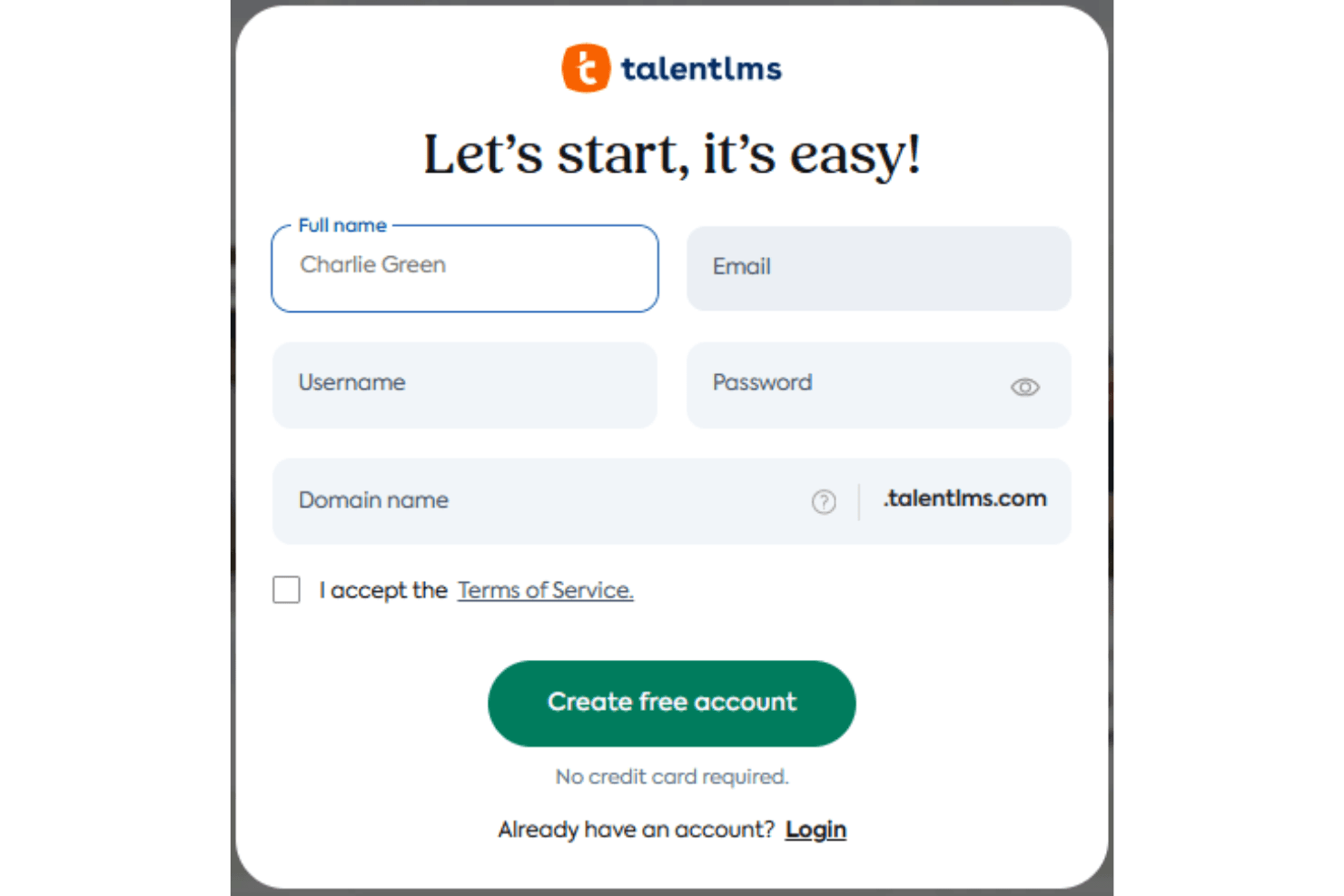
TalentLMS offers a smooth onboarding experience for new users, with guided setup wizards, in-app tips, and a comprehensive knowledge base. Many users highlight the clear step-by-step instructions and responsive customer support, which help teams get started quickly. The platform’s onboarding flow is designed to minimize setup time and confusion, so admins can launch their first courses within hours. This rapid time to value is a frequent point of praise in user feedback.
Customer Support
TalentLMS earns positive feedback for its responsive and knowledgeable customer support team, with users noting quick turnaround times on tickets and helpful guidance. Support is available through email, live chat, and an extensive online help center, making it easy to find answers or get direct assistance. Many users appreciate the proactive follow-up and clear documentation, which help resolve issues and keep onboarding programs running smoothly.
Integrations
TalentLMS integrates with BambooHR, Salesforce, Linkedin, TalentHR, Sage People, Intercom, ADP Workforce Now, Hubspot, and Zoom, among others.
Developers have access to its API to extend functionality across their tech stack.

Value for Money
TalentLMS offers a robust feature set with pricing that reflects its breadth of functionality, but it can feel expensive for smaller businesses. While plans are structured to support different organizational needs, there isn’t a true pay-as-you-grow model or ongoing free tier, which may limit accessibility for budget-conscious teams. That said, many users still find value in the platform’s comprehensive capabilities across its tiers.
- Core: Includes unlimited courses, one branch, custom homepage, API access, and single sign on (SSO).
- Grow: Adds three branches, custom reports, analytics, and AI test creation.
- Pro: Adds automations, AI course translation, AI coach, and live chat support.
- Enterprise: Includes custom branding, phone support, and a dedicated account manager.

TalentLMS Specs
- API: Yes
- Class Management: Yes
- Comparative Reporting: No
- Corporate/Business: Yes
- Dashboards: Yes
- Data Export: Yes
- Data Import: Yes
- Data Visualization: Yes
- Document Comparison: No
- Employee Training: Yes
- External Integrations: Yes
- Feedback Management: Yes
- Gamification: Yes
- Gradebook: No
- Mobile App: Yes
- Multi-User: Yes
- Notifications: Yes
- Personal Learning: Yes
- Report & Compliance: Yes
- Report Cards: No
- Scheduling: Yes
- SCORM: Yes
- Student Registration: Yes
- Video Courses: Yes
TalentLMS FAQs
TalentLMS Company Overview & History
TalentLMS is a cloud-based learning management system designed to deliver training for employees, partners, and customers. The company is part of Epignosis, a global learning technology provider headquartered in San Francisco, California, with additional offices in Europe. TalentLMS is used by major organizations such as Google, Amazon, Meta, PepsiCo, PwC, Roland, Isuzu, and Oracle. The platform is recognized for its intuitive design, rapid deployment, and strong customer support.
TalentLMS Major Milestones
- 2012: TalentLMS product launched by Epignosis.
- 2020: Recognized by independent software review sites as an eLearning industry leader.
- 2023: Expanded client base to include global brands like Google, Amazon, Meta, and PepsiCo.
- 2025: Continued platform enhancements and customer success stories featured on the company website.