


Recensione di Five9: vantaggi, svantaggi, funzionalità e prezzi spiegati



Five9 is a cloud-based call center software built for contact centers that need to manage inbound and outbound voice alongside digital channels like chat, email, and SMS. I'd consider it over Genesys Cloud if your team needs enterprise-grade AI-powered routing and workforce management tools but wants a faster, less complex deployment to get up and running. This review covers Five9's core features, pricing, and where it fits best so you can decide if it's the right fit for your operation.
Five9 Evaluation Summary
- From $119/seat/month
- Free demo available
Perché fidarsi dei nostri consigli sui software
Il nostro team testa e recensisce software dal 2012. In quanto leader CX noi stessi, sappiamo quanto sia difficile — e importante — scegliere il software giusto.
Per questa guida, abbiamo valutato gli strumenti attraverso test pratici e ricerche indipendenti, assegnando un punteggio agli strumenti in base ai nostri criteri di selezione.
Le nostre recensioni riflettono il nostro giudizio editoriale umano, non un discorso di vendita.
Five9 Overview
If you’re judging call center software by AI features, omnichannel support, and integration options, Five9 is a top contender. I think its intuitive interface and strong onboarding make it easy for new teams to get started, while advanced analytics and automation set it apart for larger operations. Pricing can be higher than some alternatives, and smaller teams may find the feature set more than they need.
In my experience, Five9 is best for businesses that want to scale quickly and value deep reporting, customizable workflows, and responsive support.
pros
-
AI-powered automation improves agent productivity and response times.
-
Reliable uptime and performance during high call volumes.
-
Advanced analytics and reporting for real-time decision-making.
cons
-
Pricing is higher than many other call center platforms.
-
Some users report dropped calls and connection issues.
-
Admin tools and dashboards can feel outdated and fragmented.
-

SupportYourApp
Visit WebsiteThis rating combines scores from multiple user review sites to reflect overall customer sentiment about the product.4.7 -
Tidio
Visit WebsiteThis rating combines scores from multiple user review sites to reflect overall customer sentiment about the product.4.7 -
Freshdesk
Visit WebsiteThis rating combines scores from multiple user review sites to reflect overall customer sentiment about the product.4.4





Come Testiamo e Valutiamo gli Strumenti
Abbiamo passato anni a costruire, perfezionare e migliorare il nostro sistema di valutazione e testing dei software. Il nostro schema è progettato per cogliere tutte le sfumature nella selezione del software e per valutare ciò che rende uno strumento efficace, concentrandosi sugli aspetti critici nel processo decisionale. Qui sotto puoi vedere esattamente come funziona il nostro processo di testing e valutazione su sette criteri. Ci permette di offrire una valutazione imparziale del software basata su funzionalità principali, caratteristiche distintive, facilità d’uso, onboarding, supporto clienti, integrazioni, recensioni clienti e rapporto qualità/prezzo.
Funzionalità Principali (25% del punteggio finale)
Il punto di partenza della nostra valutazione sono sempre le funzionalità fondamentali dello strumento. Possiede le funzioni di base che un utente si aspetta? Alcune di queste funzionalità sono disponibili solo con piani più costosi? In sostanza, ci aspettiamo che uno strumento sia competitivo rispetto ai suoi concorrenti principali.
Caratteristiche Distintive (25% del punteggio finale)
Successivamente, valutiamo le funzionalità particolari e distintive che vanno oltre le funzionalità standard solitamente presenti in strumenti simili. Un punteggio elevato riflette funzionalità specializzate o uniche che rendono il prodotto più veloce, efficiente o che offrono valore aggiunto all’utente. Valutiamo anche quanto sia facile integrare lo strumento con altri strumenti tipicamente presenti nel tech stack, per ampliare le funzionalità e l’utilità del software. Ottengono il punteggio migliore gli strumenti che offrono numerose integrazioni native, connessioni di terze parti e accesso API per creare integrazioni personalizzate.
Facilità d’Uso (10% del punteggio finale)
Consideriamo quanto sia rapido e intuitivo eseguire le attività core usando lo strumento. Un software con un alto punteggio è ben progettato, intuitivo all’uso, offre app mobili, mette a disposizione modelli e semplifica attività relativamente complesse.
Onboarding (10% del punteggio finale)
Sappiamo quanto sia importante l’adozione rapida da parte del team per una nuova piattaforma, quindi valutiamo la facilità di apprendimento e utilizzo dello strumento con una formazione minima. Valutiamo quanto velocemente un membro del team può iniziare a usare lo strumento senza esperienza. Le soluzioni con punteggio elevato richiedono poco o nessun supporto.
Supporto Clienti (10% del punteggio finale)
Valutiamo quanto sia semplice ricevere assistenza via telefono, chat dal vivo o knowledge base. Gli strumenti e le aziende che offrono supporto in tempo reale ottengono il punteggio migliore, mentre i chatbot hanno il punteggio più basso.
Recensioni Clienti (10% del punteggio finale)
Oltre alla nostra valutazione interna, prendiamo in considerazione il net promoter score dei clienti attuali e passati. Analizziamo la probabilità che, potendo scegliere, selezionino di nuovo lo strumento per le sue funzionalità core. Un software con punteggio elevato riflette un alto net promoter score dai clienti attuali o passati.
Rapporto Qualità/Prezzo (10% del punteggio finale)
Infine, tenendo conto di tutti gli altri criteri, analizziamo il prezzo medio dei piani entry level rispetto alle funzionalità principali e consideriamo il valore delle altre metriche di valutazione. Il software che offre di più, a meno, otterrà un punteggio maggiore.
Core Features
AI-Powered Agent Assist
Provides real-time guidance and suggested responses to agents during calls. This helps reduce handle times and improves customer satisfaction.
Omnichannel Routing
Automatically directs voice, chat, email, and SMS interactions to the right agent. Teams can manage all channels from a single interface.
Predictive Dialer
Automates outbound calling and skips unanswered numbers to maximize agent talk time. Great for sales and collections teams running large campaigns.
Real-Time Analytics
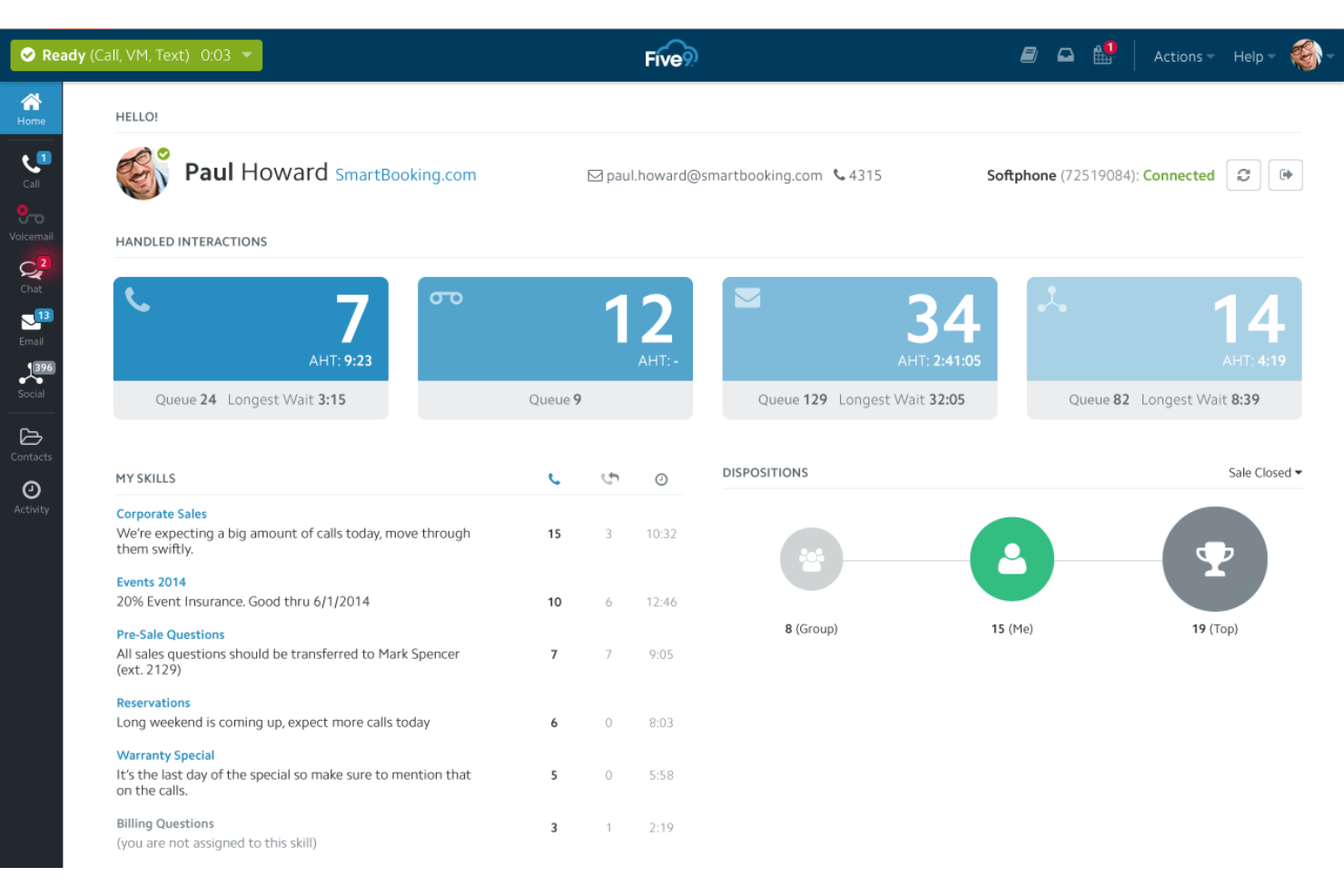
Delivers live dashboards and performance metrics for supervisors. Managers can spot trends and make quick decisions during peak periods.
Workforce Management
Forecasts call volumes and schedules agents based on demand. Helps reduce understaffing and overstaffing with automated planning.
Quality Management
Records and scores calls for training and compliance purposes. Supervisors can review interactions and provide targeted coaching.
Ease of Use
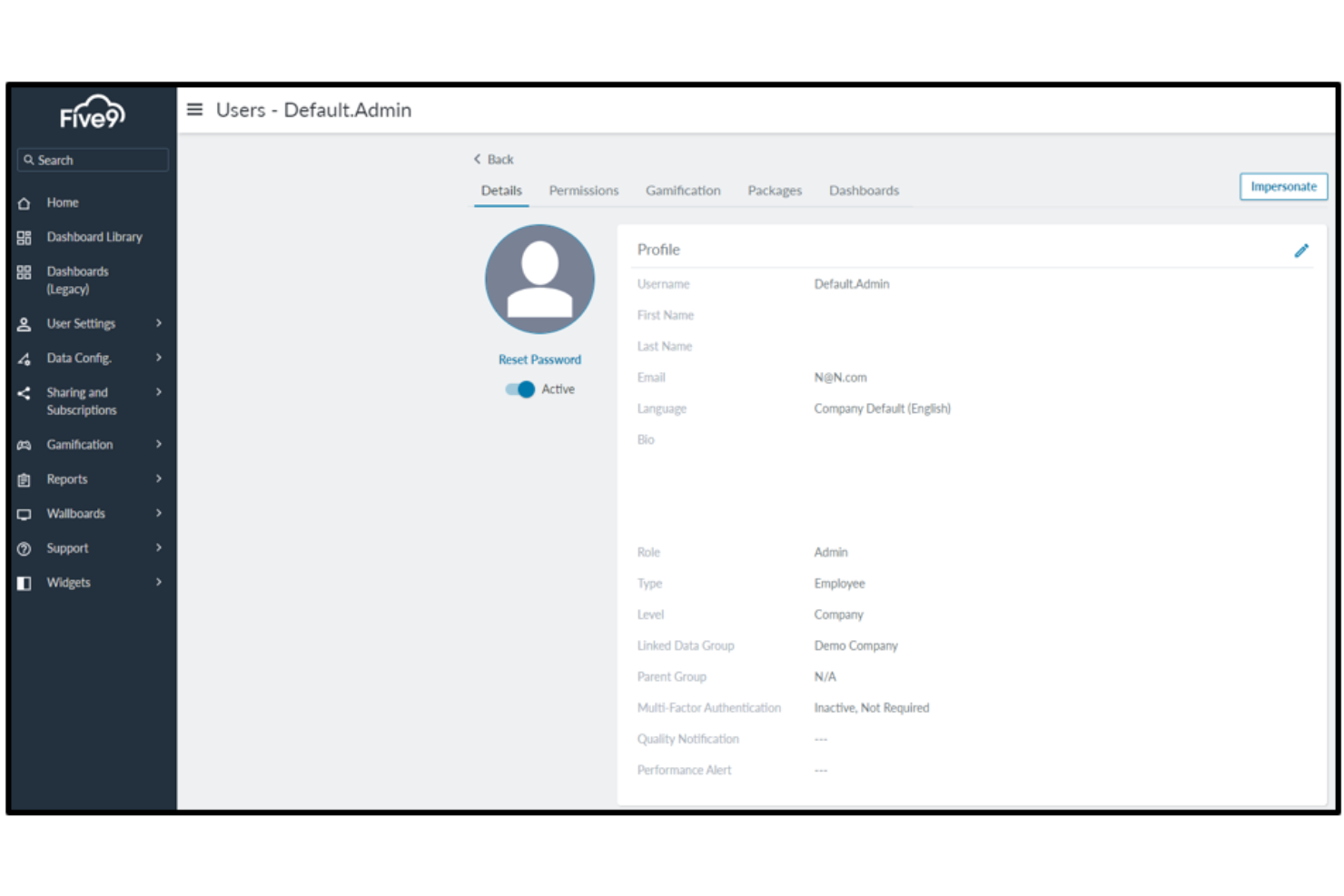
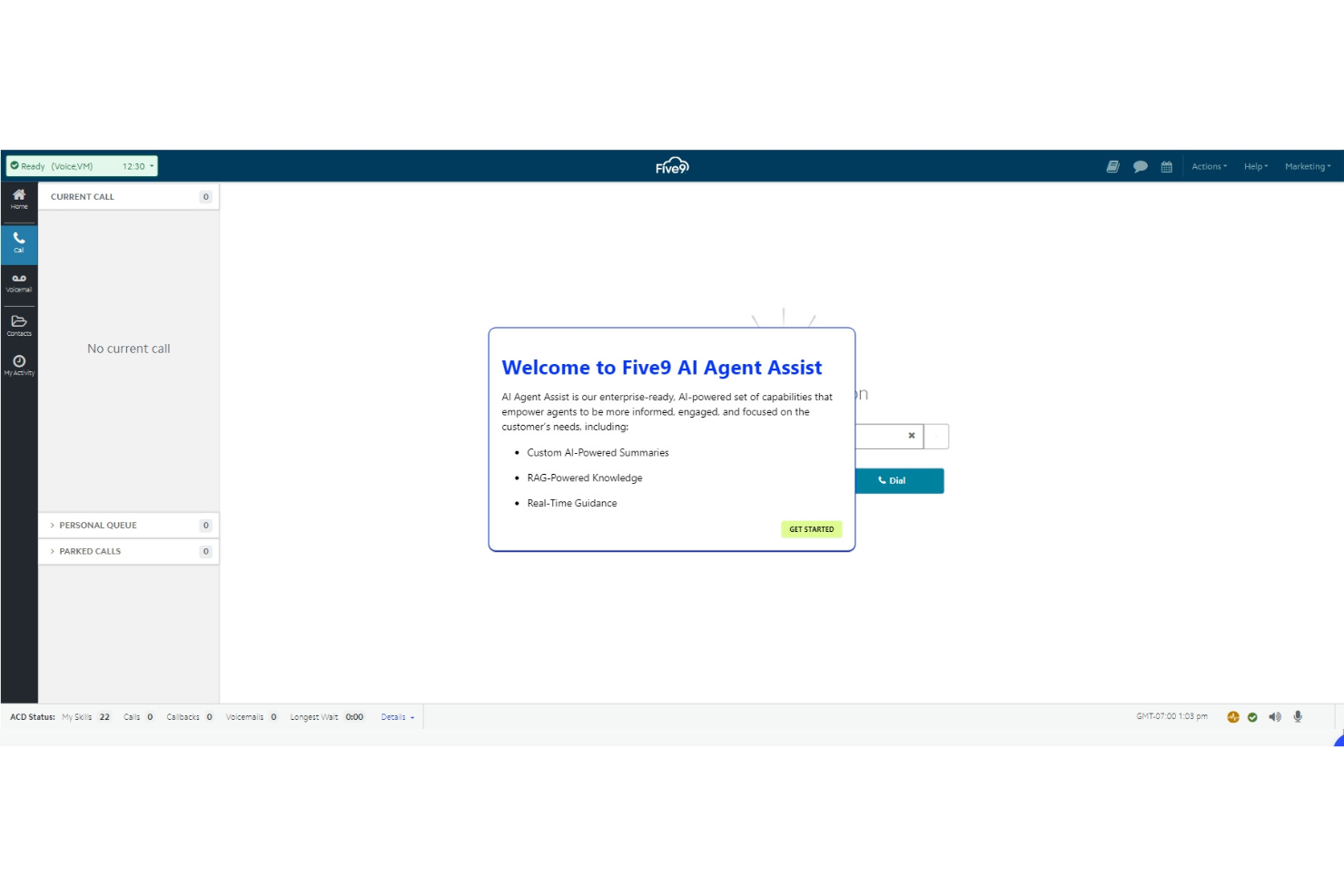
Five9 offers a clean, intuitive interface that most users pick up quickly, even if they’re new to call center software. Supervisors appreciate the drag-and-drop workflow designer and real-time dashboards, which make managing teams and monitoring performance straightforward. Some users mention that the admin tools can feel dated, but overall, the onboarding process is smooth and the platform’s guided setup helps teams get operational with minimal training.
Integrations
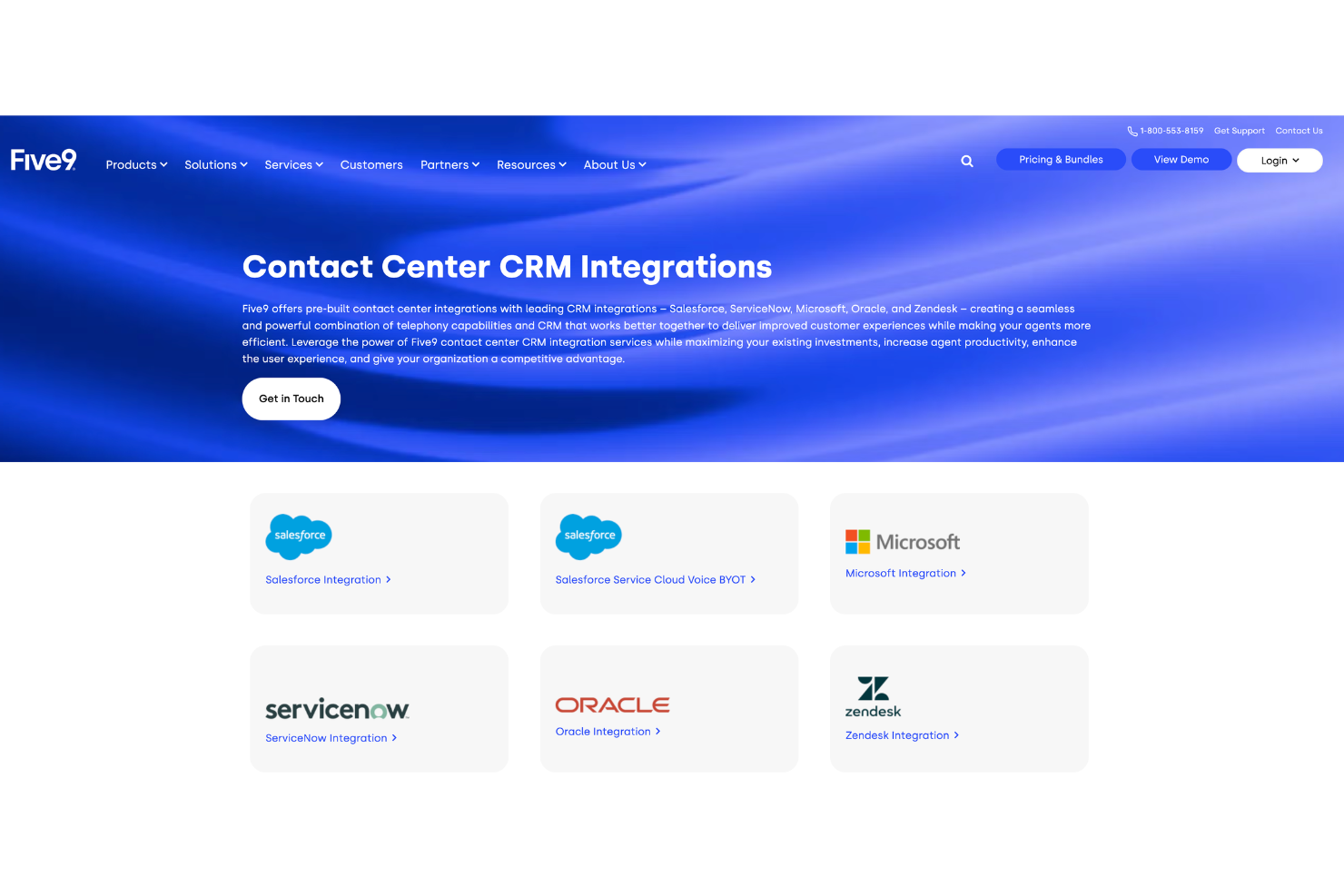
Five9 integrates with Salesforce, Zendesk, Microsoft Teams, ServiceNow, Oracle, NetSuite, Microsoft Dynamics 365, Zoom, Slack, and HubSpot, among others.
Five9 also offers a robust API and connects with third-party integration tools for custom workflows and extended functionality.
Five9 Specs
- API
- Auto Dialer
- Batch Permissions & Access
- Calendar Management
- Call Disposition
- Call Integration
- Call Logging
- Call Monitoring
- Call Recording
- Call Scripting
- Call Tracking
- Chat
- Click-to-Dial
- Contact Management
- Contact Sharing
- Custom Data Forms
- Customer Management
- Customer Service
- Dashboard
- Data Export
- Data Import
- Data Visualization
- Email Integration
- Escalation Management
- External Integrations
- Google Apps Integration
- Interactive Voice Response
- Knowledge Base
- Lead Management
- Lead Scoring
- Marketing Automation
- Multi-User
- Notifications
- SAP Integration
- Scheduling
- Softphone
- Supplier Management
- Support Forum
- Ticket Management


