

Recensione di Guidde: vantaggi, svantaggi, funzionalità e prezzi
Guidde eccelle grazie a guide intuitive per gli utenti e a un'integrazione fluida, garantendo al tuo team un'esperienza di onboarding senza intoppi.

Recensiamo gli strumenti in modo indipendente e le commissioni aiutano a finanziare i nostri test. Consulta la nostra politica di trasparenza, la nostra metodologia o suggerisci uno strumento.
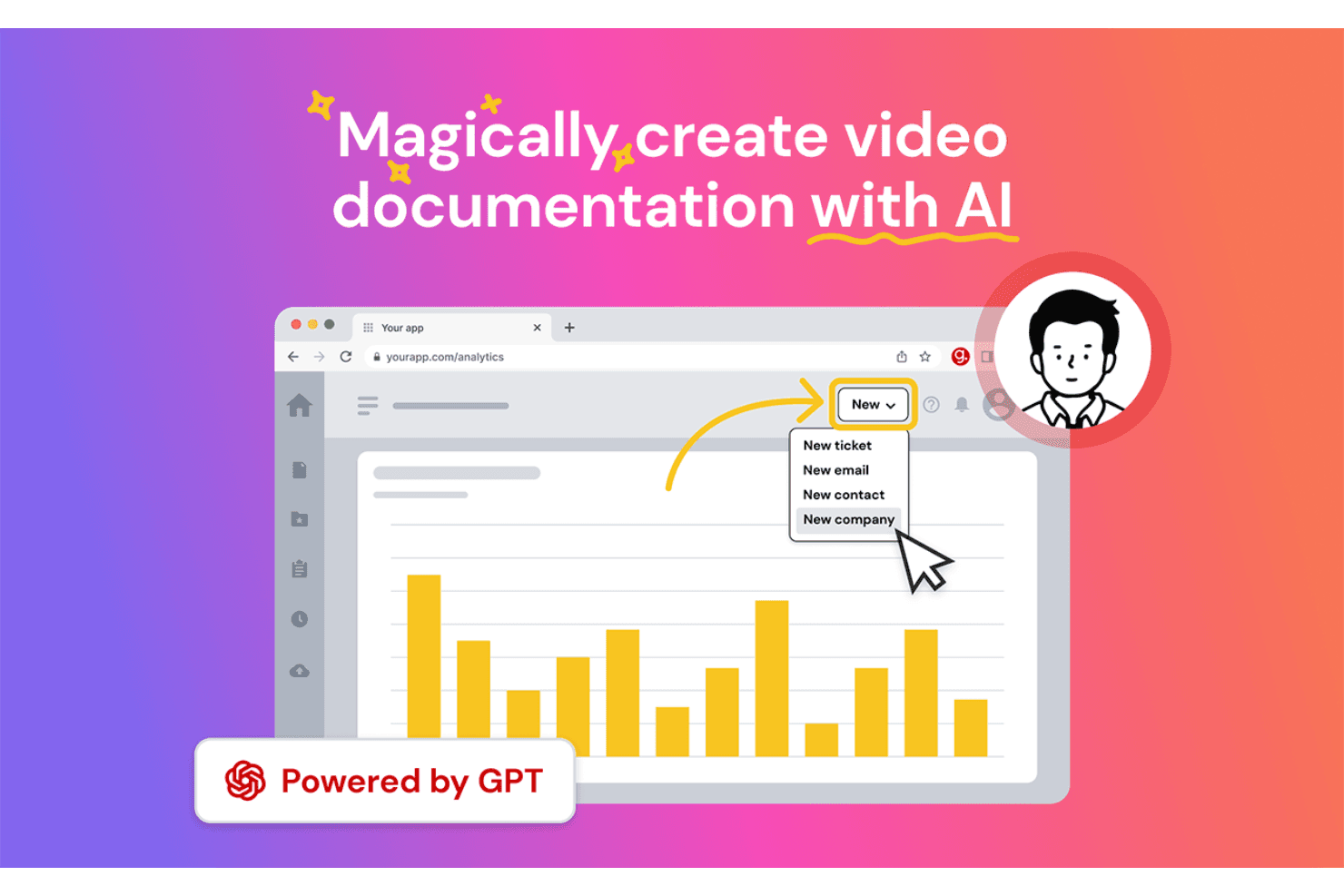
Guidde is an AI-powered customer onboarding software that generates step-by-step video how-to guides from screen recordings. I'd consider it if your team needs to produce product walkthroughs and training documentation at scale, without spending hours editing video. If you've looked at Loom, Guidde is the stronger fit for structured onboarding content—it adds AI-generated voiceover, automated annotations, and shareable guide formats that go beyond simple screen recording.
Guidde Evaluation Summary
4.9/5
- From $18/creator/month (billed annually)
- Free 7-day trial + free plan + free demo available
Perché fidarsi dei nostri consigli sui software
6,700+
Reviews
20
Industry experts
16+
Evaluation factors
14
Years
Il nostro team testa e recensisce software dal 2012. In quanto leader CX noi stessi, sappiamo quanto sia difficile — e importante — scegliere il software giusto.
Per questa guida, abbiamo valutato gli strumenti attraverso test pratici e ricerche indipendenti, assegnando un punteggio agli strumenti in base ai nostri criteri di selezione.
Le nostre recensioni riflettono il nostro giudizio editoriale umano, non un discorso di vendita.
 Gui DrusinaCreative Director
 Tim FisherVP of AI
Guidde Overview
In my opinion, Guidde serves as a solid AI platform for customer onboarding. Its user-friendly interface makes it easy for your team to navigate and start using straight away. The platform’s standout features, particularly its interactive guides, AI-generated voiceovers, and video documentation tools, set it apart from competitors by providing a supportive learning process.
However, while the onboarding experience is generally smooth, it could benefit from more customization options. The value for money is reasonable, especially for small to medium-sized businesses looking for a reliable tool without an excessive price tag. If you're searching for a straightforward onboarding solution with a decent level of support and features, Guidde is worth considering.
Pros
- You can quickly create step-by-step guides with voiceovers, annotations, and screen recordings. Your team can track user engagement with its robust analytics tools.
- You can easily share guides via different platforms, enhancing accessibility and customer satisfaction.
Cons
- You might find the customization options somewhat limited.
- Your team could encounter occasional performance lags.
- You may notice that complex integrations aren't always smooth.
Is Guidde Right For Your Needs?
Who Would be a Good Fit for Guidde?
Guidde is great for small to medium-sized businesses and startups that need efficient customer onboarding. If your team values interactive guides and video tutorials to ease users into your software, Guidde's features are well-suited for you. Its capabilities in creating step-by-step guides help reduce the learning curve for new users, making it ideal for companies aiming to improve user engagement from the very start.
- Tech StartupsGuidde empowers your team to create engaging video guides that help onboard users quickly and efficiently, essential for fast-paced tech environments.
- Small BusinessesIf you're a small business, Guidde offers cost-effective onboarding solutions that don't require extensive resources.
- Customer Support TeamsYour support team can use Guidde to create quick AI-generated reference guides and knowledge sharing materials, reducing the amount of time spent on repetitive queries.
- Training DepartmentsGuidde's AI-driven video tutorial features are perfect for training departments looking to make learning more engaging.
- Product ManagersUse Guidde to create clear product walkthroughs, so users can understand and use your product to its full potential.
- FreelancersFreelancers can leverage Guidde to provide clients with easy-to-follow guides, enhancing the client onboarding experience.
Who Would be a Bad Fit for Guidde?
Guidde might not suit businesses that need extensive integrations with other tools. For example, if your work requires tight integration with multiple platforms, you could find Guidde's capabilities lacking. Guidde's integration options are limited, which might not meet the needs of teams needing to synchronize data across various software solutions.
- Large EnterprisesLarge enterprises often need extensive integration capabilities, which Guidde lacks, making it difficult to fit into a complex tech ecosystem.
- Tech-Savvy TeamsIf your team prefers highly customizable software, Guidde's limited customization options might not meet your needs.
- Financial ServicesFinancial services require stringent security protocols that Guidde might not fully support, potentially compromising sensitive data.
- ManufacturingManufacturing industries often need specialized onboarding processes that Guidde doesn't offer, leading to inefficiencies.
- Marketing AgenciesMarketing agencies might find Guidde's lack of advanced analytics tools limiting for tracking onboarding effectiveness.
- HR DepartmentsHR departments looking for comprehensive document management should look elsewhere, as Guidde doesn't provide extensive template options.
Come Testiamo e Valutiamo gli Strumenti
Abbiamo passato anni a costruire, perfezionare e migliorare il nostro sistema di valutazione e testing dei software. Il nostro schema è progettato per cogliere tutte le sfumature nella selezione del software e per valutare ciò che rende uno strumento efficace, concentrandosi sugli aspetti critici nel processo decisionale. Qui sotto puoi vedere esattamente come funziona il nostro processo di testing e valutazione su sette criteri. Ci permette di offrire una valutazione imparziale del software basata su funzionalità principali, caratteristiche distintive, facilità d’uso, onboarding, supporto clienti, integrazioni, recensioni clienti e rapporto qualità/prezzo.
Funzionalità Principali (25% del punteggio finale)
Il punto di partenza della nostra valutazione sono sempre le funzionalità fondamentali dello strumento. Possiede le funzioni di base che un utente si aspetta? Alcune di queste funzionalità sono disponibili solo con piani più costosi? In sostanza, ci aspettiamo che uno strumento sia competitivo rispetto ai suoi concorrenti principali.
Caratteristiche Distintive (25% del punteggio finale)
Successivamente, valutiamo le funzionalità particolari e distintive che vanno oltre le funzionalità standard solitamente presenti in strumenti simili. Un punteggio elevato riflette funzionalità specializzate o uniche che rendono il prodotto più veloce, efficiente o che offrono valore aggiunto all’utente. Valutiamo anche quanto sia facile integrare lo strumento con altri strumenti tipicamente presenti nel tech stack, per ampliare le funzionalità e l’utilità del software. Ottengono il punteggio migliore gli strumenti che offrono numerose integrazioni native, connessioni di terze parti e accesso API per creare integrazioni personalizzate.
Facilità d’Uso (10% del punteggio finale)
Consideriamo quanto sia rapido e intuitivo eseguire le attività core usando lo strumento. Un software con un alto punteggio è ben progettato, intuitivo all’uso, offre app mobili, mette a disposizione modelli e semplifica attività relativamente complesse.
Onboarding (10% del punteggio finale)
Sappiamo quanto sia importante l’adozione rapida da parte del team per una nuova piattaforma, quindi valutiamo la facilità di apprendimento e utilizzo dello strumento con una formazione minima. Valutiamo quanto velocemente un membro del team può iniziare a usare lo strumento senza esperienza. Le soluzioni con punteggio elevato richiedono poco o nessun supporto.
Supporto Clienti (10% del punteggio finale)
Valutiamo quanto sia semplice ricevere assistenza via telefono, chat dal vivo o knowledge base. Gli strumenti e le aziende che offrono supporto in tempo reale ottengono il punteggio migliore, mentre i chatbot hanno il punteggio più basso.
Recensioni Clienti (10% del punteggio finale)
Oltre alla nostra valutazione interna, prendiamo in considerazione il net promoter score dei clienti attuali e passati. Analizziamo la probabilità che, potendo scegliere, selezionino di nuovo lo strumento per le sue funzionalità core. Un software con punteggio elevato riflette un alto net promoter score dai clienti attuali o passati.
Rapporto Qualità/Prezzo (10% del punteggio finale)
Infine, tenendo conto di tutti gli altri criteri, analizziamo il prezzo medio dei piani entry level rispetto alle funzionalità principali e consideriamo il valore delle altre metriche di valutazione. Il software che offre di più, a meno, otterrà un punteggio maggiore.
Core Features
Collaboration Tools
Teams co-create documentation in real time, refining content together to boost accuracy, maintain consistency, and speed up overall workflow.
Client Progress Tracking
Monitor client engagement, completion rates, and activity patterns to quickly spot gaps, address onboarding issues, and support smoother adoption.
Basic Reporting
Access simple, actionable reports that surface key insights into how clients use, view, and interact with your documentation over time.
Content Capture & Editing
Easily record internal processes and automatically convert them into clear, step-by-step visual guides that are simple to edit and update.
Permissions & Access Control
Manage who can view, edit, or share documentation, ensuring security, version accuracy, and proper control across teams and clients.
Ease of Use
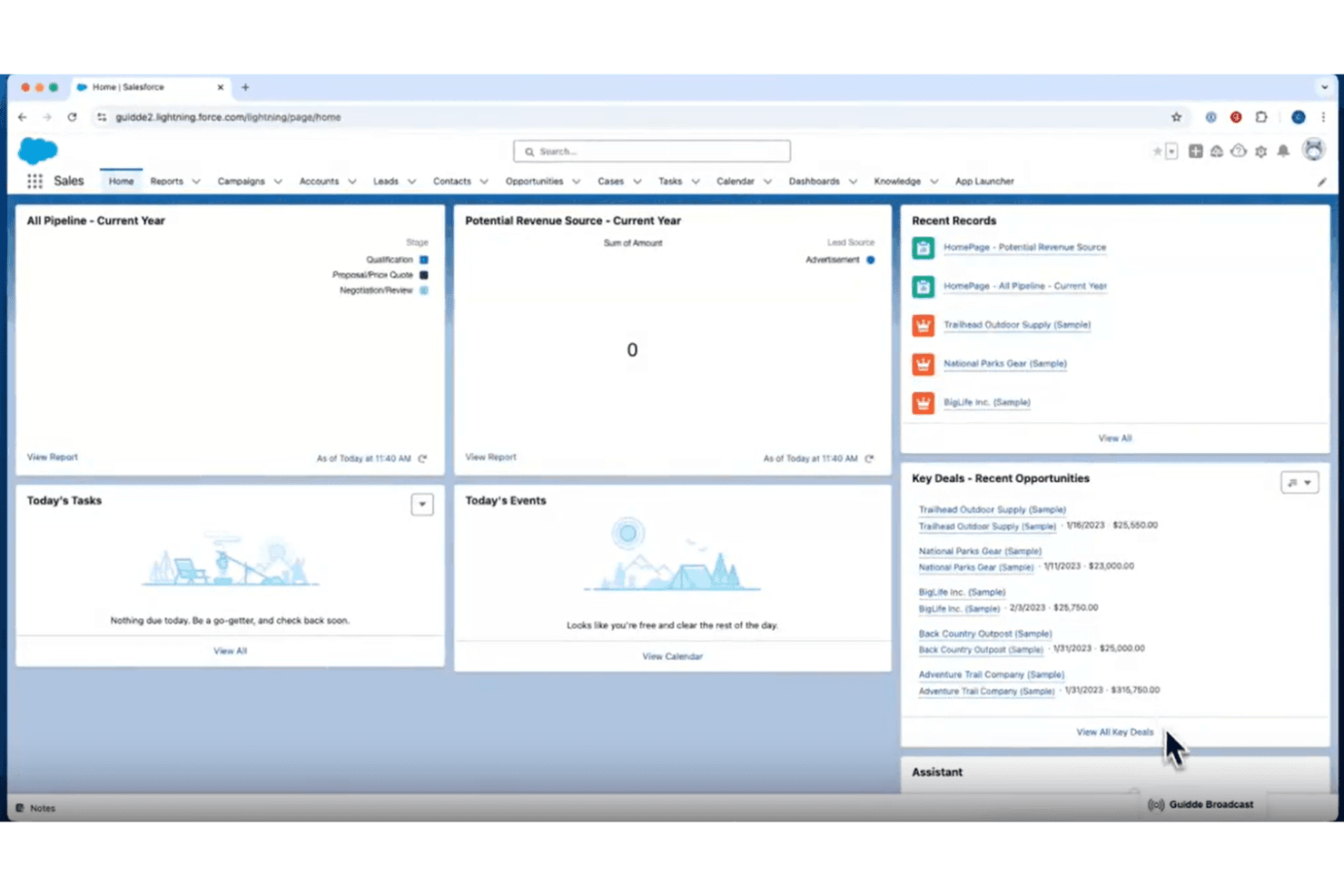
Guidde is highly intuitive, offering a straightforward experience for your team. You’ll appreciate its clean interface and easy navigation, which make onboarding a breeze. Users often highlight its simple layout and clear instructions, allowing you to quickly grasp its features without feeling overwhelmed. This ease of use is what sets Guidde apart in the customer onboarding space, making it a reliable choice for those seeking a tool that makes onboarding easy and simple.
Integrations
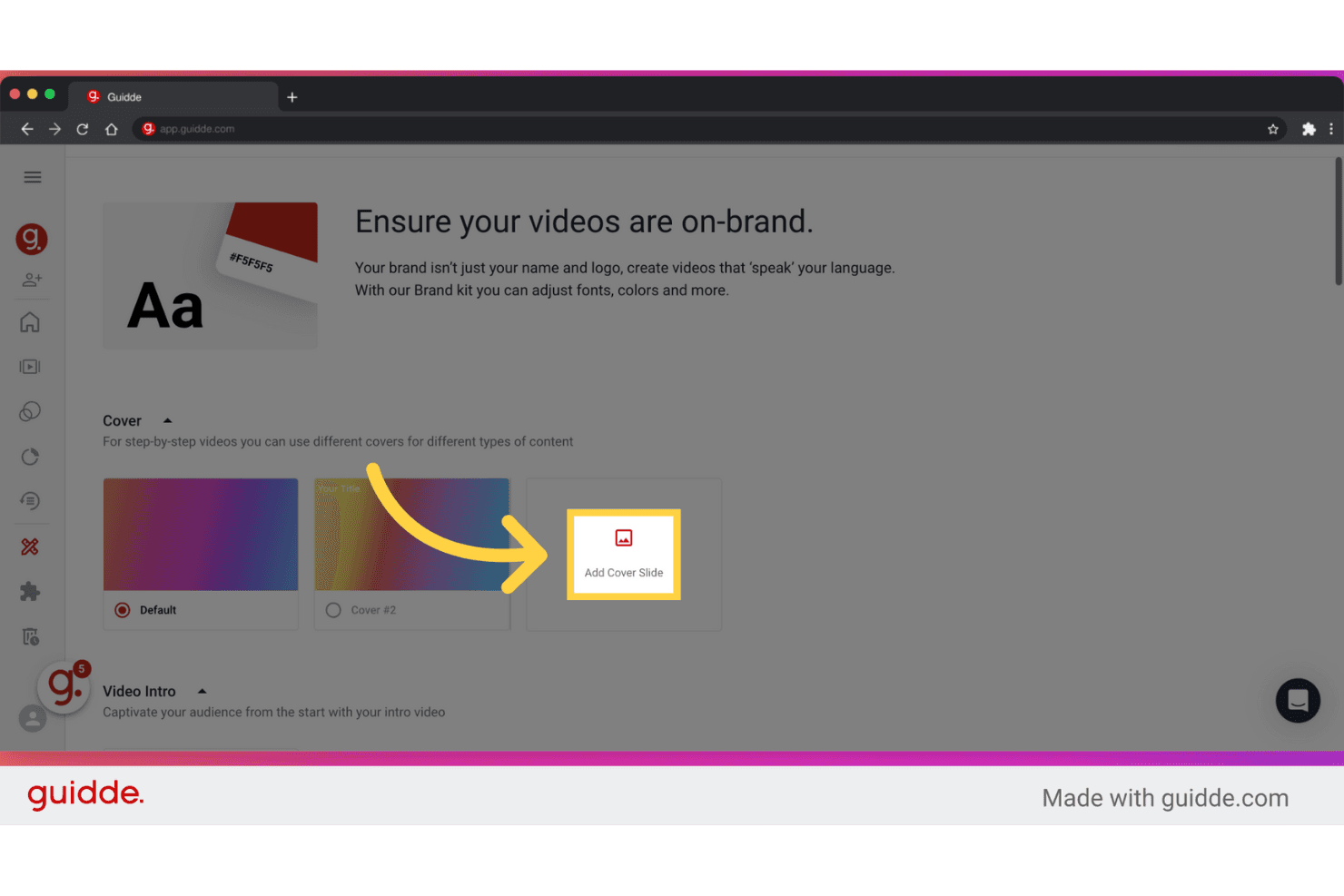
Guidde integrates with platforms like GitLab, Bitbucket, ClickUp, SharePoint, Webflow, Confluence, GitHub, WordPress, ServiceNow, and Zendesk. Through APIs, Guidde connects with third-party integration tools such as Slack, Zoom, and Gmail. It also provides a Chrome extension that allows users to capture, document, and share processes directly from their browser.

Guidde Specs
- 360 Degree Feedback: No
- API: No
- Application Tracking: No
- Attendance Tracking: No
- Batch Permissions & Access: Yes
- Calendar Management: No
- Data Export: Yes
- Data Import: No
- Email Integration: No
- Employee Database: No
- Employee Engagement: No
- Employee Incentive Management: No
- Employee Onboarding: Yes
- Employee Training: Yes
- External Integrations: Yes
- Feedback Management: No
- Gamification: No
- Google Apps Integration: No
- Multi-User: Yes
- Notifications: No
- Onboarding: Yes
- Password & Access Management: No
- Scheduling: No
- Time Management: No
- Timesheets: No
- Travel Management: No
- Vacation & Absence Calendar: No
- Video Courses: Yes


