

EngageBay-beoordeling: voordelen, nadelen, functies en prijzen
EngageBay onderscheidt zich door zijn betaalbaarheid en gebruiksvriendelijke interface, waardoor het ideaal is voor kleine tot middelgrote teams die op zoek zijn naar effectieve klantenserviceoplossingen.

We review tools independently, and commissions help fund our testing. See our transparency policy, our methodology, or suggest a tool.
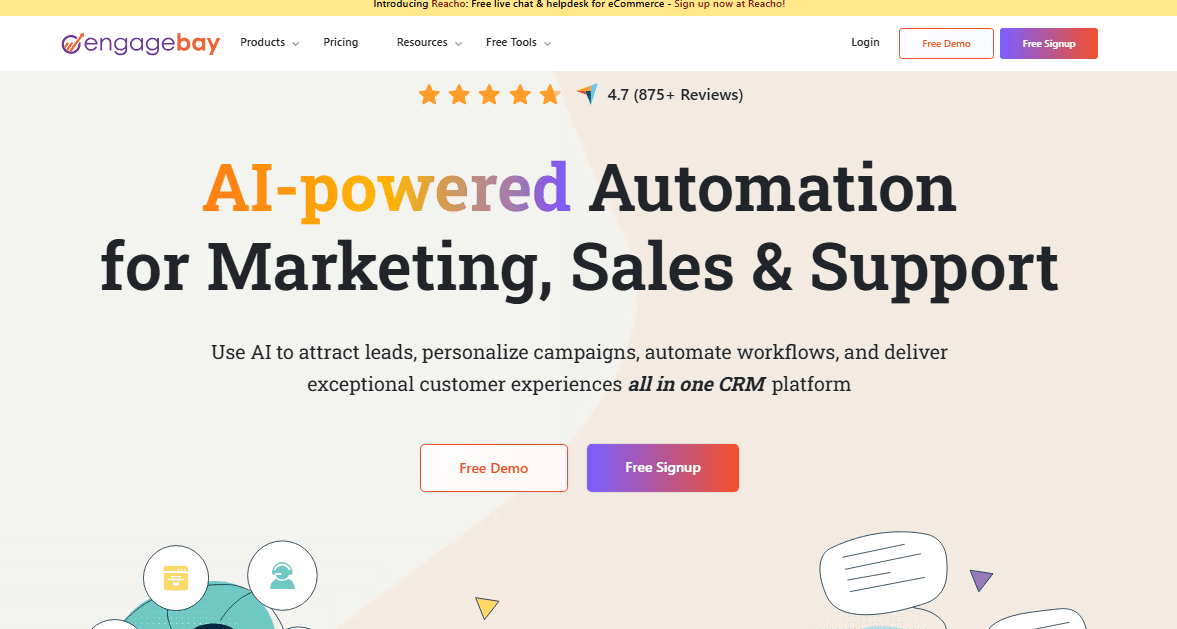
EngageBay is a CRM call center software built for small to mid-sized teams that need to handle customer conversations, track deals, and run support operations from one platform. I'd mainly consider it if you want the combined sales, marketing, and support depth that HubSpot offers, but without the pricing that typically comes with it. It's a strong fit for teams that need real coverage across the customer lifecycle without paying for tools they haven't grown into yet.
EngageBay Evaluation Summary
4.7/5
- From $14.99/user/month
- Free plan available
Waarom u onze softwareaanbevelingen kunt vertrouwen
6,700+
Reviews
20
Industry experts
16+
Evaluation factors
14
Years
Ons team test en beoordeelt software sinds 2012. Als CX-leiders weten we zelf hoe moeilijk — en belangrijk — het is om de juiste software te kiezen.
Voor deze gids hebben we tools geëvalueerd met behulp van praktijktests en onafhankelijk onderzoek, waarbij we tools beoordeelden aan de hand van onze selectiecriteria.
Onze reviews weerspiegelen ons menselijke redactionele oordeel, geen verkooppraatje.
 Gui DrusinaCreative Director
 Tim FisherVP of AI
EngageBay Overview
In my opinion, EngageBay is a solid choice for small to medium-sized businesses looking for an affordable customer relationship management platform. It offers a comprehensive set of core features, including email campaigns, marketing campaigns, CRM, and helpdesk capabilities, which are quite effective. The onboarding process is smooth, making it easy for new users to get up and running quickly. While its interface is generally user-friendly, it could benefit from more customization options to meet specific needs. EngageBay's standout features, like integrated marketing tools, give it an edge over competitors who charge more for similar capabilities. However, if you require extensive integrations or advanced analytics for your business needs, it might fall short. If your team values affordability and integrated features, EngageBay is worth considering for its affordable pricing and free plan options.
Pros
- You can easily learn and navigate the user-friendly interface.
- Customer support is quick and helpful, available 24/7.
- It efficiently manages contacts and automates tasks.
Cons
- You might find limited options for web page design and advanced automation.
- Some users face challenges with data integration and debugging.
- There are not enough instructional resources for new users.
Is EngageBay Right For Your Needs?
Who Would be a Good Fit for EngageBay?
EngageBay is an all-in-one CRM software that is ideal for small to medium-sized businesses looking to unify their sales, marketing, and customer service efforts. If your team needs an all-in-one platform that offers email marketing, CRM, and helpdesk functionalities, EngageBay fits the bill. Its affordability and ease of use make it particularly attractive for startups and growing companies that want to streamline their operations without investing in multiple tools. Its reputation for affordable pricing and an optional free plan adds further appeal.
- Small BusinessesEngageBay offers a cost-effective solution with essential marketing and CRM features for small businesses needing a unified platform.
- StartupsFor startups, EngageBay provides scalable tools that support growth with integrated marketing automation, landing pages, CRM capabilities, and all-in-one marketing functions.
- Sales TeamsSales teams benefit from EngageBay’s CRM functionality, which helps manage leads and track interactions in the sales pipeline efficiently through strong contact management.
- Marketing DepartmentsIts marketing automation features allow marketing departments to create and track segmentation, email templates and email campaigns seamlessly. Teams can also leverage email sequences and lead generation workflows to nurture prospects.
- Customer Support TeamsThe helpdesk and ticketing system in EngageBay is perfect for customer support teams needing efficient issue resolution.
- Remote TeamsWith EngageBay’s cloud-based platform, remote teams can collaborate and manage customer relationships from anywhere.
Who Would be a Bad Fit for EngageBay?
If your team relies heavily on detailed reporting or needs robust mobile optimization, EngageBay might not be the best choice. Its limitations in these areas can hinder businesses that require in-depth data analysis or those that operate primarily on mobile devices. Without strong reporting tools, you might struggle to gain insights into your customer interactions, and the lack of mobile optimization could slow down your workflow on the go.
- Large EnterprisesEngageBay lacks the complex reporting features big businesses need for deep data analysis.
- Mobile-First TeamsIts poor mobile optimization could slow down teams that work primarily from mobile devices.
- Data-Driven DepartmentsReporting limitations can hinder departments that rely on detailed analytics for decision-making.
- Retail CompaniesRetail businesses that require extensive integrations might find EngageBay's options insufficient.
- Tech-Savvy UsersAdvanced users may find EngageBay's features too basic and limiting for their needs.
- Global CorporationsIts limited scalability can be a barrier for companies with vast and diverse operations.
Core Features
Ticket Management: EngageBay lets you track and manage all customer inquiries in one place, making it easy for your team to respond quickly. You can prioritize tickets based on urgency and assign them to the right team members, ensuring that nothing falls through the cracks.
Automated Workflows: Save time with EngageBay's automated workflows that handle repetitive tasks like sending follow-up emails or assigning tickets. This feature helps your team focus on more critical customer interactions.
Knowledge Base: Create a self-service portal for your customers with EngageBay's Knowledge Base. This feature allows you to compile FAQs and guides, reducing the load on your support team and empowering customers to find answers on their own.
Live Chat Support: EngageBay's live chat feature connects you directly with your website visitors in real-time. This immediate interaction can improve customer satisfaction by resolving issues instantly.
Customer Feedback: Gather insights with EngageBay's feedback tools that let you capture customer opinions directly within the platform. Use this data to improve your services and understand your customers better.
Reporting and Analytics: Get a detailed view of your customer service performance with EngageBay's reporting tools. Analyze metrics like response times and customer satisfaction scores to make informed decisions and improve your team's efficiency.

Ease of Use
EngageBay's user interface is intuitive, making it easy for your team to navigate and utilize its features like email templates and segmentation without a steep learning curve. Users appreciate its straightforward design, which allows you to manage customer interactions efficiently. The platform's functionality, such as the drag-and-drop automation builder, empowers your team to create workflows effortlessly. However, some users mention that while it’s generally user-friendly, occasional updates can lead to temporary confusion. Overall, EngageBay provides a practical tool for enhancing customer service operations.

Integrations
EngageBay integrates with Zapier, Pipedrive, Shopify, Salesforce, SendGrid, Hubspot, Mailgun, Amazon SES, Mailchimp, Stripe, LinkedIn, WooCommerce, BigCommerce, and QuickBooks.
EngageBay also provides an API and connects with third-party integration tools like Zapier and Pabbly Connect for enhanced connectivity and automation.

EngageBay Specs
- 2-Factor Authentication: Yes
- API: Yes
- Calendar Management: Yes
- Call Tracking: Yes
- Campaign Management: Yes
- Click-to-Dial: Yes
- Contact Management: Yes
- Contact Sharing: Yes
- Custom Data Forms: Yes
- Customer Management: Yes
- Dashboard: Yes
- Data Export: Yes
- Data Import: Yes
- Data Visualization: Yes
- Email Integration: Yes
- External Integrations: Yes
- File Sharing: Yes
- File Transfer: Yes
- Google Apps Integration: Yes
- Lead Management: Yes
- Lead Scoring: Yes
- Marketing Automation: Yes
- Mobile App: Yes
- Multi-User: Yes
- Notifications: Yes
- Pipeline Management: Yes
- Sales Automation: Yes
- Scheduling: Yes
- Social-Media Integration: Yes
- Task Scheduling/Tracking: Yes
- Third-Party Plugins/Add-Ons: Yes


