


Aircall vs. Dialpad: Comparison & Expert Reviews for 2026



It starts small. A delayed response here, a dropped call there. Then suddenly your queue is backed up, agents are scrambling, and customers are repeating themselves just to be heard. Without the right call center software, even a strong team can't keep up with the pressure. The question is: which one's the right one?
If you're tired of clunky workflows, dropped calls, and telephony tools that just don't fit your support team, you're in the right place. Choosing the right VoIP call center platform can mean the difference between happy customers and constant headaches. Aircall and Dialpad both promise smarter business communication, but which one delivers the functionality your sales teams and support agents actually need?
In this breakdown, you'll get a side-by-side comparison—including pros and cons, ideal use cases, pricing, security, and usability. I'll help you decide which call management platform matches your goals and how each stacks up in real customer support environments.
Aircall vs. Dialpad: An Overview
Dialpad

Why Trust Our Software Recommendations
Our team has been testing and reviewing software since 2012. As CX leaders ourselves, we know how difficult—and important—it is to choose the right software.
For this guide, we evaluated tools using hands-on testing and independent research, scoring tools using our selection criteria.
Our reviews reflect our human editorial judgment, not a sales pitch.
Aircall vs. Dialpad Pricing Comparison
| Aircall | Dialpad | |
|---|---|---|
| Free Trial | Free trial available | 14-day free trial + free demo available |
| Pricing | From $30/license/month (billed annually) | Pricing upon request |
Aircall vs. Dialpad Pricing & Hidden Costs
Aircall and Dialpad both use a tiered subscription model, but there are key differences in what’s included at each level. Aircall tends to bundle core features but may charge extra for certain integrations and premium support, and you'll want to check contract requirements. Dialpad generally includes features like AI-powered transcription in more plans, but you may run into add-on costs for international calling or advanced analytics.
To pick the right pricing model, focus on the team size you have now and how quickly you'll grow. List out the core features and integrations you truly need—phone numbers, automated workflows, and high-volume call capacity—then check which tier from each vendor unlocks those without stacking on fees. Dedicated account managers are typically reserved for higher tiers at both providers, so factor that into your evaluation. In my experience, asking for a detailed quote with all the must-have features can surface hidden costs early and help you avoid surprises as your call center scales.
Aircall vs. Dialpad Feature Comparison
Both Aircall and Dialpad cover the key features your team needs: easy call routing, call recording, live analytics, voicemail, SMS messaging, and integrations with popular CRMs. You’ll also find mobile apps for iOS and Android, team collaboration features, and robust reporting options in both platforms.
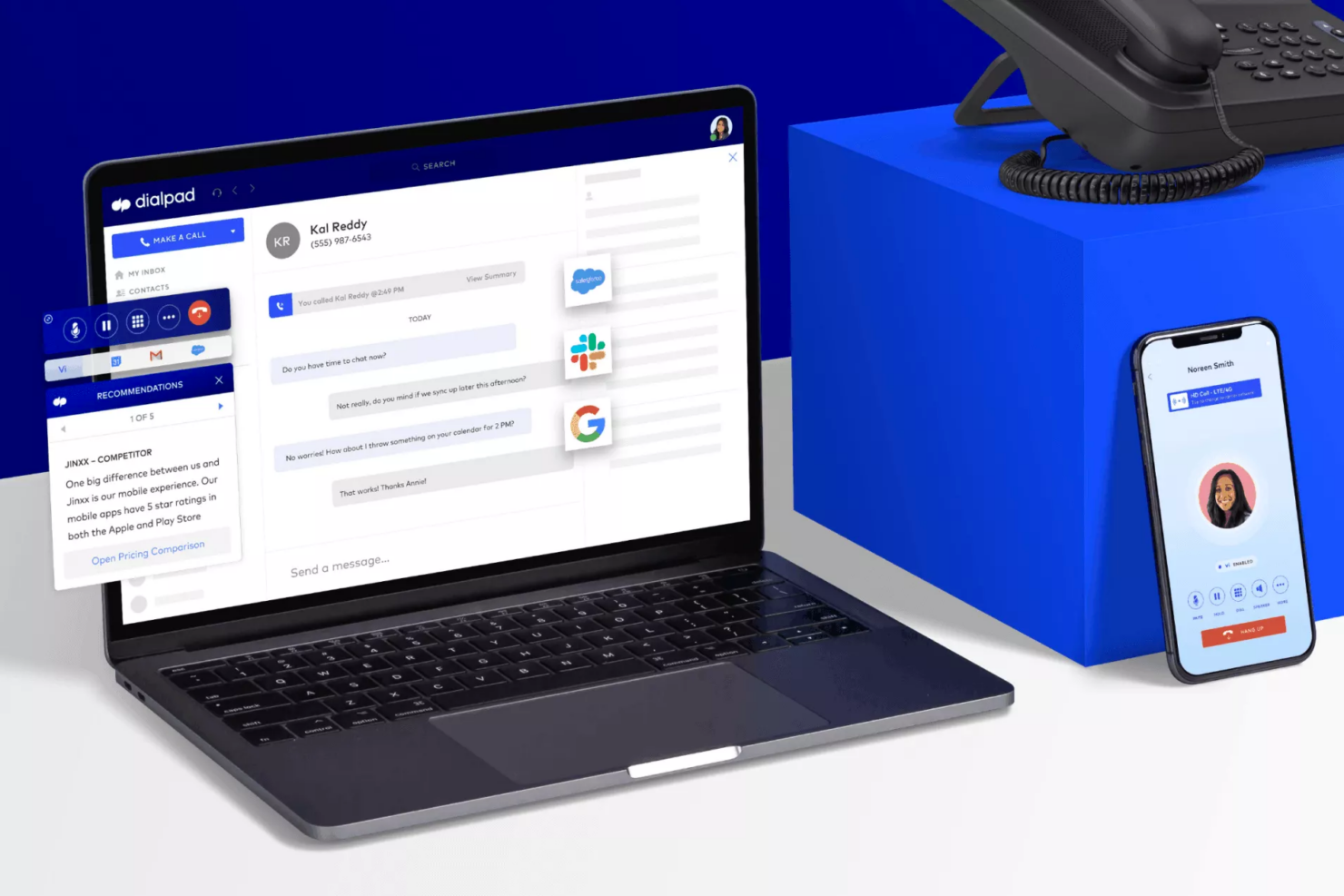
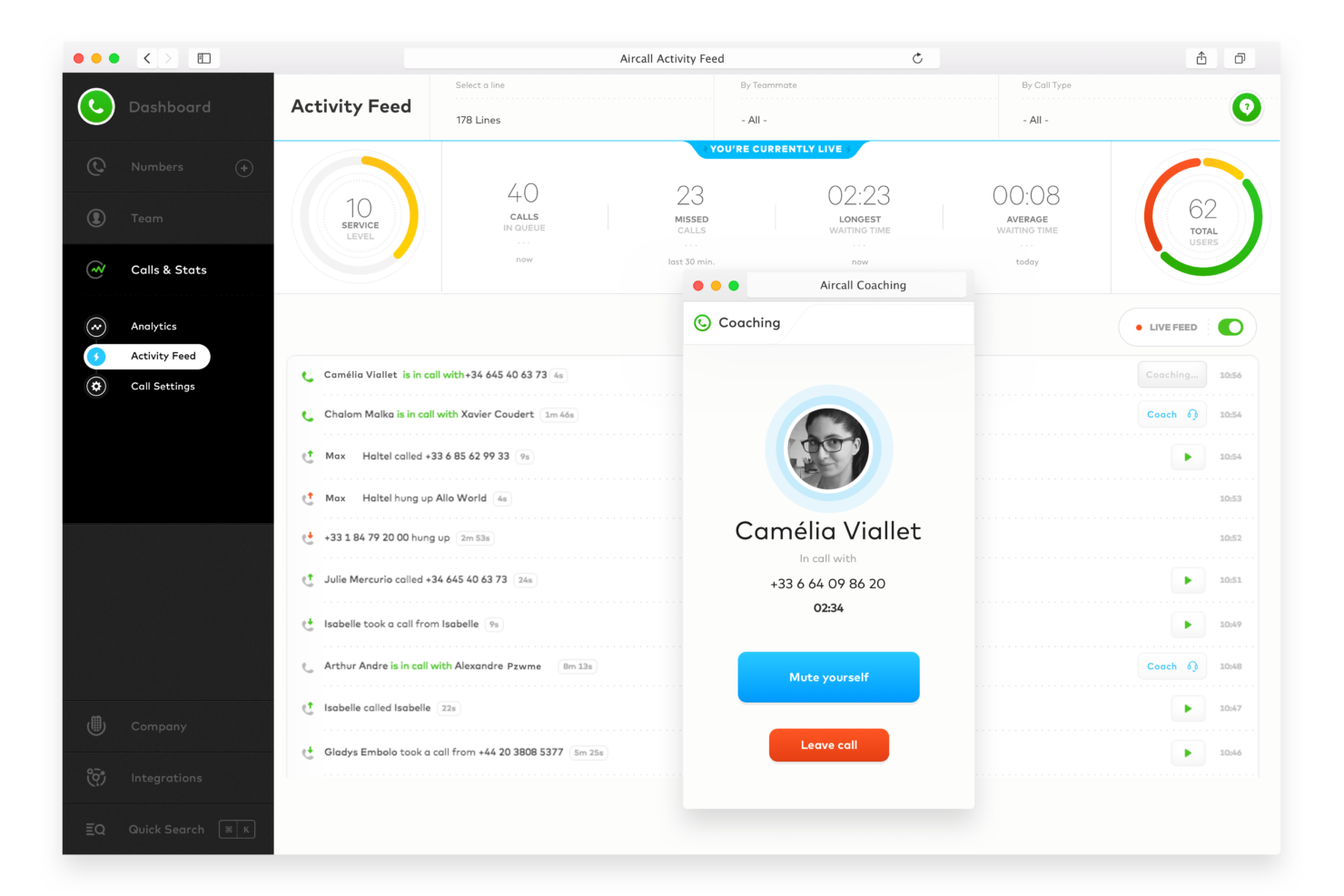
What Aircall offers beyond the basics includes advanced AI features like analytics, a power dialer for outbound call teams, call scoring, transcription, call whispering for live coaching, and post-call follow-ups—plus a reputation for rapid deployment that makes onboarding smoother for fast-moving teams. Dialpad offers its own edge through Dialpad AI and AI voice technology: built-in real-time call transcription, speech coaching, video conferencing, and video meetings that give sales teams new ways to improve performance on the fly. As a unified communications platform, Dialpad delivers unified communications across voice calling, messaging, and video in one place—making it a strong choice for teams with broader communication needs beyond the contact center.
| Aircall | Dialpad | |
|---|---|---|
| 2-Factor Authentication | ||
| API | ||
| Audio Recording | ||
| Auto Dialer | ||
| Automatic Call Distribution | ||
| CRM Integration | ||
| Call Disposition | ||
| Call Logging | ||
| Call Monitoring | ||
| Call Recording | ||
| Call Scripting | ||
| Call Tracking | ||
| Chat | ||
| Click-to-Dial | ||
| Contact Management | ||
| Contact Sharing | ||
| Dashboard | ||
| Data Export | ||
| Data Import | ||
| Data Visualization | ||
| External Integrations | ||
| File Transfer | ||
| Hardware Integration | ||
| Interactive Voice Response | ||
| Mobile App | ||
| Multi-User | ||
| Notifications | ||
| Report & Compliance | ||
| SMS | ||
| Scheduling | ||
| Softphone | ||
| Video |
Aircall vs. Dialpad Integrations
| Integration | Aircall | Dialpad |
|---|---|---|
| Salesforce | ✅ | ✅ |
| HubSpot | ✅ | ✅ |
| Zendesk | ✅ | ✅ |
| Slack | ✅ | ✅ |
| Intercom | ✅ | ✅ |
| Zoho CRM | ✅ | ✅ |
| Microsoft Teams | ✅ | ✅ |
| Google Workspace | ❌ | ✅ |
| API | ✅ | ✅ |
| Zapier | ✅ | ✅ |
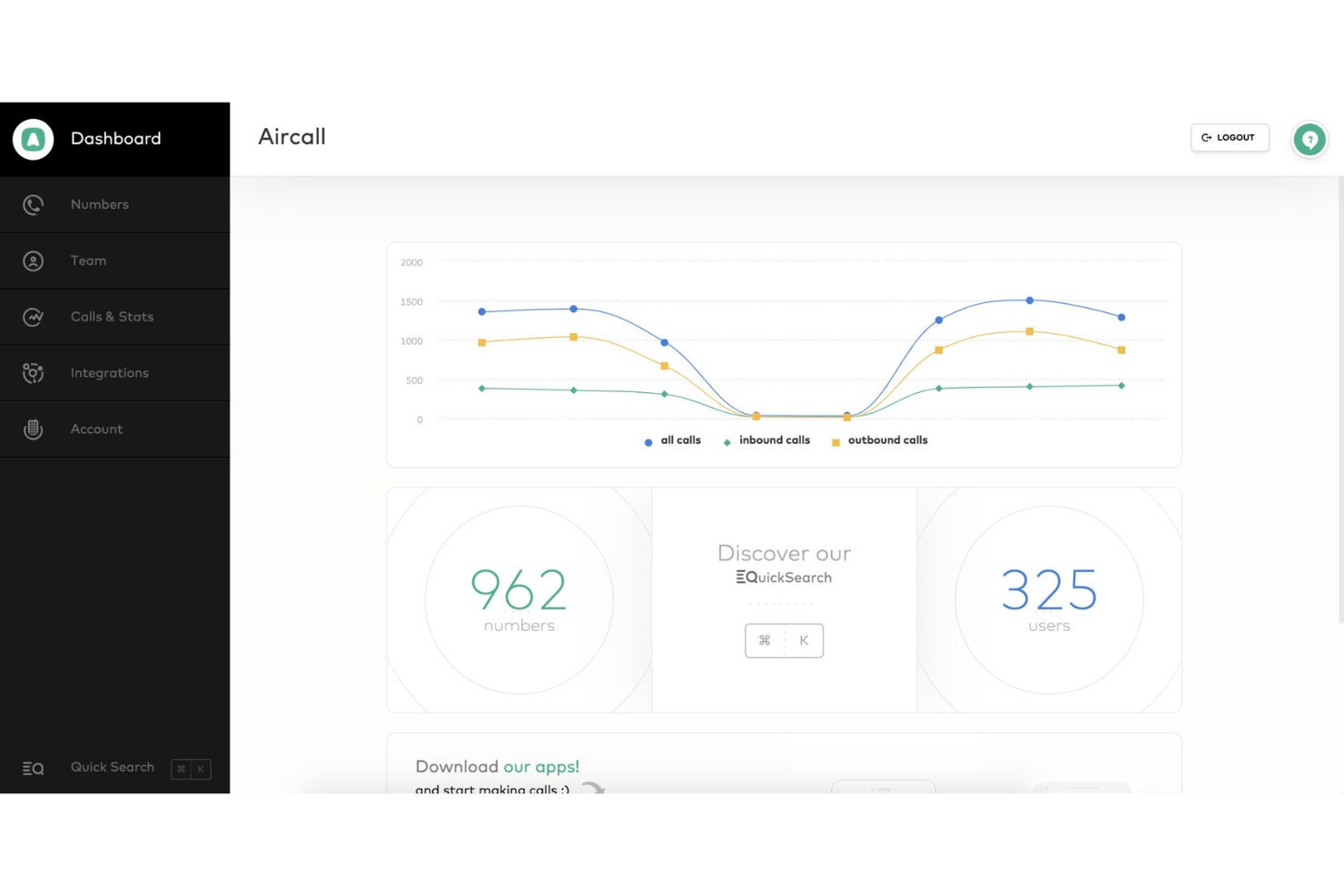
Both Aircall and Dialpad offer a strong range of integrations with major CRM and support tools, making them fairly comparable in this area. Each platform supports API access and Zapier, allowing you to connect with most of the tools in your existing stack. While there are some differences in specific native integrations, overall, they deliver a similar level of flexibility for most daily workflows.
Aircall vs. Dialpad Security, Compliance & Reliability
| Factor | Aircall | Dialpad |
|---|---|---|
| Data Encryption | Uses TLS and AES 256-bit encryption for calls and data storage. | Employs enterprise-grade encryption in transit and at rest for voice and messaging. |
| Regulatory Compliance | Complies with SOC 2, ISO 27001, CCPA, GDPR and offers features for HIPAA readiness. | Meets GDPR standards, has SOC 2 certification, and serves regulated sectors. |
| Reliability | 99.95% uptime SLA with global data centers and real-time status. | Offers a 99.99% uptime SLA on enterprise plans and multi-region failover. |
| Access Controls | Allows custom role-based permissions and SSO. | Provides SSO, multi-factor authentication, and granular role-based access. |
Both Aircall and Dialpad take compliance and security seriously, but Dialpad’s uptime guarantee on higher tiers stands out. Aircall’s strength is in healthcare and regional privacy support, while Dialpad shines with reliability features and enterprise controls.
Aircall vs. Dialpad Ease of Use
| Factor | Aircall | Dialpad |
|---|---|---|
| Interface Design | Clean, color-coded layout that simplifies navigation and makes key actions clear. | Modern, intuitive interface with easily accessible calling and messaging. |
| Onboarding | Quick, guided setup helps teams start using the platform in minutes. | Interactive tutorials and in-app tips accelerate ramp-up for new users. |
| Admin Controls | Intuitive dashboards let admins assign numbers and monitor usage with just a few clicks. | Centralized management console for quick user and number provisioning. |
| In-App Support | Aircall offers local support teams across 8 countries with a follow-the-sun support model, plus live chat and in-app resources. | 24/7 support and knowledge base are easily accessible from the main menu. |
Both tools are easy to get up and running, but Aircall’s lightning-fast onboarding will appeal to teams wanting no-fuss deployment, while Dialpad’s familiar interface and in-app education make ongoing use a breeze. I find Aircall shines for quick implementation, while Dialpad wins for day-to-day user comfort and accessibility.
Aircall vs Dialpad: Pros & Cons
Aircall
- Call quality is consistently clear and reliable.
- AI-powered features automate call routing and insights.
- Onboarding and setup are fast for new teams.
- Analytics and reporting options are fairly basic without paid add-ons.
- Pricing is higher than some similar solutions.
- Users with unreliable internet connectivity report audio quality issues.
Dialpad
- Your team benefits from AI-powered call analytics.
- It offers excellent call quality and reliability.
- The platform supports seamless video conferencing.
- You might find limited customization options.
- Some users report occasional app glitches.
- It lacks some advanced reporting features.
Best Use Cases for Aircall and Dialpad
Aircall
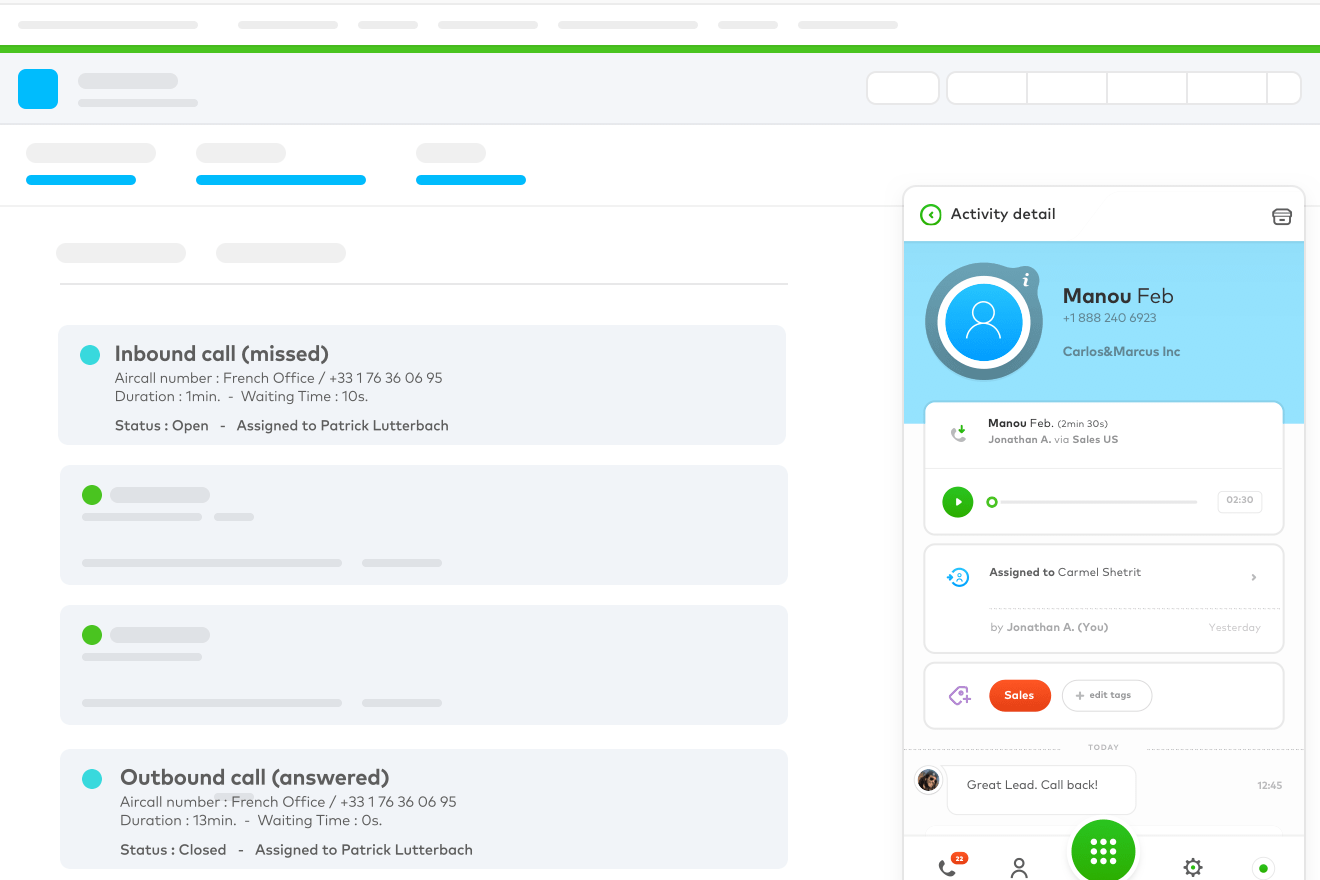
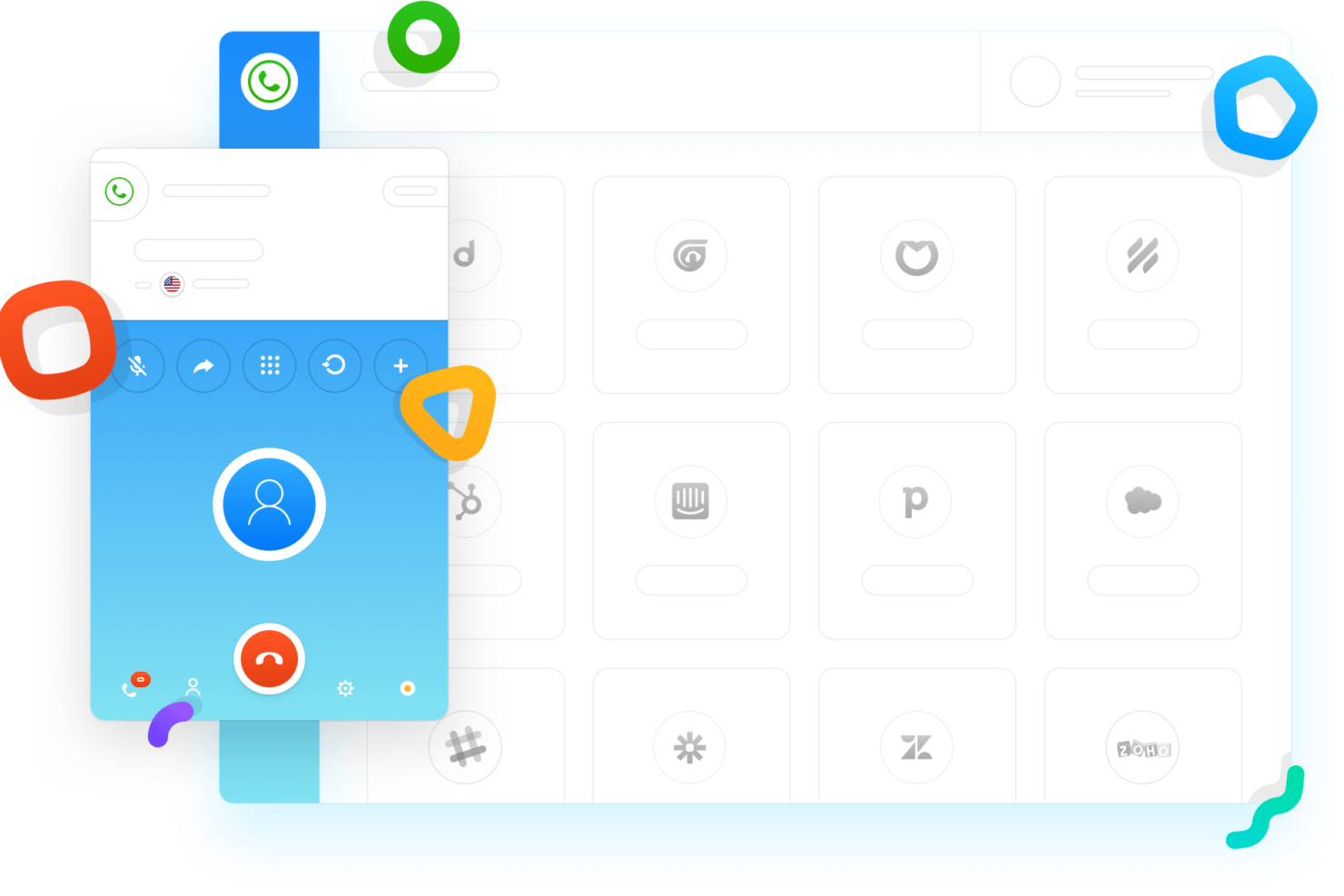
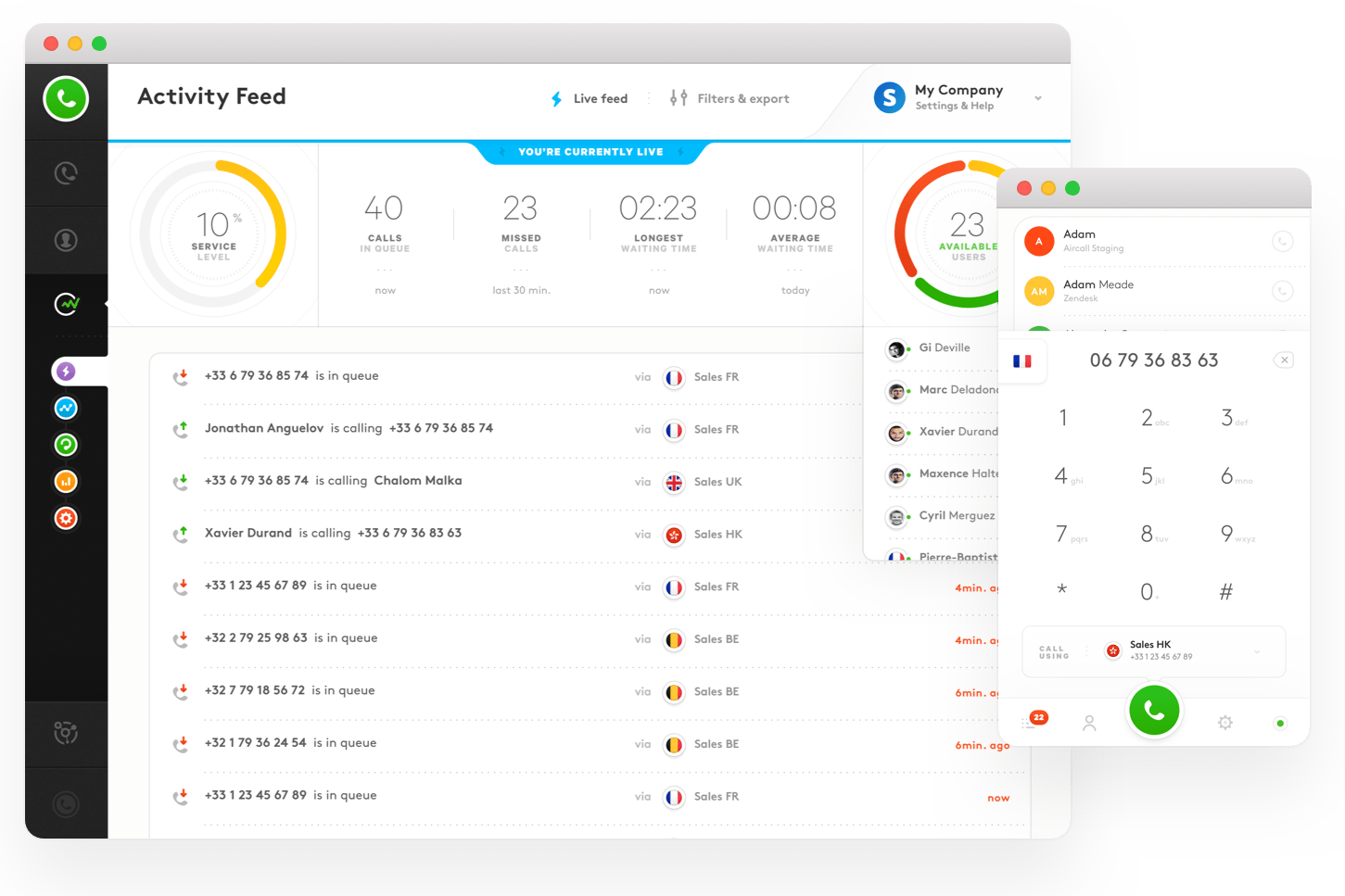
- SaaS Startups Aircall’s quick deployment and CRM integrations help fast-moving SaaS teams scale support.
- Remote Sales Teams Cloud-based calling and mobile apps keep distributed sales teams connected.
- Customer Support Departments Call routing and queue management streamline high-volume support operations.
- E-Commerce Businesses Order tracking and customer history pop-ups improve service for online retailers.
- SMBs With Growth Plans Scalable pricing and easy onboarding suit small businesses planning to expand.
- Recruitment Agencies Click-to-dial and call recording simplify candidate outreach and follow-up.
Dialpad
- Remote Teams Dialpad’s reliable call quality and video conferencing make it perfect for keeping your remote team connected.
- Customer Support The AI-powered analytics help your support team analyze calls and improve customer interactions.
- Sales Departments Its seamless conferencing tools allow your sales team to engage clients effectively across distances.
- Tech Startups Dialpad’s scalability and ease of use support your growing startup’s communication needs.
- IT Support Teams The platform’s call clarity and real-time transcriptions aid your IT team in troubleshooting issues efficiently.
- Online Retail For online retailers, Dialpad’s reliable communication tools ensure smooth customer service operations.
Who Should Use Aircall, and Who Should Use Dialpad?
Aircall is a top pick for fast-moving teams, high-growth companies, and businesses of all sizes that need a flexible, easy-to-deploy phone solution with deep CRM integrations. While it’s especially popular with support and sales teams, Aircall is industry-agnostic and can support a broad range of use cases across healthcare, retail, staffing, and professional services. Dialpad, on the other hand, makes sense for larger, distributed teams wanting AI-powered tools, a familiar interface, and tight Microsoft or Google connections.
If you need rapid onboarding, scalable workflows, and an intuitive platform that can grow with your business, Aircall is an exceptional fit. For advanced analytics, strong call transcription, and larger-scale operations, Dialpad is hard to beat.
Differences Between Aircall and Dialpad
| Aircall | Dialpad | |
|---|---|---|
| Industry Focus | Well-suited for healthcare and privacy-focused industries. | Aimed at businesses focused on collaboration. |
| Onboarding Speed | Extremely fast setup and deployment for new teams. | Guided onboarding, but setup can take a bit longer. |
| Pricing Transparency | Extra fees for some integrations and premium support tiers. | More features included in base tiers, fewer surprise costs. |
| Visit AircallOpens new window | Read Dialpad ReviewOpens new window |
Similarities Between Aircall and Dialpad
| API & Zapier | Each offers API access and Zapier integrations, letting you create custom workflows and automations. |
|---|---|
| CRM Integration | Aircall and Dialpad both connect natively with leading CRMs like HubSpot and Salesforce out of the box. |
| Call Routing | Both offer customizable call routing, ring groups, and IVR to get callers to the right team fast. |
| Cloud-Based Setup | Both are cloud-native, requiring no on-premise hardware and enabling remote and distributed teams easily. |
| Reporting & Analytics | Real-time dashboards, call summaries, and usage reporting are available to help teams track performance. |
| Visit AircallOpens new window Read Dialpad ReviewOpens new window | |