

Recension av Freshdesk Omni: Fördelar, nackdelar, funktioner och priser

We review tools independently, and commissions help fund our testing. See our transparency policy, our methodology, or suggest a tool.
Freshdesk Omni is a customer service software that brings email, live chat, phone, and social messaging into one agent workspace with AI-assisted routing and automation included. It's worth a close look if your team handles high conversation volumes across multiple channels and you want those channels genuinely unified. I'd pick it over Zendesk Suite when you need comparable omnichannel depth but want faster setup and more accessible pricing at scale.
Freshdesk Omni Evaluation Summary

4.4/5
- From $29/user/month (billed annually)
- 14-day free trial + free demo available
Varför du kan lita på våra programvarurekommendationer
6,700+
Reviews
20
Industry experts
16+
Evaluation factors
14
Years
Vårt team har testat och recenserat programvara sedan 2012. Som CX-ledare själva vet vi hur svårt — och viktigt — det är att välja rätt programvara.
För den här guiden utvärderade vi verktyg genom praktisk testning och oberoende research, och betygsatte verktygen enligt våra urvalskriterier.
Våra recensioner speglar vårt mänskliga redaktionella omdöme, inte ett säljbudskap.
 Gui DrusinaCreative Director
 Tim FisherVP of AI
Freshdesk Omni Overview
In my opinion, Freshdesk Omni stands out as a solid choice for customer service and helpdesk software. It's particularly effective for teams that value a user-friendly interface and robust support. While Freshdesk Omni offers a comprehensive feature set, some features could feel a bit limiting unless you’re on the higher tiers, which might not suit small businesses with tight budgets. However, the investment pays off with its excellent onboarding and customer support.
Compared to competitors like Zendesk and Zoho, Freshdesk Omni excels in providing a seamless user experience, though it may lack some advanced integrations. It's best suited for mid-sized to large enterprises that need reliable and efficient customer service solutions. If you're considering a tool that balances functionality with ease of use for your team members, Freshdesk Omni should be on your radar.
Pros
- Unified inbox with seamless omnichannel support.
- Built-in AI tools like Freddy AI chatbots.
- Proactive insights to help automate responses and improve customer experience.
Cons
- Higher starting price than the basic Freshdesk plan.
- Can be overwhelming for very small teams or simple use cases.
Is Freshdesk Omni Right For Your Needs?
Who Would be a Good Fit for Freshdesk Omni?
Freshdesk Omni is an AI-powered software that is ideal for mid-sized businesses and larger enterprises that need efficient customer service solutions. If your team handles a high volume of customer interactions, Freshdesk Omni's AI capabilities, like Freddy AI, can autonomously resolve over 80% of queries, boosting productivity and enhancing customer experience. Freshdesk Omni also helps you build and deploy chatbots. It's perfect for industries where quick, reliable customer support is crucial, such as e-commerce or technology.
- E-commerce BusinessesFreshdesk Omni helps your team manage customer inquiries efficiently with AI agents that handle tasks like ticket management, order tracking and returns.
- Technology CompaniesIf your tech company needs seamless customer support, Freshdesk Omni provides a unified workspace and real-time insights to enhance service.
- Healthcare ProvidersFreshdesk Omni is ideal for healthcare teams needing to manage patient inquiries with confidentiality and efficiency through customizable workflows.
- Retail ChainsFor retail, Freshdesk Omni offers tools to address customer queries quickly, maintaining high service standards across multiple locations.
- Financial ServicesIn finance, Freshdesk Omni's AI tools help manage sensitive customer data while providing quick resolutions to inquiries.
- Education InstitutionsFor educational institutions, Freshdesk Omni supports managing student and parent communications effectively, enhancing overall engagement.
Who Would be a Bad Fit for Freshdesk Omni?
If your business needs advanced customization or complex integrations, Freshdesk Omni might not be the best choice. Its feature set is more suited for straightforward customer service needs rather than highly specialized requirements. Teams looking for deep analytics might find Freshdesk Omni lacking in robust reporting capabilities. Additionally, if your team requires extensive financial features, such as budgets and expenses, Freshdesk Omni won't meet your demands, as it's not designed to handle these functions.
- Highly Specialized IndustriesFreshdesk Omni isn’t designed for highly regulated or specialized industries such as healthcare, manufacturing, or government, where teams often require industry-specific workflows, certifications, and compliance tooling. Organizations in these sectors may need more purpose-built platforms to meet regulatory or operational requirements.
- Large Enterprises with Complex Tech StacksWhile Freshdesk Omni can support large support teams, enterprises with highly complex systems, deep legacy integrations, or very specific customization needs may find its flexibility limited compared to enterprise-grade service management platforms.
- Financial DepartmentsTeams looking for budgeting, forecasting, expense tracking, or financial reporting features will need to rely on dedicated finance or ERP tools instead.
- Teams Needing Advanced AnalyticsFreshdesk Omni provides strong operational reporting and real-time support metrics, but it may fall short for teams that require advanced analytics, custom data modeling, or deep business intelligence capabilities beyond standard customer service reporting.
How We Test & Score Tools
We’ve spent years building, refining, and improving our software testing and scoring system. The rubric is designed to capture the nuances of software selection and what makes a tool effective, focusing on critical aspects of the decision-making process.
Below, you can see exactly how our testing and scoring works across seven criteria. It allows us to provide an unbiased evaluation of the software based on core functionality, standout features, ease of use, onboarding, customer support, integrations, customer reviews, and value for money.
Core Functionality (25% of final scoring)
The starting point of our evaluation is always the core functionality of the tool. Does it have the basic features and functions that a user would expect to see? Are any of those core features locked to higher-tiered pricing plans? At its core, we expect a tool to stand up against the baseline capabilities of its competitors.
Standout Features (25% of final scoring)
Next, we evaluate uncommon standout features that go above and beyond the core functionality typically found in tools of its kind. A high score reflects specialized or unique features that make the product faster, more efficient, or offer additional value to the user.
We also evaluate how easy it is to integrate with other tools typically found in the tech stack to expand the functionality and utility of the software. Tools offering plentiful native integrations, 3rd party connections, and API access to build custom integrations score best.
Ease of Use (10% of final scoring)
We consider how quick and easy it is to execute the tasks defined in the core functionality using the tool. High scoring software is well designed, intuitive to use, offers mobile apps, provides templates, and makes relatively complex tasks seem simple.
Onboarding (10% of final scoring)
We know how important rapid team adoption is for a new platform, so we evaluate how easy it is to learn and use a tool with minimal training. We evaluate how quickly a team member can get set up and start using the tool with no experience. High scoring solutions indicate little or no support is required.
Customer Support (10% of final scoring)
We review how quick and easy it is to get unstuck and find help by phone, live chat, or knowledge base. Tools and companies that provide real-time support score best, while chatbots score worst.
Customer Reviews (10% of final scoring)
Beyond our own testing and evaluation, we consider the net promoter score from current and past customers. We review their likelihood, given the option, to choose the tool again for the core functionality. A high scoring software reflects a high net promoter score from current or past customers.
Value for Money (10% of final scoring)
Lastly, in consideration of all the other criteria, we review the average price of entry level plans against the core features and consider the value of the other evaluation criteria. Software that delivers more, for less, will score higher.
Core Features
Ticketing: Freshdesk Omni offers an intelligent ticketing system that centralizes conversations, supports multilingual interactions, and allows your team to collaborate through shared inboxes and internal threads. This feature helps streamline your customer support processes and manage support tickets, making it easier for your team to resolve queries efficiently.
Freddy AI: The integrated AI solution enhances customer and agent experiences by automating repetitive tasks and offering personalized self-service options. Freddy AI provides insights for better decision-making, allowing your team to focus on more complex issues.
Analytics and Insights: Freshdesk Omni provides tools to track performance and customer interactions, enabling you to generate on-demand reports and personalized dashboards. This helps identify operational bottlenecks and ensures continuous improvement through pre-defined reports and custom analyses.
Self-Service: A customer portal allows users to submit tickets and access resources independently. This feature empowers your customers to find answers quickly through a multilingual knowledge base, customizable portals, and community forums.
Routing and SLA Management: Automate ticket routing with customizable business rules and automation triggers to optimize your team's workflow. This ensures that agents focus on critical issues, improving response times and customer satisfaction.
Security: Robust security measures, including role-based access control and IP whitelisting, protect customer data and streamline agent access. This ensures your support operations remain secure and efficient.

Ease of Use
Freshdesk Omni is generally straightforward, making it easy for you and your team to navigate its features. User feedback highlights its intuitive interface and sensible design. However, some users mention that the plethora of options can be overwhelming initially. You'll appreciate its clean layout and the logical organization of tools, which facilitate quick access to essential features, enhancing overall productivity in managing customer service tasks effectively.

Integrations
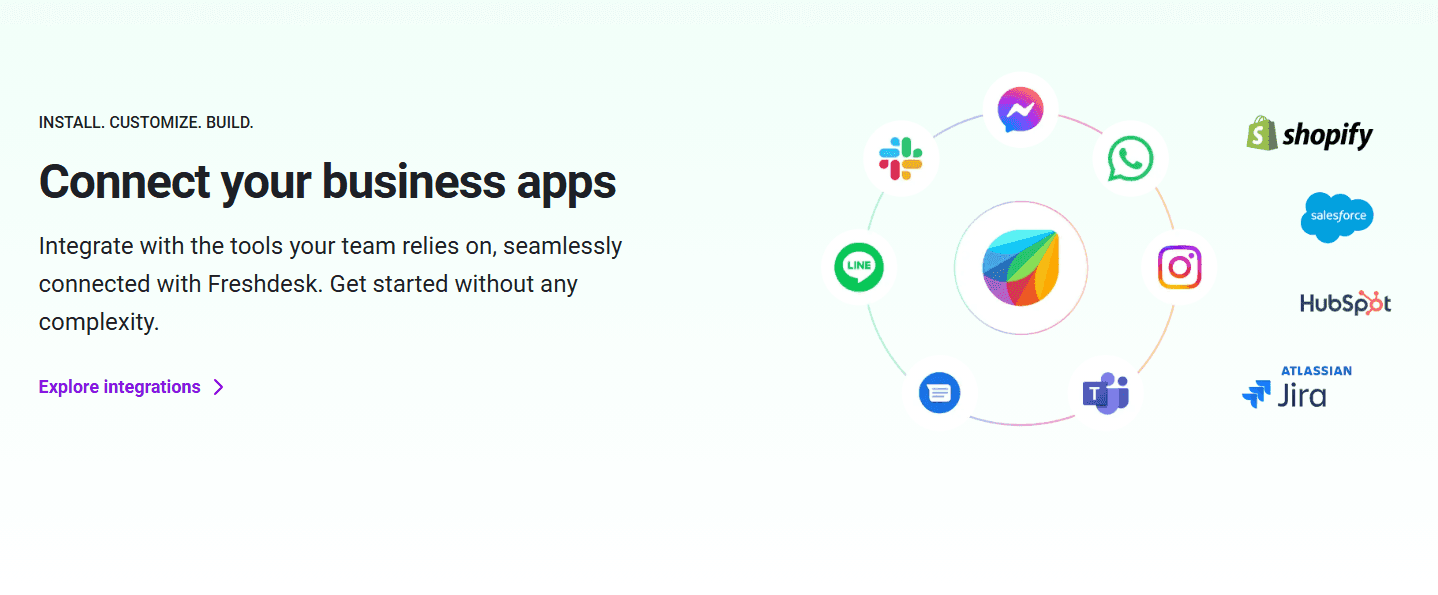
Freshdesk Omni integrates with widely used tools like Slack, Salesforce, Mailchimp, Google Workspace, Microsoft Teams, Dropbox, Shopify, and WordPress. It also provides an API and access to the Freshworks Marketplace, enabling teams to extend functionality through additional apps and custom or third-party integrations, depending on plan and configuration.
Freshdesk Omni Specs
- API: Yes
- Calendar Management: Yes
- Call Integration: Yes
- Chat: Yes
- Click-to-Dial: Yes
- Contact Management: Yes
- CRM Integration: Yes
- Customer Management: Yes
- Dashboard: Yes
- Data Export: Yes
- Data Import: Yes
- Data Visualization: Yes
- Email Integration: Yes
- Escalation Management: Yes
- External Integrations: Yes
- Google Apps Integration: Yes
- Inventory Tracking: No
- Knowledge Base: Yes
- Lead Management: No
- Lead Scoring: No
- Marketing Automation: No
- Multi-User: Yes
- Net Promoter Score: Yes
- Notifications: Yes
- Online Surveys: Yes
- SAP Integration: Yes
- Scheduling: Yes
- Self-service Portal: Yes
- Supplier Management: No
- Support Forum: Yes
- Ticket Management: Yes


