
Anmeldelse af Zoho CRM: Fordele, ulemper, funktioner & priser
Zoho CRM udmærker sig ved at tilbyde et omfattende funktionssæt og problemfri integration med andre Zoho-produkter, hvilket gør det ideelt til teams, der søger fleksibilitet og tilpasningsmuligheder.

We review tools independently, and commissions help fund our testing. See our transparency policy, our methodology, or suggest a tool.
Zoho CRM is a customer relationship management (CRM) software that helps businesses manage their interactions with customers by organizing sales, marketing, and support functions. It's particularly well-suited for small businesses, startups, and sales teams looking for customization and scalability, like tech startups or retail sales departments. Zoho CRM's value lies in its ability to enhance your team's productivity and customer engagement through its adaptable and integrated platform.
In this Zoho CRM review, you'll find insights into its features, pros and cons, best and worst use cases, pricing, and more. Whether you're aiming to streamline your customer interactions or boost your team's efficiency, this review will guide your decision-making process.
Zoho CRM Evaluation Summary
4.2/5
- From $14/user/month (billed annually)
- 15-day free trial + free plan available
Why Trust Our Software Recommendations
6,700+
Reviews
20
Industry experts
16+
Evaluation factors
14
Years
Our team has been testing and reviewing software since 2012. As CX leaders ourselves, we know how difficult—and important—it is to choose the right software.
For this guide, we evaluated tools using hands-on testing and independent research, scoring tools using our selection criteria.
Our reviews reflect our human editorial judgment, not a sales pitch.
 Gui DrusinaCreative Director
 Tim FisherVP of AI
Is Zoho CRM Right For Your Needs?
Who Would be a Good Fit for Zoho CRM?
Zoho CRM er perfekt til små og mellemstore virksomheder samt startups, der leder efter en CRM-løsning, som kan tilpasses og er omkostningseffektiv. Hvis dit team sætter pris på automatisering og har brug for at strømline salgspipelinen, kan du bruge Zoho CRM’s robuste værktøjer til at opnå det.
Muligheden for at integrere med andre Zoho-apps gør det ideelt til teknologivante teams, der allerede bruger Zoho-produkter. Salgsteams i brancher som teknologi og detailhandel vil sætte pris på CRM-systemets fleksibilitet og skalerbarhed, i takt med at din virksomhed vokser.
De bedste anvendelsesområder for Zoho CRM
- Small BusinessesZoho CRM offers scalability and customization, making it a great fit for growing small businesses.
- Retail Sales TeamsThe CRM's automation tools simplify sales processes, perfect for retail environments.
- Tech StartupsIts integration with other Zoho products makes it an all-in-one tool for dynamic and tech-focused teams.
- Marketing DepartmentsZoho CRM's workflow enhances marketing automation and lead generation.
- Customer Support TeamsWith its robust ticketing and support features, customer service teams can streamline responses.
- Consulting FirmsZoho CRM's customization and reporting features help consultants manage client interactions effectively.
Who Would be a Bad Fit for Zoho CRM?
Zoho CRM is perfect for small to mid-sized businesses and startups looking for a customizable and cost-effective CRM solution. If your team values automation and needs to streamline the sales pipeline, you can use Zoho CRM's robust tools to achieve that.
Its ability to integrate with other Zoho apps makes it ideal for tech-savvy teams that already use Zoho products. Sales teams in industries like tech and retail will appreciate the CRM's flexibility and scalability as your business grows.
Store virksomheder med komplekse CRM-behov kan opleve, at Zoho CRM mangler avancerede funktioner og support. Hvis dit team har brug for omfattende tilpasning ud over det, Zoho tilbyder, eller har behov for øjeblikkelig kundesupport, kan du møde udfordringer.
Organisationer, der i høj grad er afhængige af en enkel og intuitiv brugerflade, kan have svært ved Zoho CRM’s kompleksitet. Hvis du heller ikke bruger andre Zoho-produkter, bliver fordelene ved integration mindre, hvilket gør løsningen mindre attraktiv i selvstændige miljøer.
De værste anvendelsesområder for Zoho CRM
- Large EnterprisesZoho CRM may not scale well for large enterprises needing advanced functionalities and support.
- Complex Sales TeamsTeams with intricate sales processes might find Zoho CRM's features insufficient.
- Non-Zoho UsersWithout other Zoho products, integration benefits are limited, reducing its appeal.
- Simple Interface SeekersIf you need a simple interface, Zoho CRM's complexity might be overwhelming.
- High Support NeedsOrganizations needing frequent support may find Zoho CRM's customer service lacking.
- Highly Regulated IndustriesIndustries requiring strict compliance might find Zoho CRM's offerings inadequate.
How We Test & Score Tools
We’ve spent years building, refining, and improving our software testing and scoring system. The rubric is designed to capture the nuances of software selection and what makes a tool effective, focusing on critical aspects of the decision-making process.
Below, you can see exactly how our testing and scoring works across seven criteria. It allows us to provide an unbiased evaluation of the software based on core functionality, standout features, ease of use, onboarding, customer support, integrations, customer reviews, and value for money.
Core Functionality (25% of final scoring)
The starting point of our evaluation is always the core functionality of the tool. Does it have the basic features and functions that a user would expect to see? Are any of those core features locked to higher-tiered pricing plans? At its core, we expect a tool to stand up against the baseline capabilities of its competitors.
Standout Features (25% of final scoring)
Next, we evaluate uncommon standout features that go above and beyond the core functionality typically found in tools of its kind. A high score reflects specialized or unique features that make the product faster, more efficient, or offer additional value to the user.
We also evaluate how easy it is to integrate with other tools typically found in the tech stack to expand the functionality and utility of the software. Tools offering plentiful native integrations, 3rd party connections, and API access to build custom integrations score best.
Ease of Use (10% of final scoring)
We consider how quick and easy it is to execute the tasks defined in the core functionality using the tool. High scoring software is well designed, intuitive to use, offers mobile apps, provides templates, and makes relatively complex tasks seem simple.
Onboarding (10% of final scoring)
We know how important rapid team adoption is for a new platform, so we evaluate how easy it is to learn and use a tool with minimal training. We evaluate how quickly a team member can get set up and start using the tool with no experience. High scoring solutions indicate little or no support is required.
Customer Support (10% of final scoring)
We review how quick and easy it is to get unstuck and find help by phone, live chat, or knowledge base. Tools and companies that provide real-time support score best, while chatbots score worst.
Customer Reviews (10% of final scoring)
Beyond our own testing and evaluation, we consider the net promoter score from current and past customers. We review their likelihood, given the option, to choose the tool again for the core functionality. A high scoring software reflects a high net promoter score from current or past customers.
Value for Money (10% of final scoring)
Lastly, in consideration of all the other criteria, we review the average price of entry level plans against the core features and consider the value of the other evaluation criteria. Software that delivers more, for less, will score higher.
Core Features
Lead Management
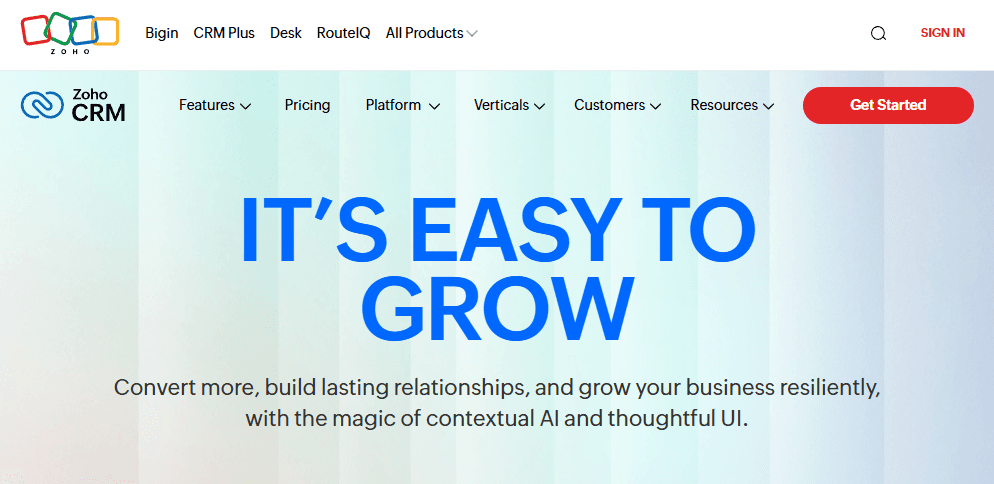
Zoho CRM helps you capture and manage leads efficiently, ensuring that no prospects are missed. You can track your leads' journey from capture to segmentation to conversion, enhancing your business processes.
Contact Management
Store and manage comprehensive contact information in one place, so your team can easily access and update customer details. This feature helps you unify customer data and maintain a complete view of your customer interactions.
Sales Automation
Automate repetitive sales tasks, allowing your team to focus on closing deals. Set up workflows to streamline tasks like follow-ups and reminders.
Pipeline Management
Visualize your sales management pipeline to track deals and forecast revenue. This feature helps you prioritize tasks and improve your sales strategy.
Reporting and Analytics
Generate detailed reports and dashboards to gain insights into your sales performance and customer behavior.
Email Marketing
Integrate email campaigns directly into your CRM to engage with leads and customers effectively. Customize email templates and track responses to optimize your outreach.
Ease of Use
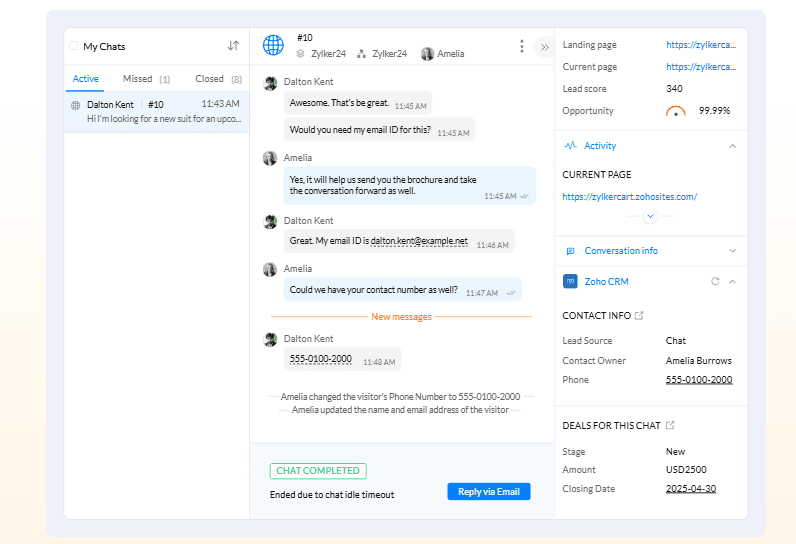
Zoho CRM offers a range of features, but its user interface can feel cluttered, making it challenging for new users to navigate. While the customization options are a plus, they might overwhelm those who prefer straightforward, user-friendly setups.
The flexibility is great for tailoring to your team’s needs, but it has a learning curve. Users appreciate the robust functionality, but the initial complexity may slow adoption and require more training compared to simpler CRM solutions.
Integrations
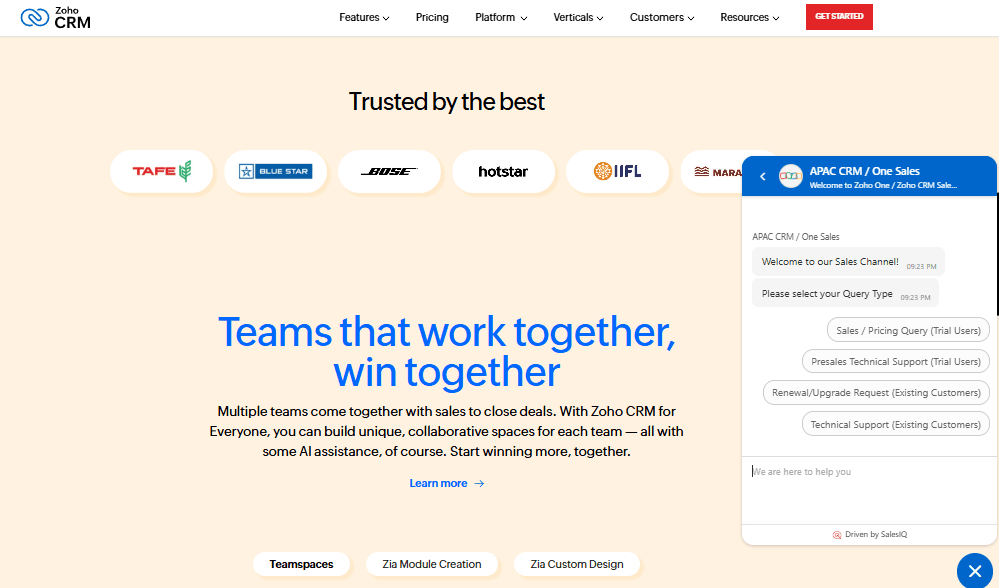
Zoho CRM integrates natively with Google Workspace, Microsoft Office 365, Mailchimp, Slack, QuickBooks, Shopify, LinkedIn, DocuSign, Twilio, and SurveyMonkey.
Zoho CRM also offers an API and connects with third-party integration tools like Zapier.
Zoho CRM Specs
- 2-Factor Authentication: Yes
- API: Yes
- Calendar Management: Yes
- Call Tracking: Yes
- Campaign Management: Yes
- Click-to-Dial: Yes
- Contact Management: Yes
- Contact Sharing: Yes
- Custom Data Forms: Yes
- Customer Management: Yes
- Dashboard: Yes
- Data Export: Yes
- Data Import: Yes
- Data Visualization: Yes
- Email Integration: Yes
- External Integrations: Yes
- File Sharing: Yes
- File Transfer: Yes
- Google Apps Integration: Yes
- Lead Management: Yes
- Lead Scoring: Yes
- Marketing Automation: Yes
- Mobile App: Yes
- Multi-User: Yes
- Notifications: Yes
- Pipeline Management: Yes
- Sales Automation: Yes
- Scheduling: Yes
- Social-Media Integration: Yes
- Task Scheduling/Tracking: Yes
- Third-Party Plugins/Add-Ons: Yes
Alternatives to Zoho CRM


Zoho CRM FAQs
Hvad er det næste?
Tilmeld dig vores nyhedsbrev for de seneste CX-indsigter, vejledninger, strategier og ressourcer fra førende eksperter inden for CX-området.