


Comm100 vs. Intercom: In-Depth Comparison and Expert Reviews for 2026


Choosing between Comm100 and Intercom for your customer service software means weighing Comm100’s flexible omnichannel approach against Intercom’s automation-driven, conversational support. If you’re struggling to decide which platform will help your team deliver faster, more personalized service, you’re not alone; both tools have the potential to transform how you connect with customers, but take very different paths to get there. In this comparison, you’ll get a clear look at how each solution handles live chat, ticketing, integrations, and analytics, so you can confidently select the customer service software that fits your goals, workflows, and growth plans.
Comm100 vs. Intercom: An Overview
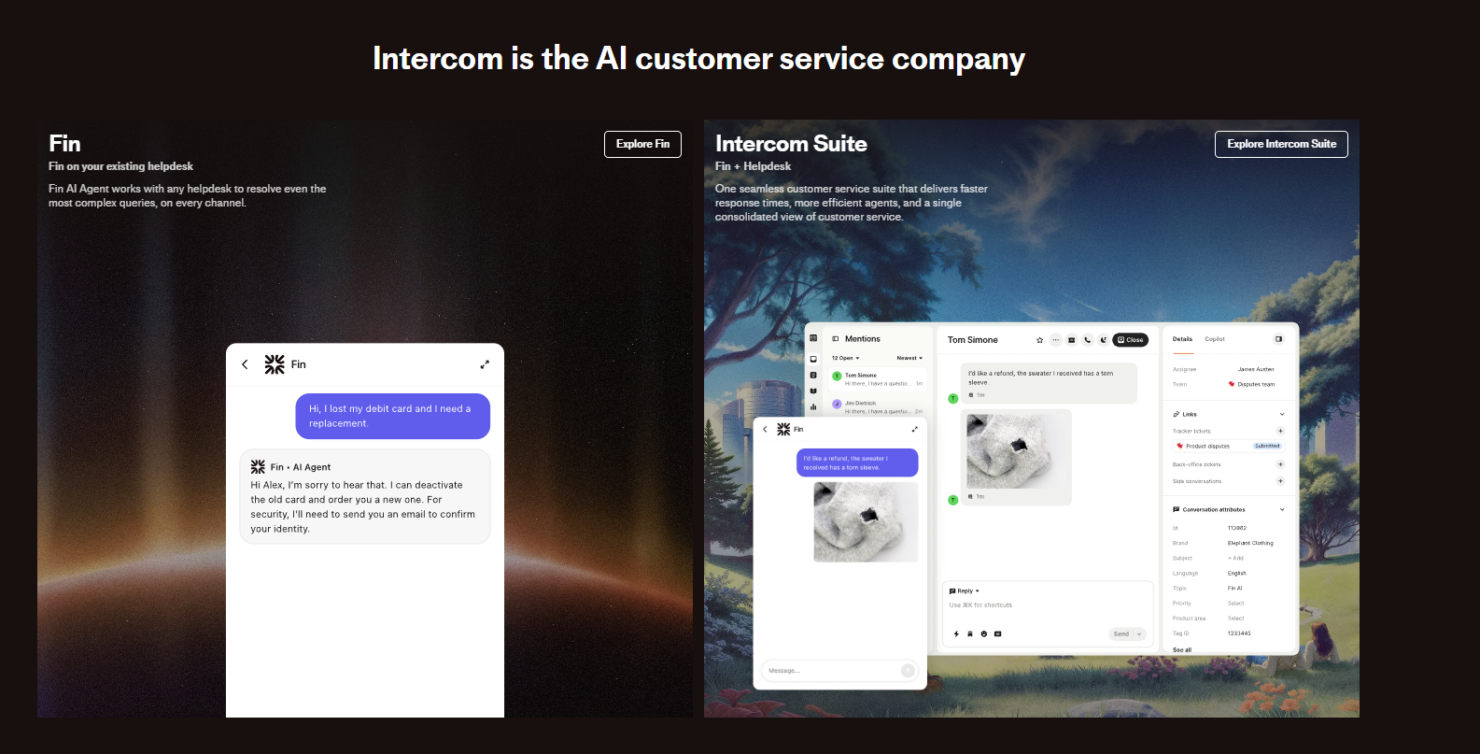
Intercom

Why Trust Our Software Reviews
We’ve been testing and reviewing software since 2020. As CX leaders ourselves, we know how critical and difficult it is to make the right decision when selecting software.
We invest in deep research to help our audience make better software purchasing decisions. We’ve tested more than 2,000 tools for different CX use cases and written over 1,000 comprehensive software reviews. Learn how we stay transparent & our software review methodology.
Comm100 vs. Intercom Pricing Comparison
| Comm100 | Intercom | |
|---|---|---|
| Free Trial | 30-day free trial available | 14-day free trial available |
| Pricing | From $31/agent/month (billed annually) | From $29/user/month (billed annually) |
Comm100 vs. Intercom Pricing & Hidden Costs
Comm100 uses a tiered pricing model based on the number of agents and channels you need, with add-ons for features like AI chatbots, SMS, and advanced reporting. Intercom, on the other hand, charges per seat and often requires separate fees for automation, bots, and certain integrations. Both platforms may introduce extra costs for premium support, API access, or higher usage limits, so it’s important to look beyond the base plan.
To choose the right vendor, map out your current and future support needs—including channels, automation, and integration requirements—then request a detailed quote that includes all must-have features. Ask each vendor to clarify what’s included, what counts as an add-on, and how pricing might change as your team or customer base grows. This approach helps you avoid surprises and ensures you’re comparing true total costs, not just headline prices.
Comm100 vs. Intercom Feature Comparison
Comm100’s omnichannel inbox and customizable live chat make it easy for teams to manage conversations across chat, email, and social channels without losing context. Intercom’s automated chatbots and proactive messaging help users handle high volumes of inquiries and deliver quick, personalized responses, especially for fast-moving support teams.
| Comm100 | Intercom | |
|---|---|---|
| API | ||
| Batch Permissions & Access | ||
| Call Logging | ||
| Call Monitoring | ||
| Chat | ||
| Click-to-Dial | ||
| Contact Management | ||
| Customer Management | ||
| Customer Service | ||
| Dashboard | ||
| Data Export | ||
| Data Import | ||
| Email Integration | ||
| Escalation Management | ||
| External Integrations | ||
| Feedback Management | ||
| Google Apps Integration | ||
| Instant Chat Integration | ||
| Knowledge Base | ||
| Lead Management | ||
| Lead Scoring | ||
| Marketing Automation | ||
| Multi-User | ||
| Notifications | ||
| Self-service Portal | ||
| Workflow Management |
Comm100 vs. Intercom Integrations
| Integration | Comm100 | Intercom |
|---|---|---|
| Salesforce | ✅ | ✅ |
| HubSpot | ✅ | ✅ |
| Zendesk | ✅ | ❌ |
| Shopify | ✅ | ✅ |
| Slack | ❌ | ❌ |
| Microsoft Teams | ❌ | ❌ |
| ✅ | ✅ | |
| Facebook Messenger | ✅ | ✅ |
| API | ✅ | ✅ |
| Zapier | ✅ | ✅ |
Both platforms support essential integrations for customer service teams. Intercom features a broader marketplace with diverse options for ecommerce and advanced automation, making it well-suited for teams with complex workflows or specialized needs. Comm100 offers a more streamlined approach but still supports key integrations and connects with Zendesk, ensuring both solutions fulfill most core integration and automation requirements.
Comm100 vs. Intercom Security, Compliance & Reliability
| Factor | Comm100 | Intercom |
|---|---|---|
| Data Encryption | Uses TLS and AES-256 encryption for data in transit and at rest. | Uses TLS and AES-256 encryption for data in transit and at rest. |
| Regulatory Compliance | Supports GDPR, HIPAA, and SOC 2 compliance with region-specific hosting. | Supports GDPR and SOC 2 compliance, as well as HIPAA support. |
| Uptime & Reliability | Guarantees 99.95% uptime with real-time status monitoring. | Guarantees 99.9% uptime with public status updates and incident reports. |
| Access Controls | Offers granular role-based permissions and audit logs. | Provides role-based access controls and SSO options. |
Since both platforms offer HIPAA support, the key distinction lies elsewhere. Comm100 stands out for organizations that need region-specific hosting and detailed audit logs, making it particularly appealing to regulated industries or businesses with strict data residency requirements. Intercom, meanwhile, offers strong reliability, SSO, and transparent incident reporting, which can build trust for fast-scaling customer service teams.
Comm100 vs. Intercom Ease of Use
| Factor | Comm100 | Intercom |
|---|---|---|
| User Interface | Clean, straightforward dashboard with customizable layouts for different roles. | Modern, intuitive interface with conversational design and quick navigation. |
| Onboarding | Guided setup with live support and detailed documentation. | Interactive onboarding tours and in-app tips for new users. |
| Workflow Setup | Drag-and-drop workflow builder for routing and automation. | Visual bot builder and easy automation setup for common tasks. |
| Ongoing Support | 24/7 live chat and email support with fast response times. | In-app help center and community forums, plus live chat for paid plans. |
Intercom stands out for its modern interface and interactive onboarding, making it easy for new users to get started, while Comm100’s customizable layouts and responsive support help teams adapt the platform to their needs. Comm100 is a strong fit for teams that want hands-on setup help, while Intercom’s conversational design and in-app guidance appeal to those who value self-service and quick learning.
Comm100 vs Intercom: Pros & Cons
Comm100
- Strong customer support and resources for your team.
- User-friendly interface and easy integration with existing systems.
- Effective live chat that boosts customer engagement.
- Chat interface could have better rich media support.
- Most AI capabilities are billed separately per feature.
- Higher pricing may deter smaller businesses from choosing it.
Intercom
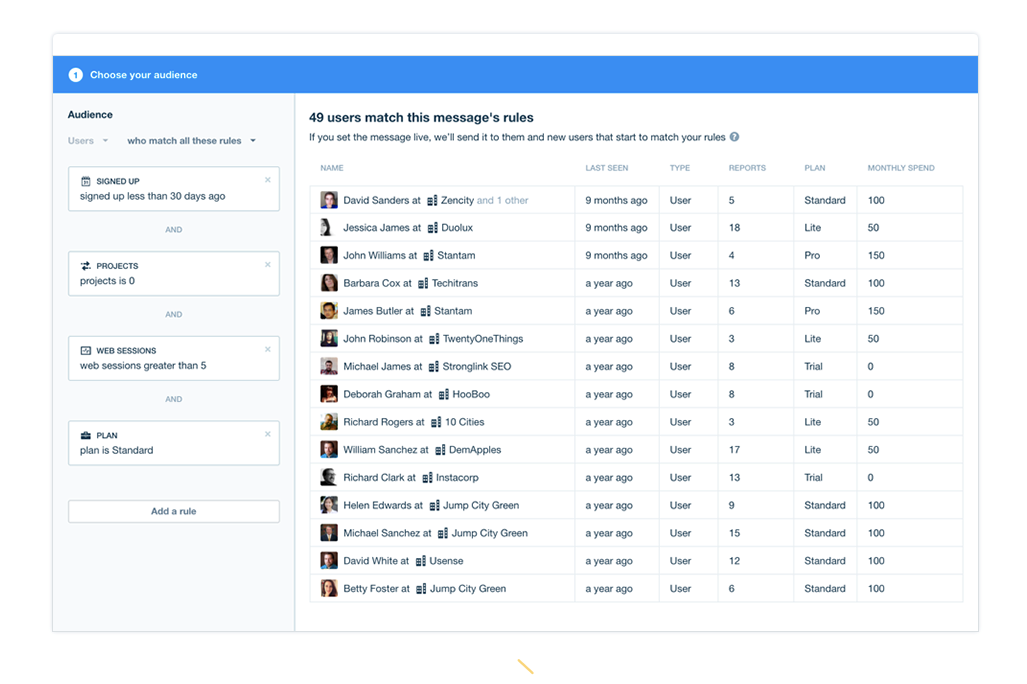
- Real-time user activity tracking adds context to support
- Unified inbox manages conversations across multiple channels
- Automation and chatbots handle high volumes without agent input
- Some users report occasional bugs in ticket management
- Reporting features lack depth compared to some competitors
- Pricing increases quickly as usage or team size grows
Best Use Cases for Comm100 and Intercom
Comm100
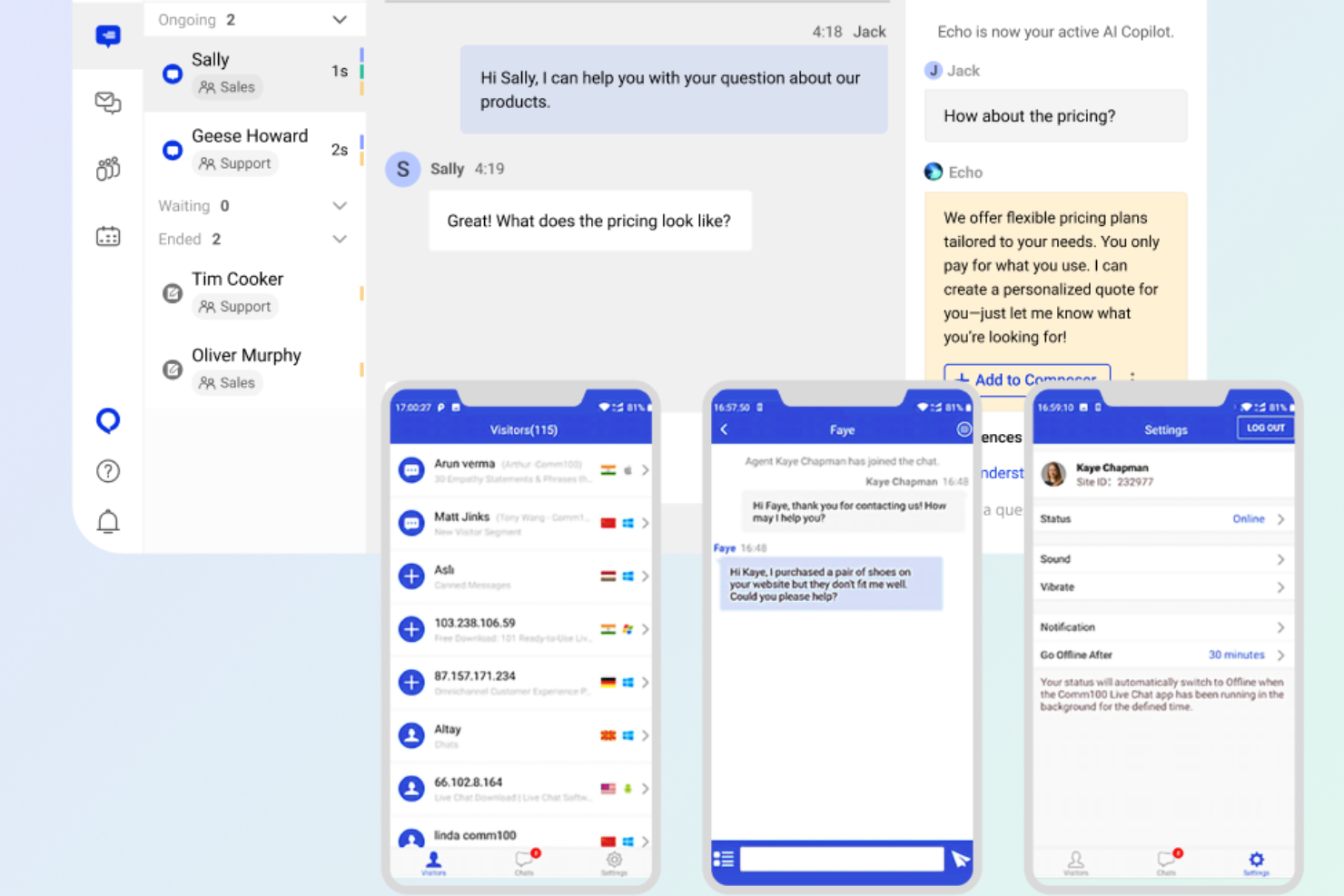

- Finance Its secure communication channels, and commitment to compliance, make Comm100 a reliable choice for handling sensitive customer information.
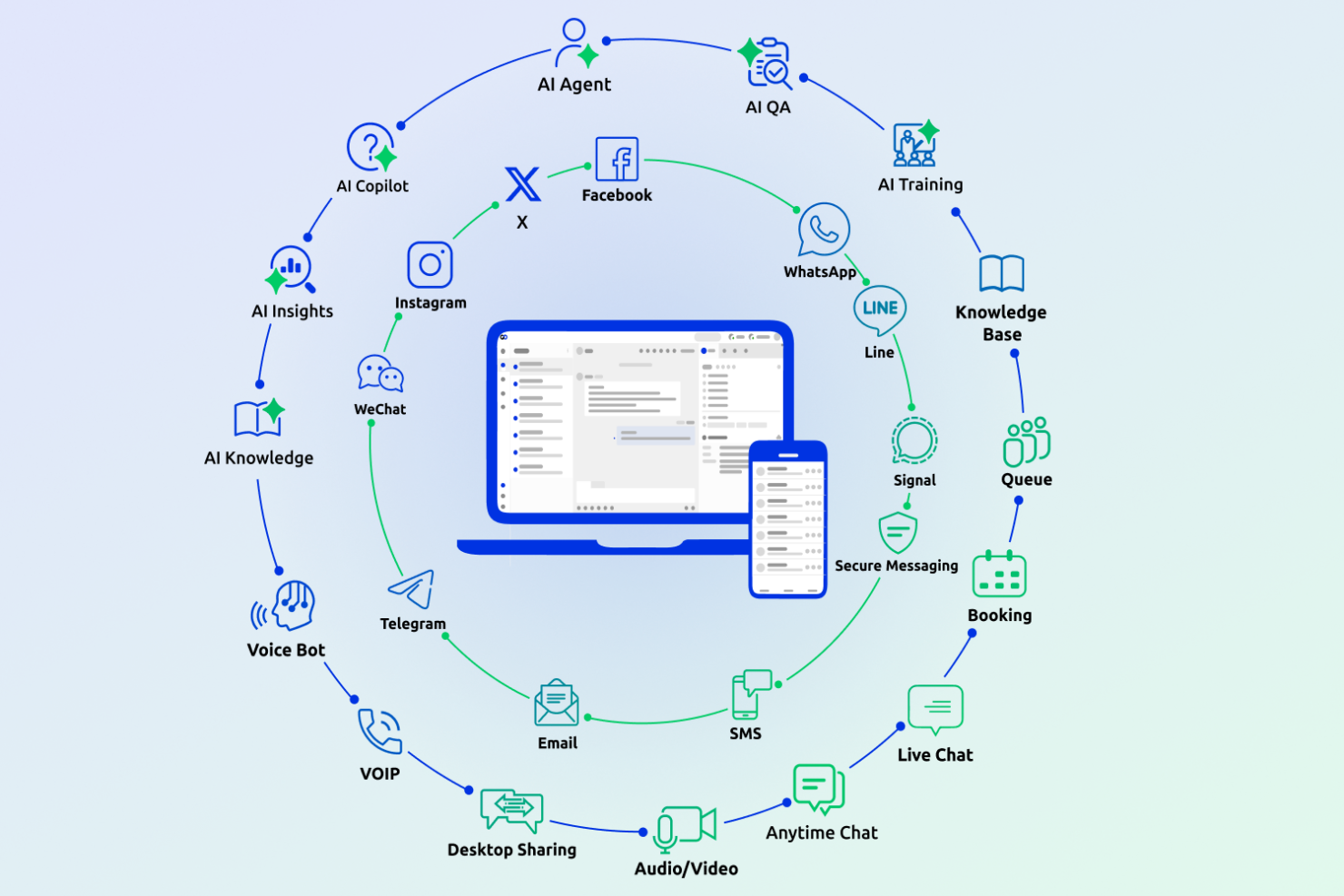
- Customer Support Teams The platform’s omnichannel capabilities let your team streamline support across multiple channels.
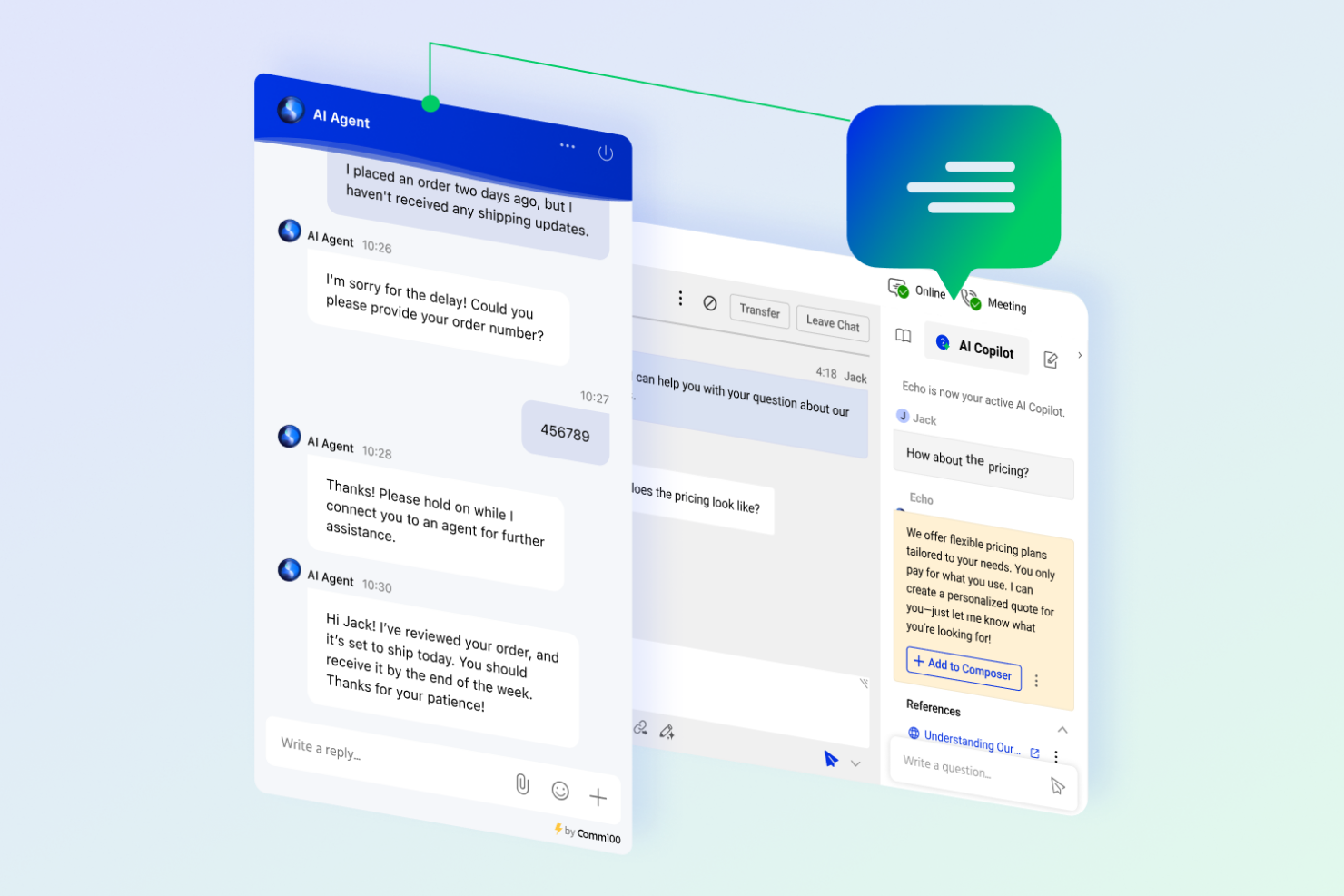
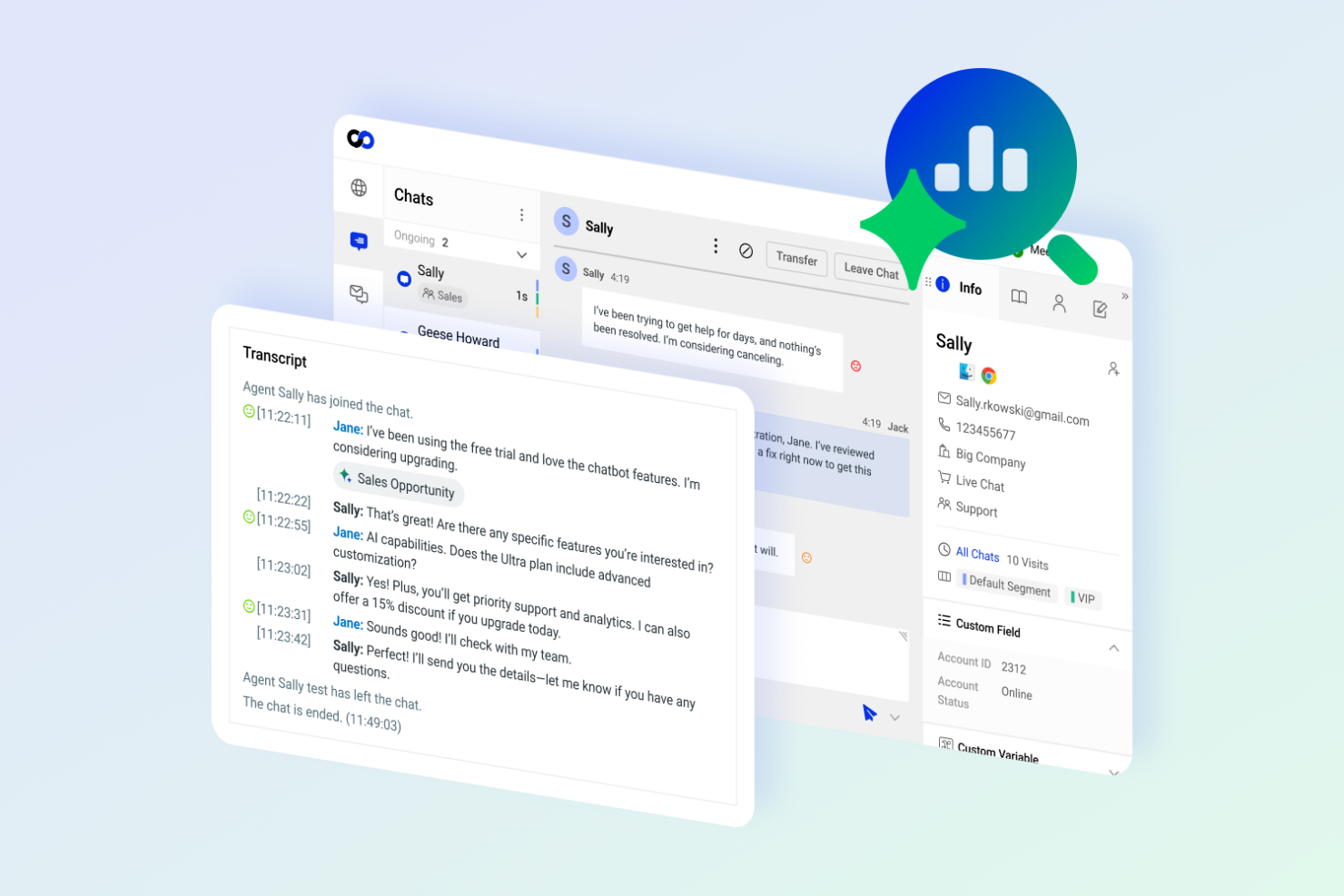
- Retail Comm100’s AI-driven features enhance personalized customer interactions, improving your quality of customer service and sales.
- Healthcare Secure messaging options in Comm100 are vital for maintaining patient confidentiality and communication.
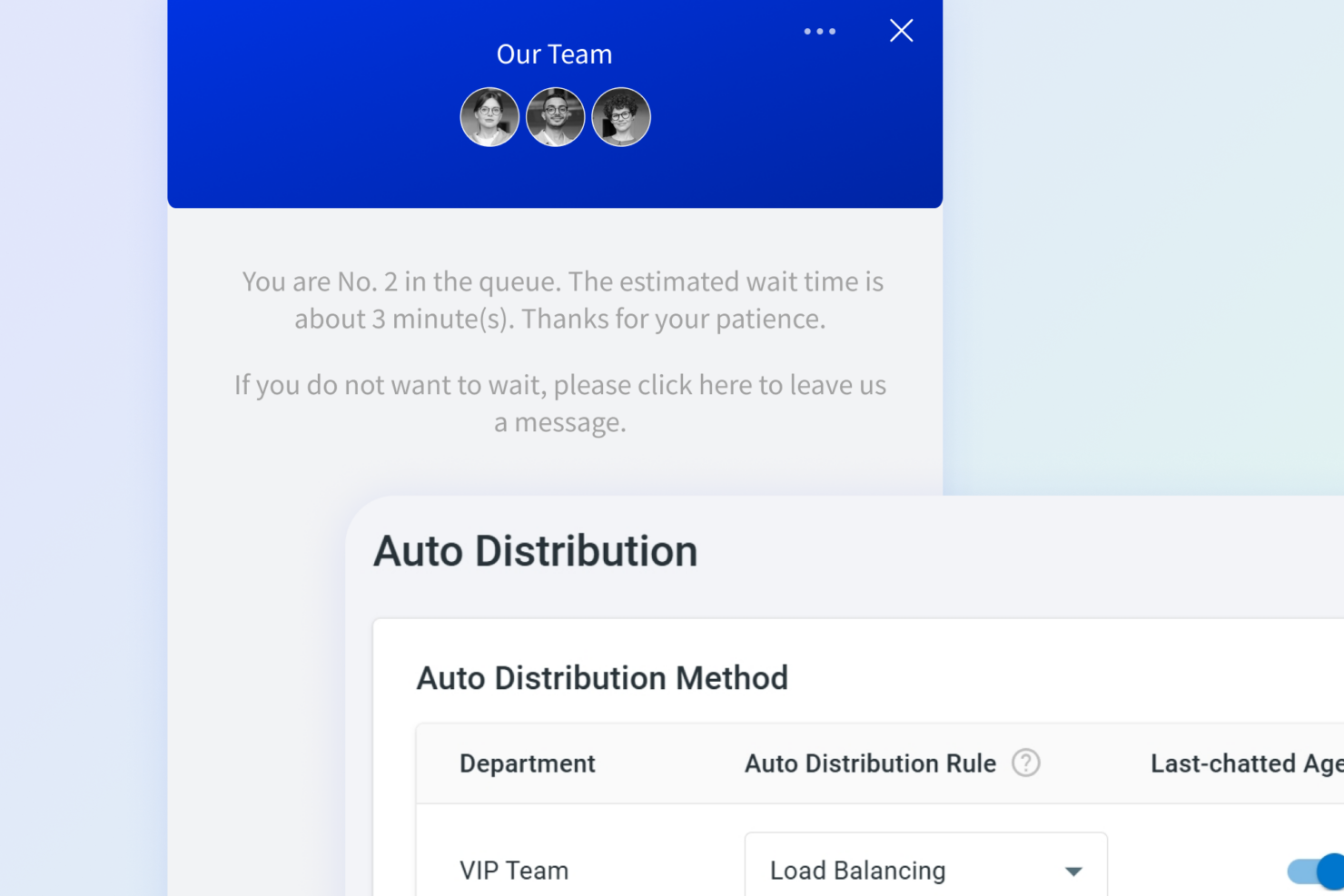
- iGaming Comm100 helps your team manage high volumes of customer queries efficiently with automated live chat tools.
- Higher Education Comm100 supports complex student and faculty interactions, helping your team manage everything from admission streamlining to technical support with ease.
Intercom
- SaaS Startups Intercom’s automation and onboarding flows help SaaS startups scale support quickly.
- Ecommerce Stores Real-time chat and targeted messaging drive conversions and resolve order issues.
- Product Teams User tracking and in-app messaging support feature adoption and feedback collection.
- Customer Success Automated follow-ups and proactive outreach improve retention and engagement.
- Tech Support Departments Unified inbox and workflow automation streamline technical troubleshooting.
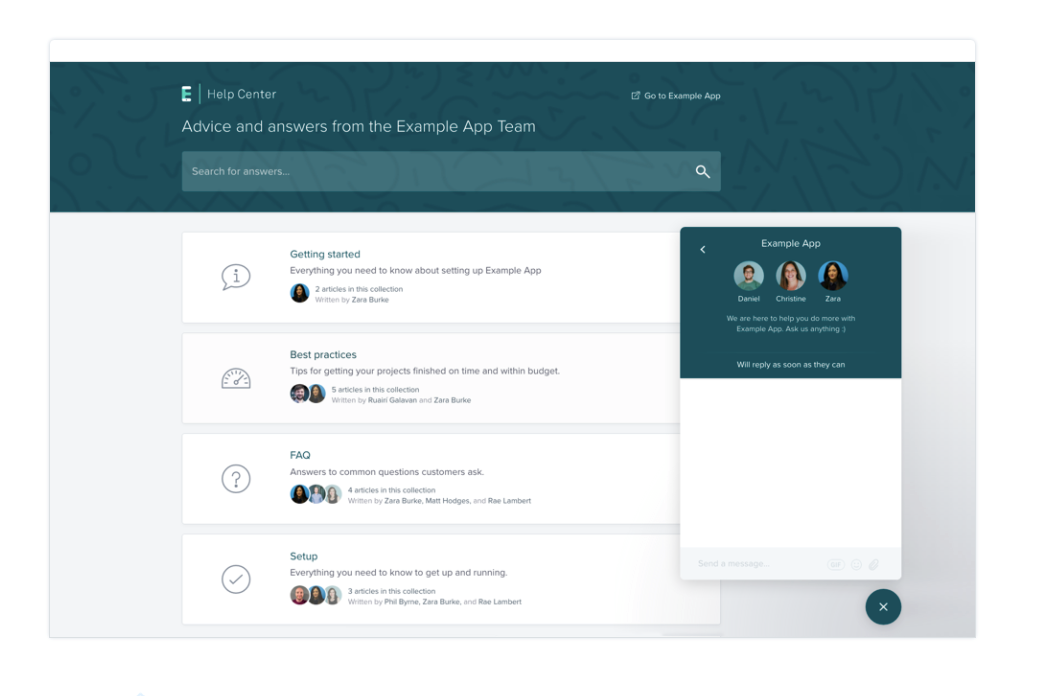
- Online Education In-app chat and knowledge base tools support student engagement and self-service.
Who Should Use Comm100, and Who Should Use Intercom?
Comm100 is a great match for regulated industries, healthcare, and organizations that need strict compliance, multi-channel support, or hands-on onboarding. It’s especially well-suited for teams that want to customize workflows and manage conversations across chat, email, and social channels in one place. Intercom, on the other hand, is ideal for fast-growing SaaS companies, startups, and digital-first teams that prioritize automation, proactive messaging, and a modern, conversational interface. If your team values rapid deployment, self-service onboarding, and a wide range of integrations, Intercom is likely the better fit.
Differences Between Comm100 and Intercom
| Comm100 | Intercom | |
|---|---|---|
| Automation Tools | Offers workflow automation and AI chatbots as add-ons. | Built-in bots and automation included in most plans. |
| Compliance | Supports HIPAA, GDPR, and region-specific hosting. | Supports GDPR and SOC 2, and HIPAA. |
| Integration Options | Integrates with Zendesk and other major CRMs. | Offers a broader integration marketplace. |
| Omnichannel Support | Centralizes chat, email, SMS, and social in one inbox. | Focuses on chat and messaging, with limited email support. |
| User Interface | Customizable layouts for different roles and workflows. | Modern, conversational UI with interactive onboarding. |
| Visit Comm100Opens new window | Read Intercom ReviewOpens new window |
Similarities Between Comm100 and Intercom
| API Availability | Comm100 and Intercom both offer APIs for custom integrations and workflow extensions. |
|---|---|
| Cloud-Based Delivery | Both are cloud-based solutions, so teams can access the platform from anywhere with an internet connection. |
| Live Chat | Both offer real-time chat widgets for websites, with customizable branding and proactive chat invitations. |
| Reporting & Analytics | Each platform provides dashboards and detailed reports to track team performance and customer interactions. |
| Role-Based Access | Both support granular permissions, allowing admins to control user access and roles within the platform. |
| Visit Comm100Opens new window Read Intercom ReviewOpens new window | |