


Comm100 vs. Tidio: In-Depth Comparison and Expert Reviews for 2026


Choosing between Comm100 and Tidio means weighing robust omnichannel capabilities against intuitive automation in your search for the right customer service software.
If you’re comparing these two, you’re likely balancing the need for Comm100's deep live chat and contact center features with the appeal of Tidio’s easy-to-use chatbot and automation tools. Your team’s ability to deliver fast, consistent support, all while keeping up with rising customer expectations, depends on picking a platform that fits your workflows, channels, and growth plans. This guide breaks down how Comm100 and Tidio differ in features, integrations, pricing, and real-world usability, so you can make a confident, informed decision.
Comm100 vs. Tidio: An Overview
Tidio


Why Trust Our Software Reviews
We’ve been testing and reviewing software since 2020. As CX leaders ourselves, we know how critical and difficult it is to make the right decision when selecting software.
We invest in deep research to help our audience make better software purchasing decisions. We’ve tested more than 2,000 tools for different CX use cases and written over 1,000 comprehensive software reviews. Learn how we stay transparent & our software review methodology.
Comm100 vs. Tidio Pricing Comparison
| Comm100 | Tidio | |
|---|---|---|
| Free Trial | 30-day free trial available | 7-day free trial + free plan available |
| Pricing | From $31/agent/month (billed annually) | From $24.17/month (billed annually) |
Comm100 vs. Tidio Pricing & Hidden Costs
Comm100 uses a tiered pricing model based on the number of agents and channels you need, with separate plans for live chat, omnichannel, and AI-powered features. Some advanced capabilities, like chatbot automation, integrations, or analytics, may require paid add-ons. Tidio, on the other hand, offers a mix of free and paid plans, with pricing that scales based on the number of users, chatbot conversations, and access to premium features. Both platforms may charge extra for integrations, higher usage limits, or advanced automation.
To choose the right pricing model, map out your expected support volume, required channels, and must-have features before you compare vendors. Ask each provider for a detailed breakdown of what’s included in each plan, and clarify any limits on users, conversations, or integrations. Consider how your needs might grow over time, and look for transparent upgrade paths or flexible add-ons that won’t force you into a costly jump as your team expands.
Comm100 vs. Tidio Feature Comparison
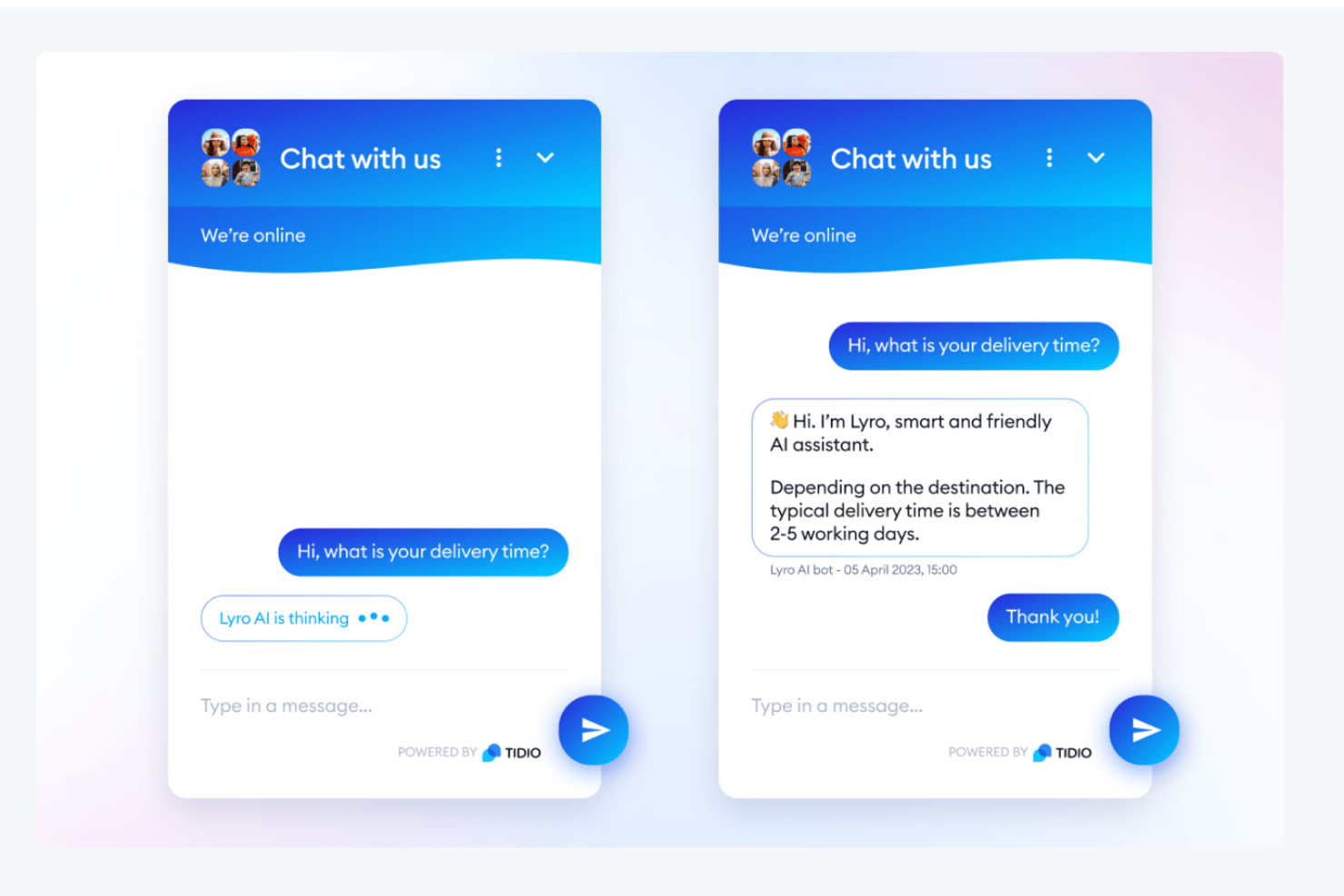
Comm100’s real-time chat monitoring and customizable canned responses help your team handle multiple conversations and resolve issues quickly throughout the day. Tidio’s intuitive chatbot builder and unified inbox let you automate common questions and manage chats from multiple channels in one place, making it easy to stay organized and responsive.
| Comm100 | Tidio | |
|---|---|---|
| API | ||
| Chat | ||
| Click-to-Dial | ||
| Contact Management | ||
| Customer Management | ||
| Dashboard | ||
| Data Export | ||
| Data Import | ||
| Email Integration | ||
| Escalation Management | ||
| External Integrations | ||
| Google Apps Integration | ||
| Knowledge Base | ||
| Lead Management | ||
| Lead Scoring | ||
| Marketing Automation | ||
| Multi-User | ||
| Notifications | ||
| Self-service Portal |
Comm100 vs. Tidio Integrations
| Integration | Comm100 | Tidio |
|---|---|---|
| Shopify | ✅ | ✅ |
| Salesforce | ✅ | ✅ |
| HubSpot | ✅ | ✅ |
| Mailchimp | ❌ | ✅ |
| Slack | ❌ | ❌ |
| Zendesk | ✅ | ✅ |
| WordPress | ✅ | ✅ |
| Facebook Messenger | ✅ | ❌ |
| API | ✅ | ✅ |
| Zapier | ✅ | ✅ |
Comm100 and Tidio both support popular integrations like Shopify and HubSpot, and both offer API access and Zapier for added flexibility. However, neither platform integrates directly with Slack. Tidio stands out with a native Mailchimp integration, while Comm100 offers a direct integration with Facebook, giving each platform distinct advantages depending on your marketing and support stack.
Comm100 vs. Tidio Security, Compliance & Reliability
| Factor | Comm100 | Tidio |
|---|---|---|
| Data Encryption | Uses TLS/SSL encryption for data in transit and at rest. | Uses SSL encryption for data in transit and at rest. |
| Regulatory Compliance | Offers GDPR, HIPAA, ISO 27001, and SOC 2 compliance options. | Supports GDPR compliance and provides a Data Processing Agreement. |
| Uptime Guarantee | Provides a 99.99% uptime SLA for enterprise customers. | Tidio reports 99.9% uptime without a formal contractual SLA, but it does built-in SLA policies to manage agent response times for tickets. |
| Access Controls | Includes role-based permissions and SSO integration. | Offers user roles and two-factor authentication. |
| Data Residency | Allows data hosting in multiple global regions. | Stores data in the EU with limited regional options. |
Comm100 offers broader compliance certifications and more flexible data residency, making it a stronger choice for regulated industries or global teams. Tidio covers essential security needs and GDPR, but Comm100’s reliability and compliance options are more extensive.
Comm100 vs. Tidio Ease of Use
| Factor | Comm100 | Tidio |
|---|---|---|
| User Interface | Offers a feature-rich dashboard that can feel complex for new users. | Features a clean, modern interface designed for quick navigation. |
| Onboarding | Guided setup with live support and detailed documentation. | Includes interactive tutorials and a simple setup process. |
| Customization | Allows deep customization of chat widgets and workflows. | Lets users easily customize chatbots and widgets with drag-and-drop. |
| Support Resources | Offers live chat, email, and a knowledge base for support. | Provides live chat, email, and a searchable help center. |
| Learning Curve | May require more training for advanced features. | Most users can get started with minimal training. |
Tidio is easier to pick up and use right away, while Comm100’s advanced features may take more time to master. Tidio’s intuitive design and simple setup stand out for teams seeking quick adoption, while Comm100’s depth is better suited for those who need more customization and are willing to invest in learning.
Comm100 vs Tidio: Pros & Cons
Comm100
- Effective live chat that boosts customer engagement.
- User-friendly interface and easy integration with existing systems.
- Strong customer support and resources for your team.
- Chat interface could have better rich media support.
- Higher pricing may deter smaller businesses from choosing it.
- Most AI capabilities are billed separately per feature.
Tidio
- You can set up and use Tidio quickly without much hassle.
- Tidio's interface is intuitive and easy to navigate.
- The live chat feature helps your team engage with customers in real time.
- Your team might find customer support responses slow at times.
- Some users have had issues with billing practices.
- Tidio's AI-powered functionality isn't as advanced as some competitors.
Best Use Cases for Comm100 and Tidio
Comm100
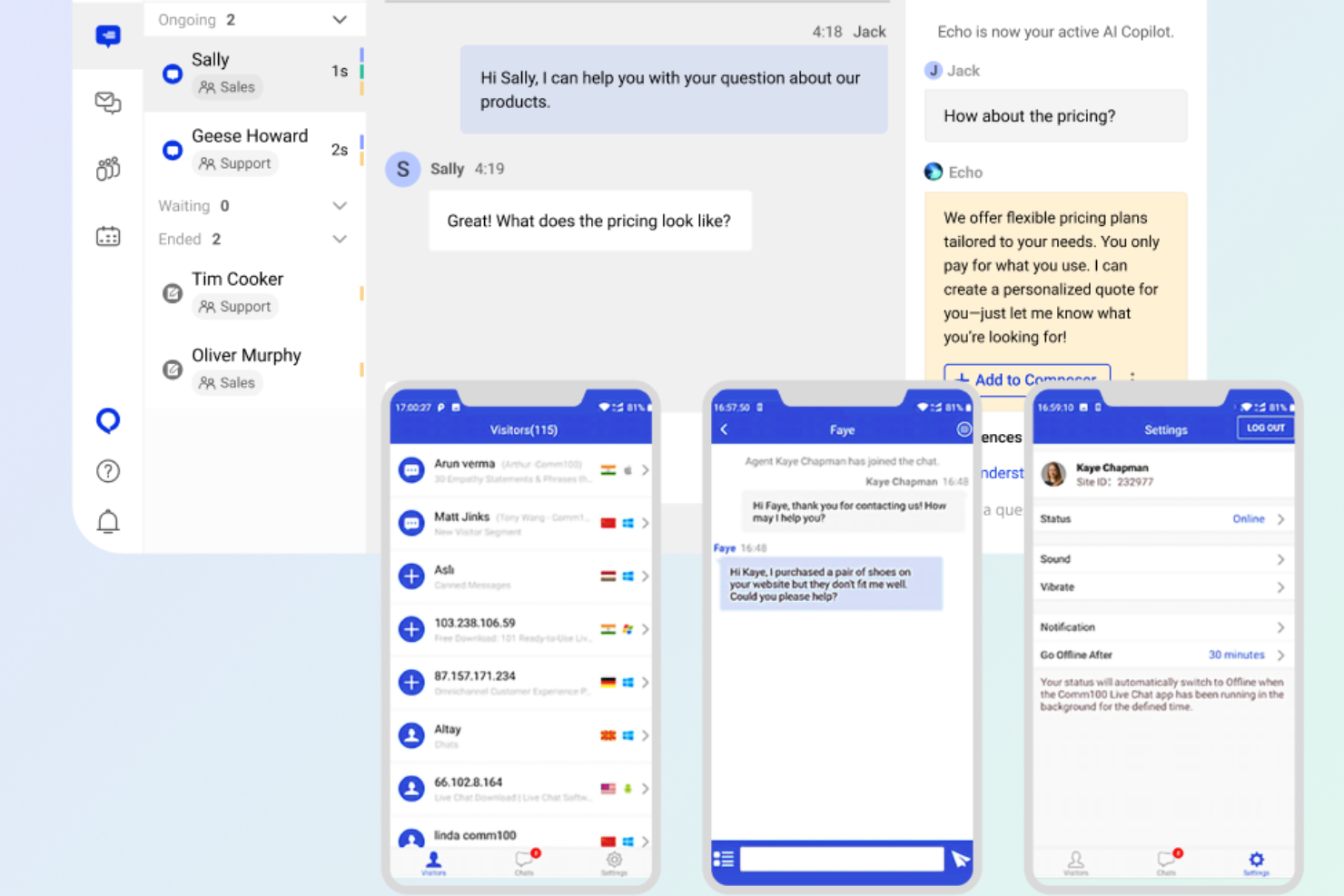
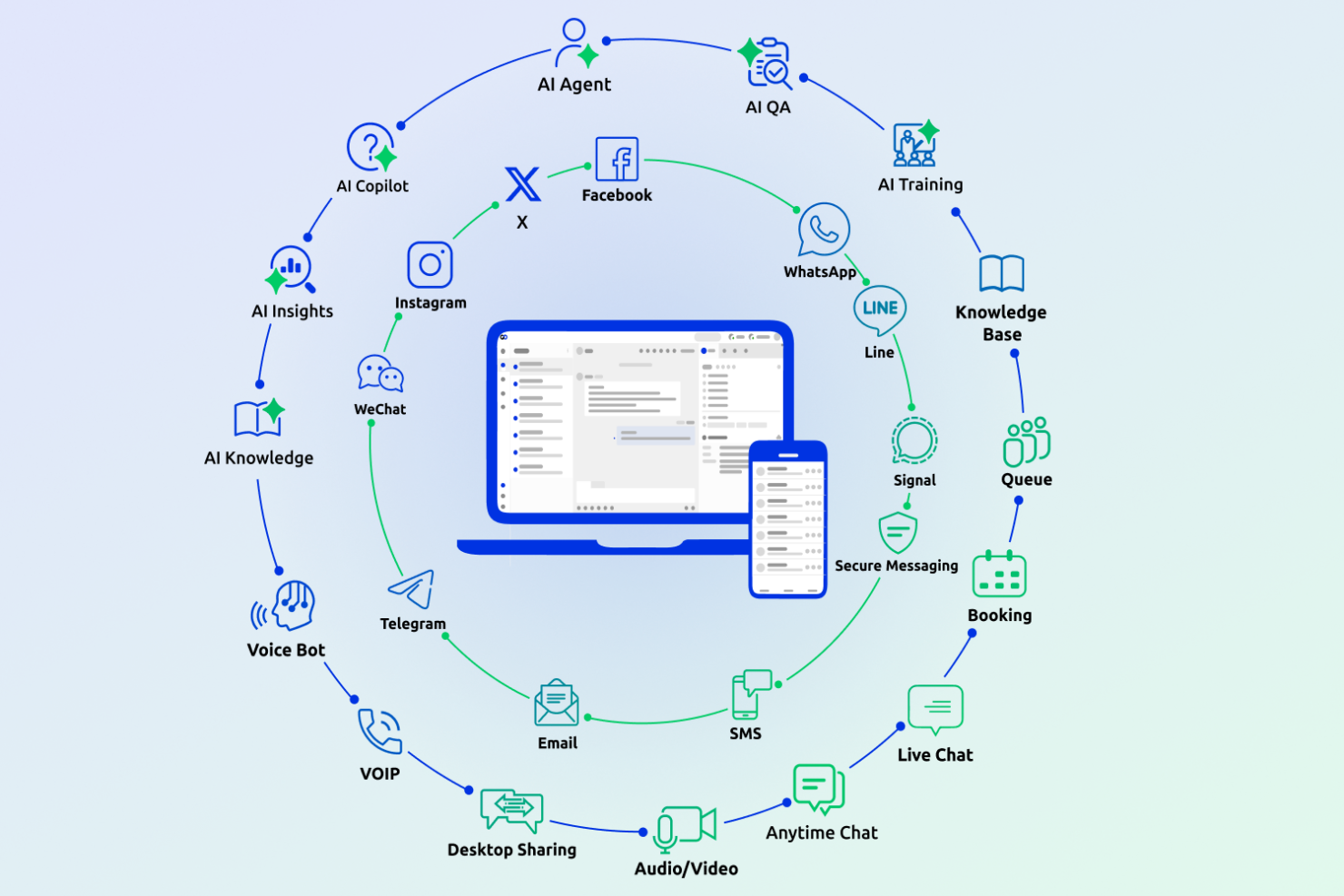
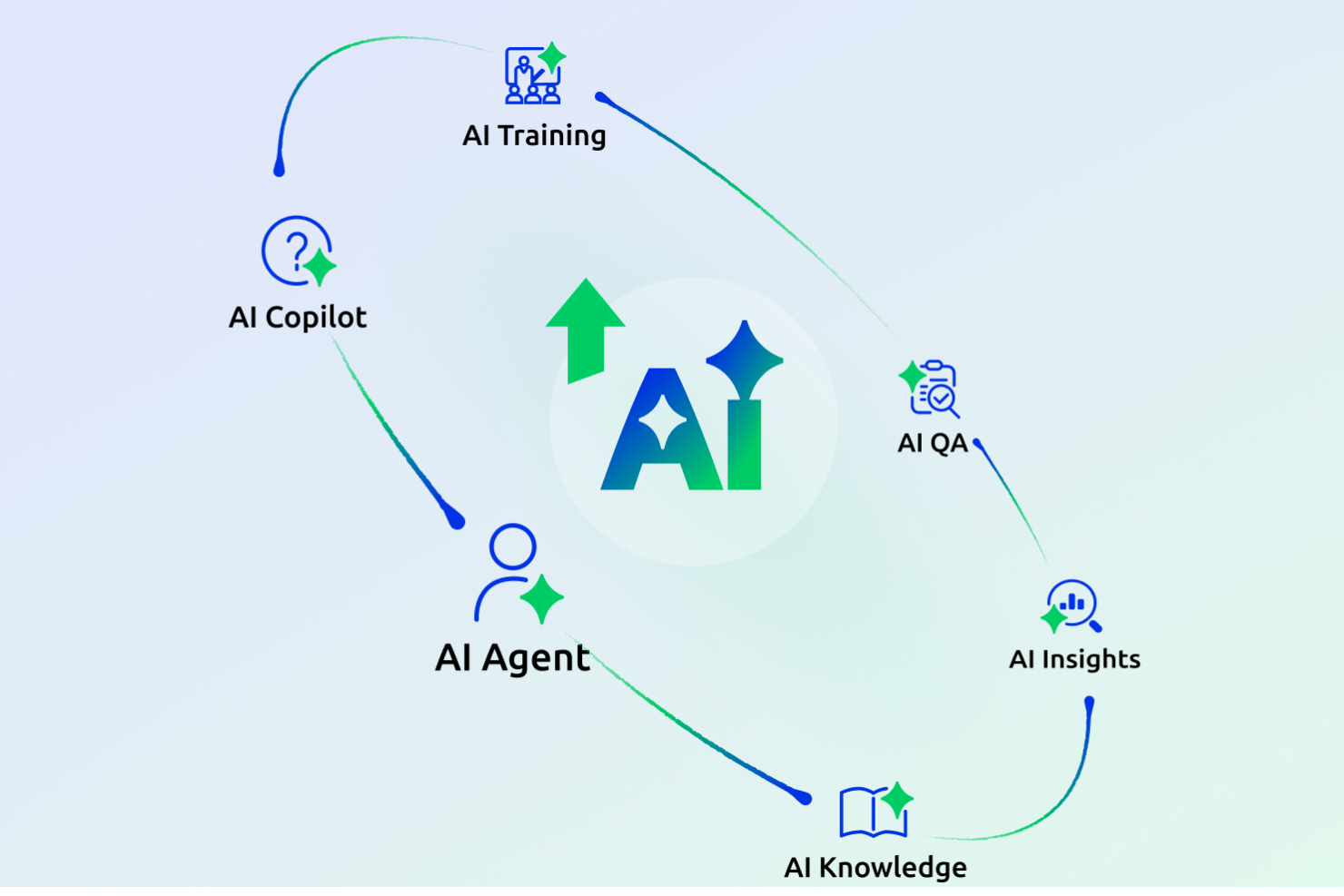
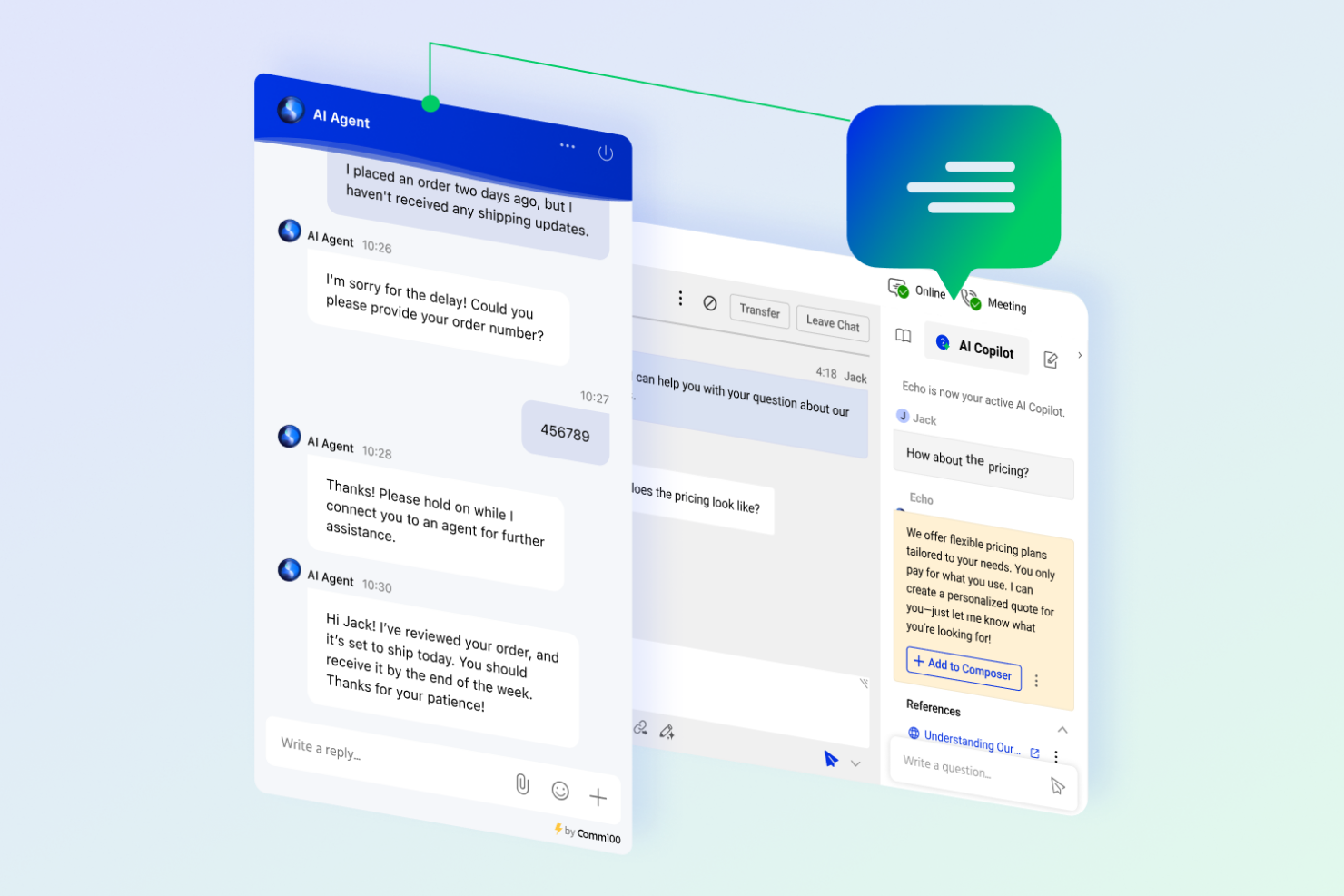
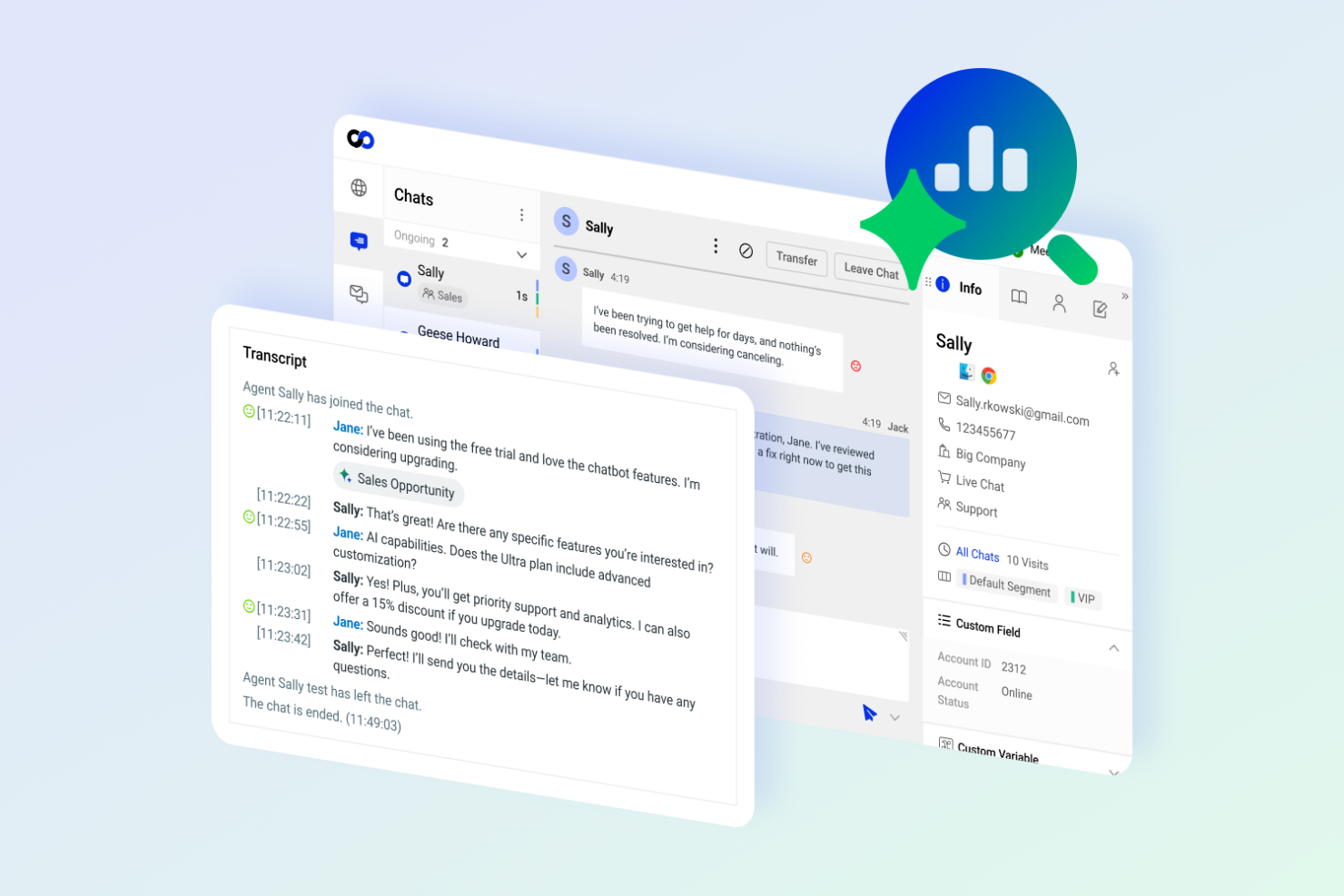
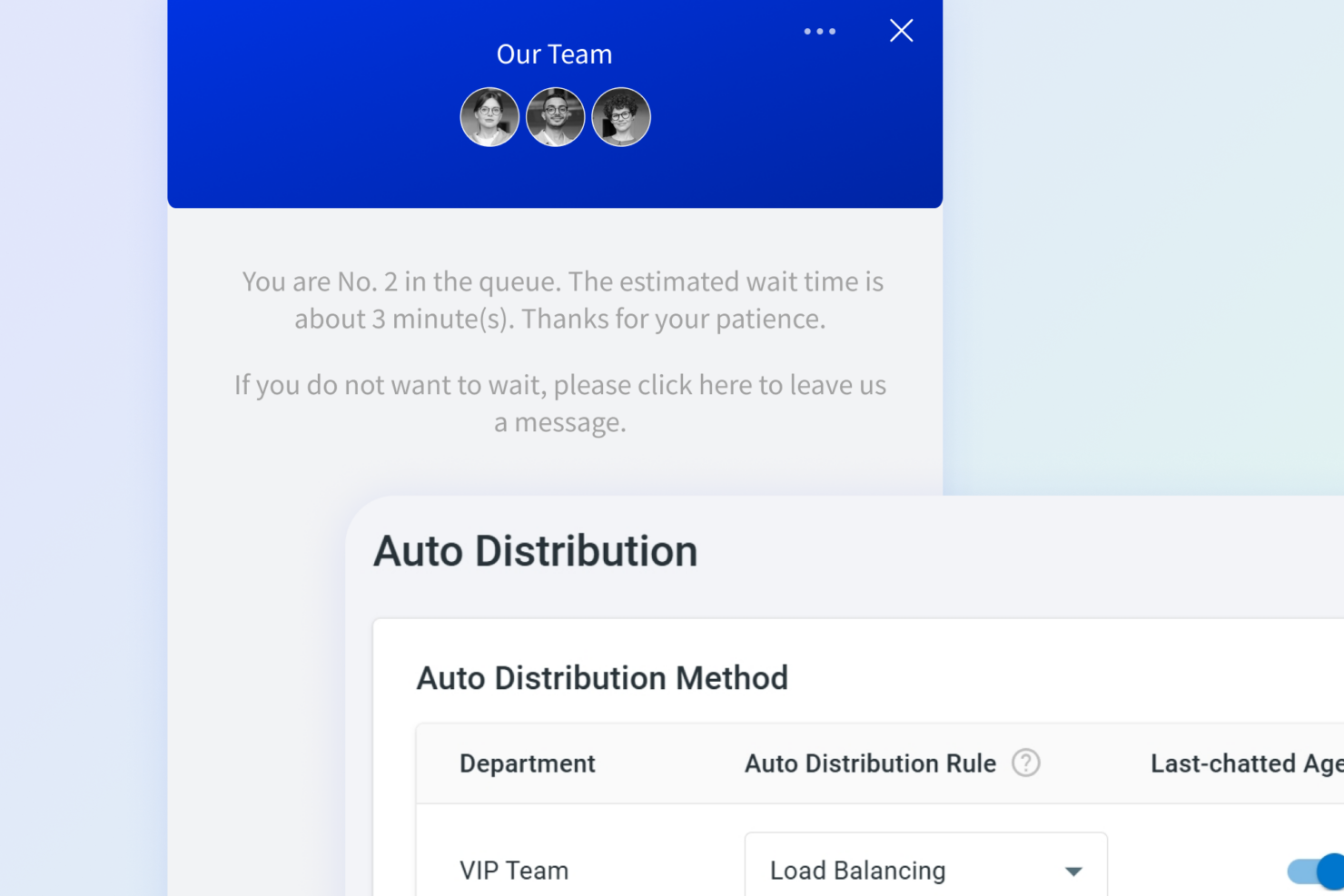
- iGaming Comm100 helps your team manage high volumes of customer queries efficiently with automated live chat tools.
- Finance Its secure communication channels, and commitment to compliance, make Comm100 a reliable choice for handling sensitive customer information.
- Customer Support Teams The platform’s omnichannel capabilities let your team streamline support across multiple channels.
- Retail Comm100’s AI-driven features enhance personalized customer interactions, improving your quality of customer service and sales.
- Healthcare Secure messaging options in Comm100 are vital for maintaining patient confidentiality and communication.
- Higher Education Comm100 supports complex student and faculty interactions, helping your team manage everything from admission streamlining to technical support with ease.
Tidio
- Freelancers Freelancers use Tidio to manage client communications easily, track visitor behavior, and maintain professional follow-up.
- Online Marketplaces Online marketplaces enhance user interaction with Tidio's seamless chat capabilities and multichannel communication.
- Startup Companies Startups with limited resources appreciate Tidio's straightforward design, scalability, and quick deployment.
- Customer Service Teams Customer service teams find Tidio's intuitive interface valuable for managing customer interactions, notifications, and help desk tasks efficiently.
- E-Commerce Stores Your e-commerce store benefits from Tidio's live chat, AI chatbots, and chatbot flows by handling customer inquiries swiftly and improving sales.
- Small Retailers Tidio's easy setup, chat widget, and real-time chat make it perfect for small businesses in retail needing to quickly assist customers and answer common questions.
Who Should Use Comm100, and Who Should Use Tidio?
Comm100 is a strong fit for larger teams, regulated industries, or organizations that need advanced omnichannel support, deep customization, and strict compliance controls across various regions. Tidio is ideal for small businesses, ecommerce shops, or teams looking for quick setup, intuitive automation, and a budget-friendly entry point. If your team values granular control and compliance across different regions, Comm100 is the better match. If you want to launch live chat and chatbots with minimal fuss, Tidio is the way to go.
Differences Between Comm100 and Tidio
| Comm100 | Tidio | |
|---|---|---|
| Automation Features | Includes advanced AI chatbots and workflow automation. | Provides easy-to-use chatbot automation for common tasks. |
| Compliance | Offers HIPAA, SOC 2, ISO 27001, and GDPR compliance. | Supports GDPR compliance only. |
| Omnichannel Support | Supports live chat, email, SMS, social, and voice channels. | Focuses on live chat, chatbots, and social messaging only. |
| Pricing Model | Tiered plans based on agents and channels, with add-ons. | Freemium model with paid upgrades for more features. |
| User Interface | Feature-rich but more complex for new users. | Simple, modern, and beginner-friendly interface. |
| Visit Comm100Opens new window | Read Tidio ReviewOpens new window |
Similarities Between Comm100 and Tidio
| Chatbot Automation | Each platform includes chatbot builders to automate responses and handle common customer questions. |
|---|---|
| Integration Options | Both integrate with popular tools like Shopify, HubSpot, and offer API and Zapier connections. |
| Live Chat | Both offer real-time live chat widgets for websites, with customizable branding and proactive chat triggers. |
| Support Resources | Each provides live chat, email support, and searchable help centers to assist users with setup and issues. |
| Visit Comm100Opens new window Read Tidio ReviewOpens new window | |