Kustomer Review: Pros, Cons, Features, and Pricing Explained



Kustomer is a customer service software built around a customer timeline model, giving support teams a unified view of every interaction, order, and conversation in one place. It's worth considering if your team handles high volumes of complex, multi-touch customer relationships and needs more context than a standard ticket queue can offer. If you're weighing it against Zendesk, Kustomer's CRM-first design means agents work from a full customer record rather than individual tickets—which makes a real difference when interaction history and data need to be visible at a glance.
Kustomer Evaluation Summary
- Pricing upon request
- Free demo available
Why Trust Our Software Reviews
We’ve been testing and reviewing software since 2020. As CX leaders ourselves, we know how critical and difficult it is to make the right decision when selecting software.
We invest in deep research to help our audience make better software purchasing decisions. We’ve tested more than 2,000 tools for different CX use cases and written over 1,000 comprehensive software reviews. Learn how we stay transparent & our software review methodology.
Kustomer Overview
If you’re judging Kustomer against other customer service software, I think its unified timeline, automation, and AI-powered tools set it apart for teams that want a complete customer view. The interface is modern and customizable, and integrations cover most major channels. Pricing is higher than some options, but you get advanced features like workflow automation and omnichannel support. Onboarding is straightforward, though smaller teams might find the platform more than they need.
I’d suggest Kustomer for fast-growing businesses or those prioritizing personalized, data-driven support over basic ticketing.
pros
-
Unified customer timeline gives full context for every interaction.
-
Advanced automation and AI features reduce manual work.
-
Omnichannel messaging supports chat, email, SMS, and social channels.
cons
-
Some users report slow loading times during peak hours.
-
Pricing is higher than many other customer service platforms.
-
Complex workflows can overwhelm smaller or less technical teams.
-

SupportYourApp
Visit WebsiteThis rating combines scores from multiple user review sites to reflect overall customer sentiment about the product.4.7 -
Tidio
Visit WebsiteThis rating combines scores from multiple user review sites to reflect overall customer sentiment about the product.4.7 -
Freshdesk
Visit WebsiteThis rating combines scores from multiple user review sites to reflect overall customer sentiment about the product.4.4





How We Test & Score Tools
We’ve spent years building, refining, and improving our software testing and scoring system. The rubric is designed to capture the nuances of software selection and what makes a tool effective, focusing on critical aspects of the decision-making process.
Below, you can see exactly how our testing and scoring works across seven criteria. It allows us to provide an unbiased evaluation of the software based on core functionality, standout features, ease of use, onboarding, customer support, integrations, customer reviews, and value for money.
Core Functionality (25% of final scoring)
The starting point of our evaluation is always the core functionality of the tool. Does it have the basic features and functions that a user would expect to see? Are any of those core features locked to higher-tiered pricing plans? At its core, we expect a tool to stand up against the baseline capabilities of its competitors.
Standout Features (25% of final scoring)
Next, we evaluate uncommon standout features that go above and beyond the core functionality typically found in tools of its kind. A high score reflects specialized or unique features that make the product faster, more efficient, or offer additional value to the user.
We also evaluate how easy it is to integrate with other tools typically found in the tech stack to expand the functionality and utility of the software. Tools offering plentiful native integrations, 3rd party connections, and API access to build custom integrations score best.
Ease of Use (10% of final scoring)
We consider how quick and easy it is to execute the tasks defined in the core functionality using the tool. High scoring software is well designed, intuitive to use, offers mobile apps, provides templates, and makes relatively complex tasks seem simple.
Onboarding (10% of final scoring)
We know how important rapid team adoption is for a new platform, so we evaluate how easy it is to learn and use a tool with minimal training. We evaluate how quickly a team member can get set up and start using the tool with no experience. High scoring solutions indicate little or no support is required.
Customer Support (10% of final scoring)
We review how quick and easy it is to get unstuck and find help by phone, live chat, or knowledge base. Tools and companies that provide real-time support score best, while chatbots score worst.
Customer Reviews (10% of final scoring)
Beyond our own testing and evaluation, we consider the net promoter score from current and past customers. We review their likelihood, given the option, to choose the tool again for the core functionality. A high scoring software reflects a high net promoter score from current or past customers.
Value for Money (10% of final scoring)
Lastly, in consideration of all the other criteria, we review the average price of entry level plans against the core features and consider the value of the other evaluation criteria. Software that delivers more, for less, will score higher.
Core Features
Unified Customer Timeline
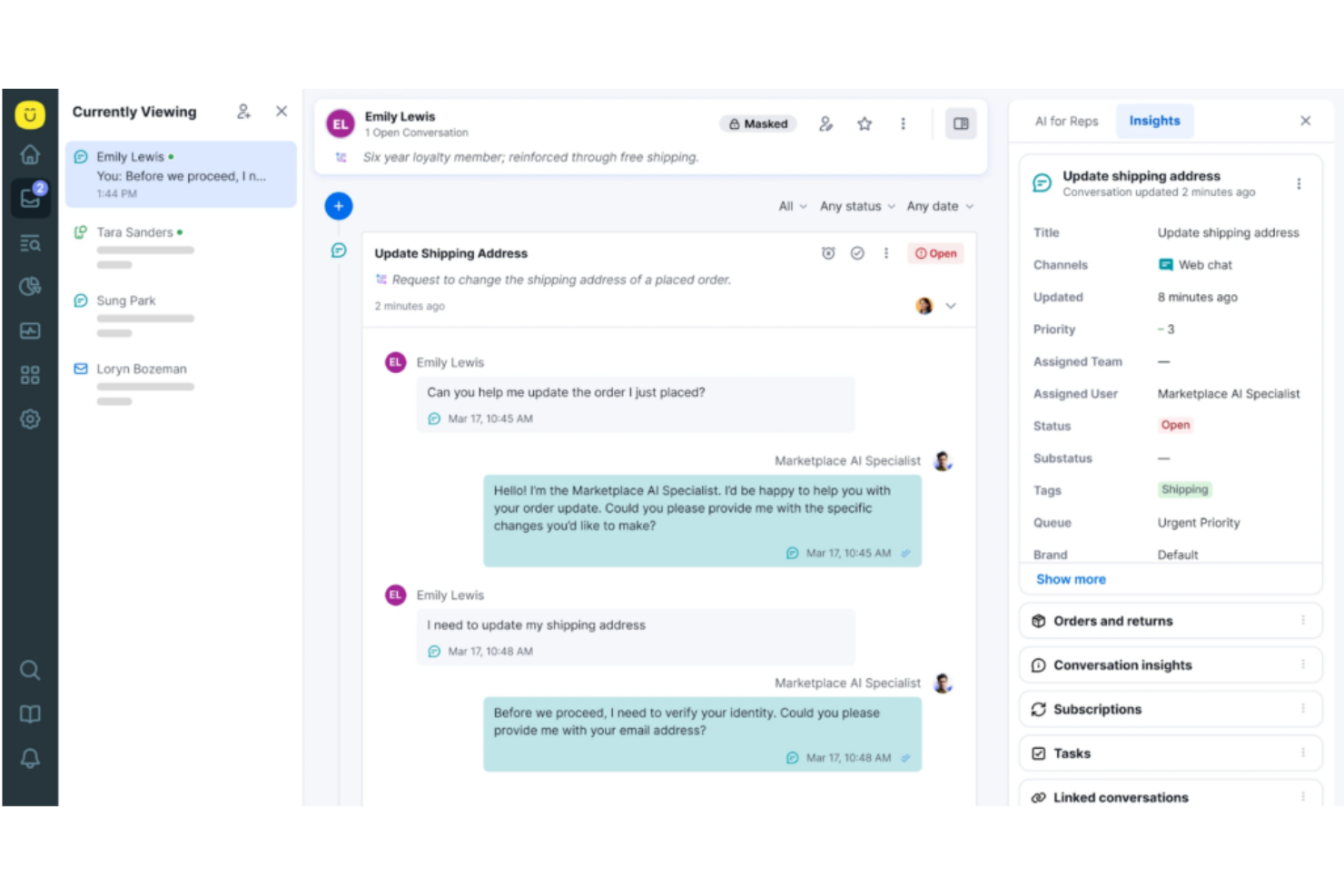
See every customer interaction, order, and note in a single, scrollable view. This gives agents instant context for faster, more personalized responses.
Omnichannel Messaging
Manage conversations across chat, email, SMS, and social media from one inbox. Agents can switch channels without losing conversation history.
AI-Powered Automation
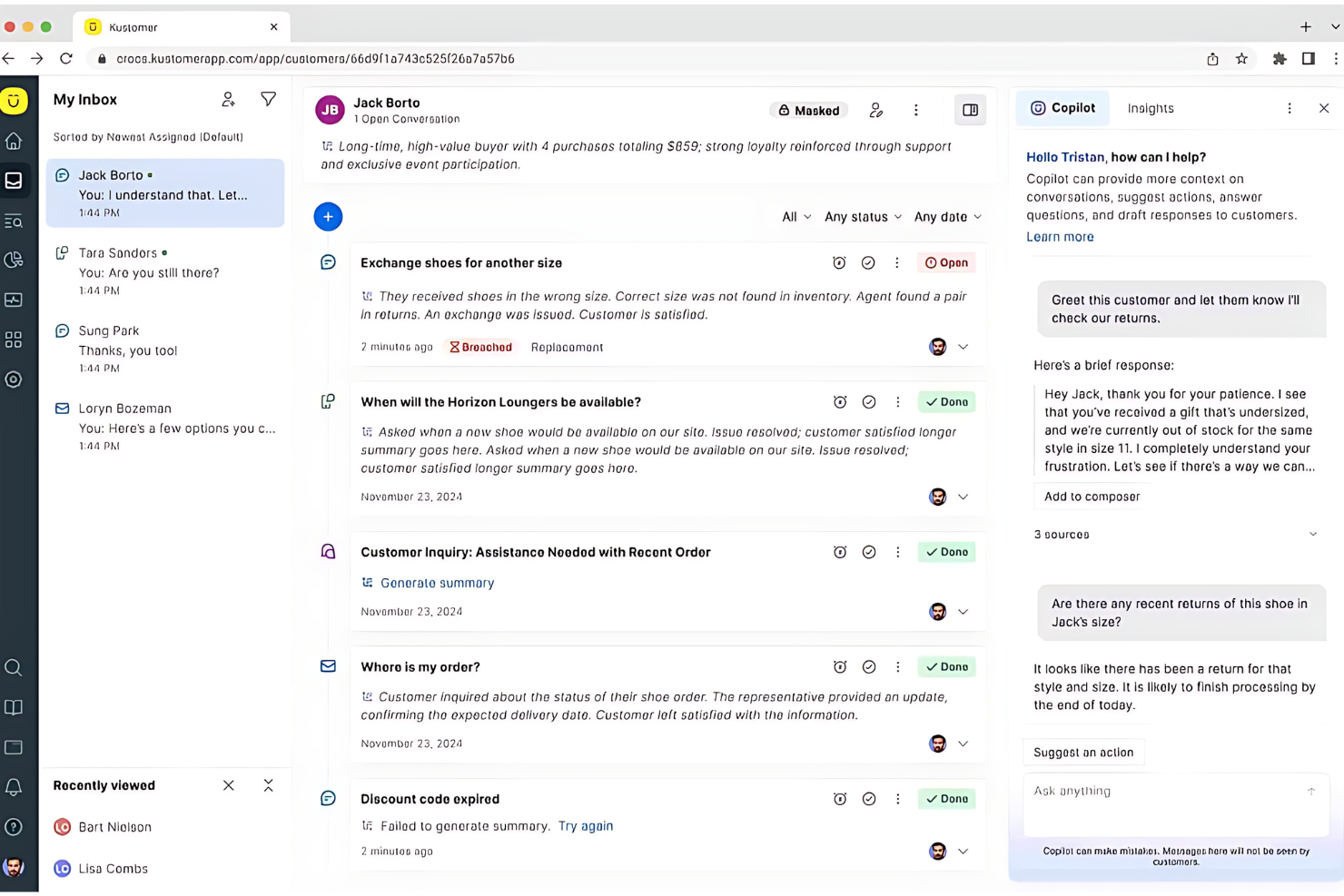
Automate routine tasks like ticket routing, tagging, and responses using built-in AI. This reduces manual work and speeds up resolution times.
Custom Workflows
Design automated processes for approvals, escalations, and follow-ups with a visual workflow builder. Teams can tailor workflows to match their unique support needs.
Knowledge Base
Create and manage self-service articles for customers and agents. This helps deflect common questions and empowers users to find answers quickly.
Reporting and Analytics
Track metrics like response times, CSAT, and agent performance with customizable dashboards. Leaders get actionable insights to improve support operations.
Ease of Use
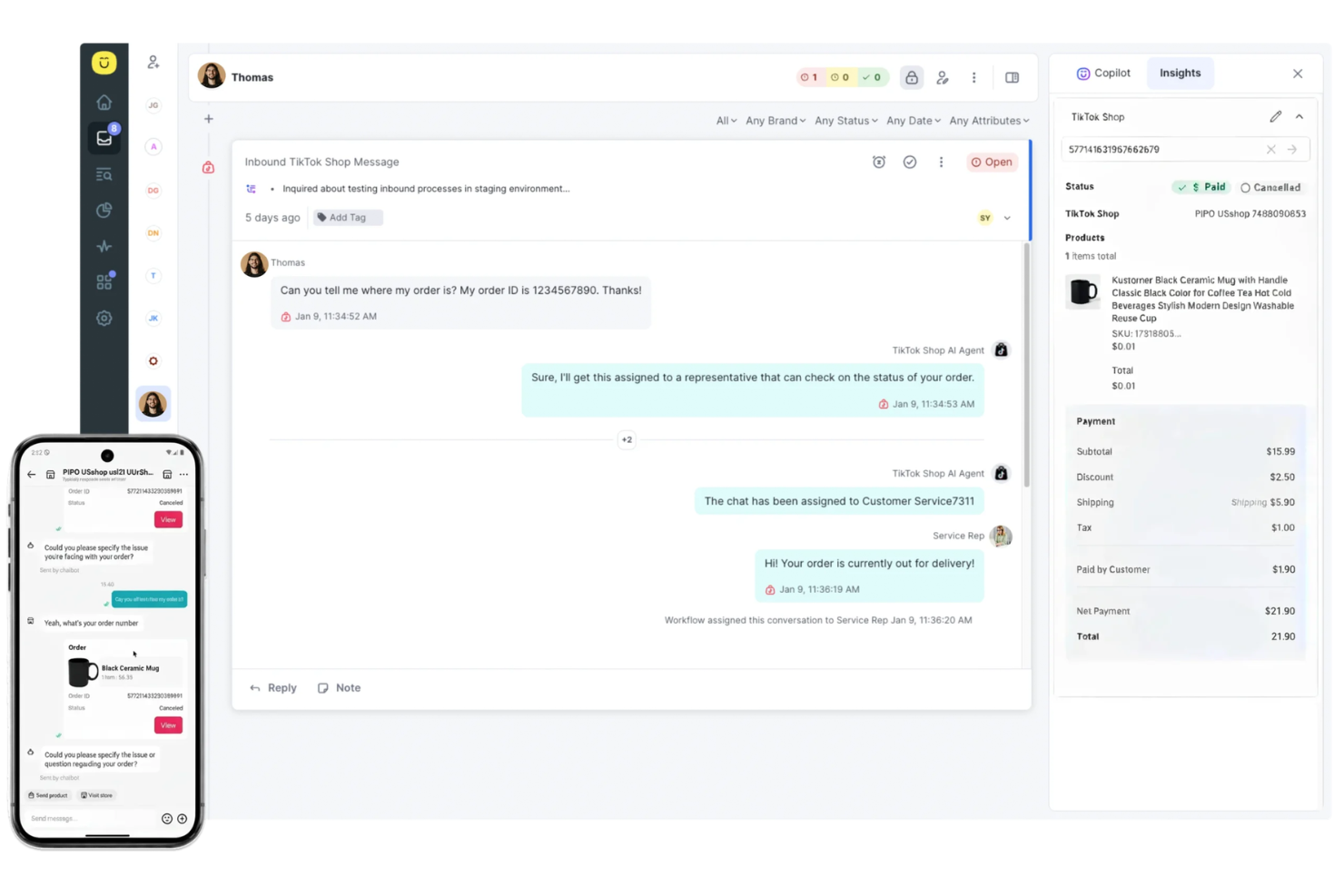
Kustomer’s interface is modern, intuitive, and highly customizable, making it easy for agents to access customer data and manage conversations. Most users say onboarding is straightforward, with helpful guided tours and documentation.
The unified timeline and visual workflow builder reduce the need to switch between screens, which speeds up support. However, some teams mention that the platform’s depth can feel overwhelming at first, especially for those with simpler support needs.
Integrations
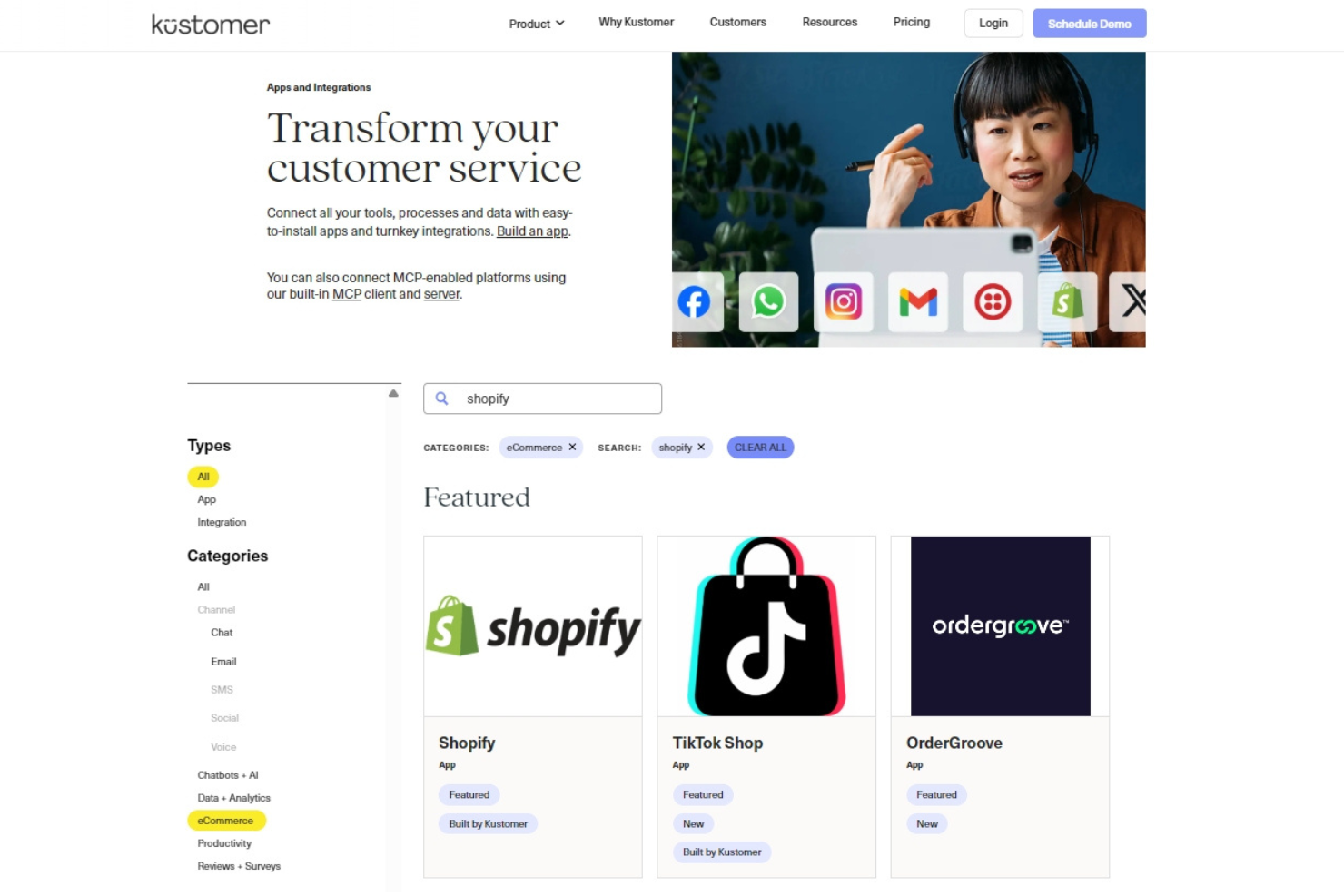
Kustomer integrates with Shopify, Slack, Salesforce, Facebook Messenger, Instagram, Twitter, WhatsApp, Gmail, Mailchimp, and Jira, among others.
Kustomer also offers a robust API and connects with third-party integration tools for custom workflows.
Kustomer Specs
- API
- Calendar Management
- Call Integration
- Chat
- Click-to-Dial
- Contact Management
- CRM Integration
- Customer Management
- Dashboard
- Data Export
- Data Import
- Data Visualization
- Email Integration
- Escalation Management
- External Integrations
- Google Apps Integration
- Inventory Tracking
- Knowledge Base
- Lead Management
- Lead Scoring
- Marketing Automation
- Multi-User
- Net Promoter Score
- Notifications
- Online Surveys
- SAP Integration
- Scheduling
- Self-service Portal
- Supplier Management
- Support Forum
- Ticket Management