


monday service vs. Salesforce Service Cloud: Comparison & Expert Reviews For 2026



monday service offers a flexible approach to managing customer interactions, making it easy for your team to handle requests across functions and channels. Salesforce Service Cloud, on the other hand, is an enterprise-grade solution built to manage complex customer support operations at scale.
While both aim to improve how your team delivers service, monday service focuses on ease and customization, whereas Salesforce leans into depth and ecosystem lock-in. In this article, I’ll compare their features, pricing, pros and cons, and more to help you choose the right customer service software for your needs.
monday service vs. Agentforce Service (formerly Service Cloud): An Overview
monday service

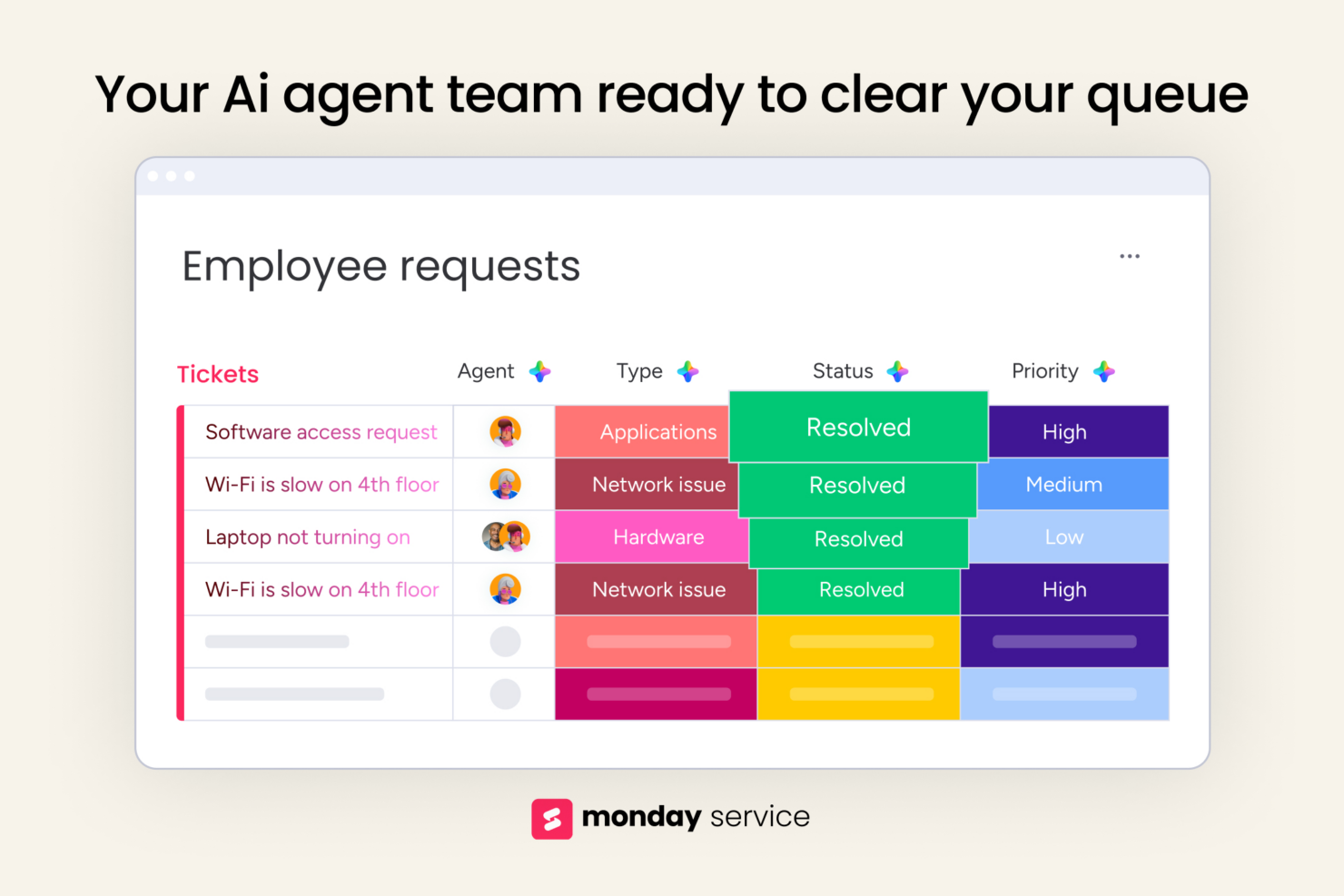
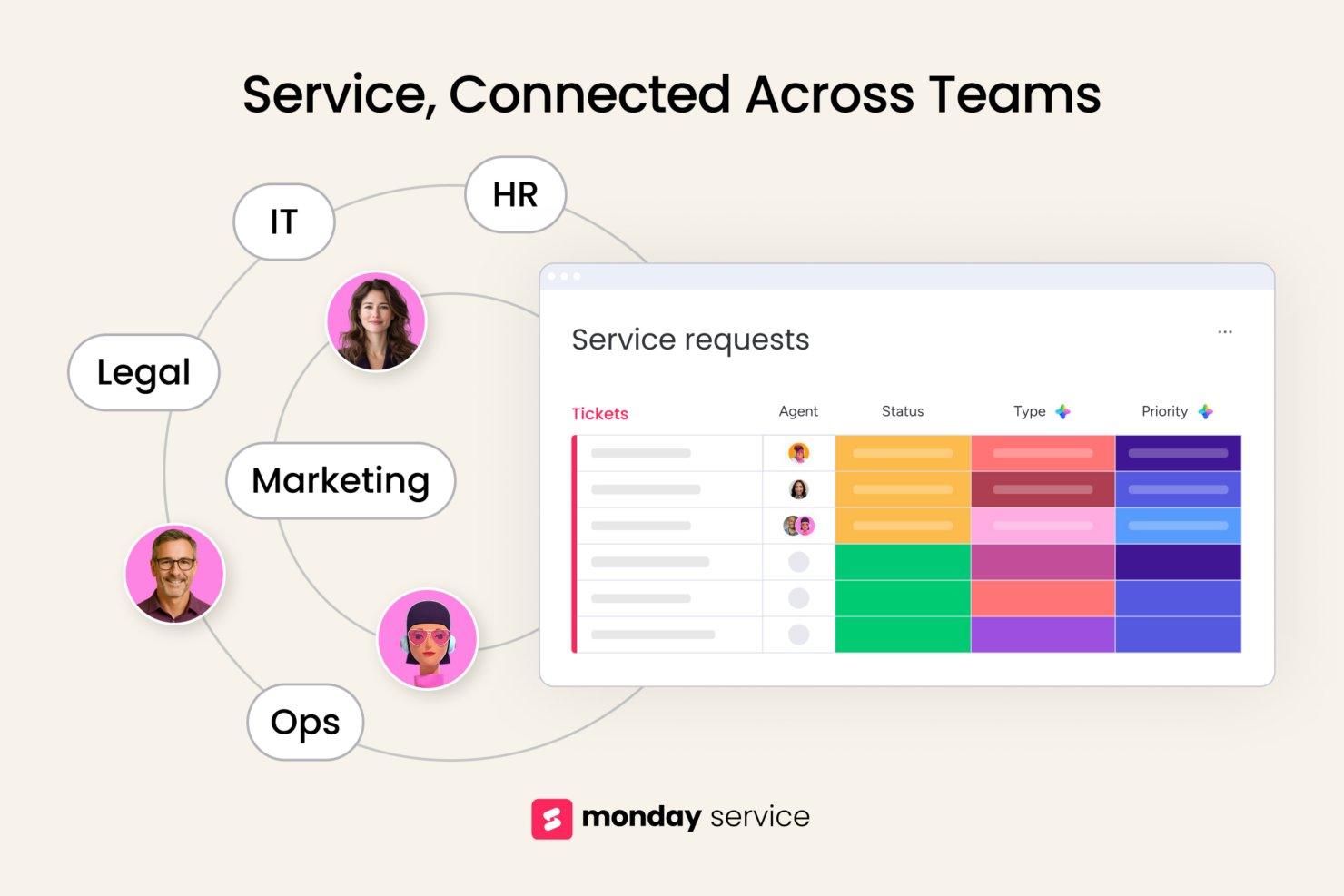
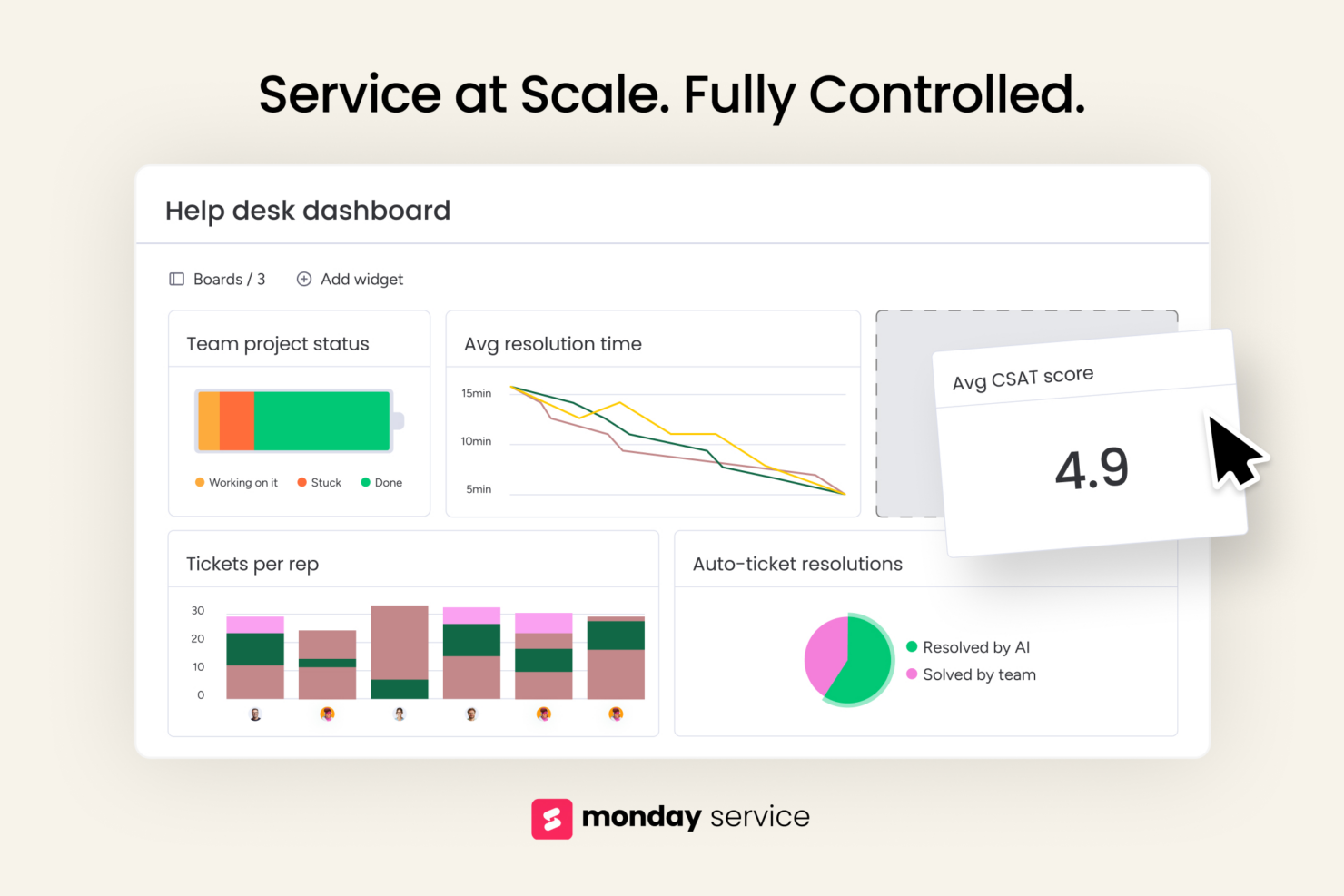

Agentforce Service (formerly Service Cloud)


Why Trust Our Software Recommendations
Our team has been testing and reviewing software since 2012. As CX leaders ourselves, we know how difficult—and important—it is to choose the right software.
For this guide, we evaluated tools using hands-on testing and independent research, scoring tools using our selection criteria.
Our reviews reflect our human editorial judgment, not a sales pitch.
monday service vs. Agentforce Service (formerly Service Cloud) Pricing Comparison
| monday service | Agentforce Service (formerly Service Cloud) | |
|---|---|---|
| Free Trial | 14-day free trial | Free trial available |
| Pricing | From $9/seat/month (billed annually) | From $75/user/month |
monday service vs. Salesforce Service Cloud Pricing & Hidden Costs
The monday service pricing model is tiered by user and feature level (Standard, Pro, Enterprise), with additional charges if you exceed automation or AI action limits. Salesforce Service Cloud uses edition-based pricing (Starter to Unlimited plus AI or Service add-ons), and costs can jump when you add extra agents, AI features, or integrations for full-scale use
To choose wisely, map out your team size, ticket volume, and AI or automation needs, then model how costs grow as you scale, factoring in extras like AI credits or automation run rates so your budget stays predictable.
monday service vs. Agentforce Service (formerly Service Cloud) Feature Comparison
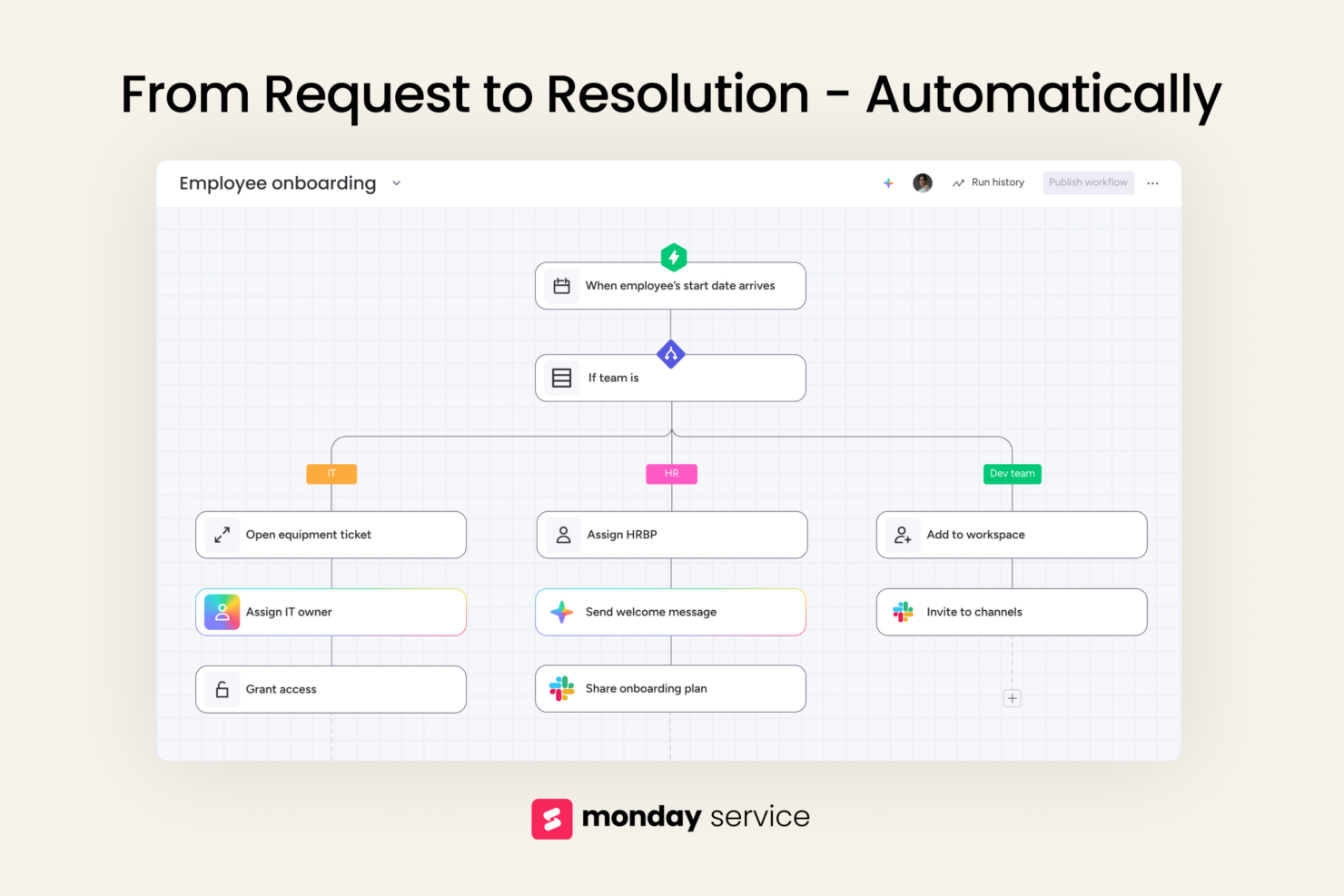
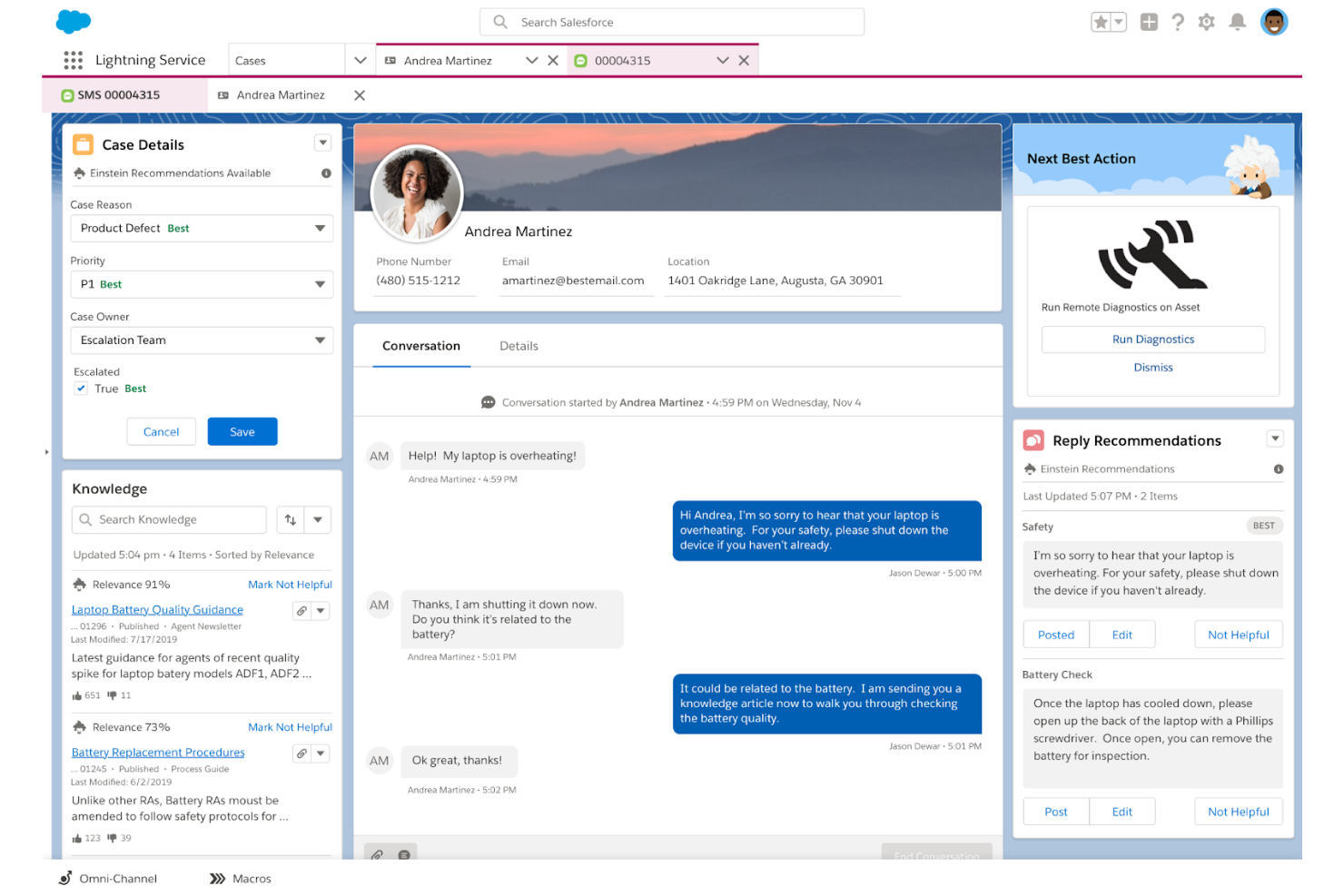
monday service’s customizable boards let you build exactly the workflows your team needs. This is ideal if you’re juggling internal and external requests in one place and want full control without a developer. Salesforce Service Cloud’s AI case routing is great for high-volume queues, but feels rigid if your workflows shift often or span multiple teams.
Both tools cater to different needs, with Salesforce Service Cloud providing robust case handling, and monday service excelling at integrations, making it easier to adapt your service operations as your organization grows or changes.
| monday service | Agentforce Service (formerly Service Cloud) | |
|---|---|---|
| API | ||
| Analytics | ||
| CRM Integration | ||
| Call Integration | ||
| Chat | ||
| Contact Management | ||
| Customer Management | ||
| Dashboard | ||
| Data Export | ||
| Data Import | ||
| Data Visualization | ||
| Email Integration | ||
| External Integrations | ||
| Instant Chat Integration | ||
| Knowledge Base | ||
| Lead Management | ||
| Lead Scoring | ||
| Multi-User | ||
| Notifications | ||
| Real-time Alerts | ||
| Scheduling | ||
| Self-service Portal | ||
| Social Media Integration | ||
| Support Forum | ||
| Ticket Management | ||
| Workflow Management |
monday service vs. Salesforce Service Cloud Integrations
| Integration | monday service | Salesforce Service Cloud |
| Slack | ✅ | ✅ |
| Microsoft Teams | ✅ | ✅ |
| HubSpot | ✅ | ✅ |
| Zoom | ✅ | ✅ |
| Outlook | ✅ | ✅ |
| ServiceNow | ✅ | ❌ |
| Mailchimp | ✅ | ❌ |
| Google Workspace | ✅ | ✅ |
| QuickBooks | ❌ | ✅ |
| API | ✅ | ✅ |
| Zapier | ✅ | ✅ |
With monday service’s integration with ServiceNow, you can bridge IT service and internal ops in one unified workflow. Salesforce Service Cloud's integration with QuickBooks is great for customer service professionals who need to streamline billing and financial inquiries. Both tools offer unique integrations that cater to specific business needs, enhancing operational efficiency.
monday service vs. Salesforce Service Cloud Security, Compliance & Reliability
| Factor | monday service | Salesforce Service Cloud |
| Data Encryption | monday service encrypts data at rest and in transit using TLS and AES-256 standards. | Salesforce Service Cloud also uses TLS and AES-256 encryption for data protection. |
| Regulatory Compliance | monday service complies with GDPR, SOC 2 Type II, and has ISO/IEC 27001 certification. | Salesforce Service Cloud complies with GDPR, HIPAA, and ISO 27001 certifications. |
| Uptime Reliability | monday service guarantees a 99.9% uptime with status updates and redundancy protocols. | Salesforce Service Cloud offers a 99.99% uptime SLA with robust disaster recovery plans. |
| Data Residency | Supports data region choice (US, EU, APAC) on Enterprise plan. | Enables multi-region hosting and data residency for enterprise customers. |
Salesforce Service Cloud delivers deeper compliance and enterprise-grade controls, while monday service, like other monday.com products, strikes a solid balance of core security features and flexible access management. To choose the right vendor, evaluate your industry's compliance requirements and prioritize vendors that meet those standards, ensuring your data policies align with their offerings.
monday service vs. Salesforce Service Cloud Ease of Use
| Factor | monday service | Salesforce Service Cloud |
| User Interface | Uses a visual, board-style layout that’s intuitive for teams managing varied requests. | Provides a traditional ticketing dashboard that can be overwhelming for new users. |
| Setup & Onboarding | monday service offers setup templates and simple onboarding, though custom boards take time. | Salesforce Service Cloud includes guided flow setup and built-in best practices for support teams. |
| Navigation | Lets you switch between boards and dashboards easily, but can get nested. | Uses a search-driven navigation that's familiar to support agents. |
| Training Needed | Steep learning curve to adjust custom workflows. In-depth knowledge base is available. | Needs minimal training for classic support use cases. |
Salesforce Service Cloud feels solid and familiar if you're focused on structured support, but monday service is easier to adapt and evolve as your workflows change. If you want something ready to go with minimal setup, implementing Salesforce Service Cloud is great, but for teams that need flexibility, customizable reports, and a clearer visual toolkit, monday service excels.
monday service vs Agentforce Service (formerly Service Cloud): Pros & Cons
monday service
- You can easily customize workflows to fit your team's processes.
- The user interface is intuitive, and the unified workspace enhances collaboration.
- AI automation of routine ticketing tasks can improve your team’s response time.
- You might find the initial setup a bit complex if you're new to such tools.
- Advanced features might require a bit of a learning curve for your team.
- ITSM modules are only available in the Enterprise plan.
Agentforce Service (formerly Service Cloud)
- Deep Salesforce integration provides unified customer service data.
- Advanced AI automation streamlines service workflows and resolutions.
- Extensive customization supports complex enterprise service operations.
- Higher costs can limit accessibility for smaller teams.
- Implementation often requires significant planning and technical expertise.
- Interface complexity creates a steeper learning curve initially.
Best Use Cases for monday service and Agentforce Service (formerly Service Cloud)
monday service
- Customer Support Teams You can track tickets, prioritize requests, and measure SLAs with workflows tailored to how your team actually works.
- Professional Services You can manage service delivery and client support with full visibility across timelines, ownership, and communication.
- SMB Support Organizations It’s great if you’re scaling fast and need structure without the complexity (or cost) of legacy support platforms.
- B2B SaaS Companies You can integrate product, success, and support teams so customer issues don’t fall through the cracks.
- Non-Tech Service Teams With its no-code interface, anyone can build and update workflows without waiting on IT or developers.
- Support Operations Leaders You get real-time dashboards and performance tracking to manage teams, surface bottlenecks, and improve service quality.
Agentforce Service (formerly Service Cloud)
- Salesforce-Centric Organizations Connects customer service, sales, marketing, and customer data within a unified Salesforce ecosystem.
- Enterprise Customer Support Handles high ticket volumes, complex workflows, and large service teams with AI-powered automation.
- Global Operations Supports multilingual service operations, advanced routing, and large-scale customer engagement.
- Retail and Ecommerce Unifies customer interactions across service, sales, commerce, and digital channels.
- Financial Services Supports highly regulated environments with strong security, governance, and customer visibility.
- Healthcare Providers Helps manage complex customer journeys and sensitive communications across multiple channels.
Who Should Use monday service, and Who Should Use Salesforce Service Cloud?
In my opinion, monday service is the better fit if your team needs flexibility, fast setup, and workflows that adapt to how you already work. It’s great for small businesses, midsize teams or cross-functional service orgs that want control without complexity. Salesforce Service Cloud makes more sense for large enterprises with high ticket volume, deep process automation, and a big budget for configuration. If you need power and scale over simplicity, pick Salesforce, otherwise, monday service keeps things more manageable and offers customization capabilities to meet your specific needs.
Differences Between monday service and Agentforce Service (formerly Service Cloud)
| monday service | Agentforce Service (formerly Service Cloud) | |
|---|---|---|
| Automation Capabilities | Offers simple, rule-based automation across boards and timelines. | Includes advanced AI-powered automation, macros, and auto-routing for high volume. |
| Onboarding Experience | monday service provides quick onboarding with interactive tutorials. | Salesforce Service Cloud requires a detailed setup process with extensive guidance. |
| Pricing Model | monday service offers tiered subscription with extra charges for more automation or integrations. | Salesforce Service Cloud also uses a tiered model but includes extra costs for features like bots or advanced analytics. |
| User Interface | Visual, drag-and-drop layout built for transparency and collaboration. | Classic dashboard with list views and tabs built for support agents. |
| Workflow Flexibility | Lets you build custom boards and request flows for internal and external teams. | Uses predefined case structures optimized for large-scale customer support. |
| Read monday service ReviewOpens new window | Read Agentforce Service (formerly Service Cloud) ReviewOpens new window |
Similarities Between monday service and Agentforce Service (formerly Service Cloud)
| Automation Capabilities | Each tool supports rule-based automation—monday uses board triggers, Salesforce leans on flows and macros. |
|---|---|
| Cloud-Based Solution | Both are cloud-based, quick to deploy, providing your team with flexibility to access the tools from anywhere with an internet connection. |
| Omnichannel Support | Both support handling requests from email, web forms, and chat tools through integrations. |
| Role-Based Permissions | You can control who sees or edits what with detailed user roles and permission settings in both tools. |
| Ticket Management | Both monday service and Salesforce Service Cloud let your team log, assign, and track service requests with full visibility into status and owners. |
| Read monday service ReviewOpens new window Read Agentforce Service (formerly Service Cloud) ReviewOpens new window | |