


TeamSupport vs. Pylon: Comparison and Expert Reviews for 2026


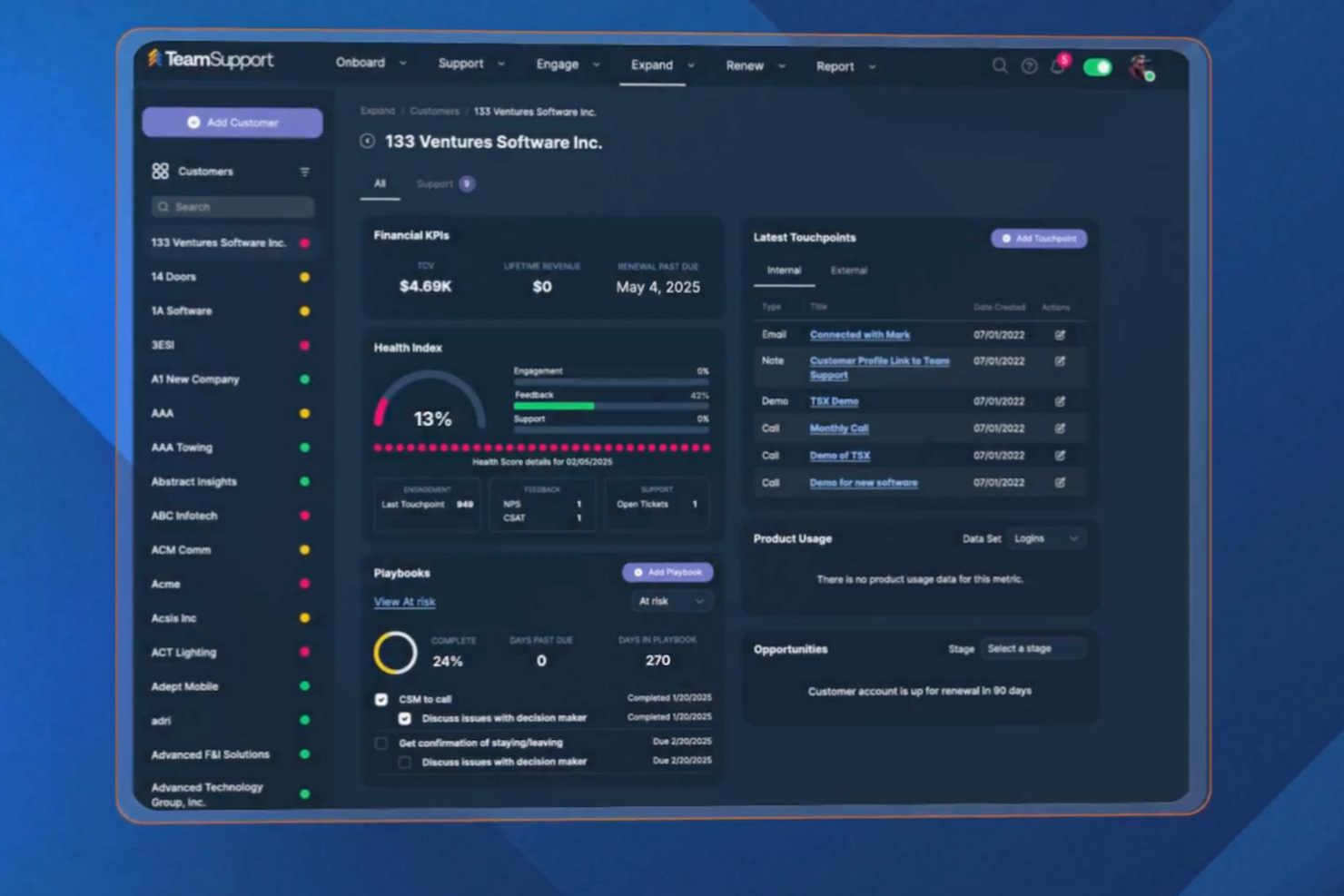
Choosing between TeamSupport and Pylon means weighing context-rich ticket management against AI-powered automation, two very different approaches to B2B customer support software that can determine the outcome of your CX efforts. If you’re struggling to decide which platform will help your team resolve issues faster, keep customers happy, and scale with your business, you’re not alone. TeamSupport stands out for its in-depth customer relationship insights, while Pylon brings AI and workflow automation to the table. This guide breaks down the strengths, weaknesses, and real-world use cases of each tool so you can confidently choose the right fit for your support operation.
TeamSupport vs. Pylon: An Overview
TeamSupport
Why Trust Our Software Reviews
We’ve been testing and reviewing software since 2020. As CX leaders ourselves, we know how critical and difficult it is to make the right decision when selecting software.
We invest in deep research to help our audience make better software purchasing decisions. We’ve tested more than 2,000 tools for different CX use cases and written over 1,000 comprehensive software reviews. Learn how we stay transparent & our software review methodology.
TeamSupport vs. Pylon Pricing Comparison
| TeamSupport | Pylon | |
|---|---|---|
| Free Trial | Free demo available | Free demo available |
| Pricing | From $45/month (billed annually) | From $59/seat/month (billed annually) |
TeamSupport vs. Pylon Pricing & Hidden Costs
TeamSupport uses a tiered pricing plan based on user seats and feature access, with higher tiers unlocking capacity reporting, integrations, and a dedicated client success manager. Pylon, on the other hand, offers usage-based pricing that scales with ticket volume and automation features, which can make costs unpredictable if your support demand fluctuates. Some advanced AI capabilities or analytics modules may also require separate add-ons.
To choose the right pricing model, look beyond the base subscription and consider your team’s growth plans, support volume, and the features you’ll actually use. Ask each vendor for a detailed breakdown of what’s included, what counts as an add-on, and how your costs might change as your business evolves. Request real-world examples or case studies from companies similar to yours to see how pricing plays out over time. This approach helps you avoid surprises and ensures you’re investing in a solution that fits your long-term needs.
TeamSupport vs. Pylon Feature Comparison
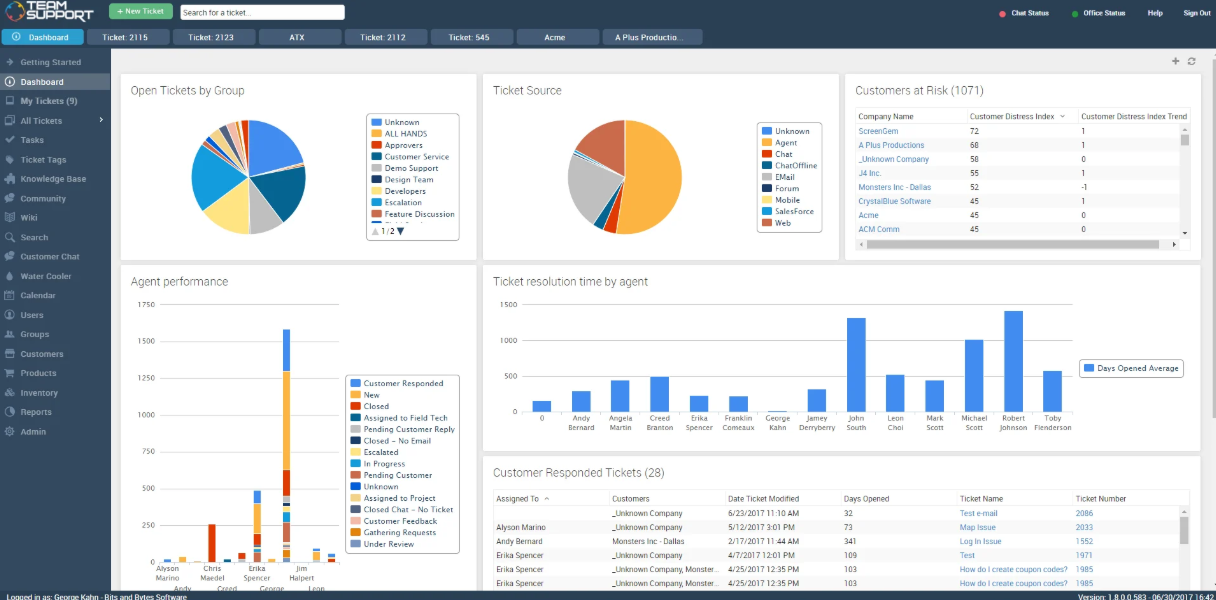
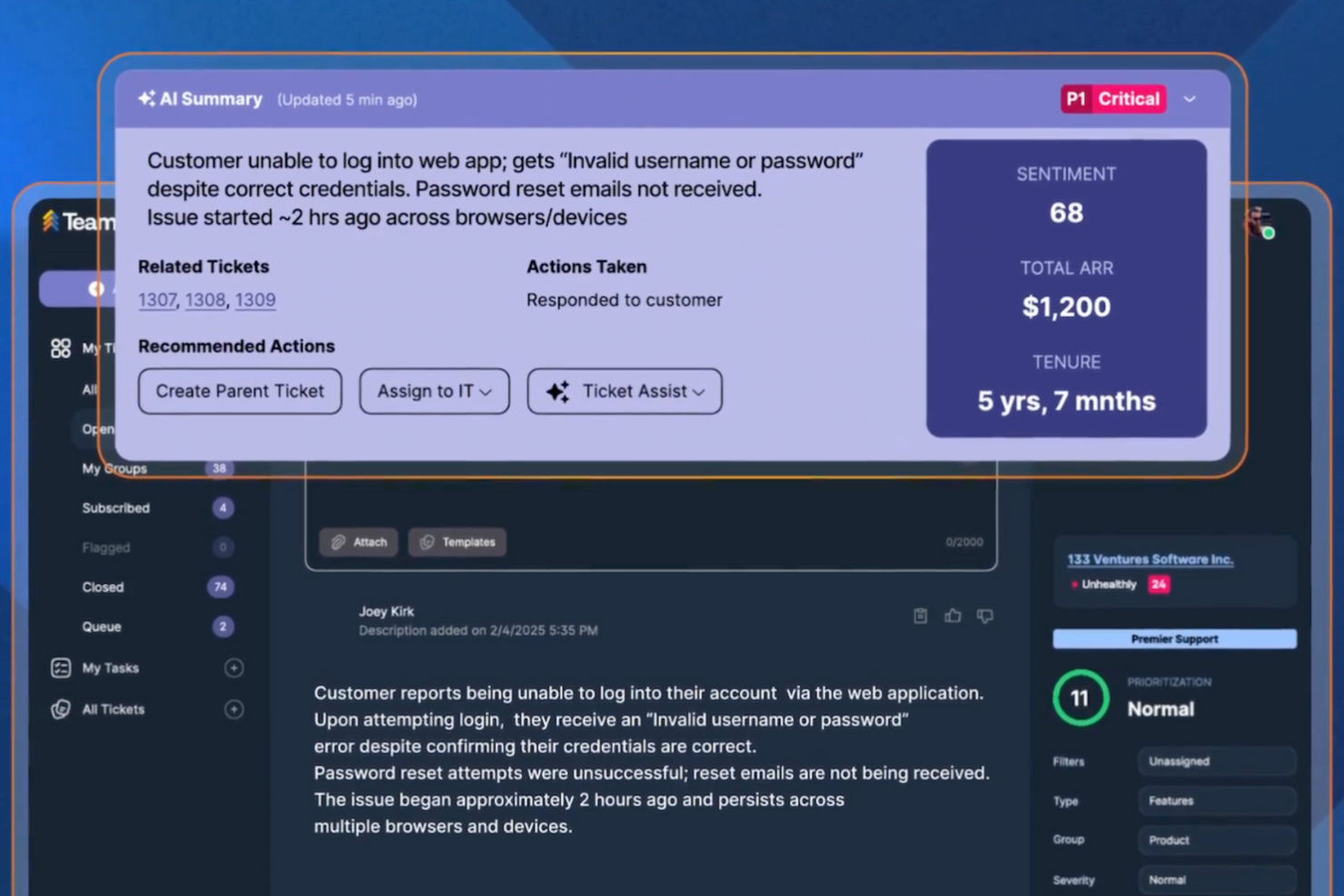
TeamSupport’s ticket management and customer database help you track conversations and resolve issues quickly, making it easier to deliver responsive support every day. Pylon’s AI-powered knowledge base and automated workflows give you instant answers and streamline repetitive tasks, so you can focus on more complex customer needs.
| TeamSupport | Pylon | |
|---|---|---|
| API | ||
| Analytics | ||
| Batch Permissions & Access | ||
| CRM Integration | ||
| Call Integration | ||
| Chat | ||
| Contact Management | ||
| Contact Sharing | ||
| Customer Management | ||
| Customer Service | ||
| Dashboard | ||
| Data Export | ||
| Data Import | ||
| Data Visualization | ||
| Email Integration | ||
| Escalation Management | ||
| External Integrations | ||
| Instant Chat Integration | ||
| Knowledge Base | ||
| Lead Management | ||
| Lead Scoring | ||
| Multi-User | ||
| Notifications | ||
| Real-time Alerts | ||
| Scheduling | ||
| Self-service Portal | ||
| Social Media Integration | ||
| Support Forum | ||
| Third-Party Plugins/Add-Ons | ||
| Ticket Management | ||
| Workflow Management |
TeamSupport vs. Pylon Integrations
| Integration | TeamSupport | Pylon |
|---|---|---|
| Salesforce | ✅ | ✅ |
| HubSpot | ✅ | ✅ |
| Slack | ✅ | ✅ |
| Microsoft Teams | ✅ | ✅ |
| Jira | ✅ | ✅ |
| Zendesk | ✅ | ✅ |
| QuickBooks | ❌ | ❌ |
| Google Workspace | ❌ | ✅ |
| API | ✅ | ✅ |
| Zapier | ✅ | ✅ |
TeamSupport and Pylon are similar in terms of integrations, covering the most popular CRM and productivity tools, though Pylon stands out with native Google Workspace support for teams that rely on those ecosystems for increased flexibility. Both platforms, however, do provide API and Zapier access for custom workflow connections.
TeamSupport vs. Pylon Security, Compliance & Reliability
| Factor | TeamSupport | Pylon |
|---|---|---|
| Data Encryption | Encrypts data in transit and at rest using industry-standard protocols. | Uses end-to-end encryption for all customer and internal communications. |
| Regulatory Compliance | Offers SOC 2 Type II certification, HIPAA-compliant features, and GDPR-ready data handling. | Complies with GDPR and provides detailed audit logs for all activities. |
| Uptime Guarantee | Delivers a 99.9% uptime SLA with real-time status monitoring. | Maintains 99.99% uptime with automated failover and incident alerts. |
| Access Controls | Provides customizable user roles and SSO integration for secure access. | Supports granular permissions and SAML-based SSO for enterprise security. |
Pylon edges ahead with its uptime guarantee and more granular audit logging, while TeamSupport’s HIPAA compliance and customizable access controls offer strong peace of mind. Both platforms deliver enterprise-grade security, but TeamSupport stands out for compliance documentation.
TeamSupport vs. Pylon Ease of Use
| Factor | TeamSupport | Pylon |
|---|---|---|
| User Interface | Features a classic, dashboard-style layout with customizable widgets. | Offers a modern, chat-inspired interface designed for quick navigation. |
| Onboarding | Provides guided setup, in-app tutorials, and a dedicated onboarding team. | Uses interactive walkthroughs and AI-driven tips to speed up adoption. |
| Ticket Management | Centralizes tickets in a central hub with bulk actions and advanced filtering options. | Automates ticket routing and resolution directly within Slack. |
| Support Resources | Mostly responsive support via chat and email, with a detailed knowledge base. | Delivers live chat support and a robust help center with video guides. |
Pylon feels more intuitive for teams that live in chat tools, while TeamSupport’s structured dashboard and onboarding support make it approachable for traditional support teams. TeamSupport shines with its guided setup and customizable workspace, while Pylon stands out for its seamless Google Workspace integration and real-time support resources.
TeamSupport vs Pylon: Pros & Cons
TeamSupport
- Reporting and analytics offer detailed team performance insights.
- Customer database tracks multi-contact account histories.
- Ticket collaboration tools support complex B2B workflows.
- Some users report slow response times from support.
- Integrations aren't as extensive as other platforms.
- Some users have expressed frustration with the lengthy setup.
Pylon
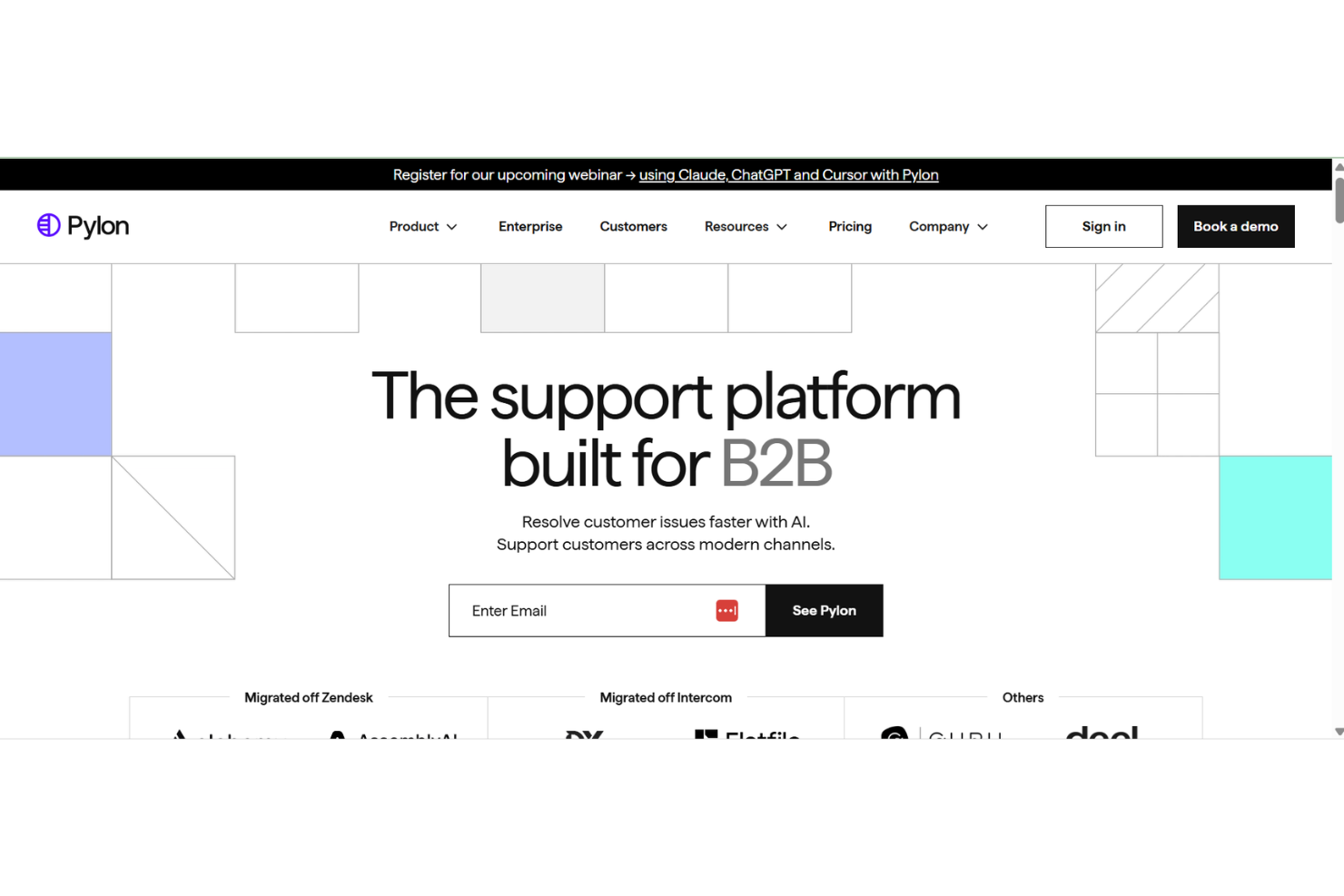
- AI agents automate repetitive support tasks for teams.
- Omnichannel support covers Slack, Teams, email, and chat.
- Knowledge management surfaces gaps and drafts articles automatically.
- Limited advanced ticketing features for complex workflows.
- Reporting customization options are less extensive than peers.
- Some users report occasional AI response inaccuracies.
Best Use Cases for TeamSupport and Pylon
TeamSupport
- Customer Success Departments Centralized customer data helps teams proactively manage client outcomes.
- Enterprise Support Teams Advanced reporting and account management suit large-scale operations.
- Healthcare Technology HIPAA-compliant features and audit trails support regulated environments.
- IT Service Desks Collaboration tools support multi-agent troubleshooting for technical issues.
- Manufacturing Companies Detailed ticket histories help manage product support and warranty claims.
- SaaS Providers TeamSupport tracks multi-contact accounts and recurring issues common in SaaS.
Pylon
- SaaS Startups Pylon’s AI knowledge base helps new teams scale support quickly.
- Remote-First Teams Slack and Teams integrations keep distributed teams connected and informed.
- IT Help Desks Automated workflows and knowledge surfacing reduce ticket volume for IT.
- Customer Success Departments Centralized knowledge sharing improves onboarding and customer-facing responses.
- HR Departments Internal support automation streamlines employee questions and requests.
- Mid-Sized Tech Companies Transparent pricing and fast onboarding suit growing tech organizations.
Who Should Use TeamSupport, and Who Should Use Pylon?
TeamSupport is a great fit for B2B support teams that handle complex customer relationships, need detailed reporting, and value a structured, collaborative workspace, especially in industries like SaaS, manufacturing, or technology. If your team prefers traditional ticketing, relies on integrations like Microsoft Teams, or needs strong compliance documentation, TeamSupport delivers. Pylon is ideal for fast-moving teams that want to manage support directly in Slack, automate repetitive tasks, and leverage AI to speed up resolutions. Choose Pylon if you prioritize modern workflows, real-time collaboration, and a flexible, usage-based pricing model.
Differences Between TeamSupport and Pylon
| TeamSupport | Pylon | |
|---|---|---|
| Automation | Offers rule-based automations for ticket assignment and alerts. | Leverages AI to automate responses and suggest solutions. |
| Collaboration Style | Focuses on internal notes, shared views, and team dashboards. | Enables real-time collaboration through chat-based workflows. |
| Pricing Model | Charges per user with feature-based tiers. | Uses usage-based pricing tied to ticket volume and automation. |
| Ticket Management | Uses a traditional ticketing system with advanced filtering. | Automates ticket creation and routing within Slack. |
| Visit TeamSupportOpens new window | Read Pylon ReviewOpens new window |
Similarities Between TeamSupport and Pylon
| API & Zapier Access | Each offers an API and Zapier integration, so you can build custom workflows and connect with other business tools. |
|---|---|
| CRM Integrations | Both connect with major CRMs like Salesforce and HubSpot, letting you sync customer data and track interactions. |
| Knowledge Resources | Both offer searchable help centers and in-app guidance to support users as they learn the platform. |
| Reporting & Analytics | Each provides customizable dashboards and analytics to help you monitor support performance and spot trends. |
| Security Standards | Both platforms use strong encryption, SSO options, and GDPR-compliant data handling to protect customer information. |
| Visit TeamSupportOpens new window Read Pylon ReviewOpens new window | |