

TeamSupport vs. Zendesk: Detailed Comparison and Expert Reviews for 2026


Choosing between TeamSupport and Zendesk means weighing a B2B customer support software built for complex client relationships against a powerhouse known for flexibility and scale. If you’re struggling to pick the right platform, then you’re definitely not alone. Many teams face the same crossroads when customer demands, integration needs, and growth goals collide. TeamSupport stands out with its focus on collaboration and account-based support, while Zendesk offers a vast ecosystem and customizable workflows. In this article, you’ll get a side-by-side look at both platforms, expert insights, and practical guidance to help you select the B2B customer support software that fits your team’s unique needs and ambitions.
TeamSupport vs. Zendesk: An Overview
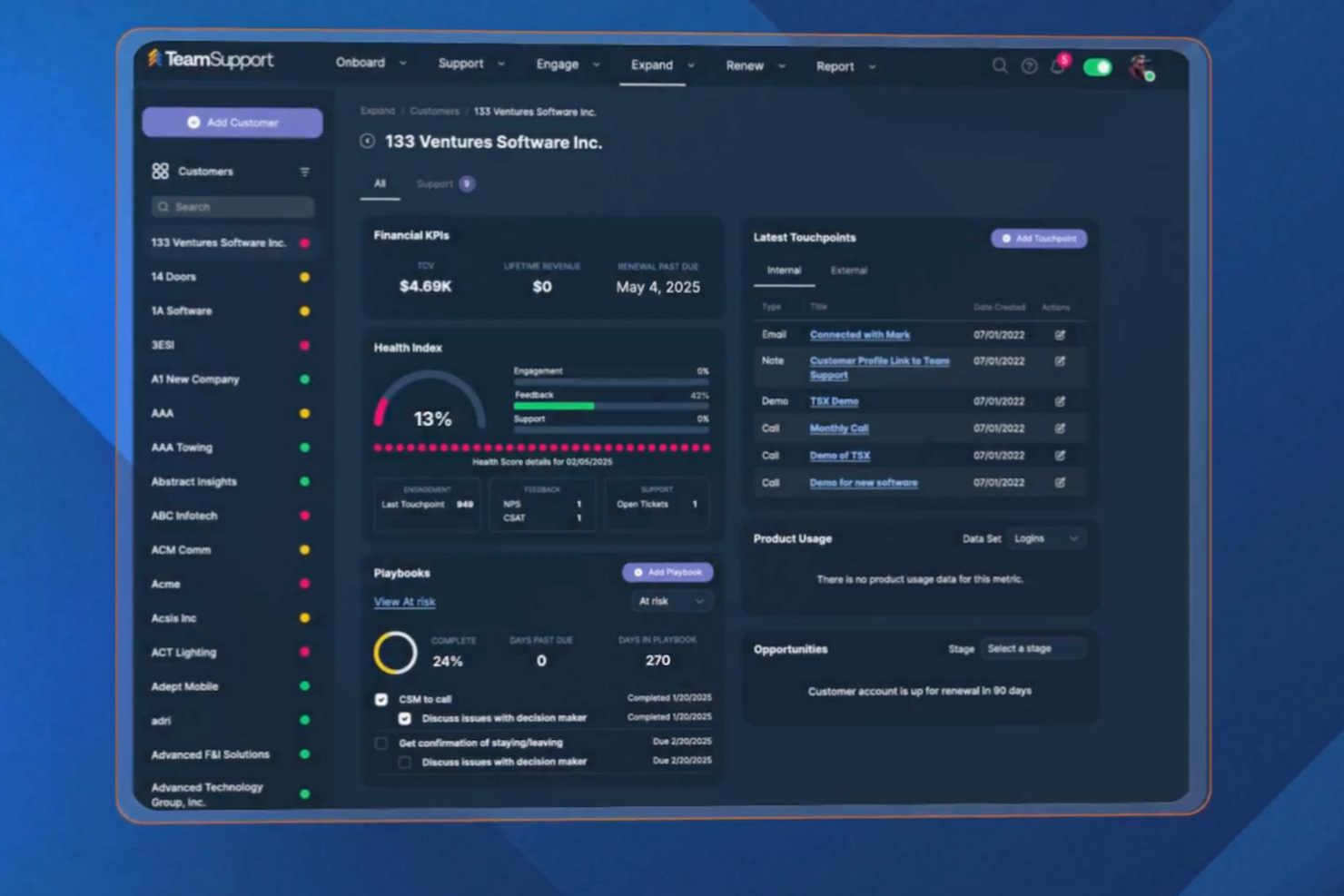
TeamSupport
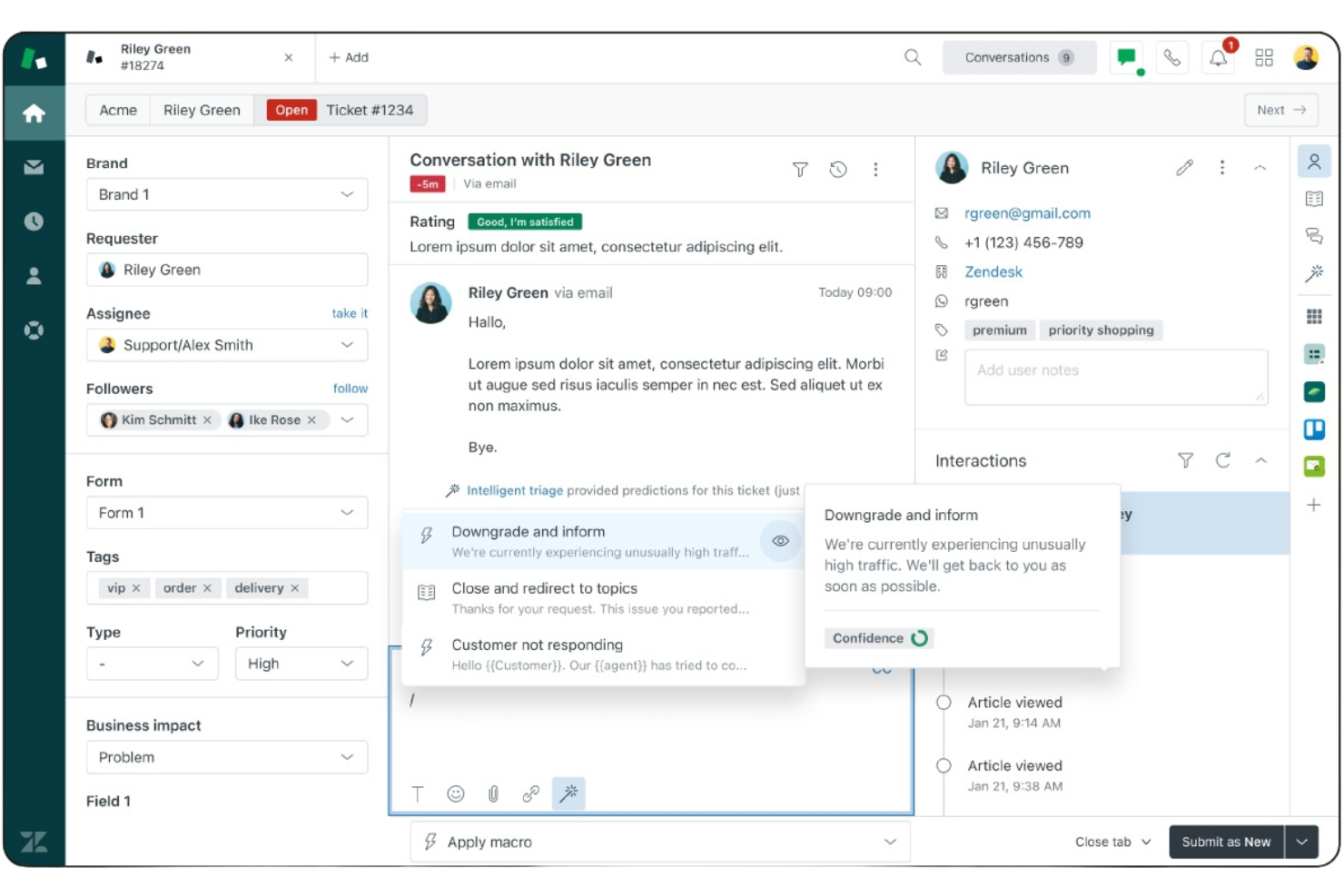
Zendesk


Why Trust Our Software Reviews
We’ve been testing and reviewing software since 2020. As CX leaders ourselves, we know how critical and difficult it is to make the right decision when selecting software.
We invest in deep research to help our audience make better software purchasing decisions. We’ve tested more than 2,000 tools for different CX use cases and written over 1,000 comprehensive software reviews. Learn how we stay transparent & our software review methodology.
TeamSupport vs. Zendesk Pricing Comparison
| TeamSupport | Zendesk | |
|---|---|---|
| Free Trial | Free demo available | 14-day free trial + free demo available |
| Pricing | From $45/month (billed annually) | From $19/agent/month (billed annually) |
TeamSupport vs. Zendesk Pricing & Hidden Costs
TeamSupport uses a tiered pricing plan based on user seats, with higher tiers unlocking advanced features like reporting and integrations. Zendesk also follows a tiered pricing structure, with costs increasing as you add advanced automation, AI tools, or specialized add-ons. Both platforms may introduce extra costs for premium support, API access, or third-party integrations, so it’s important to look beyond the base subscription.
To choose the right vendor, map out your current and future support needs, including the number of agents, required integrations, and any must-have features. Ask each provider for a detailed breakdown of all potential costs, including add-ons and overage fees. This approach helps you avoid surprises and ensures you’re comparing the true total cost of ownership not just the sticker price.
TeamSupport vs. Zendesk Feature Comparison
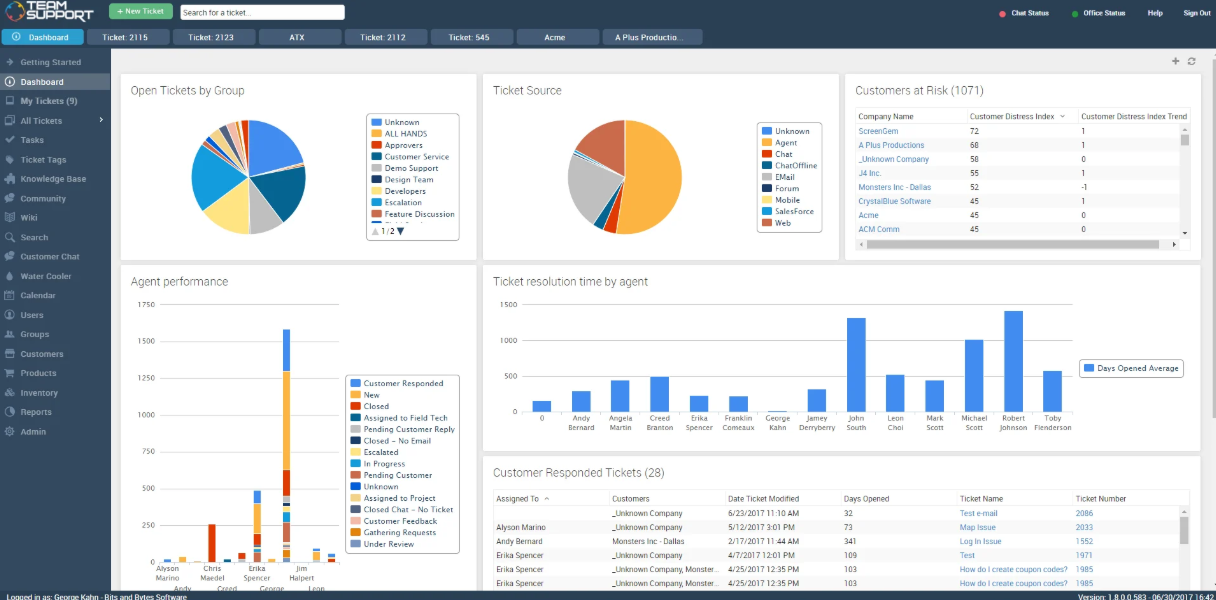
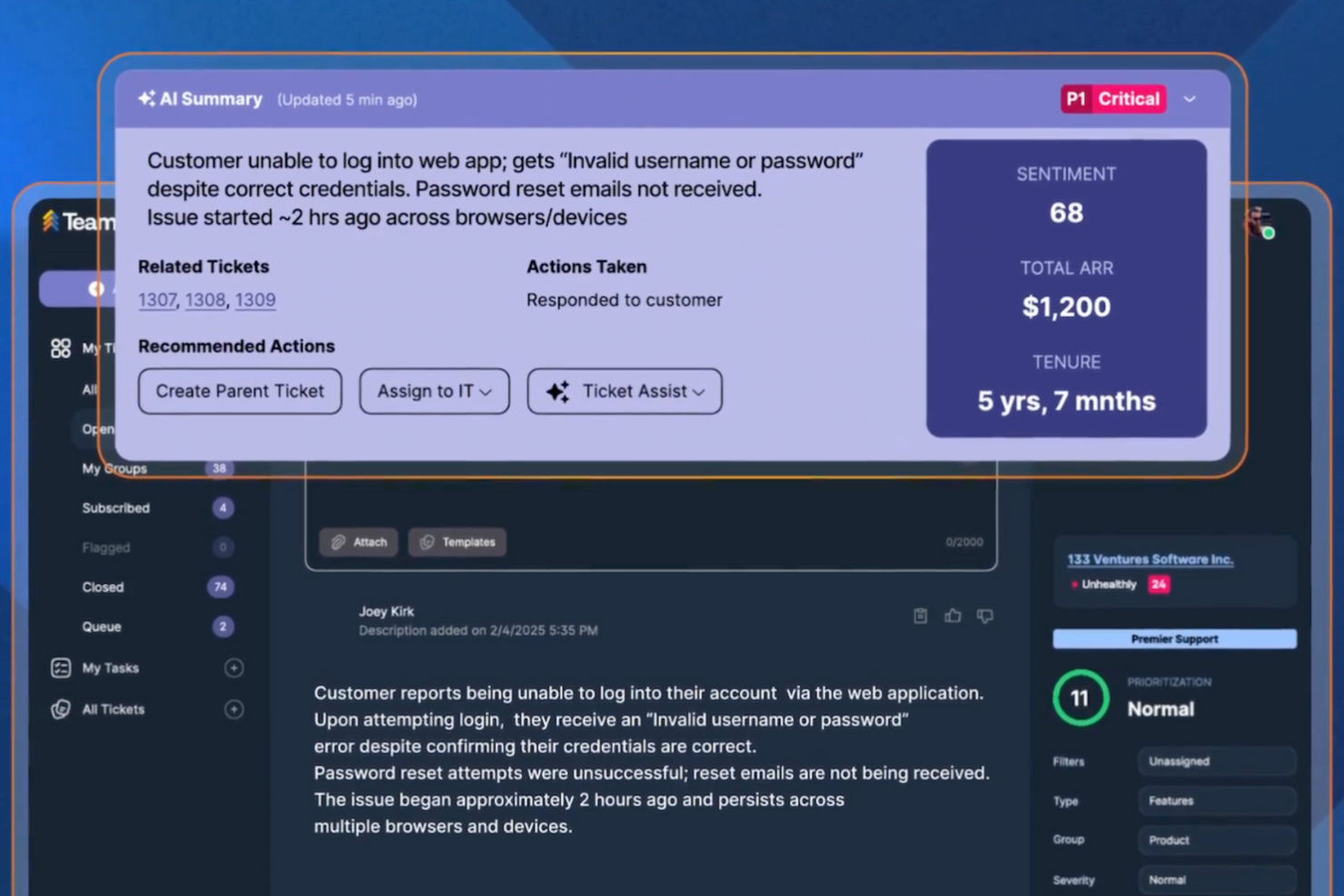
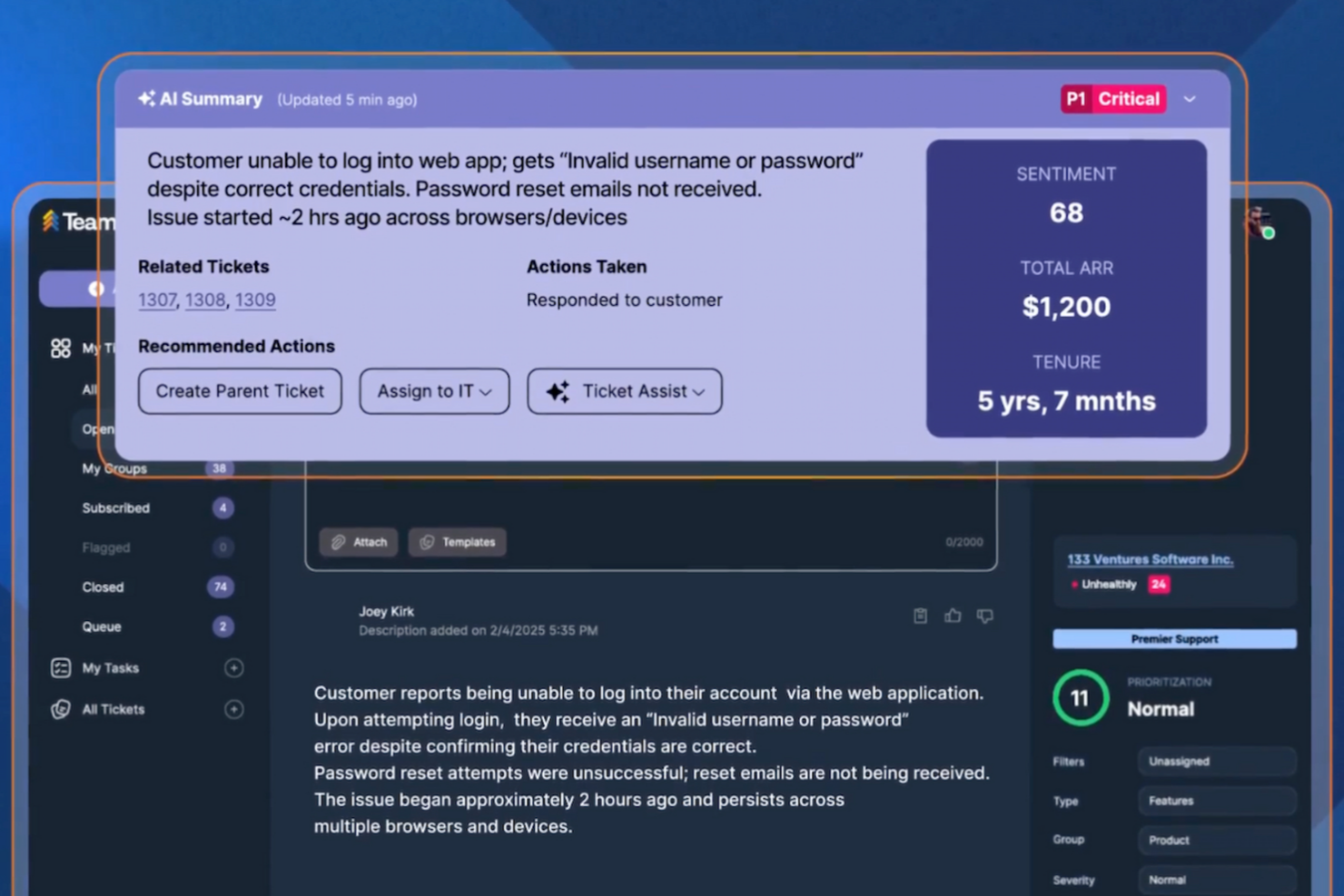
TeamSupport’s account-based ticketing and customer health dashboards help you manage complex B2B relationships and keep track of ongoing issues across multiple contacts. In contrast, Zendesk’s omnichannel ticketing and customizable automation let you handle high volumes of requests efficiently and tailor workflows to your team’s exact needs.
| TeamSupport | Zendesk | |
|---|---|---|
| API | ||
| Analytics | ||
| Batch Permissions & Access | ||
| CRM Integration | ||
| Call Integration | ||
| Chat | ||
| Contact Management | ||
| Contact Sharing | ||
| Customer Management | ||
| Customer Service | ||
| Dashboard | ||
| Data Export | ||
| Data Import | ||
| Data Visualization | ||
| Email Integration | ||
| Escalation Management | ||
| External Integrations | ||
| Instant Chat Integration | ||
| Knowledge Base | ||
| Lead Management | ||
| Lead Scoring | ||
| Multi-User | ||
| Notifications | ||
| Real-time Alerts | ||
| Scheduling | ||
| Self-service Portal | ||
| Social Media Integration | ||
| Support Forum | ||
| Third-Party Plugins/Add-Ons | ||
| Ticket Management | ||
| Workflow Management |
TeamSupport vs. Zendesk Integrations
| Integration | TeamSupport | Zendesk |
|---|---|---|
| Salesforce | ✅ | ✅ |
| HubSpot | ✅ | ✅ |
| Slack | ✅ | ✅ |
| Jira | ✅ | ✅ |
| Microsoft Teams | ✅ | ✅ |
| Shopify | ❌ | ✅ |
| QuickBooks | ❌ | ✅ |
| Mailchimp | ❌ | ✅ |
| API | ✅ | ✅ |
| Zapier | ✅ | ✅ |
Both TeamSupport and Zendesk share a strong set of core integrations, including Salesforce, HubSpot, Slack, Jira, and Microsoft Teams, with API and Zapier support on both sides for custom workflow connectivity. Zendesk pulls ahead with additional native integrations for Shopify, QuickBooks, and Mailchimp, making it the more versatile choice for teams that rely on those tools.
TeamSupport vs. Zendesk Security, Compliance & Reliability
| Factor | TeamSupport | Zendesk |
|---|---|---|
| Data Encryption | Encrypts data in transit and at rest using industry-standard protocols. | Uses TLS and AES-256 encryption for data in transit and at rest. |
| Regulatory Compliance | Supports GDPR and offers HIPAA-capable configurations for healthcare organizations. | Supports GDPR, SOC 2, and HIPAA-compliant configurations for eligible customers. |
| Uptime Guarantee | Provides a 99.9% uptime SLA with real-time status monitoring. | Delivers a 99.9% uptime SLA, though real uptime is often higher. |
| Access Controls | Role-based permissions and SSO support for secure user management. | Advanced role-based access, SSO, and multi-factor authentication. |
| Data Residency | Limited options for data residency outside the US. | Offers data residency in multiple global regions for enterprise clients. |
Zendesk offers broader compliance coverage and more advanced access controls, including multi-factor authentication, while TeamSupport provides essential security features like encryption, role-based permissions, and SSO. Both platforms support GDPR and offer HIPAA-capable configurations for eligible customers, along with a 99.9% uptime SLA. However, Zendesk stands out with more flexible global data residency options for enterprise organizations.
TeamSupport vs. Zendesk Ease of Use
| Factor | TeamSupport | Zendesk |
|---|---|---|
| User Interface | Clean, straightforward interface focused on ticket management and account views. | Modern, highly customizable interface with lots of options and widgets. |
| Onboarding | Guided onboarding with in-app tips and dedicated customer success support. | Extensive self-serve resources, tutorials, and a large user community. |
| Setup Process | Quick setup for core features, but advanced configuration can require support. | Flexible setup with many integrations, but initial configuration can be complex. |
| Day-to-Day Navigation | Simple navigation for B2B workflows, but fewer shortcuts for power users. | Robust search and shortcuts, but the interface can feel crowded. |
| Customer Support | Mostly responsive support via chat and email, with a detailed knowledge base. | Large knowledge base, and 24/7 support is available on higher-tier plans. |
Zendesk offers a highly customizable interface, robust search tools, and extensive support resources, though its setup and navigation can feel complex for new users. TeamSupport, by contrast, provides a straightforward interface with guided onboarding and simpler day-to-day navigation tailored for B2B workflows. While Zendesk’s flexibility benefits teams willing to invest time in configuration, TeamSupport’s focused design helps teams get started quickly and stay organized.
TeamSupport vs Zendesk: Pros & Cons
TeamSupport
- Reporting and analytics offer detailed team performance insights.
- Customer database tracks multi-contact account histories.
- Ticket collaboration tools support complex B2B workflows.
- Some users report slow response times from support.
- Integrations aren't as extensive as other platforms.
- Some users have expressed frustration with the lengthy setup.
Zendesk
- Detailed analytics and customizable reporting dashboards.
- Omnichannel support across email, chat, voice, and social.
- Advanced automation for ticket routing and workflows.
- Customer support response times can be inconsistent.
- Advanced setup can be difficult for new users.
- Pricing increases quickly as teams grow.
Best Use Cases for TeamSupport and Zendesk
TeamSupport
- Customer Success Departments Centralized customer data helps teams proactively manage client outcomes.
- Enterprise Support Teams Advanced reporting and account management suit large-scale operations.
- Healthcare Technology HIPAA-compliant features and audit trails support regulated environments.
- IT Service Desks Collaboration tools support multi-agent troubleshooting for technical issues.
- Manufacturing Companies Detailed ticket histories help manage product support and warranty claims.
- SaaS Providers TeamSupport tracks multi-contact accounts and recurring issues common in SaaS.
Zendesk
- Telecom Customer Care Handles high call and chat volumes with robust routing tools.
- IT Help Desks Manages complex internal requests with advanced workflow automation.
- Healthcare Support Teams Enables HIPAA-compliant workflows and sensitive data handling.
- Financial Services Supports compliance, audit trails, and secure customer communications.
- SaaS Customer Success Offers automation and analytics for proactive customer engagement.
- Enterprise Retail Handles large ticket volumes and omnichannel support for global customers.
Who Should Use TeamSupport, and Who Should Use Zendesk?
TeamSupport is a great fit for B2B teams that manage complex client relationships, especially in industries like technology, manufacturing, or healthcare where account-based support and collaboration matter most. If you value a straightforward interface, hands-on onboarding, and personalized support, TeamSupport will feel like a natural extension of your team. Zendesk, on the other hand, is ideal for organizations that need advanced customization, omnichannel support, and enterprise-grade compliance, suitable for fast-growing SaaS companies, global service providers, or teams with high ticket volumes and diverse workflows. If your team thrives on flexibility, integrations, and scalability, then Zendesk would suit you better.
Differences Between TeamSupport and Zendesk
| TeamSupport | Zendesk | |
|---|---|---|
| Account Management | Built-in account-based ticketing and customer health dashboards. | Supports customer accounts, but account workflows are less central. |
| Customization | Limited workflow customization, designed for B2B processes. | Highly customizable workflows, triggers, and automations. |
| Integration Depth | Integrates with key B2B tools, but fewer out-of-the-box options. | Extensive marketplace with thousands of prebuilt integrations. |
| Pricing Model | Simple, seat-based pricing with feature tiers. | Tiered pricing with add-ons for channels, automation, and support. |
| User Interface | Clean, straightforward interface tailored for B2B workflows. | Modern, widget-rich interface with more options and complexity. |
| Visit TeamSupportOpens new window | Read Zendesk ReviewOpens new window |
Similarities Between TeamSupport and Zendesk
| API & Zapier Access | Both support API access and Zapier integrations, allowing you to connect with a wide range of other tools. |
|---|---|
| Knowledge Base | Each offers a built-in knowledge base for self-service support, with options to customize articles and FAQs. |
| Reporting & Analytics | Each platform provides customizable dashboards and detailed reporting to monitor team performance and trends. |
| Role-Based Permissions | Both let you set granular user roles and permissions to control access and maintain security. |
| Ticket Management | Both offer robust ticket tracking, assignment, and escalation features, supporting multi-channel requests. |
| Visit TeamSupportOpens new window Read Zendesk ReviewOpens new window | |