

Calabrio ONE Review: Pros, Cons, & Features
Calabrio ONE excels in delivering intuitive analytics and flexible scheduling, making it a standout choice for optimizing your call center operations.

We review tools independently, and commissions help fund our testing. See our transparency policy, our methodology, or suggest a tool.
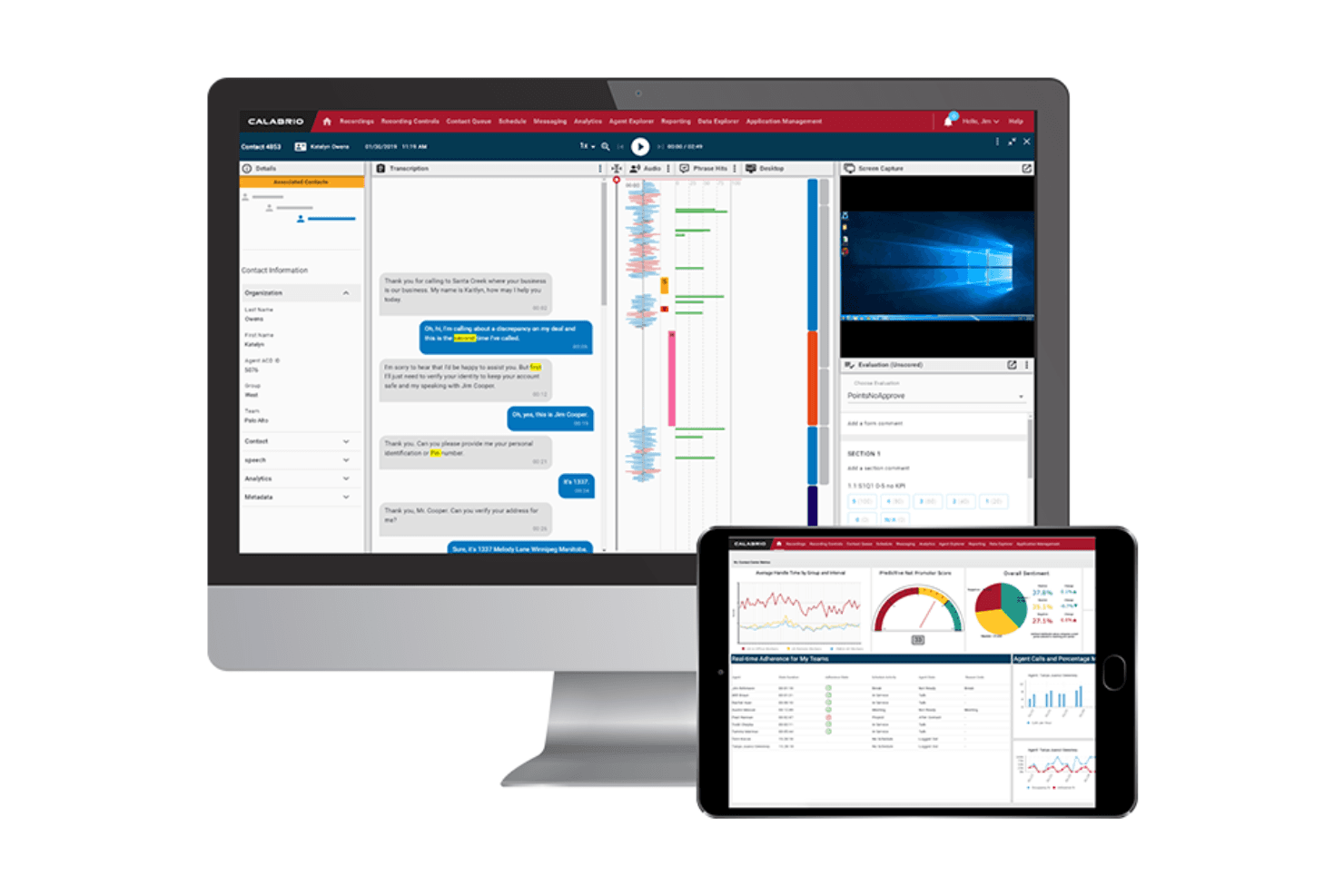
Calabrio ONE is a call center software built around workforce engagement management that combines call recording, quality management, workforce scheduling, and analytics in a single place. It's worth considering if you're running a contact center that needs to connect performance data directly to coaching and scheduling workflows. If you're looking at other options, I'd lean toward Calabrio ONE over something like Verint if your team wants a more intuitive interface without giving up the depth of reporting that enterprise contact centers depend on.
Calabrio ONE Evaluation Summary
4.2/5
- Available upon request
- Free demo available
Why Trust Our Software Recommendations
6,700+
Reviews
20
Industry experts
16+
Evaluation factors
14
Years
Our team has been testing and reviewing software since 2012. As CX leaders ourselves, we know how difficult—and important—it is to choose the right software.
For this guide, we evaluated tools using hands-on testing and independent research, scoring tools using our selection criteria.
Our reviews reflect our human editorial judgment, not a sales pitch.
 Gui DrusinaCreative Director
 Tim FisherVP of AI
Calabrio ONE Overview
In my opinion, Calabrio ONE is a solid choice for contact centers looking for a workforce management system or WFM that offers in-depth analytics, flexible scheduling and in-bult automated forecasting capability. Its standout features and excellent customer and technical support make it a strong contender. However, it might feel a bit complex for newcomers, and its pricing could be a hurdle for smaller teams. Compared to other software, Calabrio ONE excels in analytics and forecasting but could be more user-friendly. It's best suited for medium to large enterprises that prioritize data-driven decision-making, employee engagement, and performance management. If your team values detailed insights and robust support, the Calabrio ONE is worth considering.
Pros
- It offers in-depth analytics for data-driven decisions and a unified metrics dashboard.
- Powerful, AI assisted forecasting tool
- Your team can benefit from flexible scheduling options like time offs and advanced WFM tools.
- Customer support is highly responsive and helpful with integrated notifications and alert workflows.
Cons
- The interface might feel complex for new users.
- Your team may find the initial learning curve steep, especially aspects of the workforce management solutions.
Is Calabrio ONE Right For Your Needs?
Who Would be a Good Fit for Calabrio ONE?
Calabrio ONE suits medium to large enterprises in industries like retail, healthcare, and finance. If your team needs detailed analytics, self-service agent scheduling functionality and integrated text analytics, you’ll find Calabrio ONE valuable. Its strong focus on employee engagement and contact center workforce optimization can ease the transition for your team. For organizations focused on data-driven decision-making and high agent engagement, Calabrio ONE's analytics capabilities and workflows stand out as a key benefit.
- Retail Contact CentersCalabrio's analytics help your team understand customer trends and improve omnichannel service quality.
- Healthcare Support TeamsFlexible scheduling ensures your team meets the demands of patient inquiries efficiently while accurate forecasting can help reduce agent fatigue.
- Financial ServicesCalabrio's data-driven insights can enhance your team's decision-making and customer interactions.
- Customer Support DepartmentsYour team will benefit from the robust reporting, integrated CRM and responsive customer support especially in the high-volume telecommunications sector.
- Large EnterprisesScalable modules and enterprise-level architecture make the Calabrio ONE suite a perfect fit for complex organizational needs and large-scale contact center workforce operations.
- Data-Driven TeamsIf your team relies on analytics for strategy, forecasting and staffing, Calabrio provides the tools you need.
Who Would be a Bad Fit for Calabrio ONE?
Small businesses or startups with limited resources might struggle with Calabrio's complexity and cost. If your team lacks the capacity to handle a steep learning curve, you might find Calabrio's interface challenging. Organizations looking for simple solutions without extensive analytics would not benefit from its advanced features. If your focus is on a quick and, straightforward setup, Calabrio may not be the best fit.
- Small StartupsThe complexity and potential high cost might overwhelm your limited resources and team size.
- Non-Technical TeamsIf your team isn’t well-versed with tech, Calabrio ONE's interface could be too complex.
- Simple OperationsFor straightforward needs, the ONE’s advanced features might be overkill.
- Short-Term ProjectsThe initial setup time might not be worth it for short-term needs.
- Minimal Data NeedsIf your team doesn't need detailed analytics, the ONE’s capabilities might be unnecessary.
How We Test & Score Tools
We’ve spent years building, refining, and improving our software testing and scoring system. The rubric is designed to capture the nuances of software selection and what makes a tool effective, focusing on critical aspects of the decision-making process.
Below, you can see exactly how our testing and scoring works across seven criteria. It allows us to provide an unbiased evaluation of the software based on core functionality, standout features, ease of use, onboarding, customer support, integrations, customer reviews, and value for money.
Core Functionality (25% of final scoring)
The starting point of our evaluation is always the core functionality of the tool. Does it have the basic features and functions that a user would expect to see? Are any of those core features locked to higher-tiered pricing plans? At its core, we expect a tool to stand up against the baseline capabilities of its competitors.
Standout Features (25% of final scoring)
Next, we evaluate uncommon standout features that go above and beyond the core functionality typically found in tools of its kind. A high score reflects specialized or unique features that make the product faster, more efficient, or offer additional value to the user.
We also evaluate how easy it is to integrate with other tools typically found in the tech stack to expand the functionality and utility of the software. Tools offering plentiful native integrations, 3rd party connections, and API access to build custom integrations score best.
Ease of Use (10% of final scoring)
We consider how quick and easy it is to execute the tasks defined in the core functionality using the tool. High scoring software is well designed, intuitive to use, offers mobile apps, provides templates, and makes relatively complex tasks seem simple.
Onboarding (10% of final scoring)
We know how important rapid team adoption is for a new platform, so we evaluate how easy it is to learn and use a tool with minimal training. We evaluate how quickly a team member can get set up and start using the tool with no experience. High scoring solutions indicate little or no support is required.
Customer Support (10% of final scoring)
We review how quick and easy it is to get unstuck and find help by phone, live chat, or knowledge base. Tools and companies that provide real-time support score best, while chatbots score worst.
Customer Reviews (10% of final scoring)
Beyond our own testing and evaluation, we consider the net promoter score from current and past customers. We review their likelihood, given the option, to choose the tool again for the core functionality. A high scoring software reflects a high net promoter score from current or past customers.
Value for Money (10% of final scoring)
Lastly, in consideration of all the other criteria, we review the average price of entry level plans against the core features and consider the value of the other evaluation criteria. Software that delivers more, for less, will score higher.
Core Features
Call Recording
Capture and store calls for quality management, regulatory compliance and training. Your team can review recordings to improve communication and resolve disputes.
Analytics and Reporting
Get detailed insights into your contact center's performance. Use these analytics to make AI-assisted forecasts and improve omnichannel service.
Workforce Management
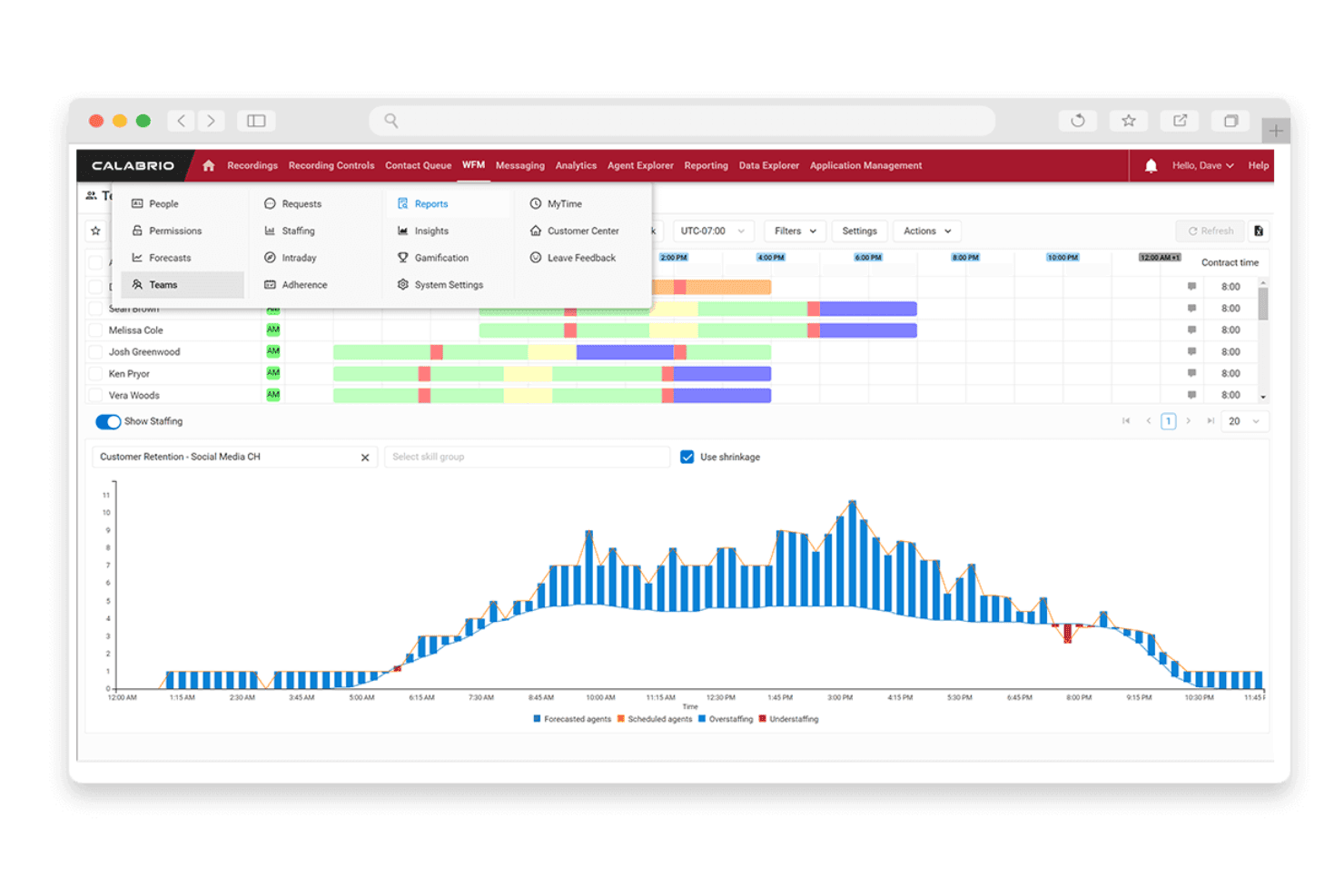
Schedule your team efficiently with Calabrio ONE's flexible tools and forecast capabilities. Enable your team to trade shifts and provide automated approvals for time offs. This ensures you're always staffed to meet customer demand drives agent engagement as it lends a level of autonomy over their schedules.
Quality Management
Evaluate your team's performance with customizable scorecards, sentiment tools, and text analytics.. This helps maintain high service standards and identify training needs.
Real-Time Dashboards
Updates every 2-5 seconds, enabling you to address any issues and keep performance on track in real-time.
Agent Coaching
The ability to specifically track non-adherence helps you provide targeted feedback with integrated coaching tools. This feature helps your team improve skills and boost customer satisfaction.

Standout Features
Sentiment Analysis
Understand customer emotions during calls using AI-driven insights. This feature helps your team tailor responses and improve the overall experience thereby increasing customer satisfaction and retention.
Predictive Analytics and Forecasting
Anticipate future trends and staffing needs with advanced forecasting which allows you to partly or completely override parameters depending on your requirement. This functionality is built into the WFM engine.
Agent Self Scheduling and Mobile Access
Boost employee engagement by empowering agents to manage their own shifts and offs via self-service tools and mobile apps.
Advanced Automation & Notifications
Receive real-time alerts and automated notifications while staffing or when schedule thresholds are breached.
Modular Architecture
Flexible modules enable customization to workflows and allow you to implement quality management, conversation intelligence and workforce management solutions all within the Calabrio ONE suite providing easy-to-implement scalability options.
Ease of Use
Calabrio ONE's interface can feel complex and not as user-friendly, especially if your team is new to call center software. The learning curve is noticeable, but once you get accustomed to its layout, the powerful features become accessible. Users often mention that while the setup takes time, the benefits in analytics and scheduling are worth the effort. If your team can invest in training, you'll find Calabrio's capabilities rewarding.
Onboarding
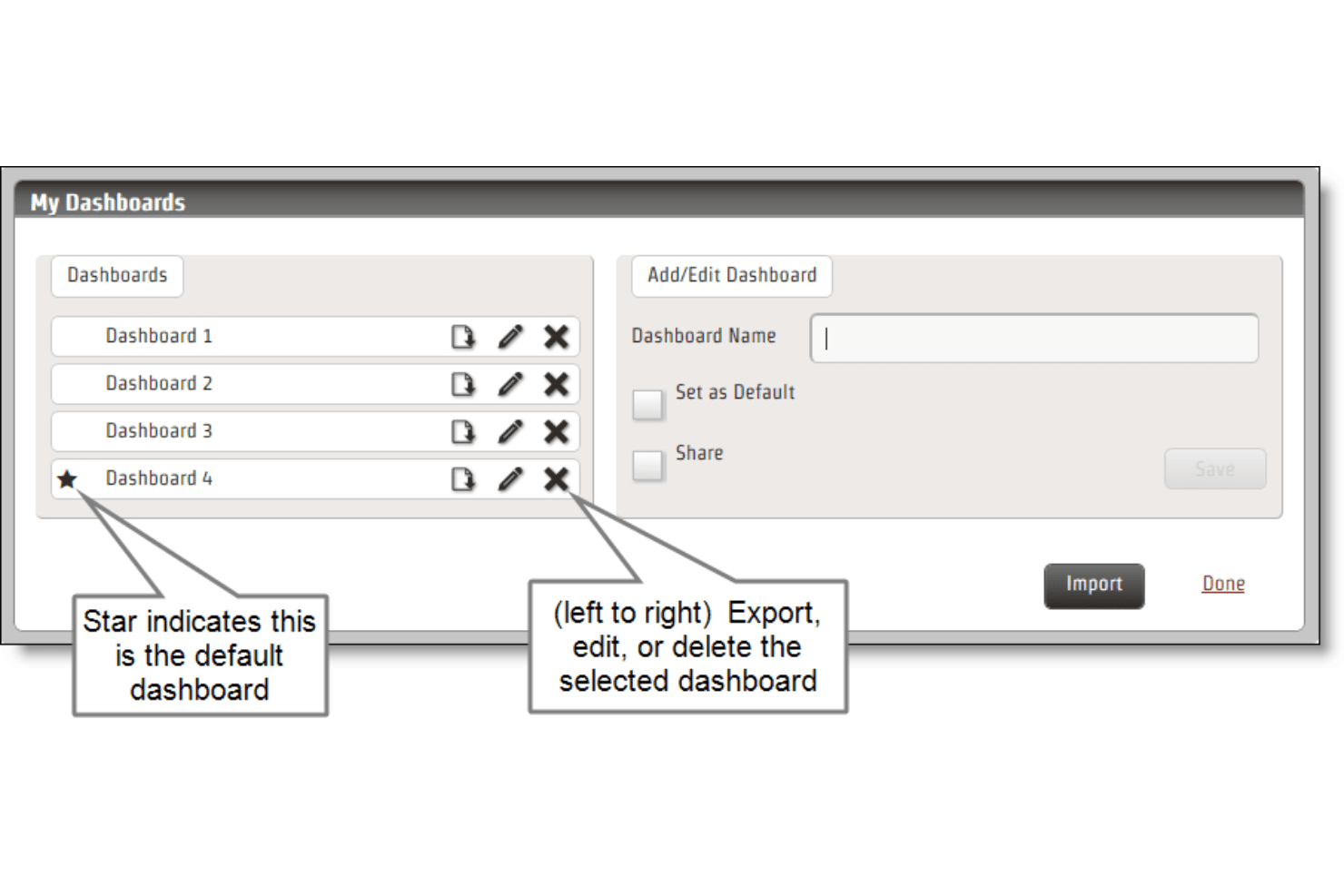
Calabrio offers a comprehensive onboarding process for the ONE with strong technical support , guides and training materials to help your team get started and also makes the transition smoother. While the initial setup can be time-consuming, the resources available ensure you're not left in the dark. If your team is willing to engage with the provided training, you'll find that Calabrio ONE's onboarding leads to effective use of its powerful features.

Customer Support
Calabrio's customer support is highly rated, with users praising the quick response times and knowledgeable assistance. Your team can access various support channels, ensuring help is always within reach. The support team is proactive in offering solutions, which can ease any technical hurdles you face. This level of support helps your team maximize the software's capabilities and resolve issues efficiently, making it a reliable choice for those valuing strong user assistance.

Integrations
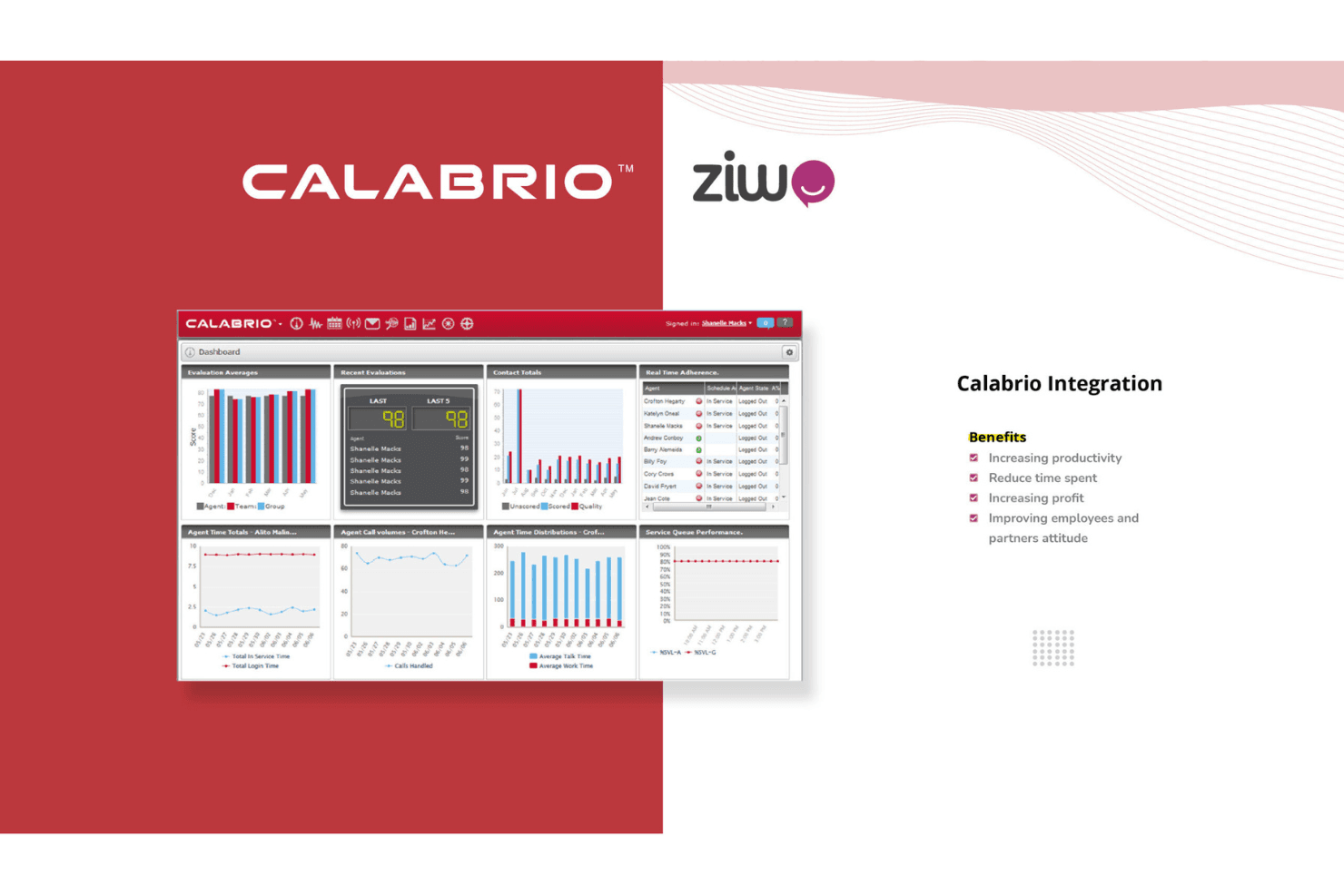
Calabrio ONE integrates natively with Cisco, Genesys, Twilio, Microsoft Dynamics 365, Salesforce, Mitel, Kustomer, 8x8, and Gladly. It also supports API-based extensibility, creating a bridge between your contact center ecosystem and reporting/CRM infrastructure.
Value for Money
Calabrio offers custom pricing that reflects its advanced features and strong support, which many users find worth the investment. While some teams may find the cost high, the value in analytics and customer support justifies it. A free trial or demo is available for teams wanting to evaluate the software before purchasing.

Calabrio ONE Specs
- API: Yes
- Auto Dialer: No
- Batch Permissions & Access: No
- Calendar Management: No
- Call Disposition: No
- Call Integration: No
- Call Logging: No
- Call Monitoring: No
- Call Recording: No
- Call Scripting: No
- Call Tracking: Yes
- Chat: Yes
- Click-to-Dial: Yes
- Contact Management: Yes
- Contact Sharing: No
- Custom Data Forms: Yes
- Customer Management: Yes
- Customer Service: No
- Dashboard: Yes
- Data Export: Yes
- Data Import: No
- Data Visualization: Yes
- Email Integration: No
- Escalation Management: No
- External Integrations: Yes
- Google Apps Integration: No
- Interactive Voice Response: No
- Knowledge Base: No
- Lead Management: No
- Lead Scoring: No
- Marketing Automation: No
- Multi-User: No
- Notifications: Yes
- SAP Integration: No
- Scheduling: Yes
- Softphone: No
- Supplier Management: No
- Support Forum: No
- Ticket Management: No
Calabrio ONE FAQs
Calabrio ONE Company Overview & History
Calabrio, headquartered in Minneapolis, Minnesota, develops workforce optimization and customer interaction analytics software. It began as a spin-out from a contact center system integrator in 2007. Known for its workforce engagement and management, Calabrio is affiliated with Thoma Bravo. Major clients include Cisco and Avaya. Calabrio focuses on delivering actionable insights to enhance customer experiences and optimize workforce operations.
Calabrio Major Milestones
- 2007: Calabrio was established as an independent company.
- 2019: Acquisition of Swedish WFM provider Teleopti.
- 2021: Acquired by Thoma Bravo, a private equity firm.