

Freshdesk Review: Pros, Cons, Features, and Pricing Explained



Freshdesk is an AI-powered customer support software designed to help teams manage tickets, automate workflows, and deliver consistent service across channels. For customer support managers juggling high ticket volumes, shifting priorities, and the need for clear reporting, Freshdesk offers a balance of usability and flexibility. This review covers Freshdesk’s features, use cases, pros and cons, and pricing to help you decide if it fits your team’s support needs.
Freshdesk Evaluation Summary
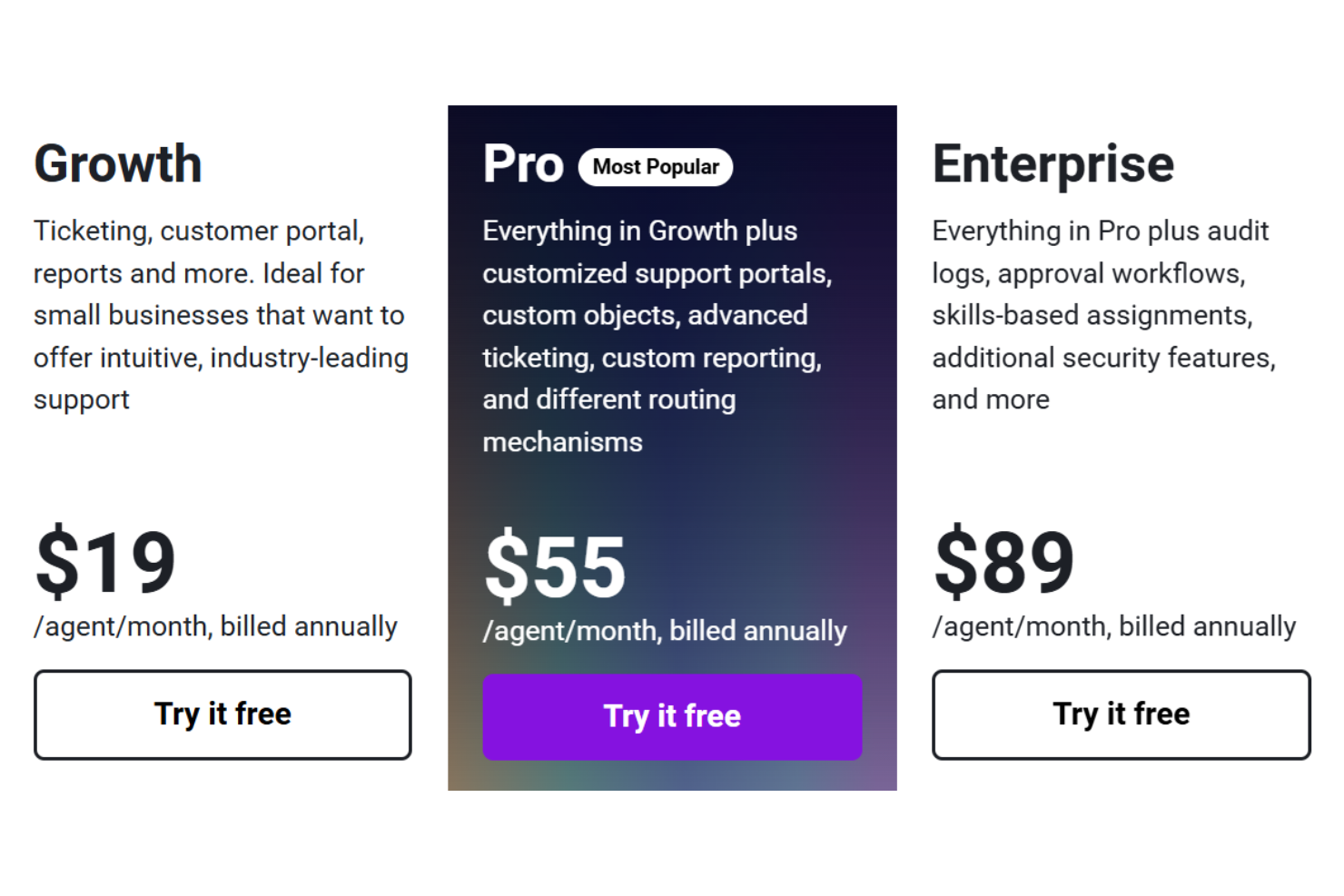
- From $19/user/month (billed annually)
- 14-day free trial available
Why Trust Our Software Reviews
We’ve been testing and reviewing software since 2020. As CX leaders ourselves, we know how critical and difficult it is to make the right decision when selecting software.
We invest in deep research to help our audience make better software purchasing decisions. We’ve tested more than 2,000 tools for different CX use cases and written over 1,000 comprehensive software reviews. Learn how we stay transparent & our software review methodology.
Freshdesk Overview
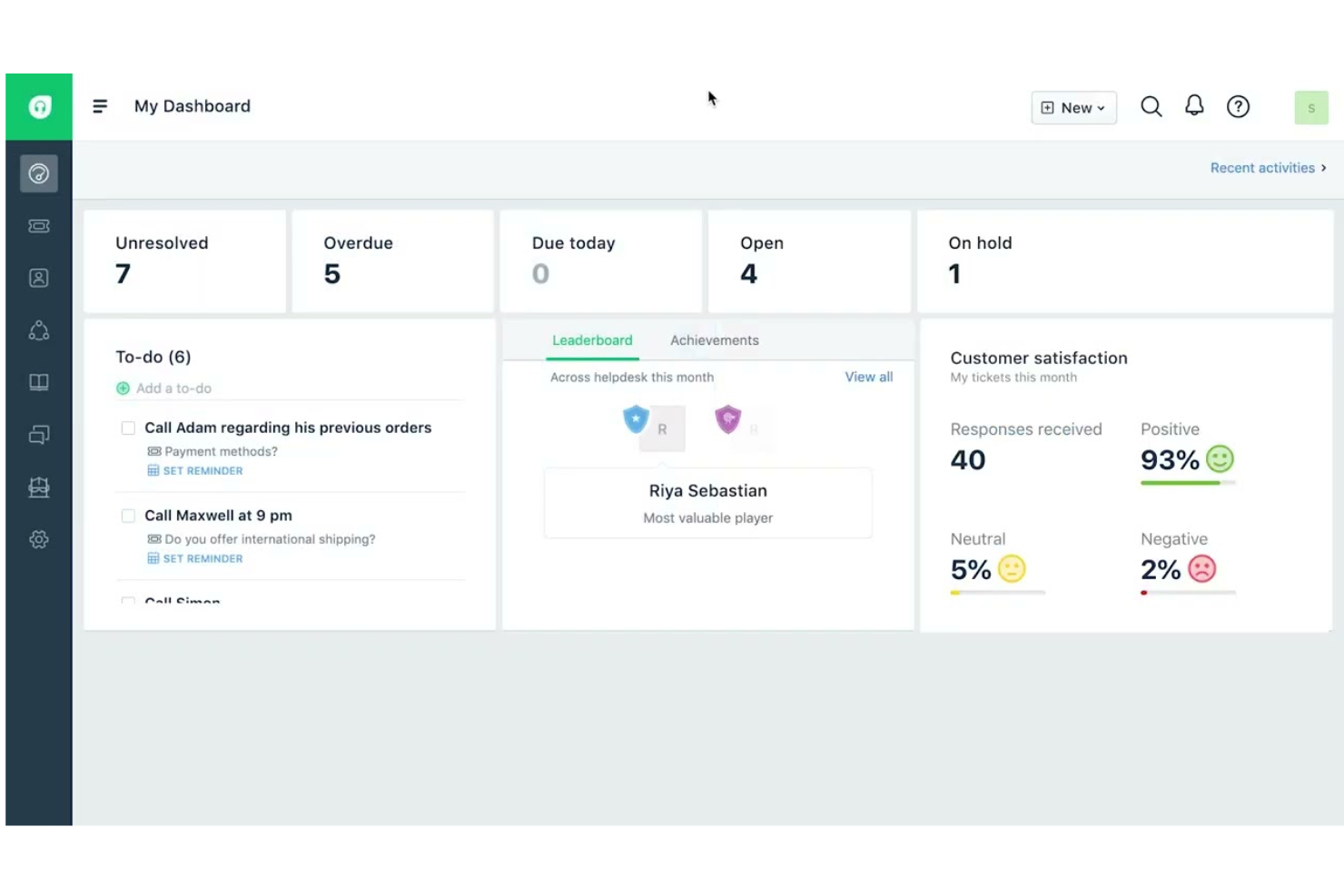
When judging customer support software, Freshdesk stands out for its approachable user interface, quick onboarding, and strong ticket automation. It centralizes conversations from multiple channels into a single workspace, allowing teams to manage tickets, collaborate through internal notes and threads, and resolve issues faster. It includes automation tools for routing tickets, prioritizing requests, enforcing SLAs, and streamlining repetitive support workflows.
One of Freshdesk’s most distinctive features is Freddy AI, which includes AI agents that can automatically resolve routine support requests and an AI Copilot that assists human agents with summaries, reply suggestions, and insights to improve resolution speed.
pros
-
Easy-to-use interface with minimal training required.
-
AI tools assist agents with suggestions and insights.
-
Omnichannel ticketing includes email, chat, phone, and social.
cons
-
Most AI features are limited to higher-tier plans.
-
Mobile app lacks features available on desktop.
-
Reporting dashboards offer limited customization options.
Is Freshdesk Right For Your Needs?
Who Would be a Good Fit for Freshdesk?
Freshdesk is a strong choice for teams that need help desk software with multichannel ticketing, straightforward automation, and quick onboarding without heavy IT involvement. Its flexible pricing and day-pass model make it accessible for seasonal or growing teams, while its AI features help support agents manage high ticket volumes. Industries and roles that rely on fast, consistent customer communication and easy-to-deploy support tools will find Freshdesk especially useful.
-
Ecommerce Support Teams
Freshdesk’s omnichannel ticketing helps manage inquiries from multiple sales channels, marketplaces, and order-related customer requests efficiently.
-
SaaS Startups
Affordable plans (including a free one), AI tools, and easy setup suit fast-growing, resource-limited teams needing scalable customer support infrastructure.
-
Retail Customer Service
Phone, chat, and messaging integrations through the Freshworks platform support high-volume customer requests across multiple locations.
-
Managed Service Providers (MSPs)
MSPs can track client issues, prioritize requests, and automate routing across different technical support teams.
-
IT Help Desks
Automated ticket routing, SLAs, and knowledge base features streamline internal service requests and improve resolution times.
-
Travel and Hospitality Support Teams
Hotels, airlines, and travel agencies can manage booking questions, cancellations, and service requests across multiple communication channels.
Who Would be a Bad Fit for Freshdesk?
Freshdesk may not suit organizations with highly complex operational workflows, specialized industry requirements, or extensive customization needs. Teams requiring deep enterprise configuration, heavy reporting customization, or industry-specific compliance features may prefer more specialized service platforms.
-
Very Large Enterprises
Organizations with highly complex workflow requirements may need more customizable enterprise platforms.
-
Financial Services
Highly regulated environments may require additional compliance validation and advanced governance capabilities.
-
Healthcare Providers
Organizations managing protected health information should confirm HIPAA compliance requirements and configuration options.
-
Field Service Operations
Freshdesk does not include built-in field technician dispatch functionality or on-site service management tools.
-
B2B Account Management
Companies requiring deep account-level case management may prefer platforms with integrated CRM-centric workflows.
-
Government Agencies
Public sector organizations may require specific security certifications, data residency options, or procurement frameworks that should be verified before deployment.
How We Test & Score Tools
We’ve spent years building, refining, and improving our software testing and scoring system. The rubric is designed to capture the nuances of software selection and what makes a tool effective, focusing on critical aspects of the decision-making process.
Below, you can see exactly how our testing and scoring works across seven criteria. It allows us to provide an unbiased evaluation of the software based on core functionality, standout features, ease of use, onboarding, customer support, integrations, customer reviews, and value for money.
Core Functionality (25% of final scoring)
The starting point of our evaluation is always the core functionality of the tool. Does it have the basic features and functions that a user would expect to see? Are any of those core features locked to higher-tiered pricing plans? At its core, we expect a tool to stand up against the baseline capabilities of its competitors.
Standout Features (25% of final scoring)
Next, we evaluate uncommon standout features that go above and beyond the core functionality typically found in tools of its kind. A high score reflects specialized or unique features that make the product faster, more efficient, or offer additional value to the user.
We also evaluate how easy it is to integrate with other tools typically found in the tech stack to expand the functionality and utility of the software. Tools offering plentiful native integrations, 3rd party connections, and API access to build custom integrations score best.
Ease of Use (10% of final scoring)
We consider how quick and easy it is to execute the tasks defined in the core functionality using the tool. High scoring software is well designed, intuitive to use, offers mobile apps, provides templates, and makes relatively complex tasks seem simple.
Onboarding (10% of final scoring)
We know how important rapid team adoption is for a new platform, so we evaluate how easy it is to learn and use a tool with minimal training. We evaluate how quickly a team member can get set up and start using the tool with no experience. High scoring solutions indicate little or no support is required.
Customer Support (10% of final scoring)
We review how quick and easy it is to get unstuck and find help by phone, live chat, or knowledge base. Tools and companies that provide real-time support score best, while chatbots score worst.
Customer Reviews (10% of final scoring)
Beyond our own testing and evaluation, we consider the net promoter score from current and past customers. We review their likelihood, given the option, to choose the tool again for the core functionality. A high scoring software reflects a high net promoter score from current or past customers.
Value for Money (10% of final scoring)
Lastly, in consideration of all the other criteria, we review the average price of entry level plans against the core features and consider the value of the other evaluation criteria. Software that delivers more, for less, will score higher.
Core Features
Omnichannel Ticketing:
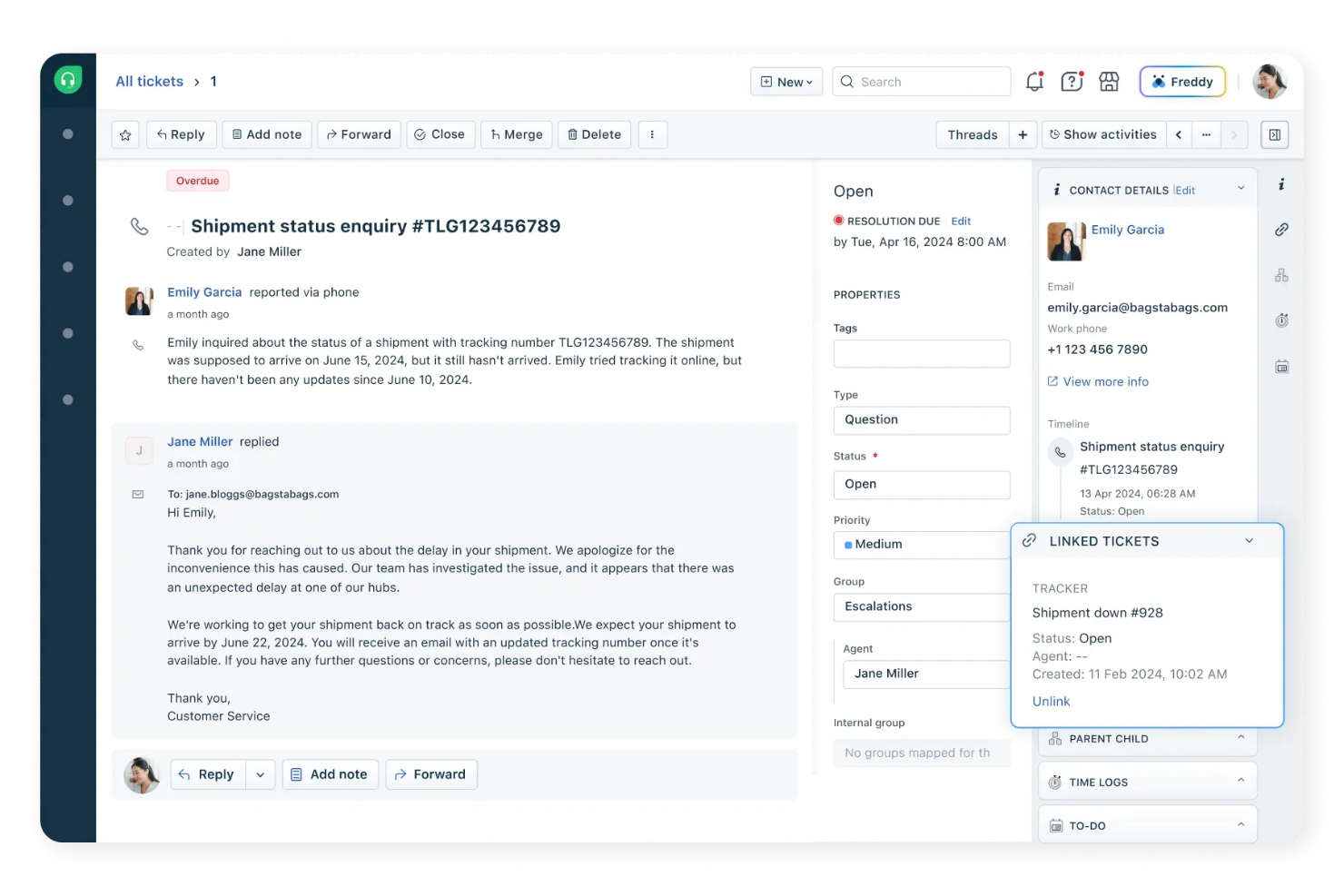
Manage customer inquiries from email, chat, phone, and social channels in one unified inbox. This ticketing system centralizes conversations and reduces missed or duplicate tickets.
AI-Powered Automations:
Automate repetitive tasks like ticket assignment, categorization, and follow-ups using Freshdesk’s Freddy AI. This helps teams respond faster and maintain consistent workflows.
Self-Service Portal:
Create a branded knowledge base and community forums for customers to find answers independently. This reduces ticket volume and empowers users to resolve common issues.
SLA Management:
Set and track service level agreements for response and resolution times. Freshdesk automatically flags tickets at risk of breaching SLAs, helping teams prioritize urgent issues.
Collision Detection:
See when another agent is viewing or responding to the same ticket in real time. This prevents duplicate replies and improves team coordination.
Custom Ticket Fields:
Add custom fields to tickets to capture industry- or business-specific information. This allows for more tailored reporting and workflow automation.
Standout Features
Day Passes
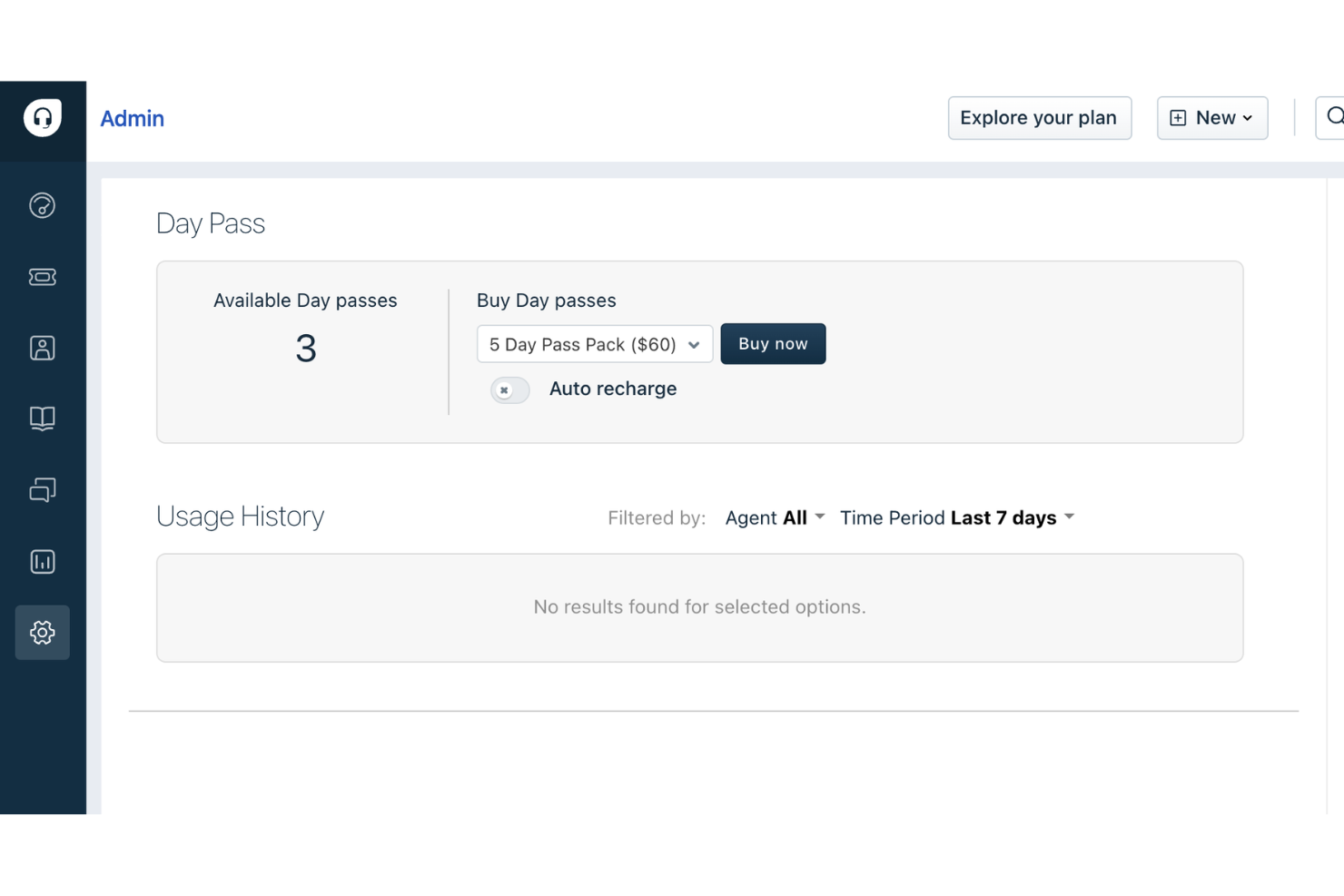
Day passes let you add temporary agents for short-term spikes in support demand without upgrading your plan. This is especially useful for seasonal businesses or special events that need extra help only occasionally.
Canned Forms
Canned forms allow you to create pre-filled response templates for common customer queries. This speeds up agent replies and ensures consistent, accurate information is shared with customers.
Ease of Use
Freshdesk is widely recognized for its user-friendly, clean interface and intuitive navigation, making it easy for new agents to get started with minimal training. Users often highlight the clear ticket views, drag-and-drop workflow automations, and straightforward setup process. The platform’s guided onboarding and in-app tips help teams configure features quickly, while the logical layout reduces confusion even as ticket volumes grow. This focus on usability makes Freshdesk accessible for teams with varying technical backgrounds.
Onboarding
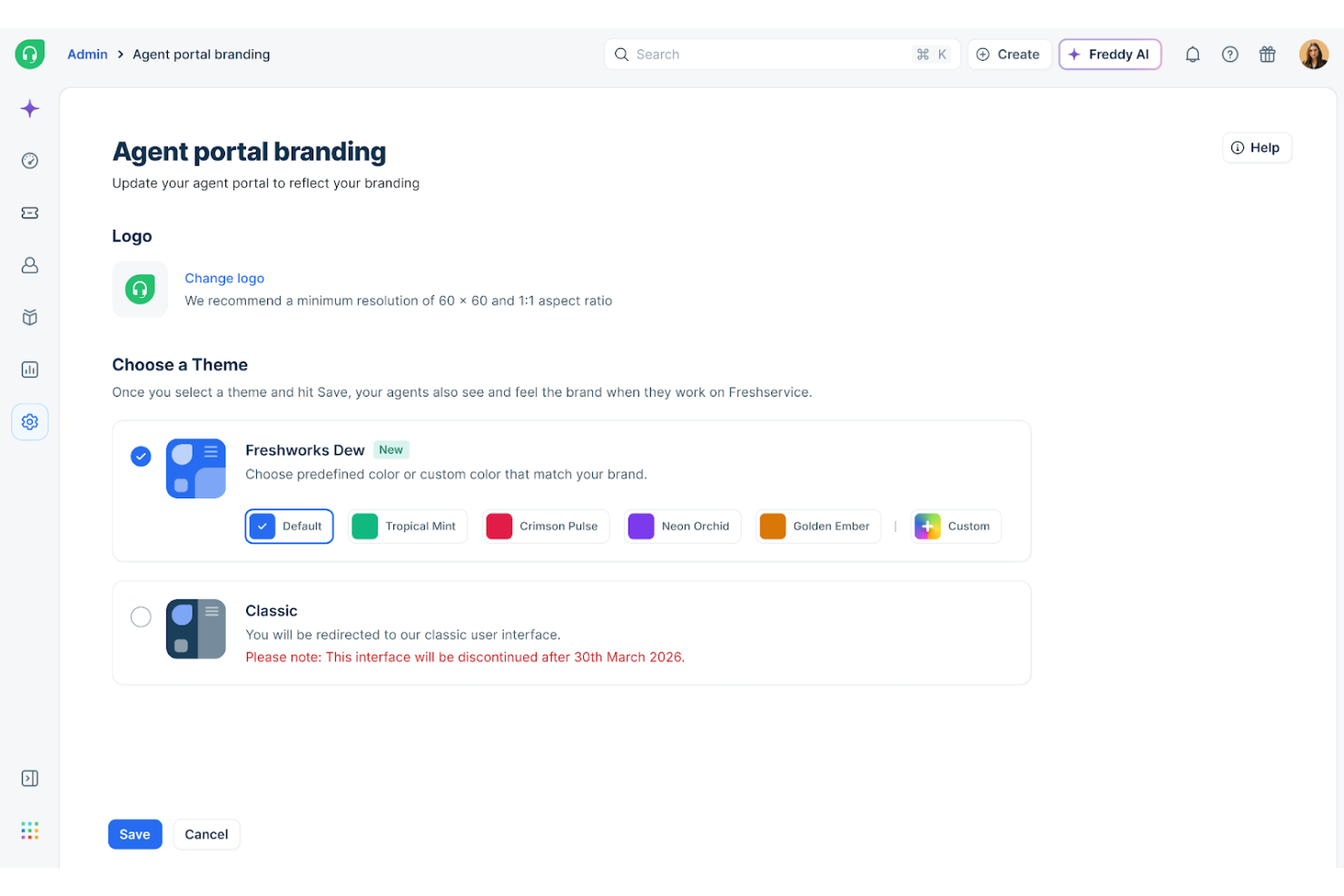
Freshdesk offers a smooth onboarding experience with step-by-step setup guides, interactive product tours, and a robust knowledge base. Many users mention that the initial configuration is straightforward, with helpful prompts and clear documentation. Live chat support and community forums are available for troubleshooting, which helps new teams resolve questions quickly. This combination of in-app guidance and accessible resources allows most teams to start handling tickets and customizing workflows within days, not weeks.
Customer Support
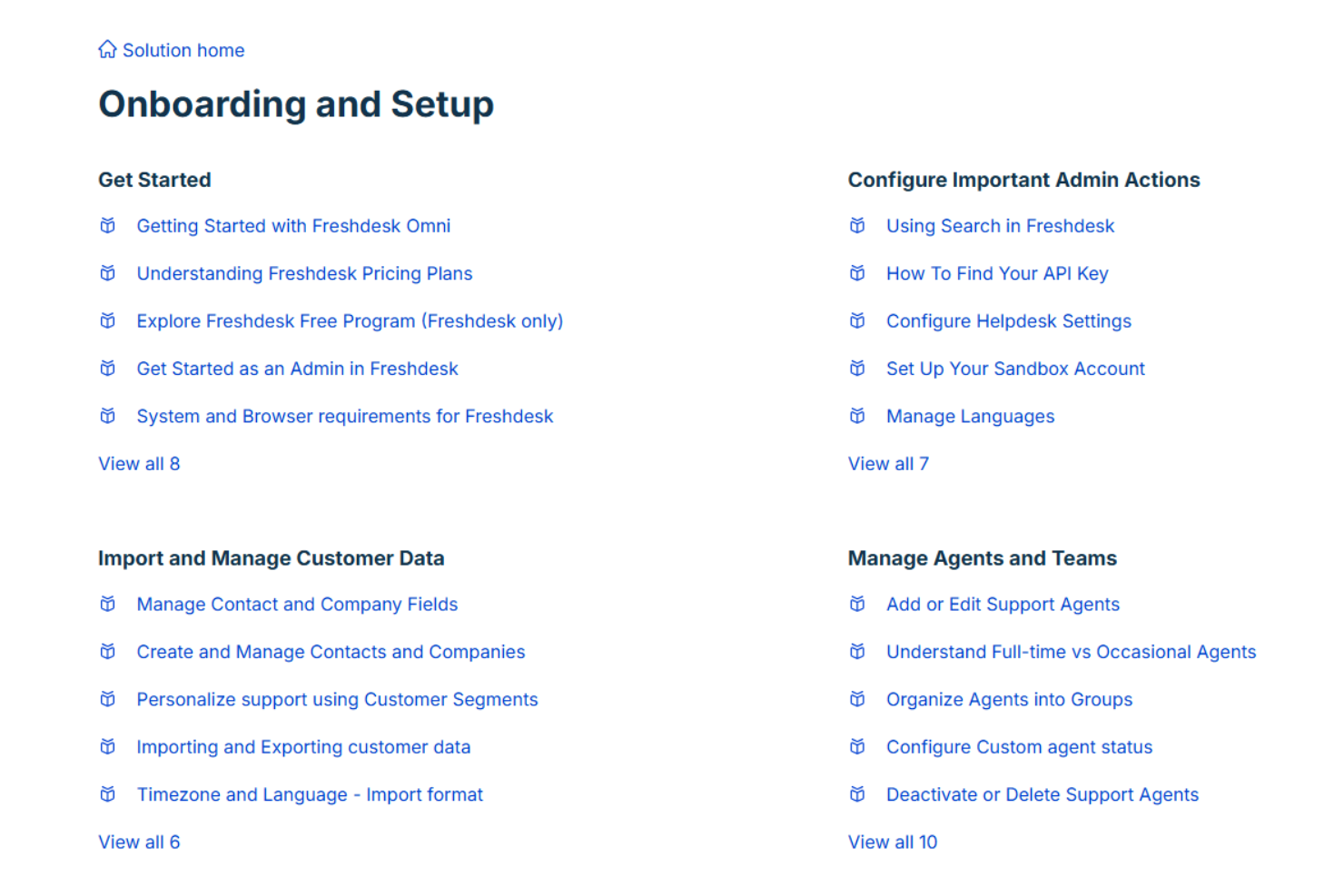
Freshdesk provides multiple support channels, including email, live chat, and a detailed help center. Some users note that response times can vary, especially on lower-tier plans. Despite this, many appreciate the thorough documentation and active community forum for self-service troubleshooting.
Integrations
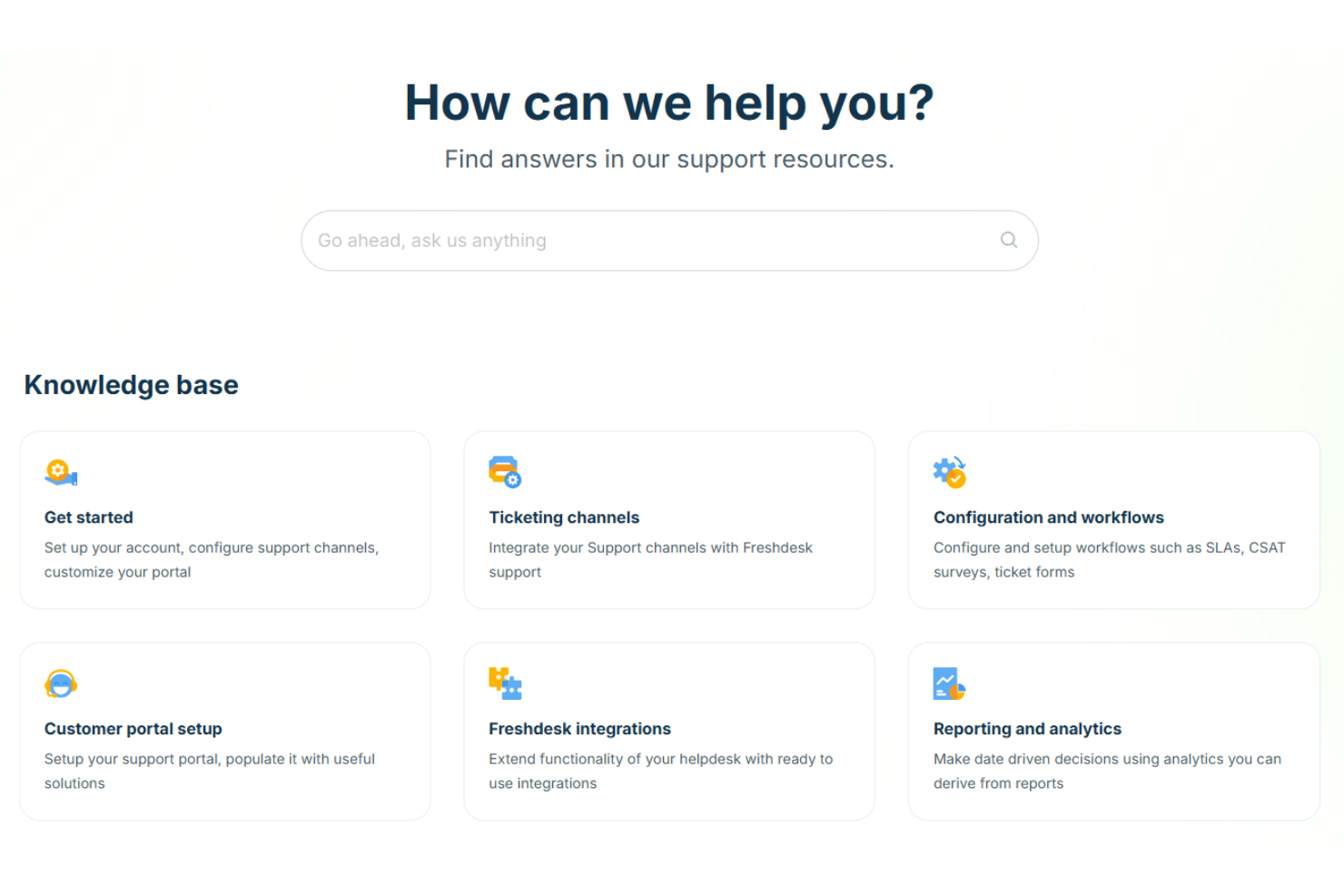
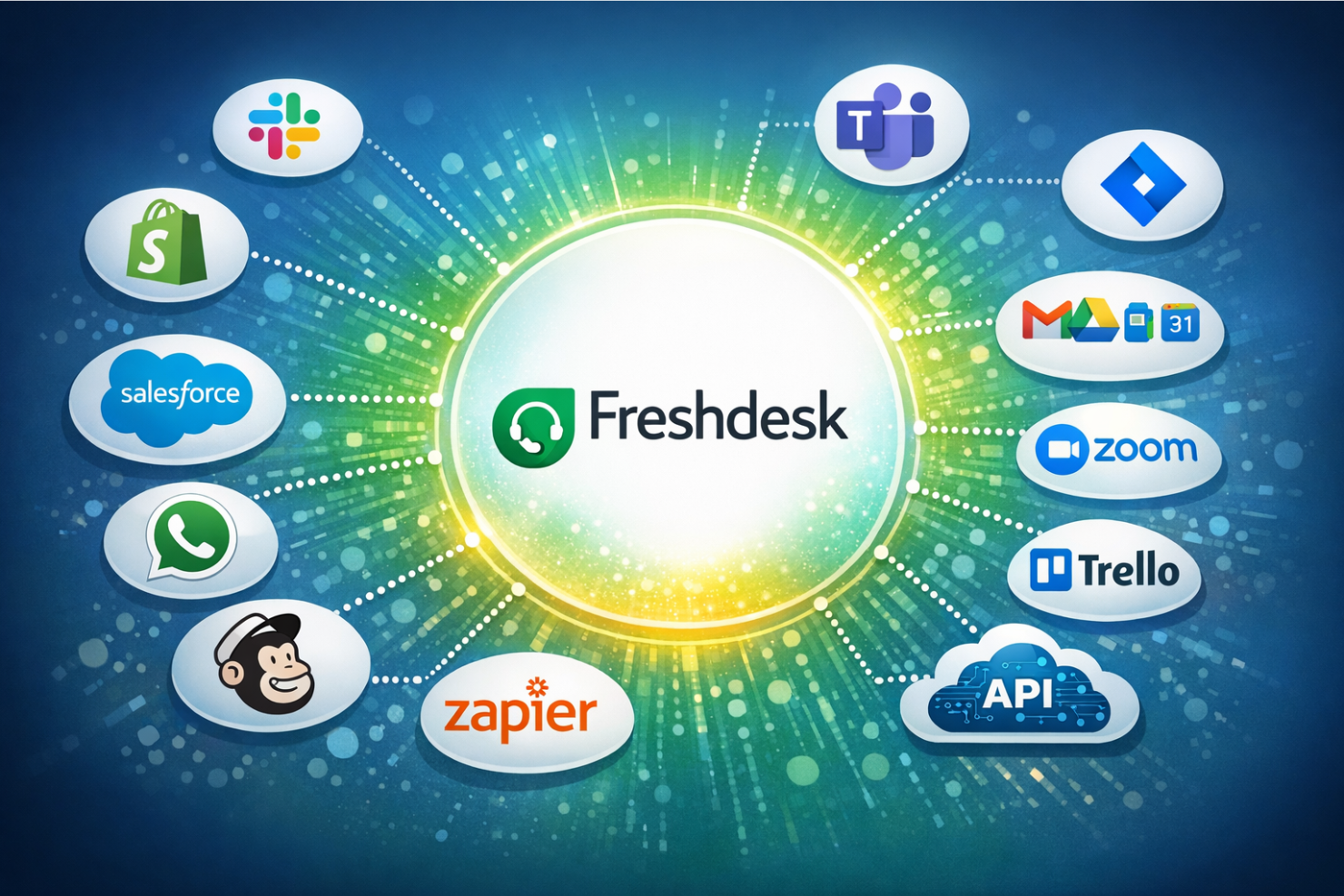
Freshdesk integrates with Slack, Shopify, Salesforce, WhatsApp, Mailchimp, Jira, Microsoft Teams, Google Workspace, Zoom, and Trello, among others.
Freshdesk also offers a robust API and connects with third-party integration tools like Zapier for expanded automation and connectivity.
Value for Money
Freshdesk is often praised for its flexible pricing plans, offering a free plan and affordable entry-level tiers that include essential features. Users find the day pass option and scalable plans cost-effective, especially for small businesses or teams with fluctuating support needs. Higher tiers add advanced automation and reporting, justifying the increased cost for growing organizations.
- Free Version: Ticketing, knowledge base, and prebuilt reports for 1–2 agents for up to six months.
- Growth: Adds automation tools, expanded help desk capabilities, and additional collaboration features.
- Pro: Adds advanced features like analytics, multiple SLA policies, skill-based routing, and enhanced workflow automation.
- Enterprise: Adds advanced security, sandbox testing, audit logs, and deeper customization for large teams.
New Product Updates from Freshdesk

Freshdesk Adds Voice AI Agents in Freshcaller
Freshdesk introduces Voice AI Agents in Freshcaller, improving how businesses manage inbound calls and customer support. This update automates routine interactions, reduces wait times, and ensures continuous support availability. Highlights include:
- Voice AI Agents: Automatically answer and handle customer calls with natural, real-time conversations and intelligent intent recognition.
- Marketplace Integrations: Connect with third-party voice AI tools to build and deploy agents tailored to business needs.
Visit Freshdesk’s official site for more details.
 for more details.
Freshdesk Enhances Contact Data Management and Social Identity Fields
Freshdesk introduces social identity management for contacts along with exportable contact lists and batch deletion tools. These updates help teams organize customer identities across channels while improving how contact data is managed and maintained. Here are the details of the update:
- Social Identity Management: Store and manage unique social media usernames for contacts across Instagram, Facebook, and X.
- Contact List Export: Export any default or custom contact or company list for external use.
- Batch Contact Deletion: Permanently delete up to 30 contacts at once from the Deleted list to maintain clean records.
Visit Freshdesk’s official site for more details.

Freshdesk Adds Enhanced Agent Permissions and Field Controls
Freshdesk introduces enhanced agent permissions and field controls, allowing admins to manage field visibility, edit access, and quick-add options for agents. These updates help maintain accurate data while simplifying the information agents see during customer interactions. Here are the details of the update:
- Agent Interface Customization: Admins can hide or mark fields as read-only, providing a cleaner and more relevant workspace.
- Workflow Enhancements: Hidden fields remain functional in workflows, SLAs, APIs, and imports, ensuring seamless data integration.
- Quick-Add Field Configuration: Configurable quick-add fields for Contacts and Companies allow customization of what agents see, simplifying record management.
- Mandatory Fields: Crucial fields are automatically shown to ensure essential data is collected without overcrowding the interface.
Visit Freshdesk's official site for more details.

Freshdesk Adds Unique Field Markers for Contacts and Companies
Freshdesk's latest update focuses on enhancing data quality and organizational efficiency. By allowing administrators to mark up to two fields as unique for Contacts and Companies, data integrity is significantly improved, reducing the chance of duplicate records affecting business operations. Here are the details of the update:
- Unique Field Markers: Admins can designate mobile phone, work phone, or single-line fields such as Customer ID and Billing number as unique fields, reducing duplicates.
- Duplicate Detection: Agents can easily spot and merge duplicate records, ensuring the database remains clean and accurate.
Visit Freshdesk's official site for more details.
Freshdesk Introduces Precision Time Formats for Analytics
Freshdesk adds Precision Time Formats to Analytics, displaying time units directly in reports and exports to improve clarity and consistency. This helps teams analyze performance trends more accurately across Freshdesk Omni and external tools. Here are the details of the update:
- Precision Time Formats: Displays seconds or milliseconds for clearer performance measurement.
- Exported Report Labels: Includes time units in column headers for easier data sharing and analysis.
Visit Freshdesk’s official site for more details.

Freshdesk Enhances Contact List With Linked Email and Company View
Freshdesk now surfaces associated emails and linked companies directly from the Contact List view, reducing extra clicks when managing customer records. This improves response speed and makes contact management more efficient for support teams. Here are the details of the update:
- Enhanced Contact Views: Users can now view all emails and associated companies of a contact directly within the Contact List, making it easier to manage relationships.
- Linked Company Navigation: Agents can quickly navigate to linked companies from a ticket’s Contact Info, allowing for faster information retrieval and fewer clicks.
Visit Freshdesk's official site for more details.
Freshdesk Specs
- Analytics
- API
- Batch Permissions & Access
- Call Integration
- Chat
- Contact Management
- Contact Sharing
- CRM Integration
- Customer Management
- Customer Service
- Dashboard
- Data Export
- Data Import
- Data Visualization
- Email Integration
- Escalation Management
- External Integrations
- Instant Chat Integration
- Knowledge Base
- Lead Management
- Lead Scoring
- Multi-User
- Notifications
- Real-time Alerts
- Scheduling
- Self-service Portal
- Social Media Integration
- Support Forum
- Third-Party Plugins/Add-Ons
- Ticket Management
- Workflow Management
Freshdesk FAQs
How does Freshdesk handle high ticket volumes during peak periods?
Can Freshdesk support multiple brands or products from a single account?
What reporting and analytics capabilities does Freshdesk offer?
How customizable are Freshdesk’s workflows and automations?
What data security and compliance features does Freshdesk provide?
How easy is it to migrate from another help desk to Freshdesk?
Does Freshdesk support omnichannel communication out of the box?
What kind of customer support does Freshdesk provide to its users?
Freshdesk Company Overview & History
Freshdesk is a flagship product of Freshworks Inc., a global software company headquartered in San Mateo, California. Freshworks employs thousands worldwide and offers a suite of business software, including Freshservice, Freshsales, and Freshchat. Freshdesk is trusted by over 74,000 businesses, with notable clients like Bridgestone, Tata Digital, S&P Global, Klarna, Forbes, PepsiCo, and Pearson. Freshworks went public in 2021 and reported $838.8 million in revenue for 2025, with a net income of $183.7 million.
Freshdesk Major Milestones
- 2010: Freshdesk founded in Chennai, India.
- 2011: Freshdesk product officially launched.
- 2018: Freshworks surpasses $100 million in annual recurring revenue.
- 2021: Freshworks goes public on NASDAQ, raising over $1 billion in its IPO.
- 2025: Freshworks reports $838.8 million in annual revenue and achieves profitability.