

KrispCall Review: Pros, Cons, Features and Pricing
Discover KrispCall's pros and cons, pricing, and how it compares with other call center software solutions to find the best fit for your team.

We review tools independently, and commissions help fund our testing. See our transparency policy, our methodology, or suggest a tool.
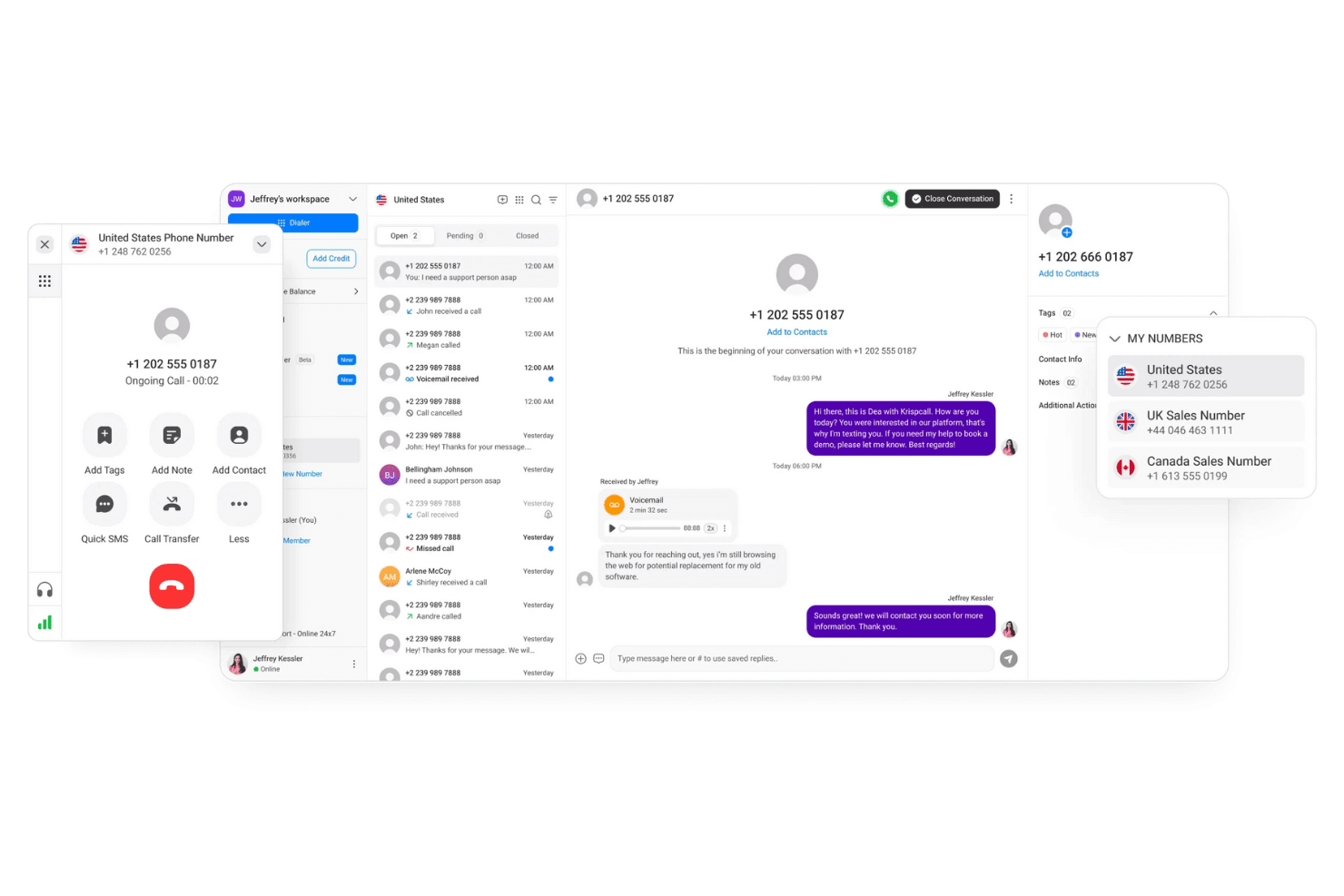
KrispCall is a cloud-based call center software for teams that need to manage calls across local and international numbers without complex infrastructure or heavy setup. I'd mainly consider it if you need virtual phone numbers, call routing, and shared contact management at a more accessible price point than Aircall—particularly if you're a smaller or growing team that doesn't need everything Aircall offers and doesn't want to pay for it either.
KrispCall Evaluation Summary
3.9/5
- From $15/user/month
- Free demo available
Why Trust Our Software Recommendations
6,700+
Reviews
20
Industry experts
16+
Evaluation factors
14
Years
Our team has been testing and reviewing software since 2012. As CX leaders ourselves, we know how difficult—and important—it is to choose the right software.
For this guide, we evaluated tools using hands-on testing and independent research, scoring tools using our selection criteria.
Our reviews reflect our human editorial judgment, not a sales pitch.
 Gui DrusinaCreative Director
 Tim FisherVP of AI
KrispCall Overview
In my opinion, KrispCall is a solid choice for small to medium businesses seeking reliable VoIP or call center software. It excels with its user-friendly interface and strong customer support, making onboarding a breeze. Compared to competitors, KrispCall offers better value for money, especially for teams that need a straightforward setup without sacrificing essential features. However, it might not be the best fit for large enterprises requiring extensive customizations or integrations. For startups and growing teams, KrispCall's pricing and functionality provide a compelling package to consider.
Pros
- Your team will find the interface easy to use and navigate.
- Customer support is responsive and helpful when you need them.
- Onboarding is quick, so you can start using it right away.
Cons
- You might find limited customization options for specific needs.
- Larger teams may feel the need for more advanced features.
- Some users report occasional call quality issues.
Is KrispCall Right For Your Needs?
Who Would be a Good Fit for KrispCall?
KrispCall is ideal for small to medium-sized businesses, startups, and remote teams that need to streamline call management. Its user-friendly interface, multi-channel support, bulk SMS, virtual numbers, and responsive customer support on a single platform make it easy for your team to adapt quickly. If you're in sales or customer service, KrispCall's efficient onboarding and essential features like phone number porting, real-time recording of call interactions, and automation can enhance your work without overwhelming you with unnecessary complexities.
- Small BusinessesKrispCall's simple setup and cost-effective features make it perfect for small businesses needing efficient call management.
- Remote TeamsYour remote team will appreciate KrispCall's easy-to-use interface and workflow, keeping communication smooth and effective.
- StartupsStartups benefit from KrispCall's quick onboarding process, allowing you to focus on growth without tech headaches.
- Customer ServiceCustomer service teams can rely on KrispCall's responsive support and essential features to handle calls efficiently.
- Sales DepartmentsSales teams will find KrispCall's call management tools effective for maintaining customer relationships and closing deals.
- Tech SupportTech support teams can use KrispCall's reliable call handling to assist customers swiftly and effectively.
Who Would be a Bad Fit for KrispCall?
KrispCall might not suit large enterprises that need extensive customizations and advanced features. If your team relies heavily on intricate integrations or requires highly specialized call handling capabilities, you might find KrispCall lacking. Businesses in industries with complex communication needs, such as finance or healthcare, may require a more robust solution to meet their demands.
- Large EnterprisesKrispCall's limited customization options may not meet the complex needs of large enterprises.
- Finance IndustryThe finance sector might find KrispCall's features inadequate for handling sensitive and detailed client interactions.
- Manufacturing CompaniesManufacturing companies often require more integrated systems than what KrispCall supports.
How We Test & Score Tools
We’ve spent years building, refining, and improving our software testing and scoring system. The rubric is designed to capture the nuances of software selection and what makes a tool effective, focusing on critical aspects of the decision-making process.
Below, you can see exactly how our testing and scoring works across seven criteria. It allows us to provide an unbiased evaluation of the software based on core functionality, standout features, ease of use, onboarding, customer support, integrations, customer reviews, and value for money.
Core Functionality (25% of final scoring)
The starting point of our evaluation is always the core functionality of the tool. Does it have the basic features and functions that a user would expect to see? Are any of those core features locked to higher-tiered pricing plans? At its core, we expect a tool to stand up against the baseline capabilities of its competitors.
Standout Features (25% of final scoring)
Next, we evaluate uncommon standout features that go above and beyond the core functionality typically found in tools of its kind. A high score reflects specialized or unique features that make the product faster, more efficient, or offer additional value to the user.
We also evaluate how easy it is to integrate with other tools typically found in the tech stack to expand the functionality and utility of the software. Tools offering plentiful native integrations, 3rd party connections, and API access to build custom integrations score best.
Ease of Use (10% of final scoring)
We consider how quick and easy it is to execute the tasks defined in the core functionality using the tool. High scoring software is well designed, intuitive to use, offers mobile apps, provides templates, and makes relatively complex tasks seem simple.
Onboarding (10% of final scoring)
We know how important rapid team adoption is for a new platform, so we evaluate how easy it is to learn and use a tool with minimal training. We evaluate how quickly a team member can get set up and start using the tool with no experience. High scoring solutions indicate little or no support is required.
Customer Support (10% of final scoring)
We review how quick and easy it is to get unstuck and find help by phone, live chat, or knowledge base. Tools and companies that provide real-time support score best, while chatbots score worst.
Customer Reviews (10% of final scoring)
Beyond our own testing and evaluation, we consider the net promoter score from current and past customers. We review their likelihood, given the option, to choose the tool again for the core functionality. A high scoring software reflects a high net promoter score from current or past customers.
Value for Money (10% of final scoring)
Lastly, in consideration of all the other criteria, we review the average price of entry level plans against the core features and consider the value of the other evaluation criteria. Software that delivers more, for less, will score higher.
Core Features
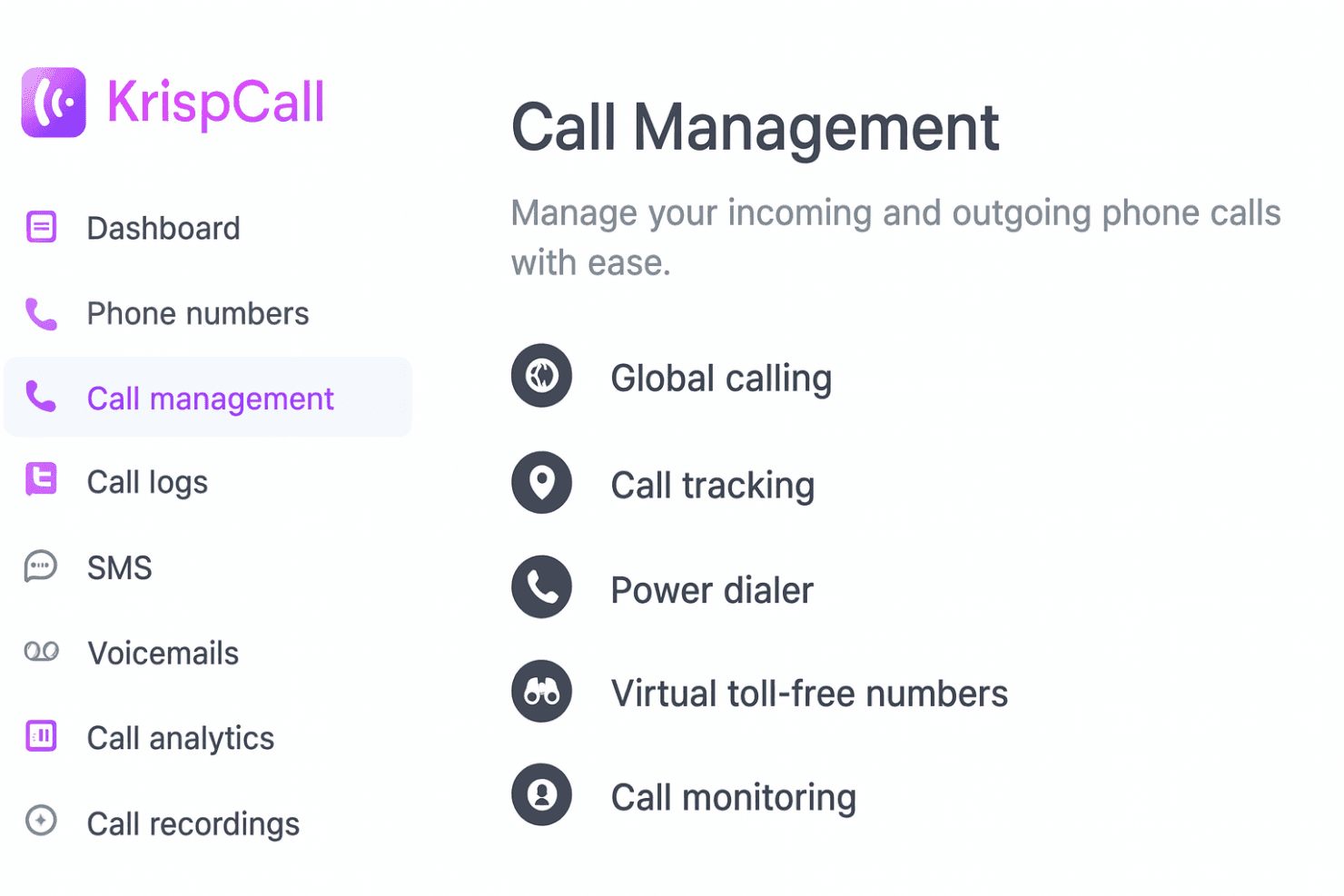
Call Management: KrispCall lets you manage incoming and outgoing phone calls with ease, ensuring smooth communication for your team. Global calling, call tracking, power dialer, virtual toll-free numbers, and call monitoring help improve your customer interactions and outreach.
Voicemail: This feature allows you to record and store voicemails so you never miss an important message. You can listen to voicemails at your convenience and respond promptly.
Call Recording: Record calls to review later for quality assurance and training purposes. This helps your team improve communication skills and maintain high service standards.
Call Routing: Automatically direct calls to the right department or team member. This reduces wait times and ensures your customers reach the right person quickly.
IVR (Interactive Voice Response): Set up an automated menu system to guide callers to the right resource or information. This feature enhances the caller experience by providing immediate answers.
Call Analytics: Access detailed reports and analytics on call performance and agent activity. Use this data to make informed decisions and optimize your team's efficiency.
Ease of Use
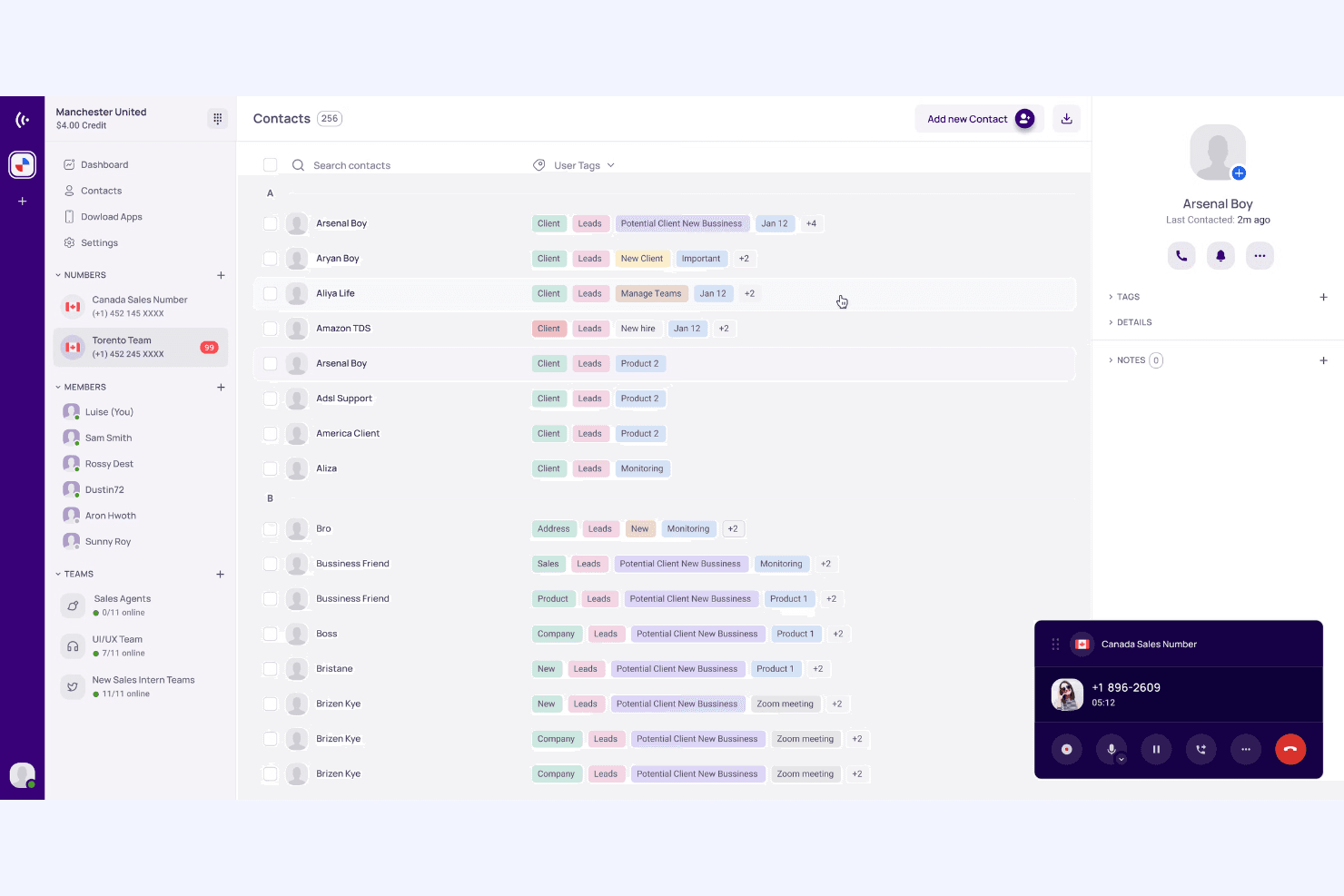
KrispCall is designed with user-friendliness in mind, making it easy for your team to navigate and manage calls. The intuitive interface ensures you can quickly access essential features like call routing and voicemail. Users appreciate the straightforward setup and minimal learning curve, allowing you to get started without a hitch. The jury is still out on the mobile app, with some reviews claiming that it can be better. Compared to other solutions, KrispCall's simplicity helps your team focus on customer interactions rather than struggling with complex tools.
Integrations
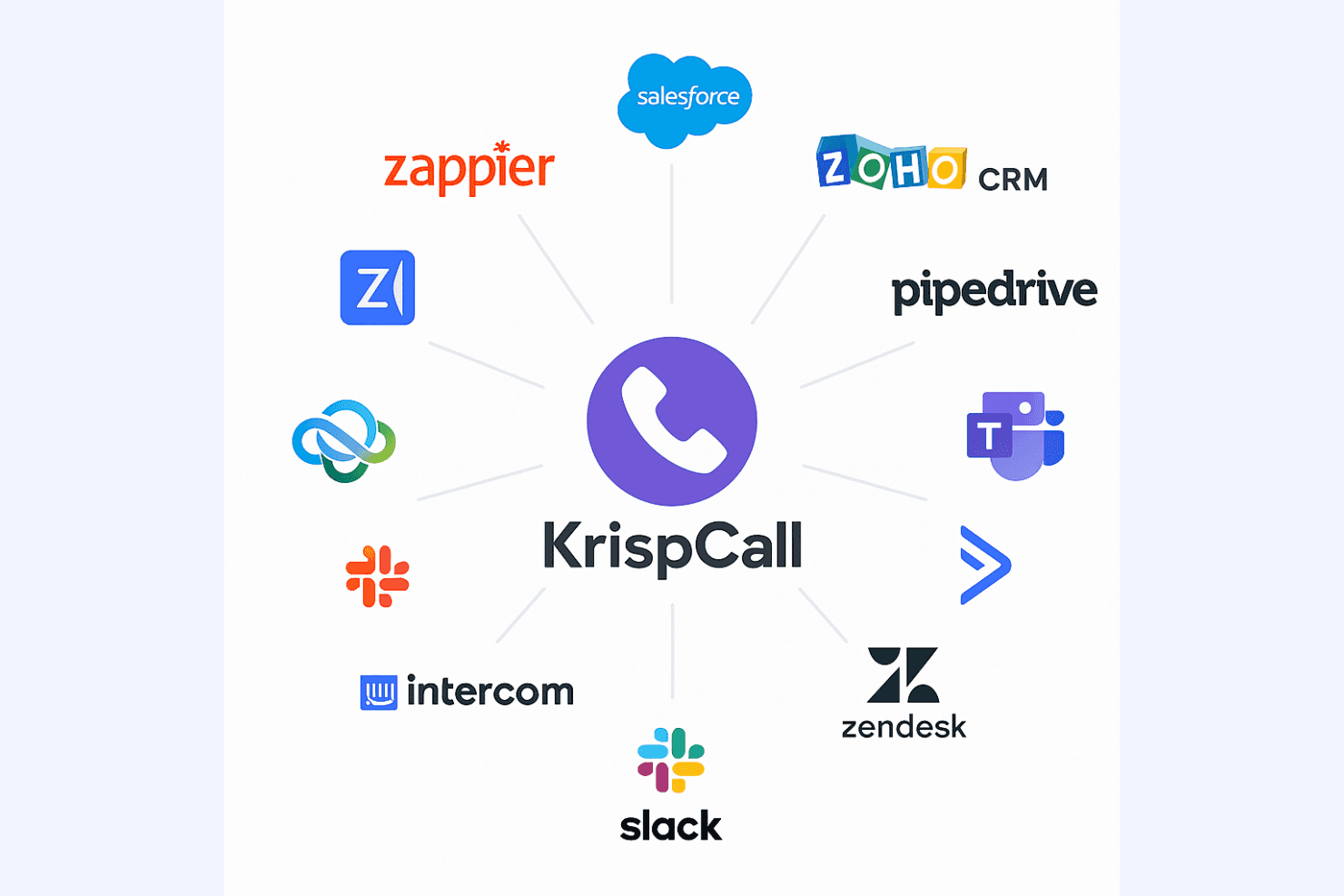
KrispCall integrates with Salesforce, HubSpot, Zoho CRM, Pipedrive, Microsoft Teams, ActiveCampaign, Intercom, Zendesk, Slack, and Vtiger.
KrispCall also offers API access and connects with third-party integration tools like Zapier.
KrispCall Specs
- API: Yes
- Call Disposition: Yes
- Call Recording: Yes
- Call Tracking: Yes
- Click-to-Dial: Yes
- Custom Data Forms: Yes
- External Integrations: Yes
- Multi-User: Yes
- Notifications: Yes
- Scheduling: Yes


