


TeamSupport vs. Help Scout: Detailed Comparison and Expert Reviews for 2026


TeamSupport gives your team in-depth tools and insights for managing complex client relationships, while Help Scout focuses on delivering a streamlined, human-centric support experience, so choosing between these two B2B customer support software can feel like a tug-of-war between operational power and customer-first simplicity. If you’re weighing these options, you’re likely balancing the need for robust ticket management and internal coordination with the desire to keep every customer interaction personal and efficient. This guide breaks down the strengths, weaknesses, and unique features of each platform, so you can confidently decide which solution will help your team deliver the outcomes your clients expect.
TeamSupport vs. Help Scout: An Overview
TeamSupport
Help Scout

Why Trust Our Software Reviews
We’ve been testing and reviewing software since 2020. As CX leaders ourselves, we know how critical and difficult it is to make the right decision when selecting software.
We invest in deep research to help our audience make better software purchasing decisions. We’ve tested more than 2,000 tools for different CX use cases and written over 1,000 comprehensive software reviews. Learn how we stay transparent & our software review methodology.
TeamSupport vs. Help Scout Pricing Comparison
| TeamSupport | Help Scout | |
|---|---|---|
| Free Trial | Free demo available | Free plan + free trial available |
| Pricing | From $45/month (billed annually) | From $25/user/month (billed annually) |
TeamSupport vs. Help Scout Pricing & Hidden Costs
TeamSupport uses a tiered pricing plan based on user seats, with advanced features like reporting, integrations, and customer management available on higher plans. You may encounter extra charges for add-ons such as API access or custom integrations. Help Scout also offers tiered pricing, but its plans focus on core support features, with some advanced capabilities and integrations reserved for higher tiers. Watch for potential costs related to mailbox limits, additional users, or specialized features like reporting and automation.
To choose the right vendor, map out your current and future support needs, including the number of users, required integrations, and reporting depth. Ask each provider for a detailed breakdown of what’s included in each plan and clarify any limits or extra fees. Consider how your team’s workflow might evolve, and whether the platform’s pricing structure will scale with you. This helps you avoid surprises and ensures you’re investing in a solution that grows with your business.
TeamSupport vs. Help Scout Feature Comparison
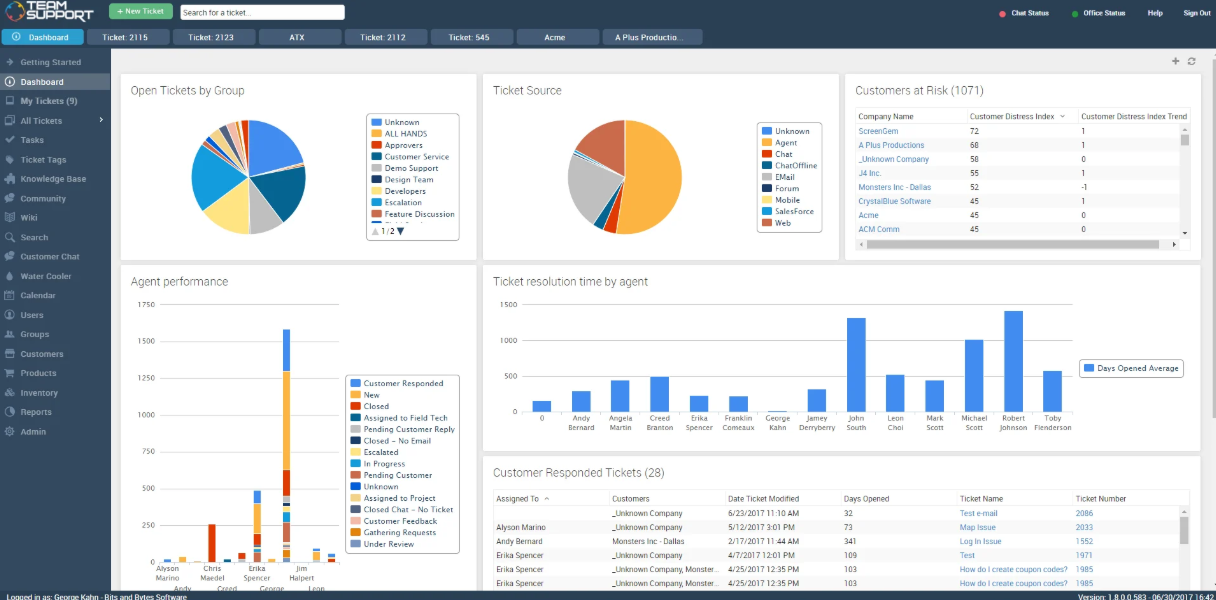
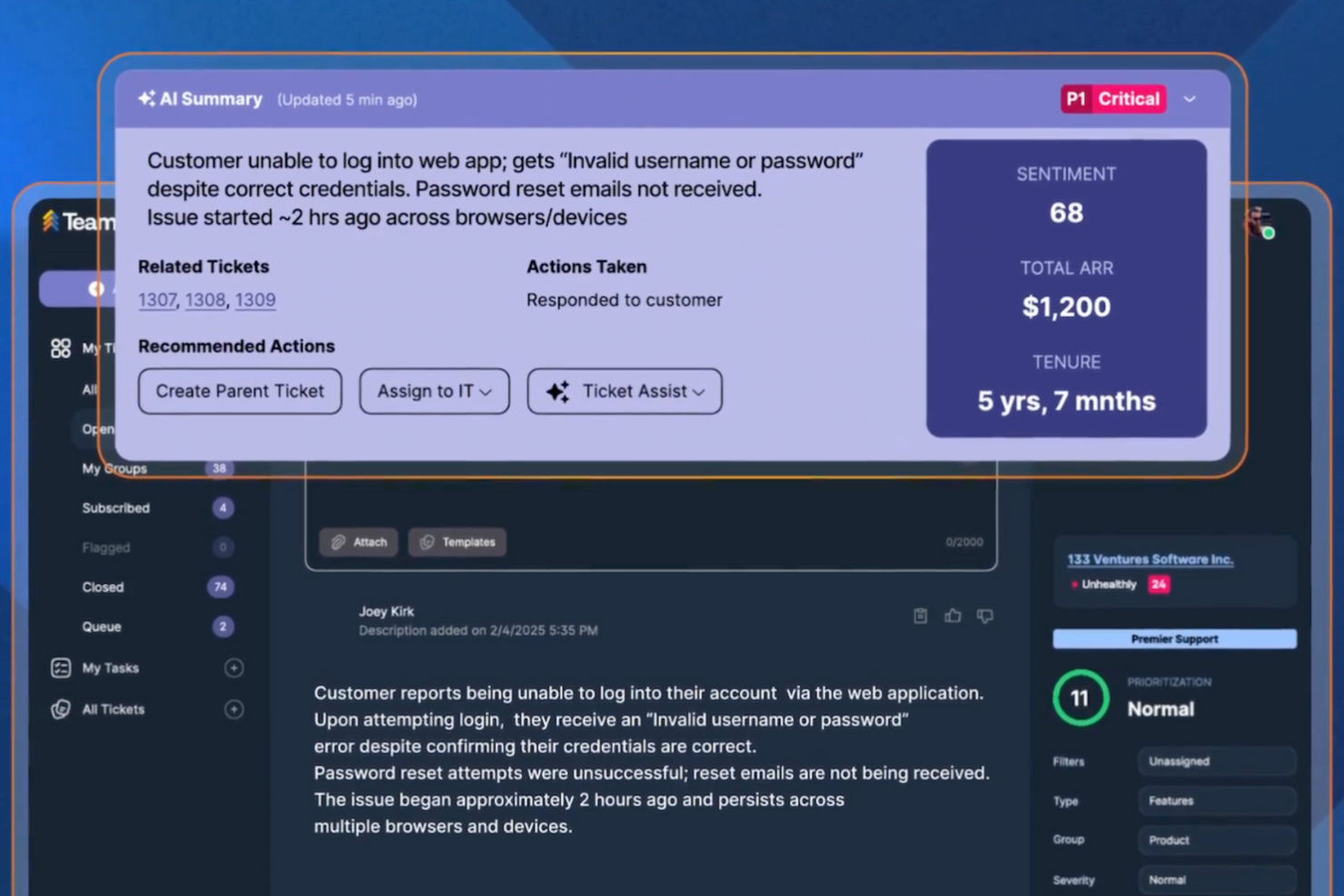
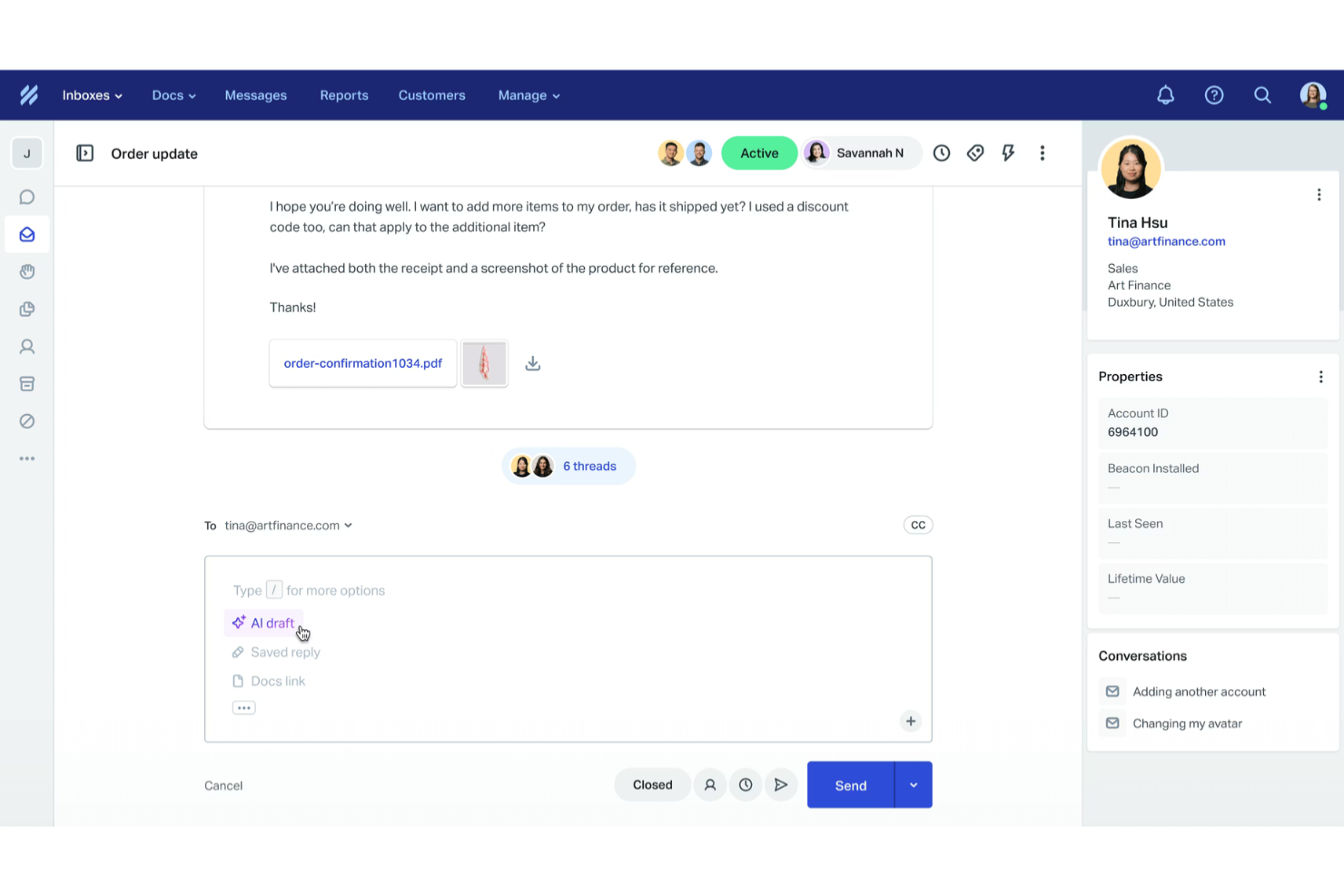
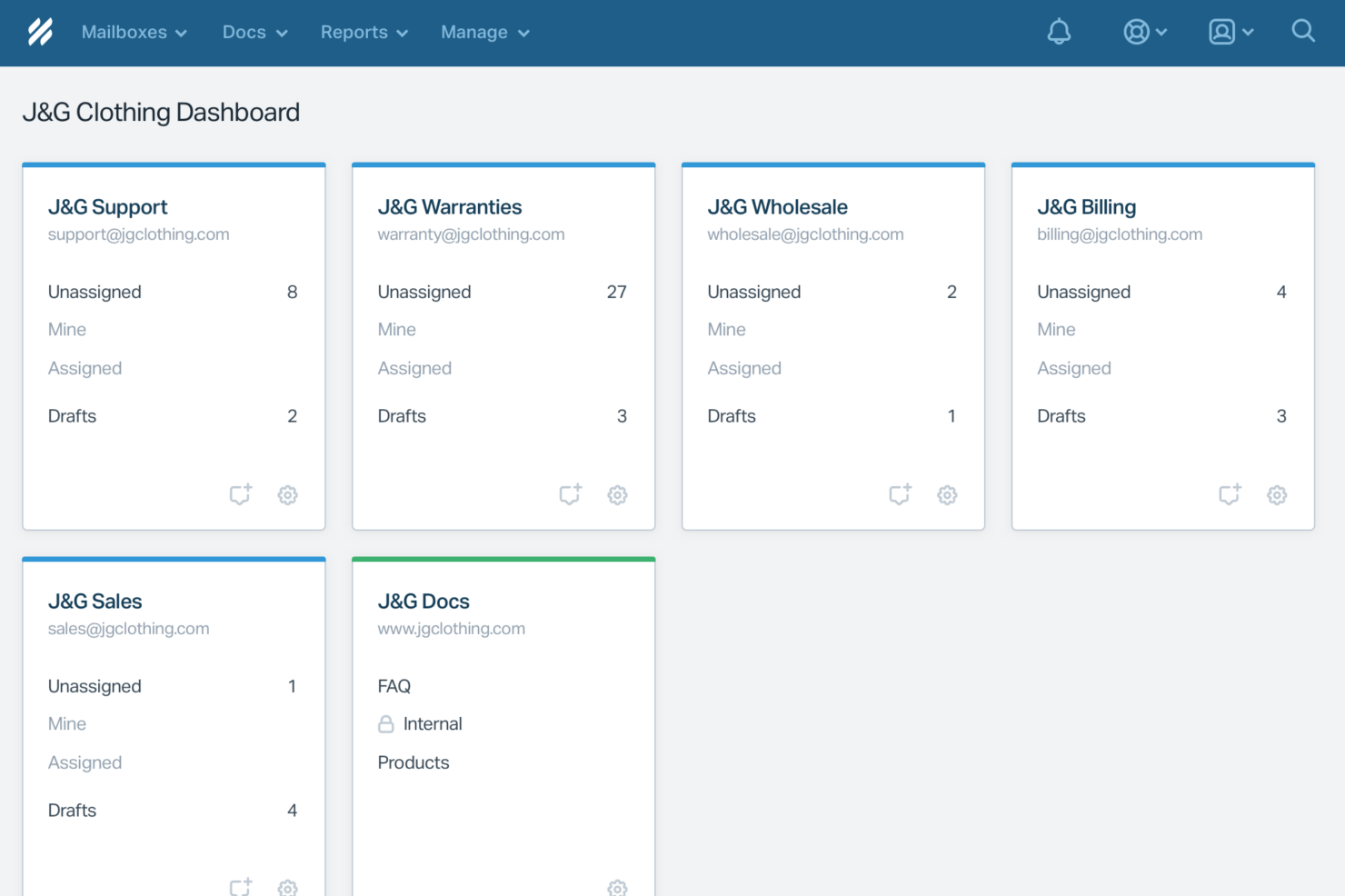
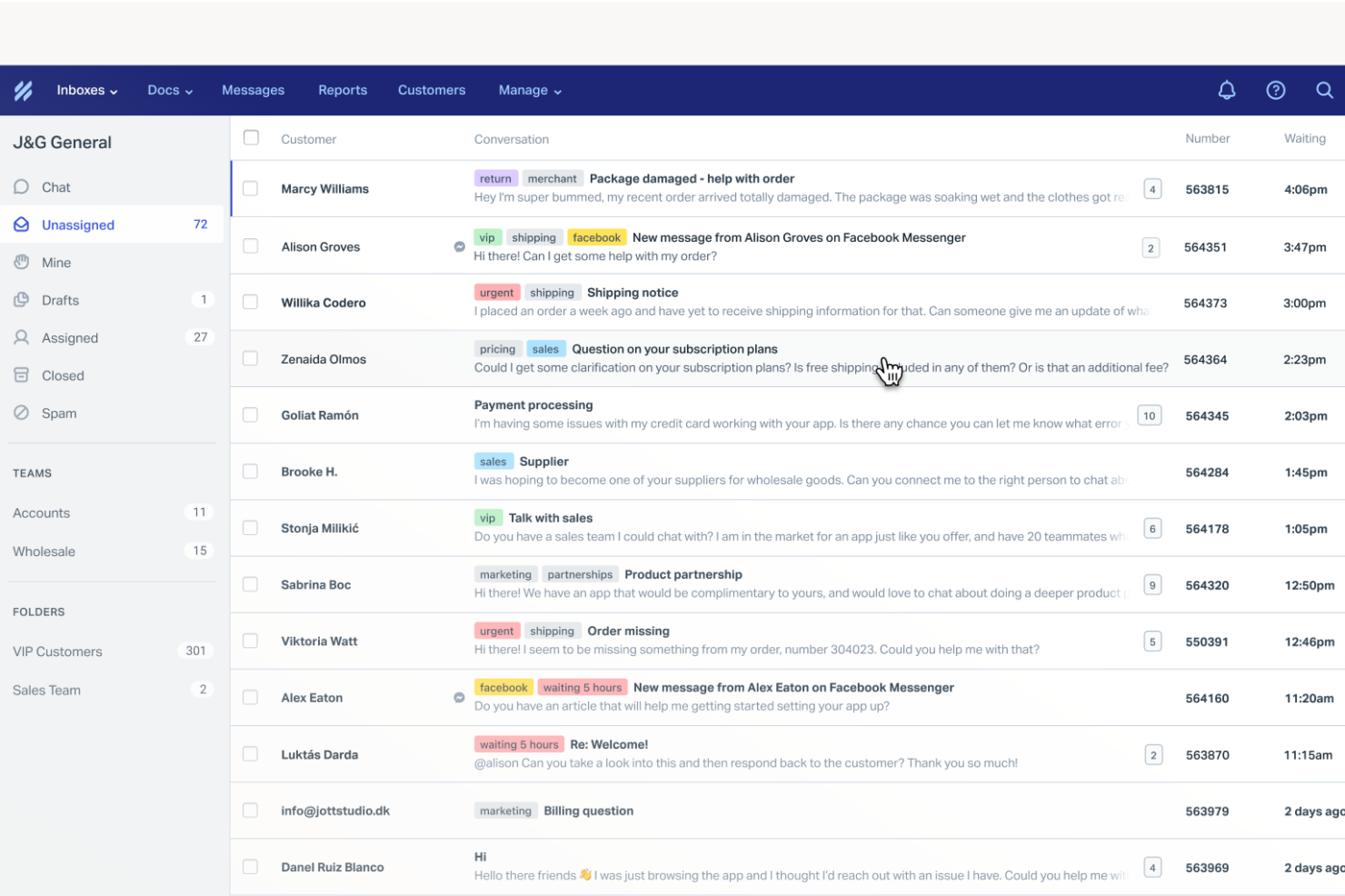
TeamSupport’s ticket management and customer database features help you track complex client issues and collaborate with teammates, making it easier to manage B2B relationships with lots of moving parts. In contrast, Help Scout’s shared inbox and intuitive interface keep your daily workflow simple and organized, so you can respond quickly and maintain a personal touch with every customer.
| TeamSupport | Help Scout | |
|---|---|---|
| API | ||
| Analytics | ||
| Batch Permissions & Access | ||
| CRM Integration | ||
| Call Integration | ||
| Chat | ||
| Contact Management | ||
| Contact Sharing | ||
| Customer Management | ||
| Customer Service | ||
| Dashboard | ||
| Data Export | ||
| Data Import | ||
| Data Visualization | ||
| Email Integration | ||
| Escalation Management | ||
| External Integrations | ||
| Instant Chat Integration | ||
| Knowledge Base | ||
| Lead Management | ||
| Lead Scoring | ||
| Multi-User | ||
| Notifications | ||
| Real-time Alerts | ||
| Scheduling | ||
| Self-service Portal | ||
| Social Media Integration | ||
| Support Forum | ||
| Third-Party Plugins/Add-Ons | ||
| Ticket Management | ||
| Workflow Management |
TeamSupport vs. Help Scout Integrations
| Integration | TeamSupport | Help Scout |
|---|---|---|
| Salesforce | ✅ | ✅ |
| Slack | ✅ | ✅ |
| HubSpot | ✅ | ✅ |
| Jira | ✅ | ✅ |
| Microsoft Teams | ✅ | ❌ |
| Shopify | ❌ | ✅ |
| Mailchimp | ❌ | ✅ |
| Google Workspace | ❌ | ✅ |
| API | ✅ | ✅ |
| Zapier | ✅ | ✅ |
Both TeamSupport and Help Scout share core integrations like Salesforce, Slack, HubSpot, and Jira, but Help Scout pulls ahead in flexibility with additional support for Shopify, Mailchimp, and Google Workspace. TeamSupport holds its own with Microsoft Teams integration, although both platforms do provide API and Zapier access for custom workflow connections.
TeamSupport vs. Help Scout Security, Compliance & Reliability
| Factor | TeamSupport | Help Scout |
|---|---|---|
| Data Encryption | Encrypts data in transit and at rest using industry-standard protocols. | Encrypts data in transit and at rest with industry-standard protocols. |
| Regulatory Compliance | Offers SOC 2 Type II certification, HIPAA-compliant features, and GDPR-ready data handling. | Is GDPR compliant and provides tools for data export and deletion. |
| Uptime & Reliability | Guarantees 99.9% uptime with real-time status monitoring. | Maintains 99.99% uptime and publishes live status updates. |
| Access Controls | Provides customizable user roles and SSO integration for secure access. | Includes SSO, two-factor authentication, and granular user permissions. |
| Data Residency | Offers data hosting options in the US and EU for compliance needs. | Hosts data in the US with some options for EU data processing. |
Both TeamSupport and Help Scout deliver strong security and compliance, but TeamSupport edges ahead with more robust compliance coverage, particularly for teams operating in regulated industries. TeamSupport’s flexible data residency and custom retention policies are a plus, while Help Scout’s two-factor authentication and transparent reliability reporting inspire extra confidence.
TeamSupport vs. Help Scout Ease of Use
| Factor | TeamSupport | Help Scout |
|---|---|---|
| User Interface | Offers a feature-rich dashboard that can feel complex for new users. | Provides a clean, intuitive interface that’s easy to navigate. |
| Onboarding | Includes guided setup and in-app tutorials, but may require extra training. | Delivers a quick onboarding process with helpful prompts and resources. |
| Customization | Allows deep customization of workflows and ticket fields. | Supports basic customization for inboxes and workflows. |
| Day-to-Day Tasks | Streamlines multi-user collaboration but can be overwhelming at first. | Makes daily ticket handling simple and fast for all team members. |
| Customer Support | Mostly responsive support via chat and email, with a detailed knowledge base. | Provides fast, friendly support and a robust help center. |
Help Scout stands out for its simplicity and quick learning curve, while TeamSupport’s depth and customization options suit teams with complex needs. If you want a tool that’s easy for everyone to pick up, Help Scout is the clear winner, but TeamSupport shines when you need advanced controls and tailored workflows.
TeamSupport vs Help Scout: Pros & Cons
TeamSupport
- Ticket collaboration tools support complex B2B workflows.
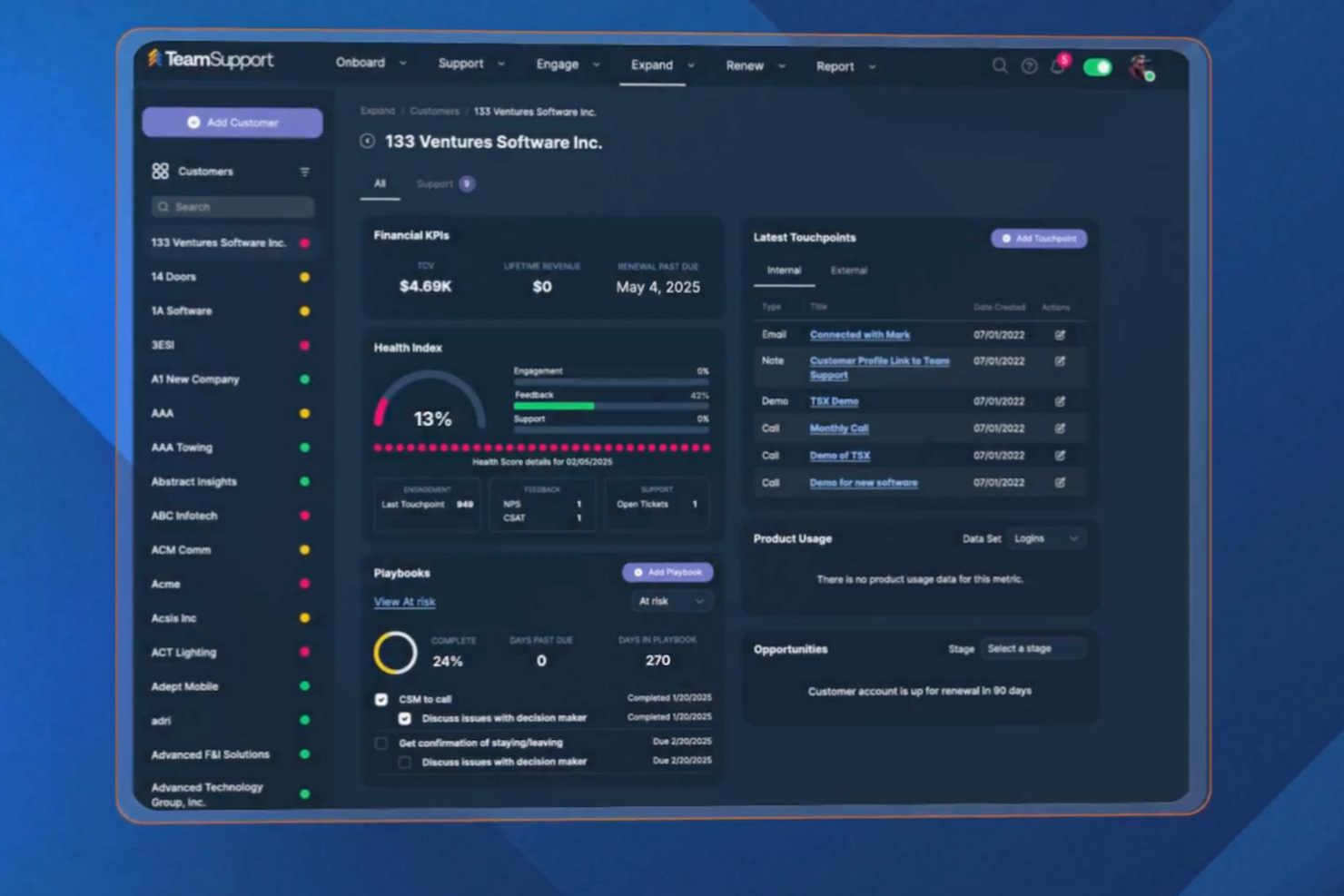
- Customer database tracks multi-contact account histories.
- Reporting and analytics offer detailed team performance insights.
- Some users have expressed frustration with the lengthy setup.
- Integrations aren't as extensive as other platforms.
- Some users report slow response times from support.
Help Scout
- Shared inbox keeps chat and email conversations organized
- Beacon widget offers chat, self-service, and messaging in one
- Fast, personal support from Help Scout’s own team
- Reporting features are less advanced than some competitors
- No built-in chatbot builder for custom automation
- Limited analytics for tracking live chat performance
Best Use Cases for TeamSupport and Help Scout
TeamSupport
- Customer Success Departments Centralized customer data helps teams proactively manage client outcomes.
- Enterprise Support Teams Advanced reporting and account management suit large-scale operations.
- Healthcare Technology HIPAA-compliant features and audit trails support regulated environments.
- IT Service Desks Collaboration tools support multi-agent troubleshooting for technical issues.
- Manufacturing Companies Detailed ticket histories help manage product support and warranty claims.
- SaaS Providers TeamSupport tracks multi-contact accounts and recurring issues common in SaaS.
Help Scout
- SaaS Startups Help Scout’s quick setup and shared inbox help small teams manage support.
- Ecommerce Stores Beacon widget lets you offer chat, self-service, and messaging to shoppers.
- Nonprofits Affordable pricing and simple workflows suit lean nonprofit teams.
- Education Providers Easy onboarding and knowledge base help schools support students and staff.
- Customer Success Teams Shared inbox and tagging keep customer conversations organized.
- Agencies Multiple mailboxes and user roles help agencies manage client support.
Who Should Use TeamSupport, and Who Should Use Help Scout?
TeamSupport is the best fit for B2B teams handling complex client relationships, especially in industries like SaaS, manufacturing, or technology where collaboration and detailed tracking are essential. If your support process involves multiple departments, custom workflows, or strict compliance needs, TeamSupport’s advanced features will serve you well. Help Scout is ideal for teams that value simplicity, fast onboarding, and a personal touch, think smaller B2B companies, agencies, or service providers who want to keep support friendly and efficient. If you need to get up and running quickly with minimal training, Help Scout is the clear choice.
Differences Between TeamSupport and Help Scout
| TeamSupport | Help Scout | |
|---|---|---|
| Automation | Includes advanced automation for ticket routing and escalation. | Supports basic automation for workflows and responses. |
| Collaboration Tools | Built for multi-department collaboration and internal notes. | Focuses on simple team inboxes and basic internal messaging. |
| Customization | Offers deep workflow and ticket field customization. | Provides limited customization mainly for inboxes and tags. |
| Integrations | Covers core CRM and messaging integrations. | More expansive and flexible integrations with third-party apps. |
| Pricing Model | Charges per user with add-ons for advanced features. | Uses tiered plans with most core features included upfront. |
| Visit TeamSupportOpens new window | Read Help Scout ReviewOpens new window |
Similarities Between TeamSupport and Help Scout
| API & Zapier Access | Both provide an API and Zapier integration, allowing you to connect with custom or niche tools as needed. |
|---|---|
| Knowledge Base | Both provide built-in knowledge base features to help customers self-serve and reduce ticket volume. |
| Reporting & Analytics | Each tool includes reporting dashboards and analytics to monitor team performance and customer trends. |
| Ticket Management | Both offer robust ticket tracking, assignment, and status updates, making it easy to manage customer requests. |
| Visit TeamSupportOpens new window Read Help Scout ReviewOpens new window | |