

Guidde Review: Pros, Cons, Features and Pricing
Guidde excels with intuitive user guides and seamless integration, ensuring your team has a smooth onboarding experience.

We review tools independently, and commissions help fund our testing. See our transparency policy, our methodology, or suggest a tool.
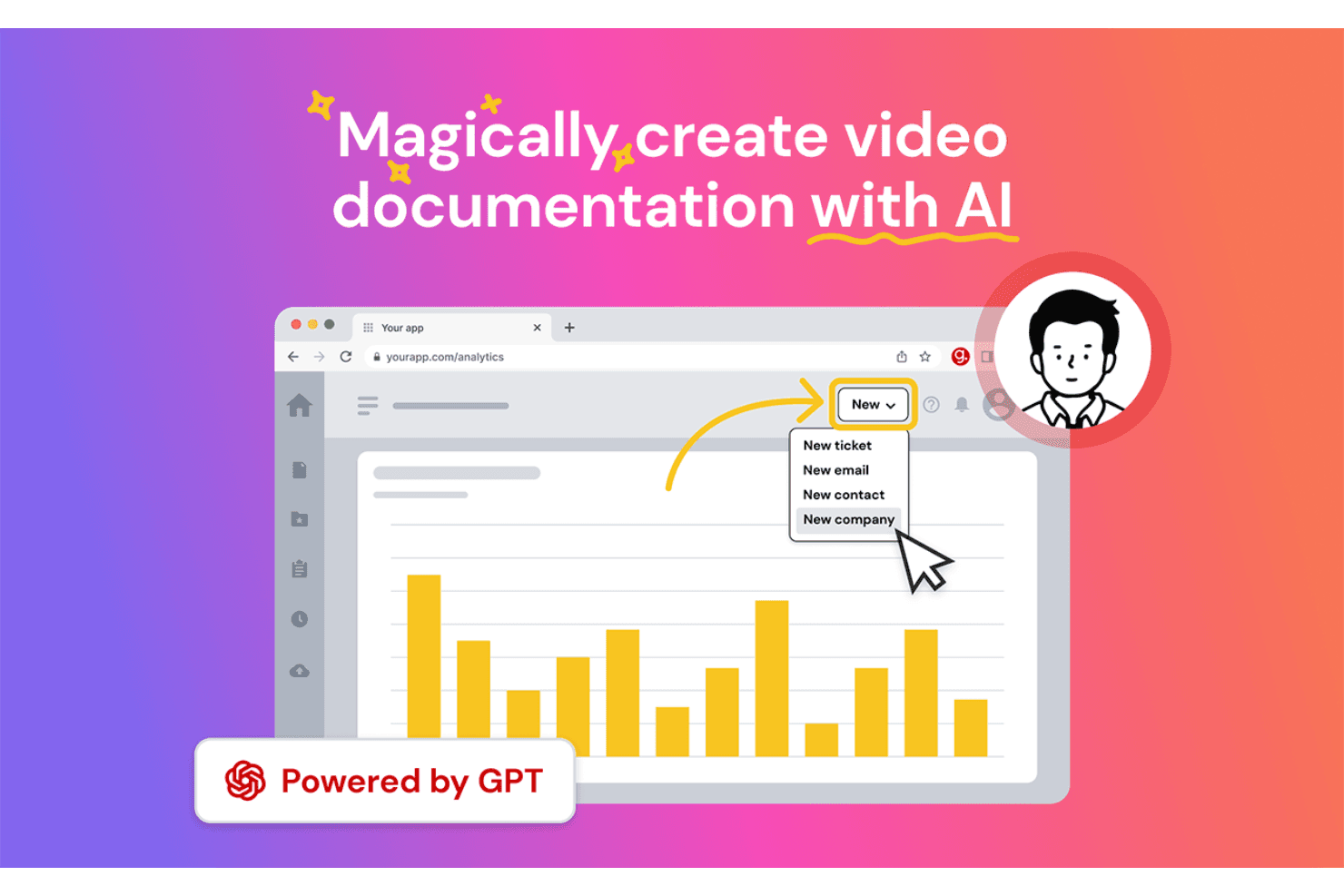
Guidde is an AI-powered customer onboarding software that generates step-by-step video how-to guides from screen recordings. I'd consider it if your team needs to produce product walkthroughs and training documentation at scale, without spending hours editing video. If you've looked at Loom, Guidde is the stronger fit for structured onboarding content—it adds AI-generated voiceover, automated annotations, and shareable guide formats that go beyond simple screen recording.
Guidde Evaluation Summary
4.9/5
- From $18/creator/month (billed annually)
- Free 7-day trial + free plan + free demo available
Why Trust Our Software Recommendations
6,700+
Reviews
20
Industry experts
16+
Evaluation factors
14
Years
Our team has been testing and reviewing software since 2012. As CX leaders ourselves, we know how difficult—and important—it is to choose the right software.
For this guide, we evaluated tools using hands-on testing and independent research, scoring tools using our selection criteria.
Our reviews reflect our human editorial judgment, not a sales pitch.
 Gui DrusinaCreative Director
 Tim FisherVP of AI
Guidde Overview
In my opinion, Guidde serves as a solid AI platform for customer onboarding. Its user-friendly interface makes it easy for your team to navigate and start using straight away. The platform’s standout features, particularly its interactive guides, AI-generated voiceovers, and video documentation tools, set it apart from competitors by providing a supportive learning process.
However, while the onboarding experience is generally smooth, it could benefit from more customization options. The value for money is reasonable, especially for small to medium-sized businesses looking for a reliable tool without an excessive price tag. If you're searching for a straightforward onboarding solution with a decent level of support and features, Guidde is worth considering.
Pros
- You can quickly create step-by-step guides with voiceovers, annotations, and screen recordings. Your team can track user engagement with its robust analytics tools.
- You can easily share guides via different platforms, enhancing accessibility and customer satisfaction.
Cons
- You might find the customization options somewhat limited.
- Your team could encounter occasional performance lags.
- You may notice that complex integrations aren't always smooth.
Is Guidde Right For Your Needs?
Who Would be a Good Fit for Guidde?
Guidde is great for small to medium-sized businesses and startups that need efficient customer onboarding. If your team values interactive guides and video tutorials to ease users into your software, Guidde's features are well-suited for you. Its capabilities in creating step-by-step guides help reduce the learning curve for new users, making it ideal for companies aiming to improve user engagement from the very start.
- Tech StartupsGuidde empowers your team to create engaging video guides that help onboard users quickly and efficiently, essential for fast-paced tech environments.
- Small BusinessesIf you're a small business, Guidde offers cost-effective onboarding solutions that don't require extensive resources.
- Customer Support TeamsYour support team can use Guidde to create quick AI-generated reference guides and knowledge sharing materials, reducing the amount of time spent on repetitive queries.
- Training DepartmentsGuidde's AI-driven video tutorial features are perfect for training departments looking to make learning more engaging.
- Product ManagersUse Guidde to create clear product walkthroughs, so users can understand and use your product to its full potential.
- FreelancersFreelancers can leverage Guidde to provide clients with easy-to-follow guides, enhancing the client onboarding experience.
Who Would be a Bad Fit for Guidde?
Guidde might not suit businesses that need extensive integrations with other tools. For example, if your work requires tight integration with multiple platforms, you could find Guidde's capabilities lacking. Guidde's integration options are limited, which might not meet the needs of teams needing to synchronize data across various software solutions.
- Large EnterprisesLarge enterprises often need extensive integration capabilities, which Guidde lacks, making it difficult to fit into a complex tech ecosystem.
- Tech-Savvy TeamsIf your team prefers highly customizable software, Guidde's limited customization options might not meet your needs.
- Financial ServicesFinancial services require stringent security protocols that Guidde might not fully support, potentially compromising sensitive data.
- ManufacturingManufacturing industries often need specialized onboarding processes that Guidde doesn't offer, leading to inefficiencies.
- Marketing AgenciesMarketing agencies might find Guidde's lack of advanced analytics tools limiting for tracking onboarding effectiveness.
- HR DepartmentsHR departments looking for comprehensive document management should look elsewhere, as Guidde doesn't provide extensive template options.
How We Test & Score Tools
We’ve spent years building, refining, and improving our software testing and scoring system. The rubric is designed to capture the nuances of software selection and what makes a tool effective, focusing on critical aspects of the decision-making process.
Below, you can see exactly how our testing and scoring works across seven criteria. It allows us to provide an unbiased evaluation of the software based on core functionality, standout features, ease of use, onboarding, customer support, integrations, customer reviews, and value for money.
Core Functionality (25% of final scoring)
The starting point of our evaluation is always the core functionality of the tool. Does it have the basic features and functions that a user would expect to see? Are any of those core features locked to higher-tiered pricing plans? At its core, we expect a tool to stand up against the baseline capabilities of its competitors.
Standout Features (25% of final scoring)
Next, we evaluate uncommon standout features that go above and beyond the core functionality typically found in tools of its kind. A high score reflects specialized or unique features that make the product faster, more efficient, or offer additional value to the user.
We also evaluate how easy it is to integrate with other tools typically found in the tech stack to expand the functionality and utility of the software. Tools offering plentiful native integrations, 3rd party connections, and API access to build custom integrations score best.
Ease of Use (10% of final scoring)
We consider how quick and easy it is to execute the tasks defined in the core functionality using the tool. High scoring software is well designed, intuitive to use, offers mobile apps, provides templates, and makes relatively complex tasks seem simple.
Onboarding (10% of final scoring)
We know how important rapid team adoption is for a new platform, so we evaluate how easy it is to learn and use a tool with minimal training. We evaluate how quickly a team member can get set up and start using the tool with no experience. High scoring solutions indicate little or no support is required.
Customer Support (10% of final scoring)
We review how quick and easy it is to get unstuck and find help by phone, live chat, or knowledge base. Tools and companies that provide real-time support score best, while chatbots score worst.
Customer Reviews (10% of final scoring)
Beyond our own testing and evaluation, we consider the net promoter score from current and past customers. We review their likelihood, given the option, to choose the tool again for the core functionality. A high scoring software reflects a high net promoter score from current or past customers.
Value for Money (10% of final scoring)
Lastly, in consideration of all the other criteria, we review the average price of entry level plans against the core features and consider the value of the other evaluation criteria. Software that delivers more, for less, will score higher.
Core Features
Collaboration Tools
Teams co-create documentation in real time, refining content together to boost accuracy, maintain consistency, and speed up overall workflow.
Client Progress Tracking
Monitor client engagement, completion rates, and activity patterns to quickly spot gaps, address onboarding issues, and support smoother adoption.
Basic Reporting
Access simple, actionable reports that surface key insights into how clients use, view, and interact with your documentation over time.
Content Capture & Editing
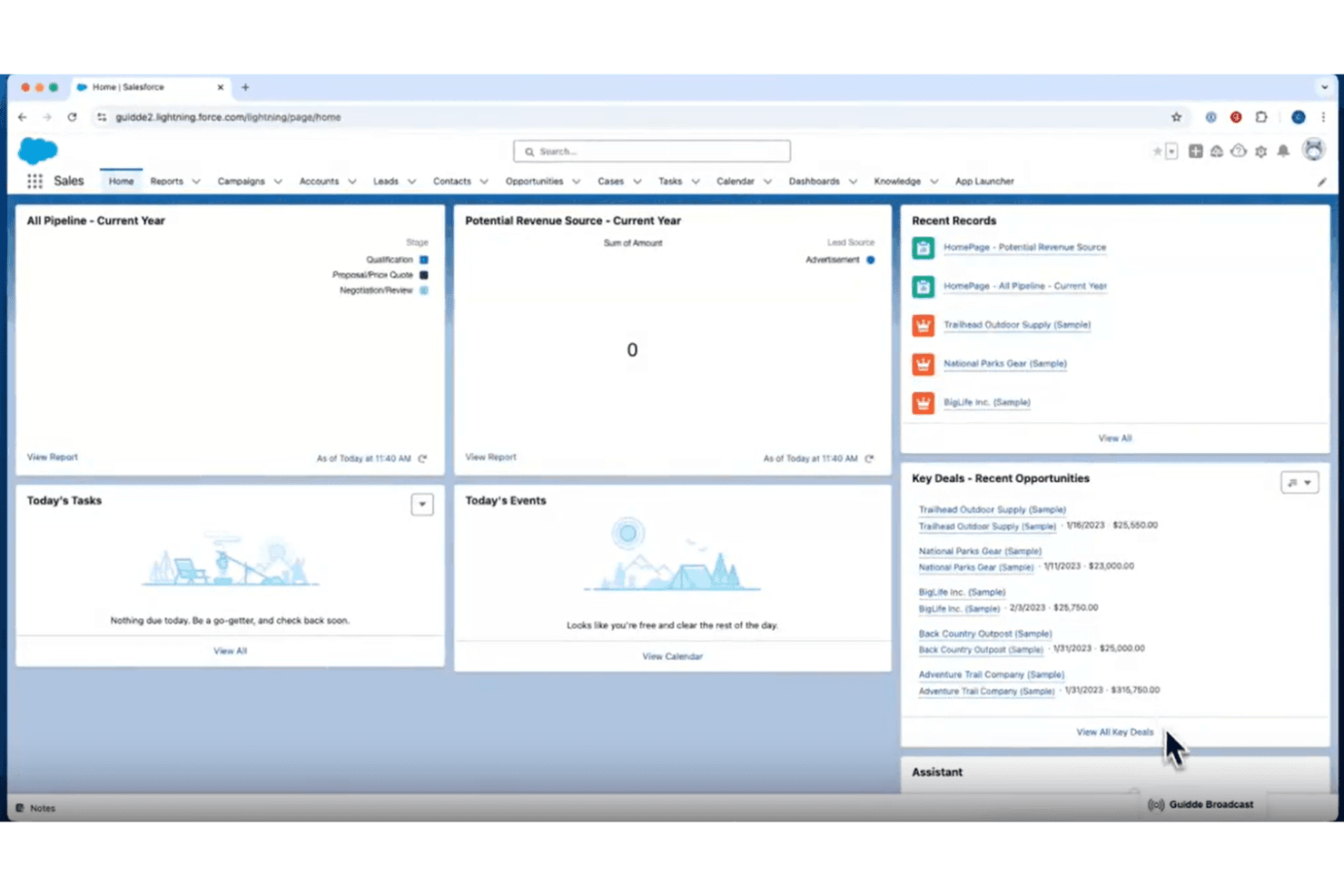
Easily record internal processes and automatically convert them into clear, step-by-step visual guides that are simple to edit and update.
Permissions & Access Control
Manage who can view, edit, or share documentation, ensuring security, version accuracy, and proper control across teams and clients.
Standout Features
Quick Setup
Guidde’s smooth, hassle-free setup gets your team productive fast, allowing everyone to start creating and sharing content without heavy onboarding or technical steps.
Advanced Collaboration
Real-time co-editing, shared workflows, and easy content coordination help teams improve documentation faster, work more collaboratively, and maintain consistent quality.
Ease of Use
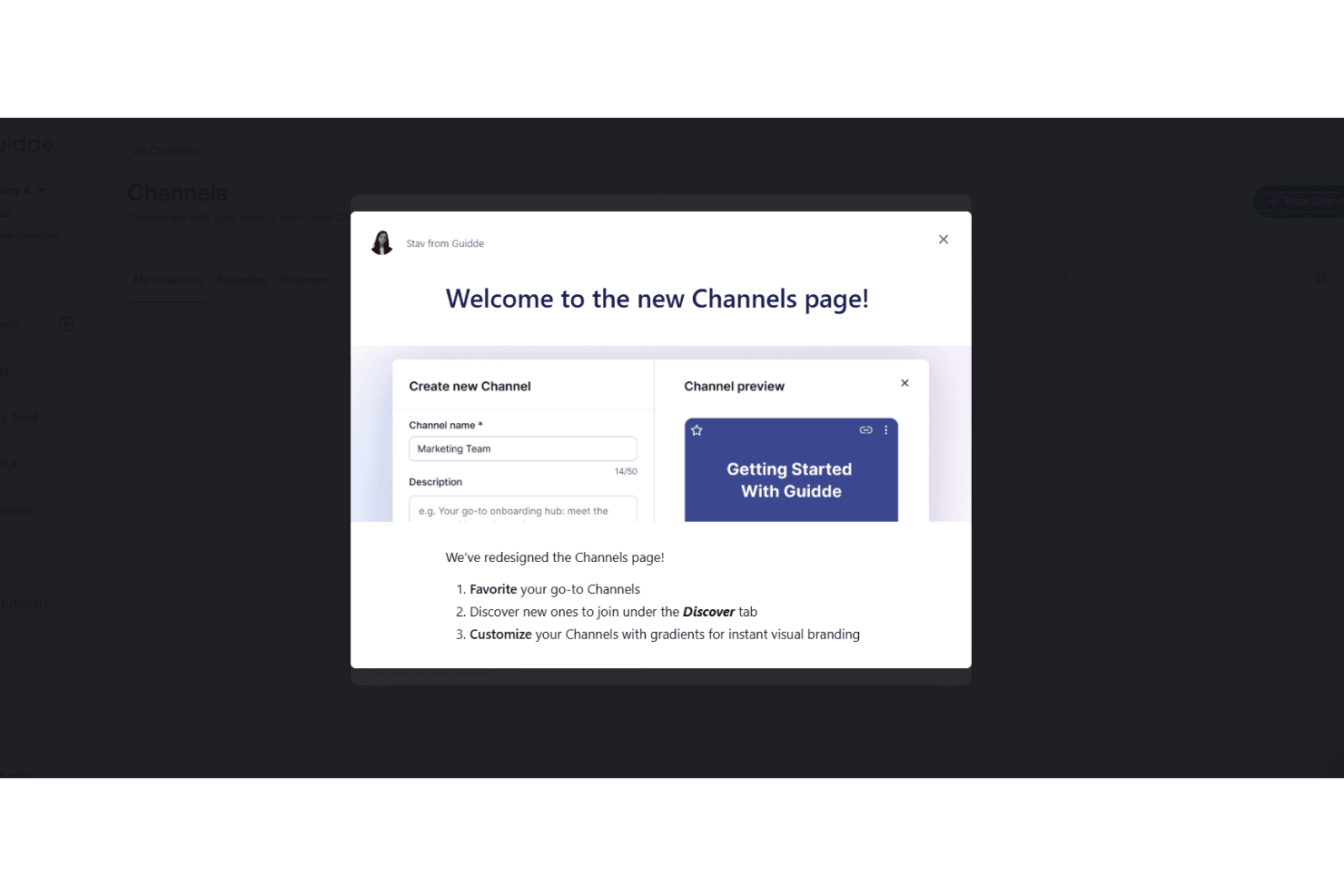
Guidde is highly intuitive, offering a straightforward experience for your team. You’ll appreciate its clean interface and easy navigation, which make onboarding a breeze. Users often highlight its simple layout and clear instructions, allowing you to quickly grasp its features without feeling overwhelmed. This ease of use is what sets Guidde apart in the customer onboarding space, making it a reliable choice for those seeking a tool that makes onboarding easy and simple.
Onboarding
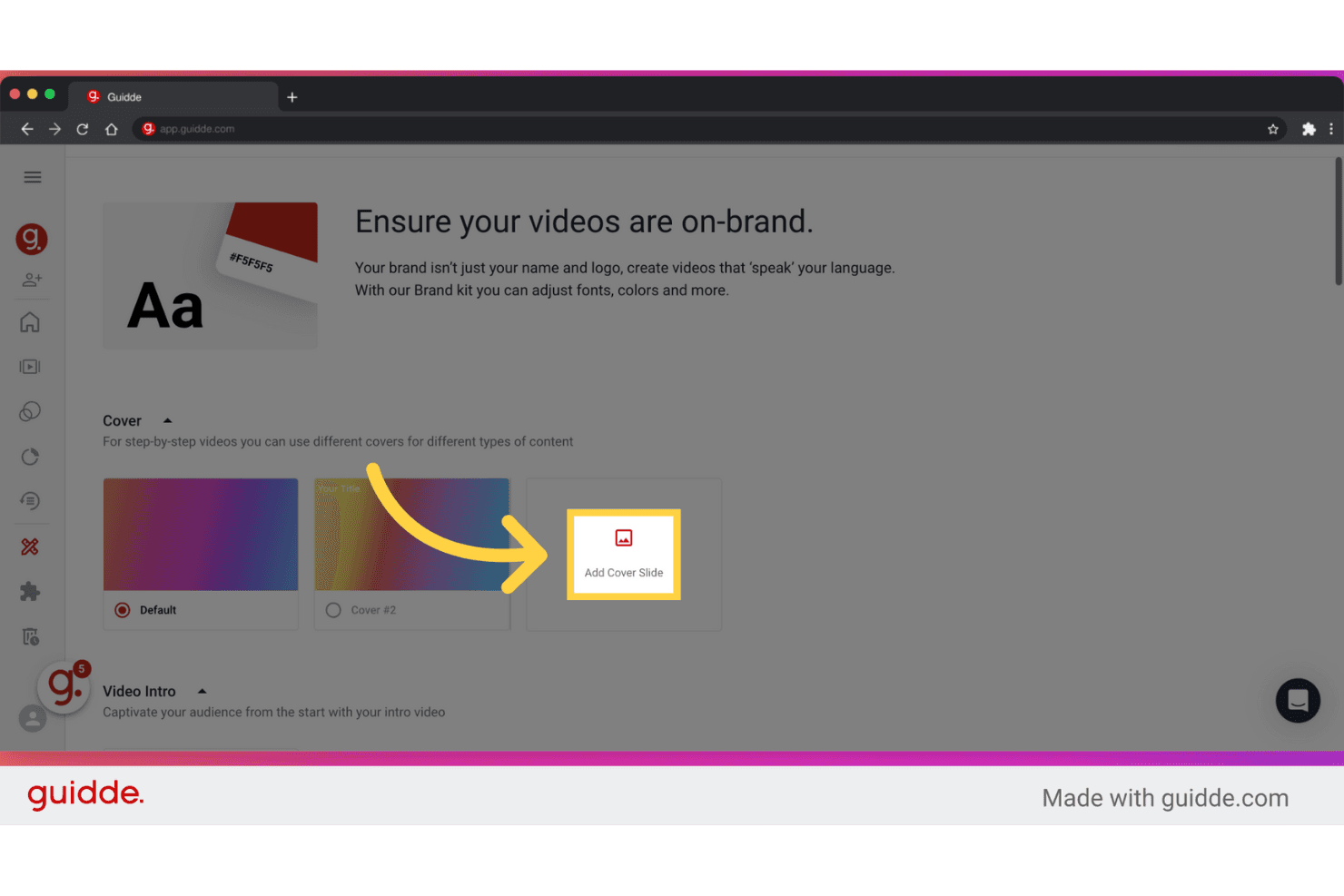
Guidde's onboarding process is relatively straightforward, offering clear guidance and immediate value. Users appreciate the intuitive setup and the availability of step-by-step tutorials that facilitate quick learning. The platform provides ample resources, including video tutorials and a comprehensive help center, allowing you to easily find answers to questions. Compared to similar tools like Scribe or Loom, Guidde's onboarding minimizes the time to value by focusing on practical, user-friendly support that empowers you and your team to start working efficiently from day one.

Customer Support
Guidde's customer support is rated moderately by users, offering satisfactory assistance through accessible help screens and a dedicated support link. While it doesn't stand out as exceptional, it provides the necessary resources for resolving issues. Compared to other tools, Guidde's support is functional but not groundbreaking. Users appreciate the straightforward access to support, but they don't find it particularly innovative or superior.
Integrations
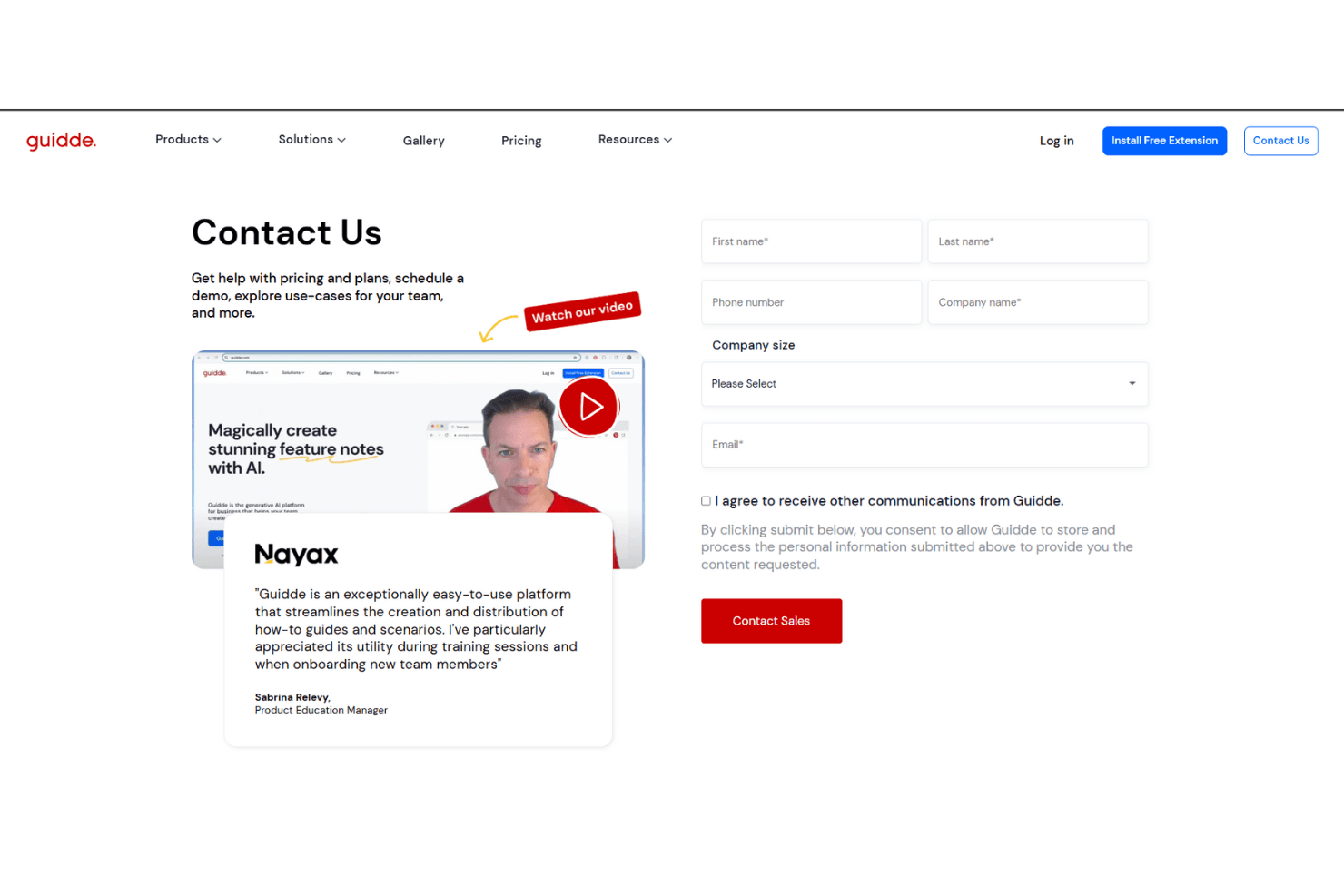
Guidde integrates with platforms like GitLab, Bitbucket, ClickUp, SharePoint, Webflow, Confluence, GitHub, WordPress, ServiceNow, and Zendesk. Through APIs, Guidde connects with third-party integration tools such as Slack, Zoom, and Gmail. It also provides a Chrome extension that allows users to capture, document, and share processes directly from their browser.

Value for Money
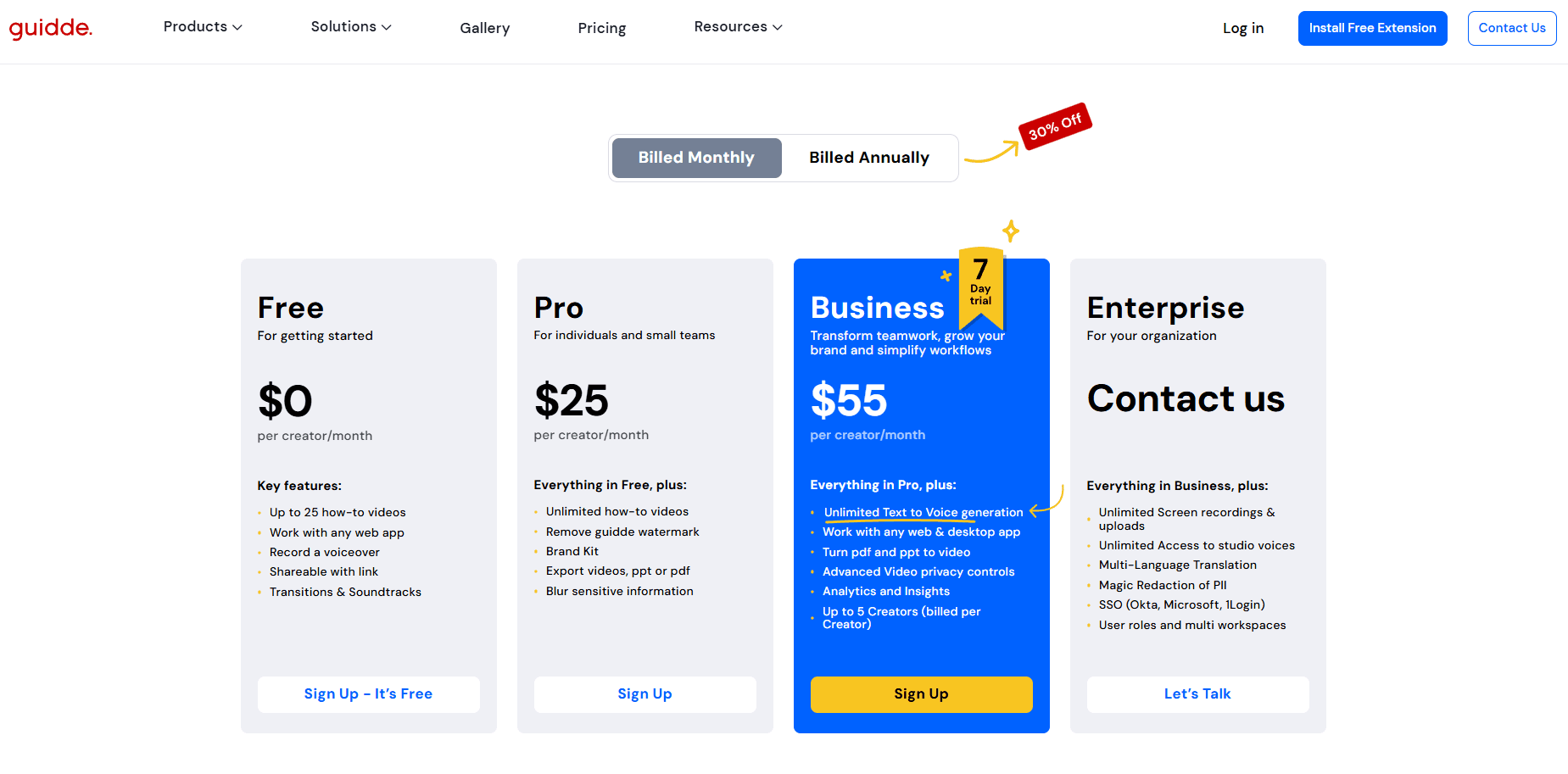
Guidde's pricing is fair, reflecting its user-friendly features and comprehensive onboarding tools. Users appreciate its cost-effectiveness, especially when compared to other customer onboarding solutions. Guidde provides multiple pricing tiers to accommodate different business needs and budgets. A free trial is also available, allowing teams to evaluate the software before committing.
- Free Plan: Entry-level features, up to 25 how-to videos.
- Pro Plan ($23 per creator/month): Everything in the free plan plus unlimited how-to videos, custom branding kit, and AI video exports.
- Business Plan ($50 per creator/month): Everything in the pro plan, plus additional tools for growing teams.
- Enterprise Plan (Custom Pricing): Custom solutions for extensive organizational needs.
Guidde Specs
- 360 Degree Feedback: No
- API: No
- Application Tracking: No
- Attendance Tracking: No
- Batch Permissions & Access: Yes
- Calendar Management: No
- Data Export: Yes
- Data Import: No
- Email Integration: No
- Employee Database: No
- Employee Engagement: No
- Employee Incentive Management: No
- Employee Onboarding: Yes
- Employee Training: Yes
- External Integrations: Yes
- Feedback Management: No
- Gamification: No
- Google Apps Integration: No
- Multi-User: Yes
- Notifications: No
- Onboarding: Yes
- Password & Access Management: No
- Scheduling: No
- Time Management: No
- Timesheets: No
- Travel Management: No
- Vacation & Absence Calendar: No
- Video Courses: Yes
Guidde FAQs
Guidde Company Overview & History
Guidde, headquartered in Belmont, CA, is a generative AI-powered platform that simplifies creating and sharing how-to guides for software processes. Guidde currently has over 100,000 users and 3,000 customers, who have, altogether, produced over 500 million video minutes. The company’s primary focus is on enhancing productivity and collaboration, particularly in employee onboarding and customer education.
Guidde Major Milestones
- 2020: Founded by Yoav Einav and Dan Sahar.
- 2025: Announced extension to series A funding, totaling $30 million.