

OmniGraffle Review: Pros, Cons, Features and Pricing
OmniGraffle excels in creating detailed diagrams and wireframes, offering a user-friendly interface that sets it apart from other customer journey mapping tools.

We review tools independently, and commissions help fund our testing. See our transparency policy, our methodology, or suggest a tool.
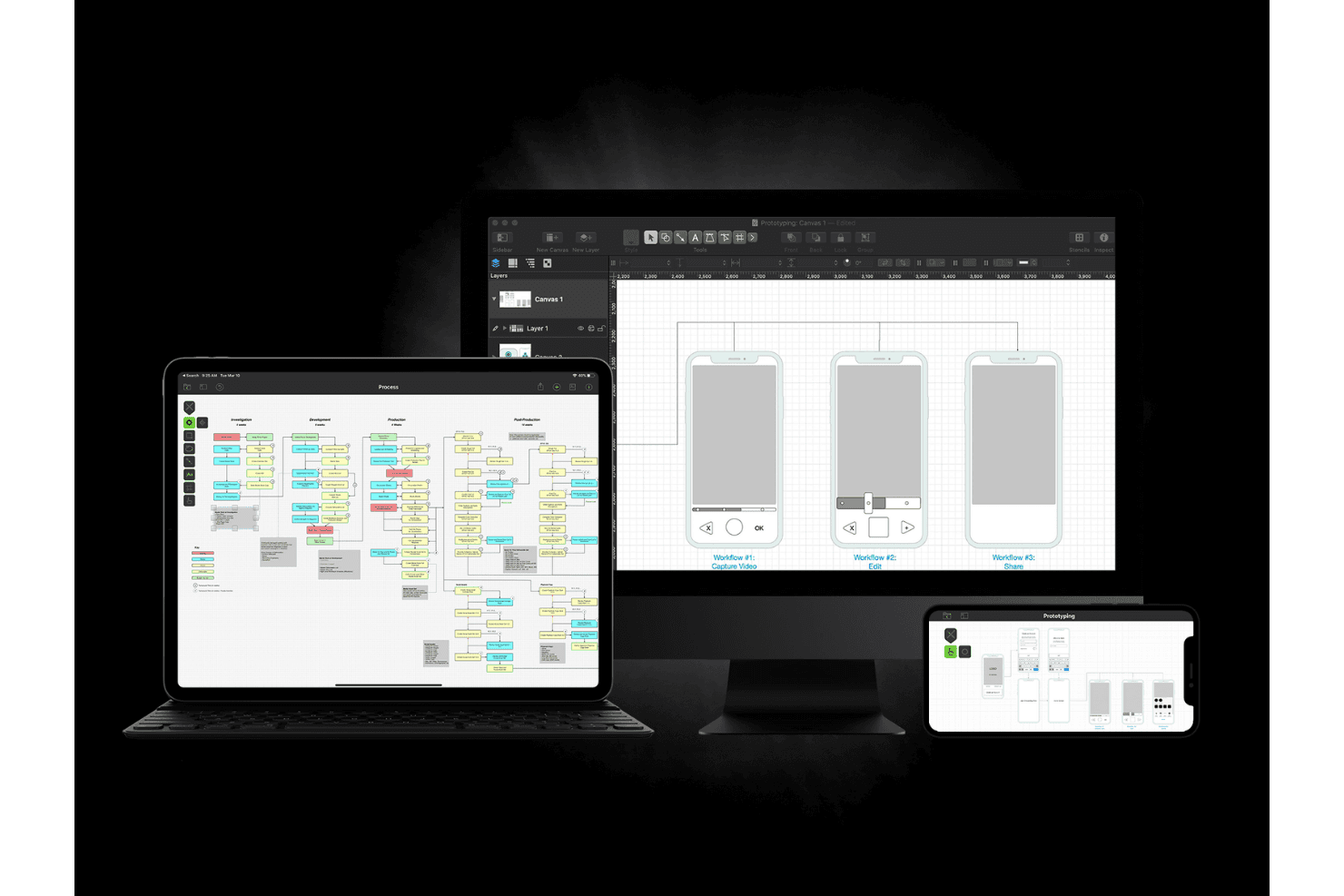
OmniGraffle is a customer journey mapping tool built for Mac and iPad. It's designed for creating precise, detailed diagrams of customer touchpoints, flows, and service blueprints. I'd consider it if you're working in the Apple ecosystem and want more design control than a web-based tool like Miro provides. Where Miro focuses on real-time collaboration, OmniGraffle gives you tighter control over structure and visual fidelity. That makes it a better fit for teams producing polished, presentation-ready maps.
OmniGraffle Evaluation Summary
4.2/5
- From $129.99/year
- 14-day free trial available
Why Trust Our Software Recommendations
6,700+
Reviews
20
Industry experts
16+
Evaluation factors
14
Years
Our team has been testing and reviewing software since 2012. As CX leaders ourselves, we know how difficult—and important—it is to choose the right software.
For this guide, we evaluated tools using hands-on testing and independent research, scoring tools using our selection criteria.
Our reviews reflect our human editorial judgment, not a sales pitch.
 Gui DrusinaCreative Director
 Tim FisherVP of AI
OmniGraffle Overview
I believe OmniGraffle is a solid choice for teams that need precise diagramming and visualization capabilities. Its robust feature set makes it ideal for detailed customer journey mapping. However, it may not be the easiest tool to pick up for newcomers, requiring some time to get familiar with its interface. While its pricing may seem steep, the value it provides in terms of functionality justifies the expense for teams heavily involved in design and diagramming.
OmniGraffle stands out in its ability to handle complex diagrams with ease, but it might not be the best fit for those looking for a simple or quick-to-learn tool.
Is OmniGraffle Right For Your Needs?
Who Would be a Good Fit for OmniGraffle?
OmniGraffle is perfect for design professionals and teams in industries like architecture, engineering, and graphic design. If your work involves creating detailed diagrams, organizational charts, or visual presentations, you'll appreciate OmniGraffle's extensive set of tools, including vector drawing capabilities and advanced export options. It supports precision with features like Apple Pencil and Touch Bar integration, making it an excellent choice for those who need to create intricate visual content efficiently.
- Graphic DesignOmniGraffle excels with its vector drawing tools and customizable templates, making it ideal for graphic designers crafting detailed illustrations, mockups, and diagram layouts.
- ArchitectureWith support for various canvas sizes and precise alignment tools, architects can create detailed building plans and layouts.
- EngineeringEngineers benefit from OmniGraffle's ability to handle complex diagrams and its advanced features like layers, prototyping, and subgraphs.
- EducationTeachers can use OmniGraffle for creating visual aids and diagrams, utilizing its intuitive interface and educational templates.
- MarketingMarketing teams can leverage OmniGraffle for visual presentations and flowcharts, aided by its drag-and-drop functionality and style tools.
- IT and NetworkingIT professionals can create network diagrams and system architecture layouts thanks to OmniGraffle's extensive canvas and connection tools.
Who Would be a Bad Fit for OmniGraffle?
OmniGraffle might not suit large enterprises needing more advanced collaboration features. This is because OmniGraffle’s strength lies in its individual diagramming features, not collaborative editing, which could limit team-based project workflows.
Additionally, if your team works primarily on Windows, OmniGraffle may not be the best fit since it’s built for Mac. And if your workflow depends on deeper integrations or handling large amounts of data, you may find yourself wanting more than what OmniGraffle offers.
- Large EnterprisesOmniGraffle doesn't support the extensive collaboration features that large teams often need.
- Windows-Based CompaniesSince OmniGraffle is Mac-centric, it's not suitable for Windows environments.
- Cloud-Dependent TeamsOmniGraffle lacks robust cloud-based collaboration features needed for remote teams.
- Data-Heavy IndustriesOmniGraffle doesn't handle complex data visualizations well, which can limit its use in data-driven fields.
- Software Development TeamsOmniGraffle falls short in integration with other development tools crucial for software projects.
- Marketing DepartmentsTeams needing advanced design capabilities might find OmniGraffle's features too basic.
How We Test & Score Tools
We’ve spent years building, refining, and improving our software testing and scoring system. The rubric is designed to capture the nuances of software selection and what makes a tool effective, focusing on critical aspects of the decision-making process.
Below, you can see exactly how our testing and scoring works across seven criteria. It allows us to provide an unbiased evaluation of the software based on core functionality, standout features, ease of use, onboarding, customer support, integrations, customer reviews, and value for money.
Core Functionality (25% of final scoring)
The starting point of our evaluation is always the core functionality of the tool. Does it have the basic features and functions that a user would expect to see? Are any of those core features locked to higher-tiered pricing plans? At its core, we expect a tool to stand up against the baseline capabilities of its competitors.
Standout Features (25% of final scoring)
Next, we evaluate uncommon standout features that go above and beyond the core functionality typically found in tools of its kind. A high score reflects specialized or unique features that make the product faster, more efficient, or offer additional value to the user.
We also evaluate how easy it is to integrate with other tools typically found in the tech stack to expand the functionality and utility of the software. Tools offering plentiful native integrations, 3rd party connections, and API access to build custom integrations score best.
Ease of Use (10% of final scoring)
We consider how quick and easy it is to execute the tasks defined in the core functionality using the tool. High scoring software is well designed, intuitive to use, offers mobile apps, provides templates, and makes relatively complex tasks seem simple.
Onboarding (10% of final scoring)
We know how important rapid team adoption is for a new platform, so we evaluate how easy it is to learn and use a tool with minimal training. We evaluate how quickly a team member can get set up and start using the tool with no experience. High scoring solutions indicate little or no support is required.
Customer Support (10% of final scoring)
We review how quick and easy it is to get unstuck and find help by phone, live chat, or knowledge base. Tools and companies that provide real-time support score best, while chatbots score worst.
Customer Reviews (10% of final scoring)
Beyond our own testing and evaluation, we consider the net promoter score from current and past customers. We review their likelihood, given the option, to choose the tool again for the core functionality. A high scoring software reflects a high net promoter score from current or past customers.
Value for Money (10% of final scoring)
Lastly, in consideration of all the other criteria, we review the average price of entry level plans against the core features and consider the value of the other evaluation criteria. Software that delivers more, for less, will score higher.
Core Features
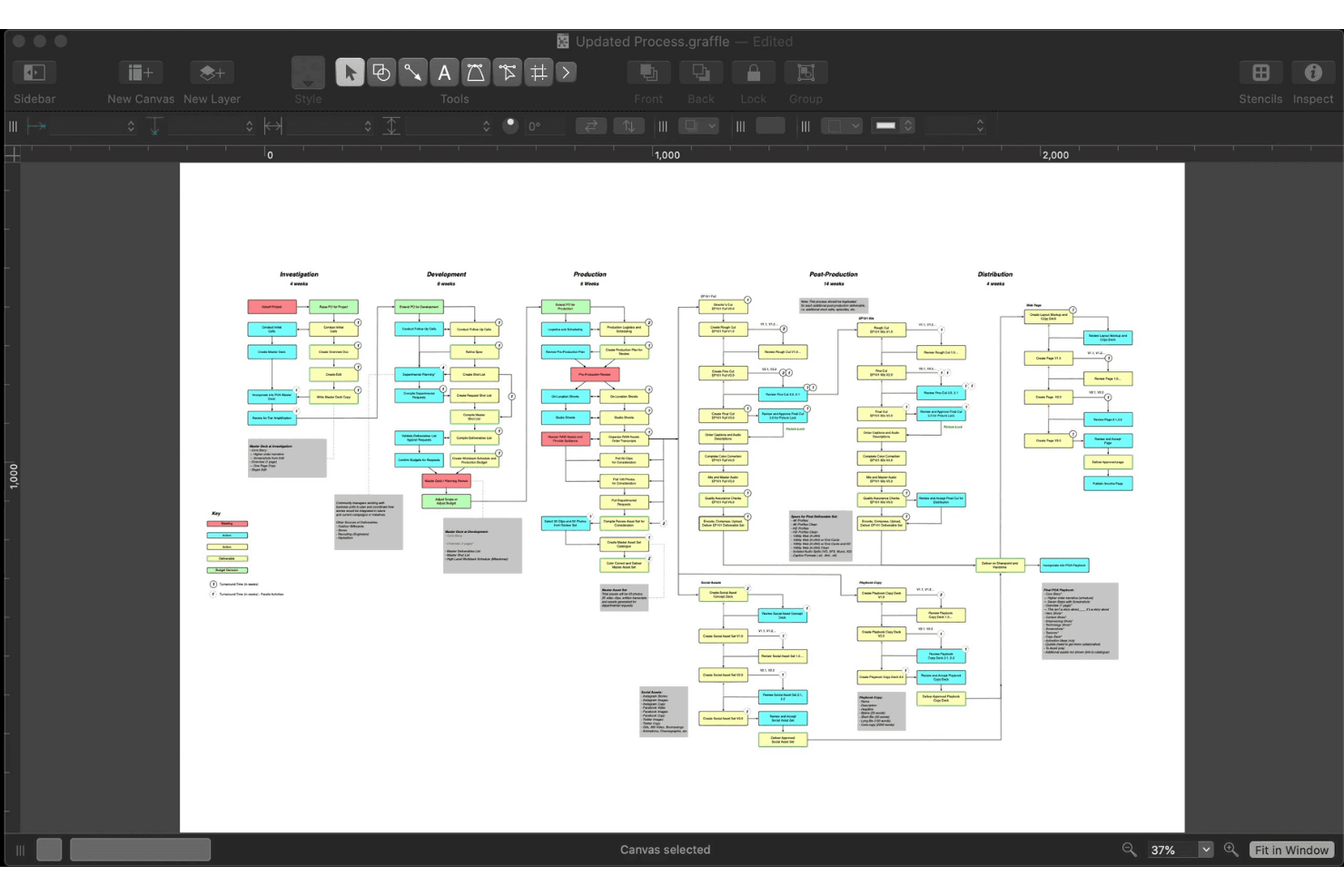
Diagramming Tools: OmniGraffle lets you create detailed diagrams that help you visualize customer journeys. You can use shapes, lines, and stencils to map out complex processes.
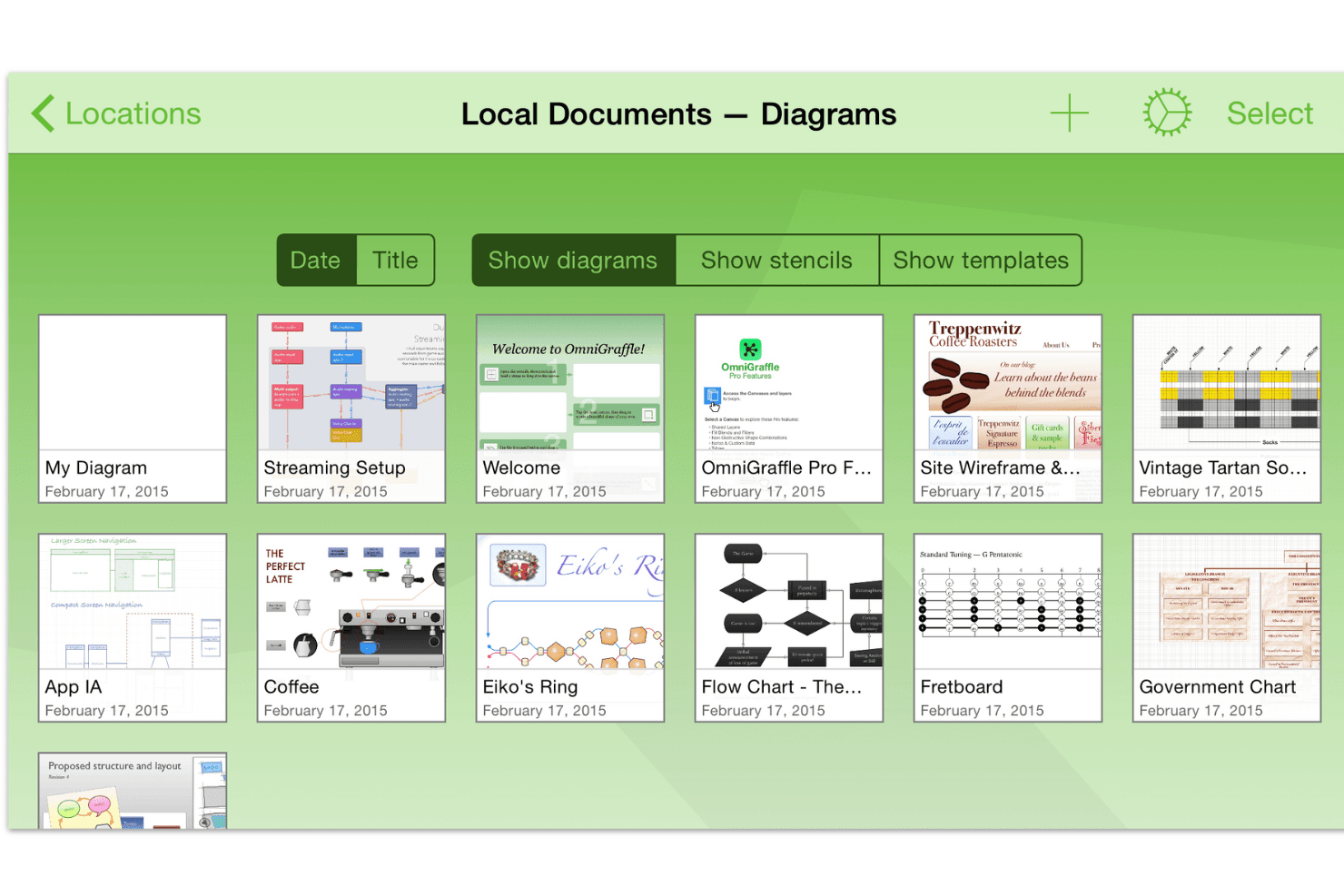
Customizable Templates: You have access to a variety of customizable templates that allow you to start your mapping with a predefined structure. This feature saves time and helps you maintain consistency in your designs.
Precision Alignment: The precision alignment tools make sure your diagrams are perfectly organized. This precision is crucial for maintaining a professional look in your customer journey maps.
Layer Management: OmniGraffle's layer management lets you separate different elements of your map. This feature helps you focus on specific areas without altering other parts of your diagram.
Export Options: You can export your diagrams in multiple formats, making it easy to share with your team or stakeholders who use other tools like Photoshop or Canva. This helps you make sure everyone has access to the information in the format they need.
Ease of Use
OmniGraffle is praised for being user-friendly while offering a practical set of features. You’ll find it easy to create detailed customer journey maps, thanks to its intuitive interface and range of diagramming tools. Users appreciate the variety of file formats OmniGraffle supports, which simplifies sharing your work with your team. Compared to other advanced tools, it stands out for its balance of accessibility and capability, making it a preferred choice for both beginners and experienced users.
Integrations
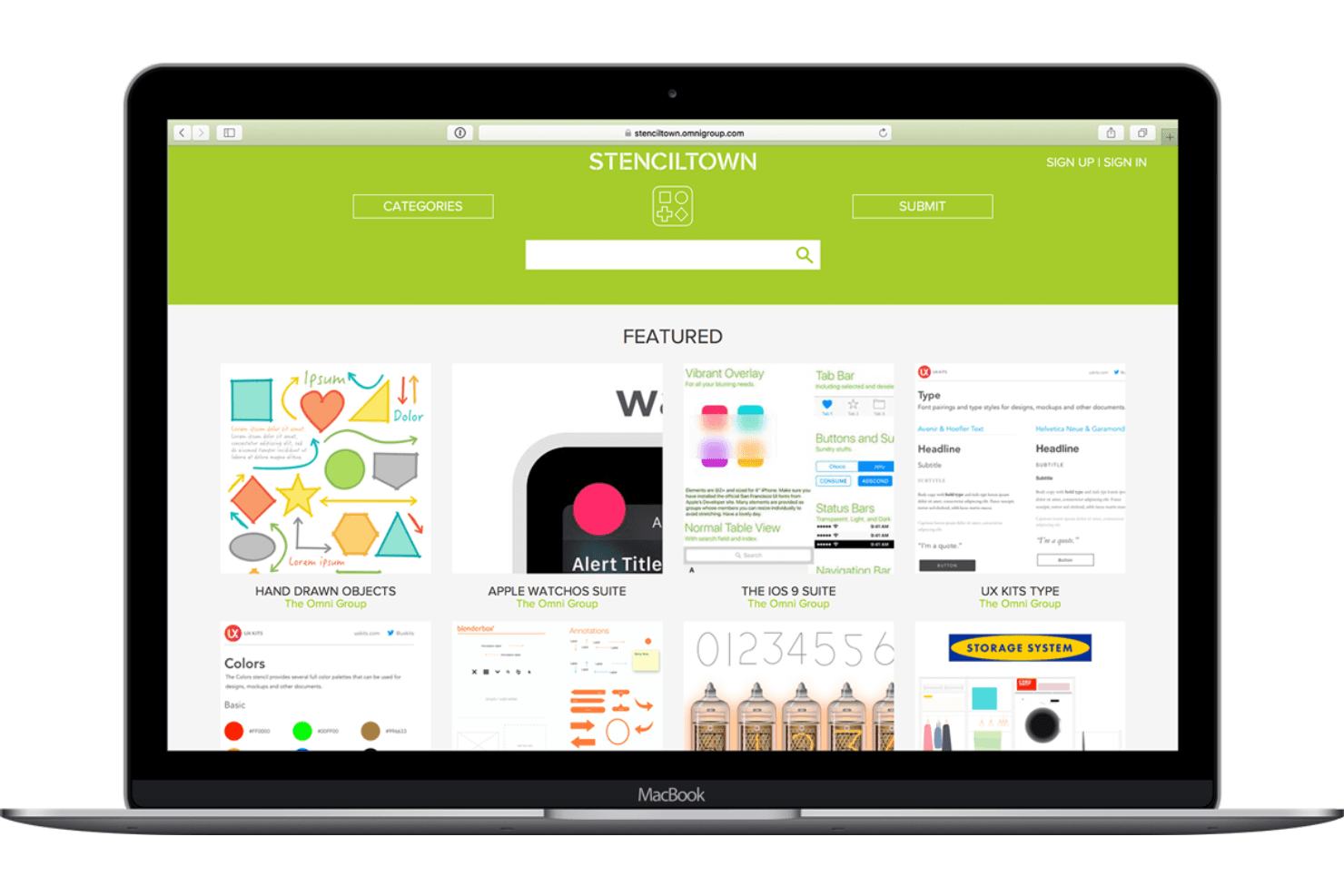
OmniGraffle is compatible with macOS, iOS, iPad, and iPhone, and supports importing and exporting formats like Microsoft Visio, SVG, and PDF. It also offers automation through AppleScript and JavaScript (Omni Automation), and allows users to work with stencils and templates from sources like Graffletopia.
OmniGraffle does not have a publicly available API, but it connects with third-party integration tools through AppleScript and JavaScript automation.
OmniGraffle Specs
- Analytics: Yes
- API: Yes
- Calendar Management: Yes
- Chat: Yes
- Click-to-Dial: Yes
- CRM Integration: Yes
- Customer Management: Yes
- Customer Service: Yes
- Dashboard: Yes
- Dashboards: Yes
- Data Export: Yes
- Data Import: Yes
- Data Visualization: Yes
- External Integrations: Yes
- Feedback Management: Yes
- Knowledge Base: Yes
- Lead Management: Yes
- Lead Scoring: Yes
- Multi-Source Feedback: Yes
- Multi-User: Yes
- Net Promoter Score: Yes
- Notifications: Yes
- Omnichannel Referrals: Yes
- Online Surveys: Yes
- Review Moderation: Yes
- Scheduling: Yes
- Sentiment Analysis: Yes
- Social Media Monitoring: Yes


