Recensione Canny: Pro, Contro, Caratteristiche e Prezzi

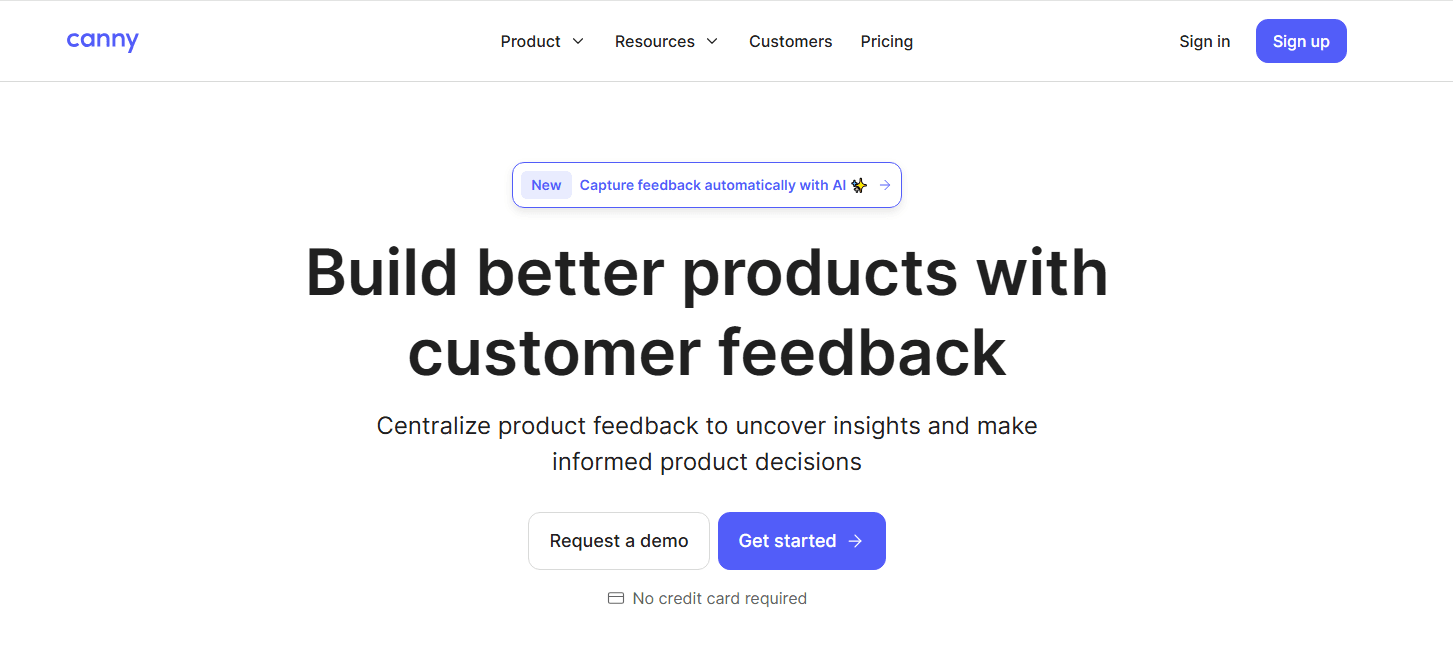
Canny is a customer feedback software that helps businesses collect, organize, and prioritize user feedback to make informed product decisions. It is particularly beneficial for product managers, customer success teams, and startups seeking to align product development with customer needs. Canny simplifies feedback management, helping teams understand user priorities.

Canny.io addresses common challenges such as feedback overload and unclear product priorities, especially for product managers and customer success teams. In this article, I'll cover Canny's features, pros and cons, use cases, pricing, and more to help you decide if it meets your feedback management needs and goals.

Canny Evaluation Summary

Canny simplifies collecting and prioritizing customer feedback.
Rating
4.6 /5
Pricing
  • From $19/month
  • Free plan available

Perché Fidarti delle Nostre Recensioni

Canny Overview

In my opinion, Canny.io is a strong choice for teams seeking effective customer feedback software. It stands out with its straightforward interface and powerful feedback tracking features. Compared to others, Canny excels in capturing and organizing user feedback, making it easy for your team to prioritize improvements. However, its onboarding process could be smoother. If your team values seamless integration with other tools and prioritizes customer feedback in product development, Canny is worth considering. While its customer support is generally reliable, expanding support team channels could enhance user experience. Overall, Canny offers solid value, especially for teams committed to leveraging user insights for product growth.

Come Testiamo e Valutiamo gli Strumenti

Abbiamo passato anni a costruire, perfezionare e migliorare il nostro sistema di valutazione e testing dei software. Il nostro schema è progettato per cogliere tutte le sfumature nella selezione del software e per valutare ciò che rende uno strumento efficace, concentrandosi sugli aspetti critici nel processo decisionale. Qui sotto puoi vedere esattamente come funziona il nostro processo di testing e valutazione su sette criteri. Ci permette di offrire una valutazione imparziale del software basata su funzionalità principali, caratteristiche distintive, facilità d’uso, onboarding, supporto clienti, integrazioni, recensioni clienti e rapporto qualità/prezzo.

Funzionalità Principali (25% del punteggio finale)

Il punto di partenza della nostra valutazione sono sempre le funzionalità fondamentali dello strumento. Possiede le funzioni di base che un utente si aspetta? Alcune di queste funzionalità sono disponibili solo con piani più costosi? In sostanza, ci aspettiamo che uno strumento sia competitivo rispetto ai suoi concorrenti principali.

Caratteristiche Distintive (25% del punteggio finale)

Successivamente, valutiamo le funzionalità particolari e distintive che vanno oltre le funzionalità standard solitamente presenti in strumenti simili. Un punteggio elevato riflette funzionalità specializzate o uniche che rendono il prodotto più veloce, efficiente o che offrono valore aggiunto all’utente. Valutiamo anche quanto sia facile integrare lo strumento con altri strumenti tipicamente presenti nel tech stack, per ampliare le funzionalità e l’utilità del software. Ottengono il punteggio migliore gli strumenti che offrono numerose integrazioni native, connessioni di terze parti e accesso API per creare integrazioni personalizzate.

Facilità d’Uso (10% del punteggio finale)

Consideriamo quanto sia rapido e intuitivo eseguire le attività core usando lo strumento. Un software con un alto punteggio è ben progettato, intuitivo all’uso, offre app mobili, mette a disposizione modelli e semplifica attività relativamente complesse.

Onboarding (10% del punteggio finale)

Sappiamo quanto sia importante l’adozione rapida da parte del team per una nuova piattaforma, quindi valutiamo la facilità di apprendimento e utilizzo dello strumento con una formazione minima. Valutiamo quanto velocemente un membro del team può iniziare a usare lo strumento senza esperienza. Le soluzioni con punteggio elevato richiedono poco o nessun supporto.

Supporto Clienti (10% del punteggio finale)

Valutiamo quanto sia semplice ricevere assistenza via telefono, chat dal vivo o knowledge base. Gli strumenti e le aziende che offrono supporto in tempo reale ottengono il punteggio migliore, mentre i chatbot hanno il punteggio più basso.

Recensioni Clienti (10% del punteggio finale)

Oltre alla nostra valutazione interna, prendiamo in considerazione il net promoter score dei clienti attuali e passati. Analizziamo la probabilità che, potendo scegliere, selezionino di nuovo lo strumento per le sue funzionalità core. Un software con punteggio elevato riflette un alto net promoter score dai clienti attuali o passati.

Rapporto Qualità/Prezzo (10% del punteggio finale)

Infine, tenendo conto di tutti gli altri criteri, analizziamo il prezzo medio dei piani entry level rispetto alle funzionalità principali e consideriamo il valore delle altre metriche di valutazione. Il software che offre di più, a meno, otterrà un punteggio maggiore.

Core Features

Feedback Collection: Canny lets you gather feedback directly from users in a streamlined way. Your team can easily access user opinions and requests.

Voting System: Users can vote on feedback, helping you prioritize features based on demand. This makes it easy to see what matters most to your audience.

Roadmap Visualization: Canny offers a visual roadmap that shows planned features and updates. This keeps your team and users aligned on upcoming changes.

Commenting: Users can comment on feedback to provide more context or suggestions. It fosters open communication and deeper insights into user needs.

Status Updates: You can update the status of feedback items, keeping everyone informed. This transparency helps build trust with your users.

Analytics: Basic analytics provide insights into which features get the most attention. Your team can use this data to make informed product decisions.

Ease of Use

Canny's user-friendly interface makes it easy for your team to collect and prioritize feedback without a steep learning curve. The straightforward design means you can quickly navigate through features like voting and roadmap visualization. Compared to many other tools, Canny's simplicity stands out, allowing you to focus on user feedback without getting bogged down in unnecessary complexity. This ease of use ensures your team can start benefiting from its features right away.

Integrations

Canny integrates with Jira, GitHub, ClickUp, Linear, Azure DevOps, Asana, Intercom, Zendesk, Salesforce, Slack, and many more. Canny also offers an API and connects with third-party integration tools allowing for extensive customization and integration with a wide range of other applications.

New Product Updates from Canny

Canny Adds Two-Way Status Sync for Integrations
Canny’s two-way sync keeps statuses aligned across connected tools.
March 22 2026

Canny Adds Two-Way Status Sync for Integrations

Canny introduces two-way status sync, enabling updates to flow between Canny and connected project management tools in both directions. This improves consistency and reduces manual effort by keeping statuses automatically aligned across platforms. Here are the details of the update:

  • Two-Way Status Sync: Updates in Canny now automatically reflect in your project management tools and vice versa, ensuring consistency across platforms.
  • Enhanced Tool Integrations: Integrated with GitHub, Jira, ClickUp, and Linear for improved project tracking.
  • Future Integration Plans: Upcoming support for Azure DevOps and Asana integrations to extend this capability.
  • Beta Availability: Exclusive to Ideas beta, which supports a one-to-one relationship with linked tasks or issues.
  • Customizable Status Mapping: Users can set up status mapping in integration settings, replacing all previous rules.

Visit Canny's official site for more details.

Canny Introduces Ideas and Portal Status Syncing
Canny’s status mapping syncs internal and portal updates automatically.
March 15 2026

Canny Introduces Ideas and Portal Status Syncing

Canny introduces status syncing between Ideas and Portal statuses, enabling automatic updates based on predefined mappings. This reduces manual work and ensures consistent status visibility across internal teams and end users.

  • Status Mapping Configuration: Users can configure status mappings under a new settings page, improving customization and control.
  • Optional End User Notifications: Teams can choose to automatically notify end users when a status changes, keeping them informed.
  • Bidirectional Syncing: Status updates sync in both directions, though the idea status will override based on list priority if multiple portal statuses are mapped to one idea status.
  • Availability in Beta: This feature is accessible to all teams currently using the Ideas beta.

Visit Canny's official site for more details.

Canny Enhances Smart Replies With Custom Instructions
Canny Smart Replies lets teams add custom instructions to guide AI responses.
March 8 2026

Canny Enhances Smart Replies With Custom Instructions

Canny enhances Smart Replies with customizable instructions and improved AI response behavior. These updates give teams more control over automated responses while making replies more relevant and human-like. Highlights include:

  • Custom Instructions: Users can now set custom instructions in board settings, allowing them to define tone, canned responses, and additional context to tailor interactions.
  • Upgraded Default Behavior: The update includes skipping redundant responses, thanking users on every reply, and empathizing with frustrated users for a more considerate approach.
  • Adaptive Tone: The replies will now adapt their tone to match the comment author, ensuring consistency in communication style.
  • Focused Queries: Fewer, more pertinent questions aimed at enhancing the user experience are encouraged by this update.

Visit Canny's official site for more details.

Canny Enhances MCP Server With Expanded AI Data Access
Canny MCP server lets AI tools access portal data and idea insights.
March 8 2026

Canny Enhances MCP Server With Expanded AI Data Access

Canny enhances its MCP server with expanded data access, new AI tools, and improved reliability for AI-powered workflows. These updates allow AI tools to retrieve richer feedback data and manage ideas without leaving the AI environment. Highlights include:

  • ChatGPT and Claude Integration: AI tools can now pull portal data alongside idea data, providing additional context.
  • New Tools for Insights and Comments: The List Insights and List Idea Comments tools enable AI access to insights and comments linked to ideas.
  • Reliability Improvements: These improvements reduce stale data in longer LLM conversations, ensuring clearer communication of field values.
  • Idea Merging via MCP Server: Users can now merge ideas directly through the MCP server without leaving their AI workflow.

These updates are available on the Pro plan and above for teams in the Ideas beta.

Visit Canny's official site for more details.

Canny Introduces MCP Server for AI Tools
Canny MCP Server surfaces relevant dashboard UX ideas directly from feedback data.
February 8 2026

Canny Introduces MCP Server for AI Tools

Canny introduces MCP Server, secure AI integrations, and permission-based data access to connect AI tools with structured feedback data. These updates enable safer automation, deeper analysis, and controlled AI access while protecting sensitive system credentials. Here are the details of the update:

  • Secure AI Interaction: Allows AI tools to securely access Canny data, ensuring data security and controlled access.
  • Data Workflow Automation: Facilitates automation of tasks such as feedback summarization, querying, and analysis, increasing efficiency.
  • Custom Tool Development: Enables the creation of custom AI tools that utilize Canny data without the need to share your API key, enhancing data security.

The MCP Server is currently available to teams in the Ideas beta on the Pro plan and above.

Visit Canny's official site for more details.

Canny Introduces Ideas for Structured Feedback Management
Canny lets teams save custom views to track ideas by stage and priority.
December 15 2025

Canny Introduces Ideas for Structured Feedback Management

Canny adds Ideas with hierarchical grouping, saved Views, and AI-powered auto-grouping to structure feedback more effectively. These updates improve clarity, reduce manual triage, and make it easier to plan and prioritize product work at scale. Here are the details of the update:

  • Ideas Hierarchy: Organizes feedback into Groups, Ideas, and Insights to break large initiatives into manageable parts.
  • Feedback Board Compatibility: Works with existing feedback boards while giving teams a private internal workspace.
  • Saved Views: Allows teams to create custom views for triage, backlog, and roadmap workflows.
  • AI Auto-Grouping: Uses AI to automatically assign new ideas to the right groups based on descriptions.

Visit Canny’s official site for more details.

Canny Specs

  • Analytics
  • API
  • Calendar Management
  • Call Tracking
  • Contact Management
  • Dashboard
  • Data Export
  • Data Import
  • Data Visualization
  • Email Integration
  • External Integrations
  • Google Apps Integration
  • Multi-User
  • Net Promoter Score
  • Notifications
  • Review Monitoring
  • Scheduling
  • Softphone
  • Third-Party Plugins/Add-Ons

Canny FAQs